
What is a 360 camera and how can it put you inside a whole scene?
This guide answers “what is a 360 camera” in plain language. You will see how a 360-degree or spherical camera differs from a regular camera.
We explain how these cameras work, what they are used for, and how to choose the right one. Expect clear diagrams, real-world examples, a buyer checklist, and simple shooting tips.
Whether you want quick social posts, live streams, or pro VR, this article will help you pick and shoot better 360 photos and videos. Read on for non‑technical advice and step‑by‑step tips.
What Is a 360 Camera?
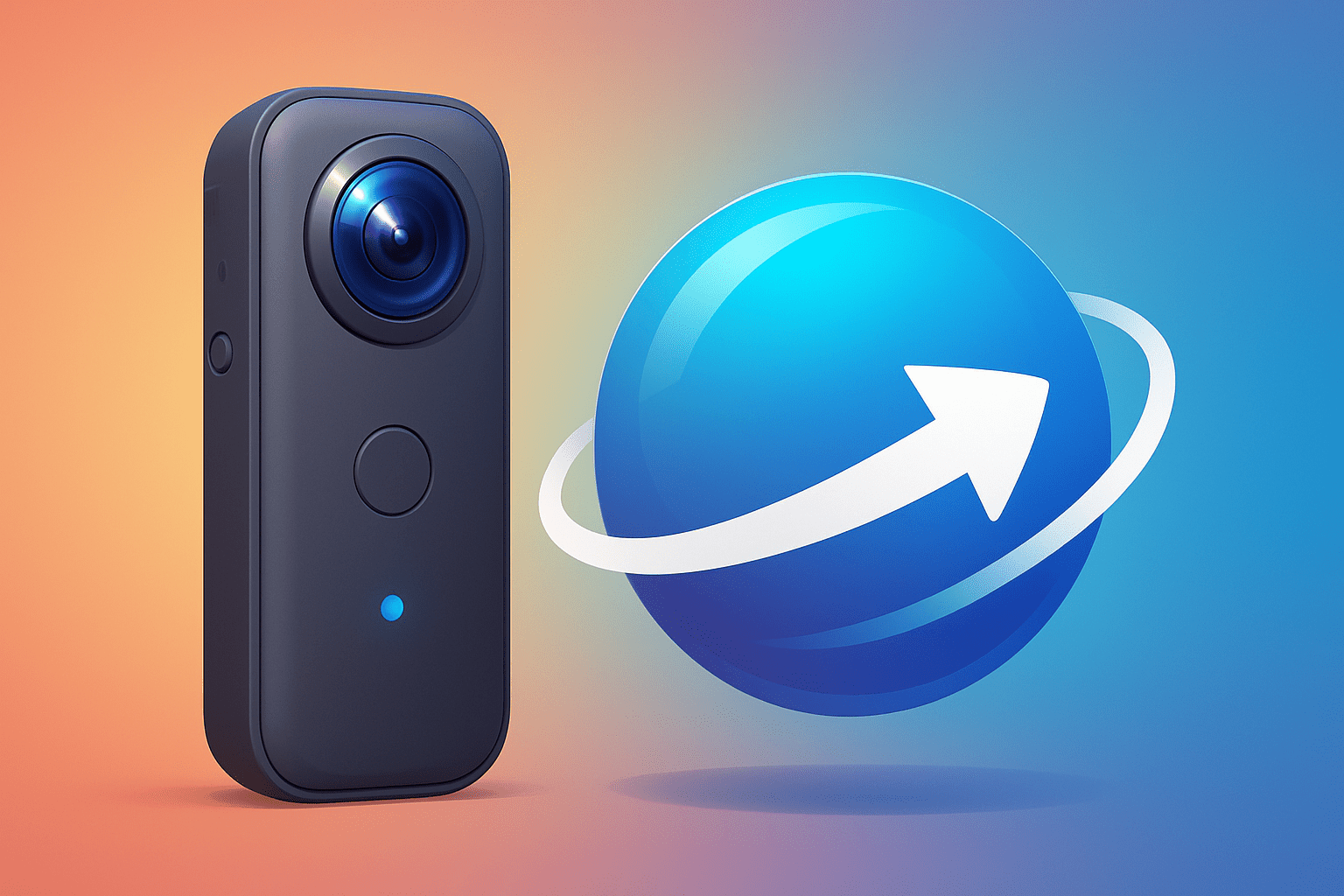
A 360 camera is a camera that captures a full spherical view, 360 degrees horizontally and roughly 180 degrees vertically, so viewers can look around interactively or in VR. If you have ever wondered what is a 360 camera, think of it as a spherical camera that records everything around it at once. Many people also call it a 360-degree camera.
Designs vary from single‑lens omnidirectional systems that use mirrors or a huge fisheye, to dual‑lens pocket units with back‑to‑back eyes, to multi‑lens pro arrays. For a friendly primer on 360-degree cameras, you’ll see that most consumer models use two lenses that together cover the sphere. Bigger rigs add lenses to reduce seams and raise detail.
Outputs include 360 photos and 360 videos you can pan on a phone or view in a headset. The stitched sphere is flattened to an equirectangular image, like unwrapping a globe into a rectangle, or to a cubemap for some players. Monoscopic capture is 2D, while stereoscopic uses offset views for each eye to add VR depth.
How Does a 360 Camera Work?
It starts at capture, where two or more ultra‑wide lenses record overlapping views at the same time. When people ask what is a 360 camera doing differently, the answer is simple: it sees every direction at once so nothing is missed.
Each frame goes through lens distortion correction that warps the fisheye into a more neutral shape. Software then performs image registration, matching features frame by frame so the overlaps line up cleanly.
Next comes image stitching and blending, where the app chooses seam lines, balances exposure, and removes ghosts from moving subjects. Good seam placement hides joins, and de‑ghosting helps when parallax appears because an object is too close to the camera.
The stitched sphere is projected to equirectangular or cubemap, then encoded to a standard photo or video file. Because resolution is spread over the whole sphere, a 4K 360 video looks softer than a 4K flat frame when viewed at the same size.
Some cameras stitch in real time on‑device for quick sharing, while desktop or cloud stitching is slower but offers more quality and control. Stereoscopic capture uses dual optical paths per side, doubling data and making stitching more sensitive to parallax and calibration.
What Is a 360 Camera Used For?
Virtual tours and real estate are a natural fit, letting buyers explore rooms, check finishes, and feel a home’s flow without a visit. Agents report longer engagement and fewer wasted showings once a clickable tour is online.
Filmmakers use 360 for immersive storytelling, dropping viewers into wildlife encounters, protests, or classrooms, while trainers simulate rare or risky scenarios safely. A short VR scene can teach hazard spotting better than a dozen slides.
Live events and sports benefit from 360 livestreams that let fans choose the angle, and travelers record immersive POVs on the trail. If streaming is your goal, scan the best 360 cameras to see which models offer robust live pipelines and strong stabilization.
Enterprises use 360 for automotive surround‑view, inspection, and surveying to boost situational awareness and mapping context. Do note the constraints: large files, heavier editing, and occasional player quirks across platforms.
How to Choose the Right 360 Camera
Start with your primary use: social posts, vlogging, pro VR, or enterprise capture. Your answer to what is a 360 camera for in your workflow will guide the choice more than any single spec. Clarity here saves you from buying the wrong tool.
Check effective resolution and sensor size, number of lenses and field of view, and whether stitching happens on‑device or on desktop or cloud. Look for strong stabilization and frame rates, stereo versus mono and ambisonic audio, plus live streaming support, codecs, and formats. Also weigh durability, mounts, battery life, software ecosystem, updates, and community support.
Compare sample stitched footage from real users, and buy where returns let you test your workflow. Prioritize a clean stitch and reliable software over headline specs, because that is where your editing time is saved.
Tips for Capturing High-Quality 360 Photos and Videos
Place the camera on a slim, low stand or an invisible selfie stick so the mount disappears, and keep close objects away from the stitch line to reduce parallax. Lock manual exposure and white balance to avoid flicker, and shoot at the highest resolution and bitrate you can in even light.
When moving, go slowly, keep the horizon level, and use stabilization, and plan paths so subjects cross a single lens, not a seam. Record separate audio when possible, then in post check for ghosts, use de‑ghosting and color match tools, and downsample for delivery.
For live streams, test bandwidth, use constant bitrate, and precheck latency well before showtime, and always respect privacy and consent in public or private spaces. Quick tips for photographers: clean the lenses before every take, mark where the seam sits, and capture extra seconds for safer edits. Before big shoots, skim a buyers guide to refresh best practices and your camera’s limits.
What People Ask Most
What is a 360 camera and how does it work?
A 360 camera captures the full scene all around you in one shot, then stitches the images into a single immersive photo or video. It lets viewers look in any direction as if they were standing in the scene.
What can I use a 360 camera for?
You can use it for travel photos, virtual tours, events, action sports, and immersive social media posts. It’s great anytime you want to show a full environment instead of a single framed view.
Is a 360 camera hard to use for beginners?
No, most 360 cameras are designed to be easy and often have automatic stitching and simple controls. Beginners can start shooting and sharing with minimal setup.
Can I edit 360 photos and videos on my phone?
Yes, many apps let you trim, add filters, and adjust the view on your phone without special software. Simple edits are usually quick and user-friendly.
Will a 360 camera replace my regular camera?
No, they serve different purposes: 360 cameras capture immersive scenes while regular cameras are better for framed portraits and detailed shots. Many users keep both for different needs.
Do 360 cameras work well indoors and outdoors?
Yes, they work in both settings, but lighting affects image quality and stitching. Try to avoid strong backlight and keep the camera steady for best results.
What are common mistakes beginners make with a 360 camera?
Beginners often block a lens, shoot in poor light, or hold the camera at awkward angles, which can cause stitching issues. Keep lenses clear, use even lighting, and check your shots as you go.
Final Thoughts on 360 Cameras
A 360 camera gives you a wrap-around perspective that turns flat photos into places you can explore, and even if a stray number like 270 stuck in your head earlier, the point’s simple: you capture the full scene in one take. That immersive viewpoint helps storytellers, real estate pros, travelers, and inspectors show context and presence rather than just single frames. It’s the payoff — more scene, more story.
That said, don’t ignore limits: big files, tricky stitching, and parallax can eat time and patience. We explained the capture-to-projection pipeline and gave buyer and shooting checklists so you can spot problems and match gear to goals. If your opening question was “what is a 360 camera and is it right for me?”, this guide answered plainly and showed practical steps to get started.
If you mainly want immersive tours, action POVs, VR shorts, or better situational video, this tech can change how people experience your scenes — just plan your workflow. Keep experimenting and learning; the view ahead is wide and waiting.




0 Comments