
Ever wondered how to bottle the chemistry of a live performance so the video looks cinematic and the sound hits like it did on stage?
Too often footage feels flat, vocals disappear into noise, or the visual energy gets lost in shaky framing. Musicians need recording tools that serve both sides of the art without turning every gig into a tech rehearsal.
This guide compares five carefully chosen video recorders built with musicians in mind. You’ll find options that favor simplicity, options designed for maximum image control, and options centered on pro-grade audio capture. Each choice is considered for real-world musical workflows, ease of use, and practical performance.
We also break down the buying and recording choices that matter most so you spend money wisely. From portability and ergonomics to workflow, the right trade-offs make production easier and faster. Practical tips and real‑world checks are woven throughout to help you shoot with confidence.
Whether you’re a solo artist shooting in your bedroom or a touring band documenting a run of shows, this guide helps you find gear that fits your process. No jargon, no hype—just clear comparisons and advice that keeps the music front and center. Read on and pick the recorder that lets the performance do the talking.
1. Zoom Q2N-4K Music Video Recorder

Zoom Q2n-4K Video Recorder
Compact 4K video solution capturing studio-quality audio and crisp visuals—perfect for musicians, creators, and live performance recordings.
Check PriceThe Zoom Q2N-4K is a purpose-built, combined audio and video recorder that speaks directly to musicians. It’s designed for capturing gigs, rehearsals, and jam sessions with minimal fuss.
On the video side it records true 4K and offers a customizable field of view, so you can frame a solo performance or a small ensemble without swapping lenses. Video quality is excellent for the price, though it won’t match dedicated high-end cameras in advanced features or image control.
Where the Q2N-4K really shines is audio: its well-positioned X/Y stereo microphones are optimized for crystal-clear capture and are consistently praised for a natural sound. That makes it a reliable one-piece solution when you don’t want to manage separate audio recorders and sync lines in post.
It’s compact, highly portable, and very easy to operate, which is great when you’re setting up between songs or on the road. You can also live-stream by connecting to an iOS device, so sharing performances in real time is straightforward for singer-songwriters and small acts.
If you’re a musician who values simplicity, solid audio, and good-looking 4K footage without a complicated rig, the Q2N-4K is a smart choice. However, if you require deep manual video controls, interchangeable lenses, or cinema-grade image flexibility, this unit may feel limited.
In short: choose the Zoom Q2N-4K if you want a portable, all-in-one recorder that maximizes audio quality and ease-of-use for live music capture and streaming; skip it if you need pro-level video control.
- Superb audio capture for built-in mics
- True 4K video in a compact device
- Live streaming capability
- Simple setup for non-pro video users
- Video features basic compared to dedicated cameras
- Limited manual video controls
2. Sony FX3 Cinema Camera

Sony FX3 ILME-FX3 Cinema Camera
Full-frame cinematic tool delivering exceptional low-light performance, fast autofocus, and cinematic motion for filmmakers and content creators.
Check PriceThe Sony FX3 Cinema Camera is a professional-grade cinema camera optimized for music video production. It gives you ultra-clean 4K video at 120p, which is perfect for smooth slow-motion performance shots and dramatic cutaways.
If you shoot live shows or moody promo pieces, its exceptional low-light performance will make a real difference. The S-Cinetone color profile also helps deliver cinematic skin tones and punchy colors straight out of camera.
Physically, the FX3 is compact and lightweight for a cinema camera. It has a top handle and versatile mounting points, so you can rig it for handheld runs or on a small rig without fighting a bulky body.
Audio is handled like a pro. The FX3 has clean XLR audio inputs and professional audio management, which many audio engineers appreciate because it avoids needing a separate recorder for reference or long takes.
Expect a pro-level workflow with this body. That means a learning curve if you’re coming from consumer cameras, and you’ll deal with larger file sizes that demand a stronger editing setup and more storage.
In short, the FX3 is mostly ideal for musicians and videographers who need cinematic 4K performance, stellar low-light capability, and professional audio connectivity in a portable package. If you value image quality and direct XLR audio and are ready to handle files and a pro workflow, this camera is a strong choice.
- Outstanding low-light video quality
- Professional XLR audio inputs
- Compact for a cinema camera, good for handheld or rigged use
- High-frame-rate 4K for creative flexibility
- Pro-level learning curve for beginners
- Larger file sizes and demanding workflow
3. Canon EOS R5 Mirrorless Camera

Canon EOS R5 Body Only
High-resolution mirrorless powerhouse offering stunning detail, pro-grade autofocus, and advanced video capabilities for demanding photographers and hybrid shooters.
Check PriceThe Canon EOS R5 is a high-resolution full-frame mirrorless body that really shines for studio-style music videos. Its 45MP sensor captures extraordinary detail, making close-ups of instruments and facial expressions look cinematic and commercially ready.
For motion and creative choices it’s hard to beat: the R5 records 8K video up to 30fps and 4K at 120fps, so you get both ultra-high-res frames for reframing and buttery slow-motion when you need it. That resolution freedom is fantastic for music video directors who want to punch in or create dramatic slow-motion flourishes without losing image quality.
Autofocus is another major strength—Canon’s Dual Pixel CMOS AF II provides strong, reliable tracking of moving performers, which is a real time-saver on dynamic shoots. Users consistently praise the R5 for keeping subjects sharp during live takes, so you spend less time rescuing footage in post.
Be realistic about workflow: 8K is wonderful but creates very large files and an 8K workflow can be challenging for smaller teams without powerful editing systems. The R5 is best for musicians and videographers working in studios or controlled environments where lighting and processing power are manageable; in extreme low-light stage situations the autofocus can struggle, so plan lighting and backup audio accordingly.
- 8K video (up to 30fps) and 4K at 120fps
- 45MP sensor for extreme detail
- Dual Pixel CMOS AF II — reliable tracking
- Studio-quality results for professional music videos
- Very large files require powerful editing setups
- Autofocus may struggle with extreme low-light stage lighting
4. Tascam DR-40X Portable Audio Recorder

Tascam DR-40X Portable 4-Track Recorder
Handheld multitrack recorder with versatile inputs and clear built-in microphones—ideal for interviews, rehearsals, podcasts, and on-the-go capture.
Check PriceAs a photographer who often doubles as a one-person video/audio crew, I appreciate the Tascam DR-40X Portable Audio Recorder for its practicality and straightforward feature set. It’s a portable four-track recorder with built-in microphones and two balanced XLR inputs, so you can plug in external mics or DI boxes for cleaner instrument or vocal capture.
Where it shines is live and rehearsal work: it records up to four tracks simultaneously, which lets you capture a full band and do basic live mixing right on the unit. It also functions as a USB audio interface, so you can move easily from field recording to home-studio overdubs without swapping gear.
The onboard tools are surprisingly useful on a shoot—reverb effects for quick ambiance, a tuner for instruments, dual recording for safety takes, and peak limiting to help avoid nasty overloads. In practice, reviewers praise its versatility and sound quality, especially when you use external microphones; overdubbing and field mixing are convenient for getting usable multitrack stems on the spot.
There are caveats: the built-in mics are acceptable but not outstanding compared to using separate microphones, and some users find the interface limited compared to higher-end recorders. If you need a rugged, affordable multitrack solution that doubles as an interface and gives you safety features like dual recording and peak limiting, the DR-40X is a smart, mostly-good choice for musicians recording rehearsals, gigs, and quick production sessions.
- Four-track recording supports complex live setups.
- Dual recording protects from clipping.
- Onboard effects and tuner add functionality.
- USB interface doubles as a home-studio recording device.
- Built-in mics acceptable but not outstanding.
- Learning curve for multi-track and mixing features.
5. Zoom F6 Field Audio Recorder

F6 Multitrack Field Recorder
Rugged location recorder delivering pristine preamps, multitrack recording, and timecode support for professional film and audio production teams.
Check PriceWhen I’m covering a live gig or filming a rehearsal, clean, reliable audio is non-negotiable. The Zoom F6 is a professional 14-track field audio recorder that makes multitrack capture painless in chaotic stage environments. Its standout feature is 32-bit float recording, which effectively prevents clipping and preserves dynamic detail across loud and quiet passages.
With up to 14 simultaneous tracks you can mic drums, amps, vocal mics and room ambience without compromise. The preamps are notably noise-free, so you get studio-grade clarity even in noisy venues. That technical fidelity is why sound engineers and videographers recommend the F6 for serious multi‑mic setups.
Physically the F6 is rugged and compact, built to survive outdoor shoots and touring life. It can also act as a USB audio interface and supports timecode for solid synchronization with cameras and other recorders — an indispensable feature when you plan to marry high-quality audio to separate video sources.
On the flip side, the menu system is geared toward pros and can feel technical or intimidating if you’re new to multitrack field recording. Also remember the F6 is audio‑only; you’ll need a dedicated video recorder or camera to capture footage. For photographers and videographers who prioritize pristine live audio and multitrack flexibility, the Zoom F6 is an excellent choice.
- 32-bit float — prevents clipping, exceptional fidelity
- 14-track capability for multi-mic setups
- Rugged, compact design for field use
- USB interface and timecode support for sync
- Technical menu may overwhelm beginners
- No built-in video; needs separate camera
Choosing a Video Recorder for Musicians
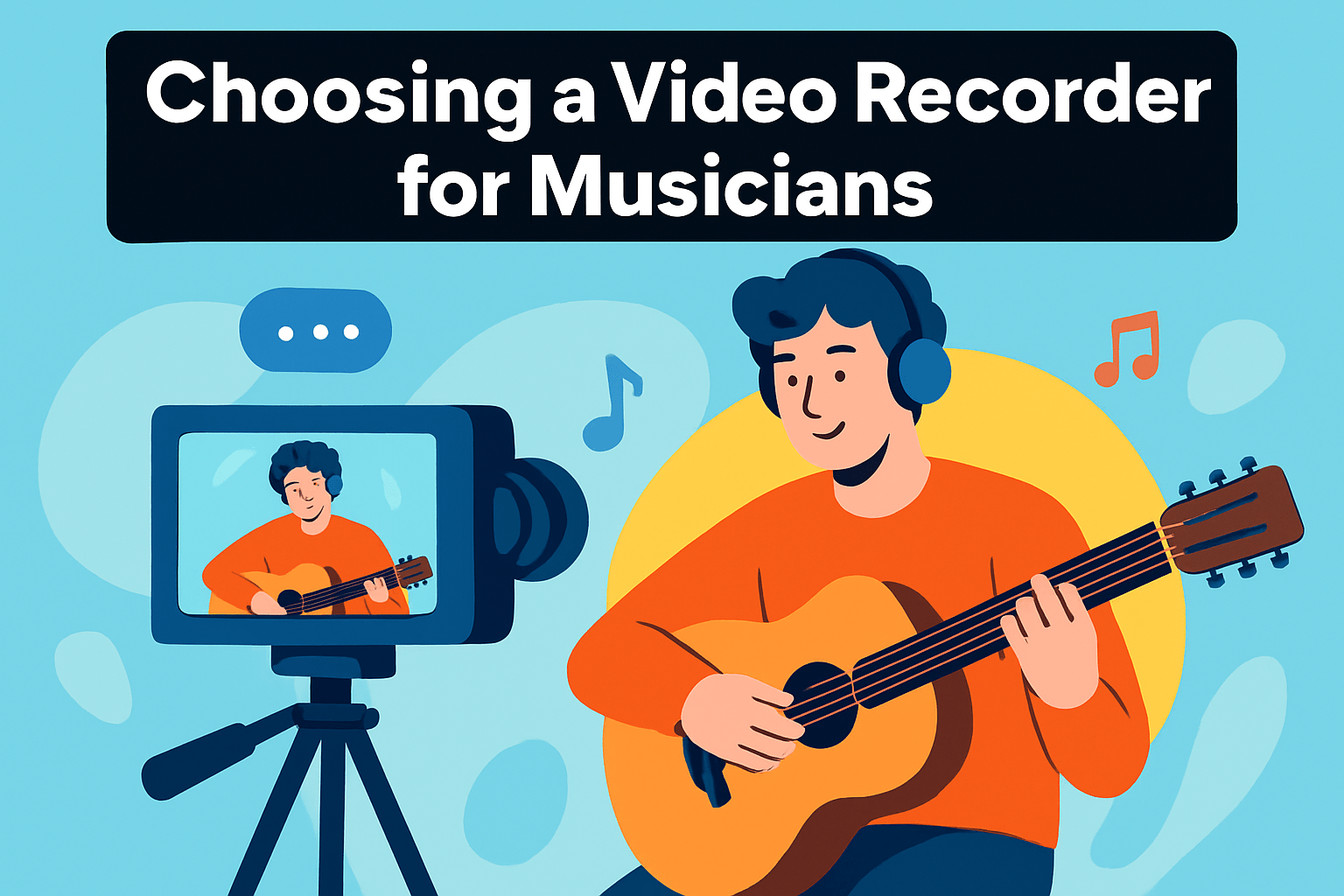
Choosing the right video recorder starts with what you plan to shoot. A one-off acoustic session in a bright studio needs a different tool than a dim club gig or a multi-camera livestream, so let your primary use guide the decision.
Image quality and low-light performance matter more than raw megapixels. For live music I prioritize a sensor that holds detail in shadows and offers clean high-ISO performance; 4K is a solid baseline because it gives flexibility to crop and reframe without losing quality.
Lenses are part of the recorder’s ecosystem, not an optional extra. Fast glass (think f/1.8–f/2.8) makes a night venue look cinematic and allows for shallow depth-of-field when you want focus on the performer.
Audio should be the deciding factor for most musicians. Built-in mics are convenient but never rely on them as the only source. Look for clean inputs (XLR when possible) or plan to pair the camera with a proper field recorder or the venue’s board for line-level feeds.
Portability and ergonomics influence how often you’ll actually use the gear. If you’re touring or working handheld, choose a compact, stabilized body that mounts easily to stands and rigs. Heavy setups are fine for studio work, but they limit spontaneity on the road.
Consider specialized features through the lens of your workflow. Built-in ND filters, reliable live-streaming options, and robust codecs matter if you need quick turnaround or heavy grading in post. RAW or log formats give flexibility but increase editing demands.
Finally, future-proof your purchase by thinking in systems. Prioritize bodies that accept industry-standard lenses and external recorders so you can upgrade piecemeal without replacing everything. In practice, choose the best audio chain first, then match a camera that delivers the image you want under the conditions you’ll actually shoot.
Tips for Recording Live Performances with Video
Treat a live gig like a short film: scout the venue ahead of time, walk the stage and audience areas, and pick camera positions that tell the story of the show. Pay particular attention to lighting—identify where the stage lights hit, watch for strong backlights that silhouette faces, and plan a few portable lights if the venue is too dark for your camera and lens combo.
If you can, shoot with at least two angles: a locked-off wide master and a roaming close-up for emotion and detail. When you only have one camera, plan a steady master and punctuate it with intentional close-up cutaways between songs; sync everything in post with a slate, timecode, or a clear visual clap to keep edits effortless.
Audio deserves equal planning. Always capture a line feed from the FOH or DI outputs when available, and run a parallel feed to a dedicated recorder as a safety copy. Use headphones and monitor levels live—32-bit float recorders or dual-record modes can save a performance from clipping disasters.
Work closely with the audio engineer and the performers. A quick mic placement walkthrough and a short soundcheck will pay off massively during the show. Keep communication clear and quiet cues ready so you can capture spontaneous moments without interrupting the vibe.
Stability matters: tripod for master shots, gimbal or monopod for movement, and sealed mounts for prolonged sets. Do a full test run at performance settings—check exposure, autofocus behavior, white balance, and any high-frame-rate modes you plan to use for slow motion.
Plan your post workflow before you press record. Back up every card and audio file immediately to separate drives, sync audio/video right away, and give yourself time away from the edit to keep perspective while color grading and tightening cuts. Small backups and solid organization save hours later.
Finally, treat each show as a lesson: review footage, note what worked, refine your checklist, and keep experimenting. Your instincts will sharpen faster than you think when you combine good prep with a willingness to adapt on the fly.
What People Ask Most
What is the best video recorder for musicians to capture high-quality audio and video?
There is no single best choice; pick a recorder that balances reliable audio inputs with video performance suited to your venues. Portability and ease of use are important for live situations.
What features should musicians look for in a video recorder?
Look for clean external audio inputs, good low-light performance, and flexible mounting or lens options. Multitrack capability, stable handling, and a straightforward workflow help with live and post production.
Can a portable video recorder replace a camcorder for music performances?
Portable recorders can often replace camcorders when audio quality and convenience are priorities. Dedicated camcorders may still offer more advanced manual controls and specific video-focused features.
How do I choose a video recorder for recording live concerts and rehearsals?
Prioritize reliable audio capture, good low-light capability, and portability to match your typical venues. Test gear in similar conditions and choose a setup that fits your editing workflow and backup needs.
Do video recorders offer multitrack audio recording for musicians?
Some recorders support multitrack recording and separate inputs for multiple microphones. This is useful for mixing and redundancy, but verify compatibility with your mixing and editing process.
Are standalone video recorders better than smartphones for recording music videos?
Standalone recorders usually provide better audio inputs, manual controls, and lens flexibility than smartphones. Smartphones are convenient for quick captures but often need external audio solutions for professional results.
What video and audio formats are best for musicians when recording performances?
Choose formats that balance quality with your editing workflow, opting for options that allow color grading when you need flexibility or ready-to-use profiles for quick turnaround. Use reliable audio formats and maintain redundant backups to protect your recordings.
Conclusion for Best Video Recorders for Musicians
This roundup compared five recorder options alongside practical buying and recording guidance so you can match gear to your musical goals, venues, and workflow.
As a next step, test your preferred choices in your actual shooting environment, prioritize a solid audio workflow, and build in redundancy to protect performances.
Keep experimenting with setups, stabilization, and sync techniques so your footage and sound steadily improve with each session.
If you want to sharpen your skills further, read more articles on the site for tips, workflows, and inspiration to elevate your recordings.
Have questions or want to share your setup and results? Leave a comment below and we usually reply within a few hours.




0 Comments