
How to take self portraits with dslr that actually look professional?
This guide gives a simple, repeatable workflow: gear, location, composition, focus, trigger, review, and tweak. You will get clear gear tips, quick camera settings, and easy posing tricks.
I cover common scenes — outdoor golden hour, window-lit indoors, studio setups, and creative long exposures. You will also learn timers, remotes, pre-focus steps, and short pose cheat-sheets to try right away.
Follow these steps and you can shoot better self portraits with your DSLR today. Scroll down for step-by-step instructions, example settings, and a handy checklist.
How to Take Self Portraits With A DSLR
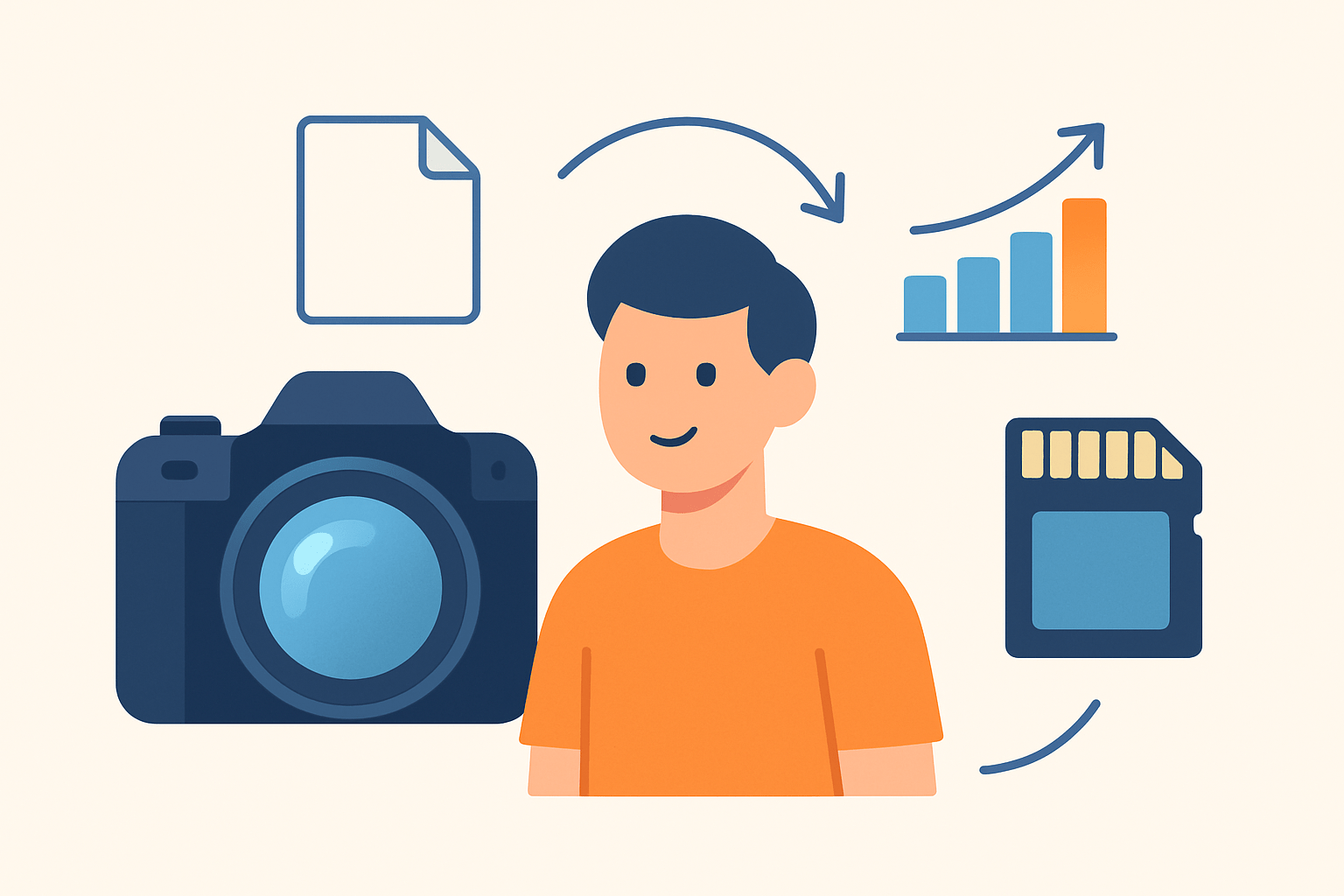
If you’re learning how to take self portraits with dslr, think in a clean loop: gear → location → composition → focus → trigger → review → adjust.
When people ask how to take self portraits with dslr, I point them to a tight equipment checklist. Your DSLR body with a fully charged battery, a 50mm or 85mm prime for flattering headshots, and a 35mm or 24–70mm for environmental scenes will cover most needs. Add a sturdy tripod, a remote or camera app, a small reflector or continuous light, and extra batteries and cards so nothing stops you mid‑flow.
My shoot flow is simple so I can repeat it anywhere. Mount the camera on a tripod, set your frame, and compose the background as if you were posing a friend. Place a mark on the floor where your face will land and make sure the lens height roughly matches eye level for a natural look.
Pre‑focus with a stand‑in like a light stand, a stool, or even a shoe where you will stand. Use live‑view and magnify to check that the stand‑in is tack sharp, then either lock focus by switching to manual or set your AF to a single point and keep it on the eye line.
Pick the way you will fire the camera before you step in. A 10‑second timer gives you time to get into place, while a 2‑second timer reduces vibration for close headshots; a remote gives you both speed and comfort. Choose single shot for precise expressions or high‑speed burst to capture micro‑expressions and subtle changes in pose.
Step into your mark, breathe, and hold a simple pose for a beat before you start changing expressions. Shoot a short burst, then a second burst with a tiny pose change so you have options. Keep checking your posture, chin angle, and hands so you don’t lock into stiff shapes.
Review your test frames on the LCD or tether to your phone or laptop for a bigger preview. Adjust exposure, tweak your crop in camera if needed, and refine the light or reflector position until the skin tone and catchlights look consistent. Iterate quickly so momentum and energy stay high.
This same workflow scales to different looks. A golden‑hour headshot gives warm, soft light and buttery background blur; a window‑lit indoor portrait feels calm and classic; a studio setup with off‑camera flash is precise and repeatable; a long‑exposure creative motion shot adds drama. Keep production tight: shoot RAW, bracket if you are unsure about exposure, and use the same settings for test shots and final takes for easy comparisons.
Before every session I run a quick mental checklist so I don’t miss a step. Gear and batteries ready, tripod stable, focus method set, timer or remote chosen, and a simple pose plan for variety. If you want a second perspective on process and mindset, you can also skim guides that show how other photographers take self portraits and borrow ideas that fit your style.
Step 1: Pick Your Location
Start with a background that supports your story and doesn’t fight your face. Look for texture like brick, foliage, or painted walls, and keep some distance behind you to create soft blur and clean separation.
Let light lead your choice. Open shade gives even skin tones, a big window makes soft directional light, golden hour glows with warmth, and a studio lets you control everything. Light direction changes mood: front light is clean, side light is sculpted, and backlight is dreamy with a rim around hair.
Scout with your phone before you bring out the tripod. Snap a quick test, zoom in for distractions, and watch for bright signs, messy cables, or reflective surfaces that might mirror your setup. If something steals attention in the phone test, it will be worse with the DSLR.
Place a visible mark where you will stand so focus and framing stay consistent. Tape on the floor, a small rug, or a piece of chalk keeps you in the pocket of good light and makes repeat shots precise.
Compose with intention so the location frames you and not the other way around. Use the rule of thirds for headroom and lead room, and leave negative space if you want text or a banner overlay later. Think about aspect ratio too, because vertical frames fit social feeds while horizontals give breathing room for websites.
Look for small, safe spaces with interesting light. A stairwell can give dramatic contrast, a living‑room window offers soft, friendly light, and an alley in open shade gives even tones without glare. If you are shooting in public, be aware of privacy, keep your gear close, and avoid blocking footpaths.
Self-Portrait Photography Settings
Settings become simple once you remember how the exposure triangle shapes your look. Aperture controls depth of field, shutter speed freezes or shows motion, and ISO lifts brightness but adds noise, so set ISO last. If you keep thinking about how to take self portraits with dslr, start with the look you want and build your exposure around that choice.
For an outdoor daylight headshot, aim for bright, clean skin with background blur. Try f/2.8 to f/5.6, 1/200 to 1/500 second to freeze small movements, and ISO 100 to 400 depending on cloud cover.
For an indoor window‑lit headshot, you want more light gathering and gentle falloff. Start at f/1.8 to f/2.8, keep shutter around 1/125 to 1/200 second to stay sharp, and use ISO 200 to 800 as needed.
Full‑body or environmental portraits need a bit more depth and steadiness. Try f/4 to f/8 so your outfit and key surroundings stay in focus, match shutter to movement like 1/250 second for a slow walk, and then raise ISO to hold exposure.
Creative or low‑light long exposures need discipline and support. Put the camera on a tripod, switch to manual focus after you confirm sharpness on a stand‑in, and choose the shutter length that paints the motion you want; a remote or timer prevents shake when the shutter opens.
Focus deserves a plan because you are both photographer and subject. Use AF‑S for static poses and AF‑C if you will sway or walk, and pick a single focus point at eye level to avoid focusing on ears or hair. If your camera offers eye AF, enable it and test with a few sample frames before the real takes.
Capture mode helps catch real expressions that happen between poses. Use burst mode for short, timed series and bracket exposure if the light is changing quickly, because small steps of ±1/3 or ±2/3 stop make recovery easy. For more ideas that translate across brands and styles, you can browse solid fundamentals on self portrait photography and then adapt the techniques to your space.
Metering and color should stay consistent so your editing is fast. Spot or center‑weighted metering keeps skin exposure even, and a custom white balance or a gray card helps nail color; if not, RAW files let you adjust white balance later. If shots look soft, raise shutter or re‑check focus; if they look noisy, lower ISO and add light; if the background distracts, open the aperture or move farther from the wall.
Finish every setup with a tiny post‑processing plan in mind. Crop for purpose, adjust exposure and white balance for consistency across frames, and do light skin cleanup while keeping texture natural. Shooting RAW from the start gives you flexibility without hurting detail.
Using the timer for self-portraits
Your DSLR’s timer is your simplest assistant. Use a 2‑second delay when the camera is on a tripod and you want zero vibration, and a 10‑second delay when you need time to step into the frame and settle your pose.
If your camera has an interval timer, let it run a sequence while you play through poses. Set a delay, a frame count, and an interval, then move naturally so you get dozens of options without walking back and forth after every shot.
Remotes add speed and comfort depending on your setup. Wired remotes are reliable but keep you tethered, IR remotes need line‑of‑sight, Bluetooth remotes are pocket‑friendly, and vendor apps like Canon Camera Connect or Nikon SnapBridge let you trigger, preview, and even adjust settings from your phone.
Pre‑focus before you press the button to keep things tack sharp. Place a stand‑in where your face will be, focus on it with live‑view magnified, then switch to manual focus or lock AF so it won’t hunt; press the shutter, move into position, and hold your first expression for the first frame.
Smartphone tethering and live preview make the process smoother. Pair the camera, open the app, and study composition, headroom, and hands on a big screen, making tiny tweaks between bursts; do one or two practice runs so you can spot wardrobe issues or hair flyaways before the final sequence. Use delay‑then‑burst modes to capture several expressions without touching the camera.
How to Pose for Self-Portraits
Start with simple body lines that flatter almost everyone. Turn your body 10 to 30 degrees from the camera, shift weight to the back leg to lengthen the front, and stretch tall through the crown while relaxing your shoulders.
Small changes in the face matter more than big ones. Drop the chin slightly to avoid nostril shots, breathe through the lips for softness, and think of a feeling or play a song that triggers the mood you want so your eyes carry the emotion.
Keep hands active so they look intentional. Rest fingertips lightly near the face, slide a thumb into a pocket, hold a coffee cup or book, and avoid showing a flat palm straight to the camera; props or a chair give your hands something natural to do.
You can keep a tiny pose cheat‑sheet in your mind to stay relaxed. For headshots try straight on with soft eyes, a three‑quarter turn with a small smile, and an over‑the‑shoulder glance; for full‑body try a wall lean, a step‑forward with toe pointed, and a seated pose with one knee angled. Build sequences of six frames so you can compare tiny changes later like a contact sheet.
Movement brings life when a static pose feels stiff. Walk slowly toward the camera, do a gentle hair toss, or glance past the lens, and pair the moves with AF‑C, a faster shutter like 1/250 to 1/500 second, and burst mode so the best frame is in the set.
Wardrobe supports the pose and the light. Avoid tiny patterns that moiré, choose colors that contrast with the background, and keep one quick layer change within reach for variety; warm up off‑camera, take short breaks, and review between sets so confidence builds with each look. If you prefer more guidance at home setups, this walkthrough on making your own self-portraits is a handy companion while you experiment.
What People Ask Most
What is the easiest way to learn how to take self portraits with dslr?
Start with a tripod, use the camera timer or a remote, and practice simple poses while checking your framing and focus.
How do I take self portraits with DSLR as a beginner?
Use auto or aperture-priority mode, set the camera on a stable surface or tripod, and trigger the shutter with a timer or remote.
How can I make sure my face is in focus when I take self portraits with dslr?
Focus on an object where you’ll stand and lock focus, or enable face detection/continuous autofocus before stepping into the frame.
Should I use a tripod, and how does it help when I take self portraits with dslr?
Yes, a tripod keeps the camera steady and lets you compose consistent shots without holding the camera.
What lighting works best when I take self portraits with dslr?
Soft natural light from a window or a simple lamp facing you gives flattering results, while harsh overhead light can create unflattering shadows.
What common mistakes should I avoid when I take self portraits with dslr?
Avoid poor lighting, ignoring focus, and tight framing—take test shots and adjust between attempts.
How can I pose naturally when I take self portraits with dslr?
Relax your shoulders, try small movements between shots, and experiment with angles to find what looks best for you.
Final Thoughts on How to Take Self Portraits With a DSLR
Tuck 270 into your mental checklist as a tiny, memorable cue to run the basics—gear, location, composition, focus, trigger, review, adjust—so you get a clean, repeatable workflow that turns guesswork into one‑person production, even in tight spaces. This guide walked you through the equipment, practical settings, timer and tether tricks, and pose tips so you can reproduce polished self‑portraits without a second shooter.
Realistically, it still takes practice and patience—lighting, timing, and small focus slips can eat your shoot time, so plan for test runs, bring extra batteries and cards, and be ready to iterate between tests and final takes. Solo creators, freelancers, and any photographer who wants consistent self‑portraits will benefit most, since the steps are designed to be repeatable and easy to adapt.
Start small, keep notes, and treat each session as a mini experiment—your shots will get steadily better and you’ll build a reliable library of looks. You’ve got the steps and the mindset; now have fun, stay curious, and see what you can make.





0 Comments