
What is a CF card for a camera? Could it still be the best choice for your gear in 2026?
This short guide explains what a CF (CompactFlash) card does and why photographers care about it. You will learn the main types, speed classes, and how CF compares to SD cards.
I will also give a simple buying checklist and practical tips for use on shoots. No jargon — just clear, useful facts to help you choose and use the right card.
What is a CompactFlash (CF) Card?
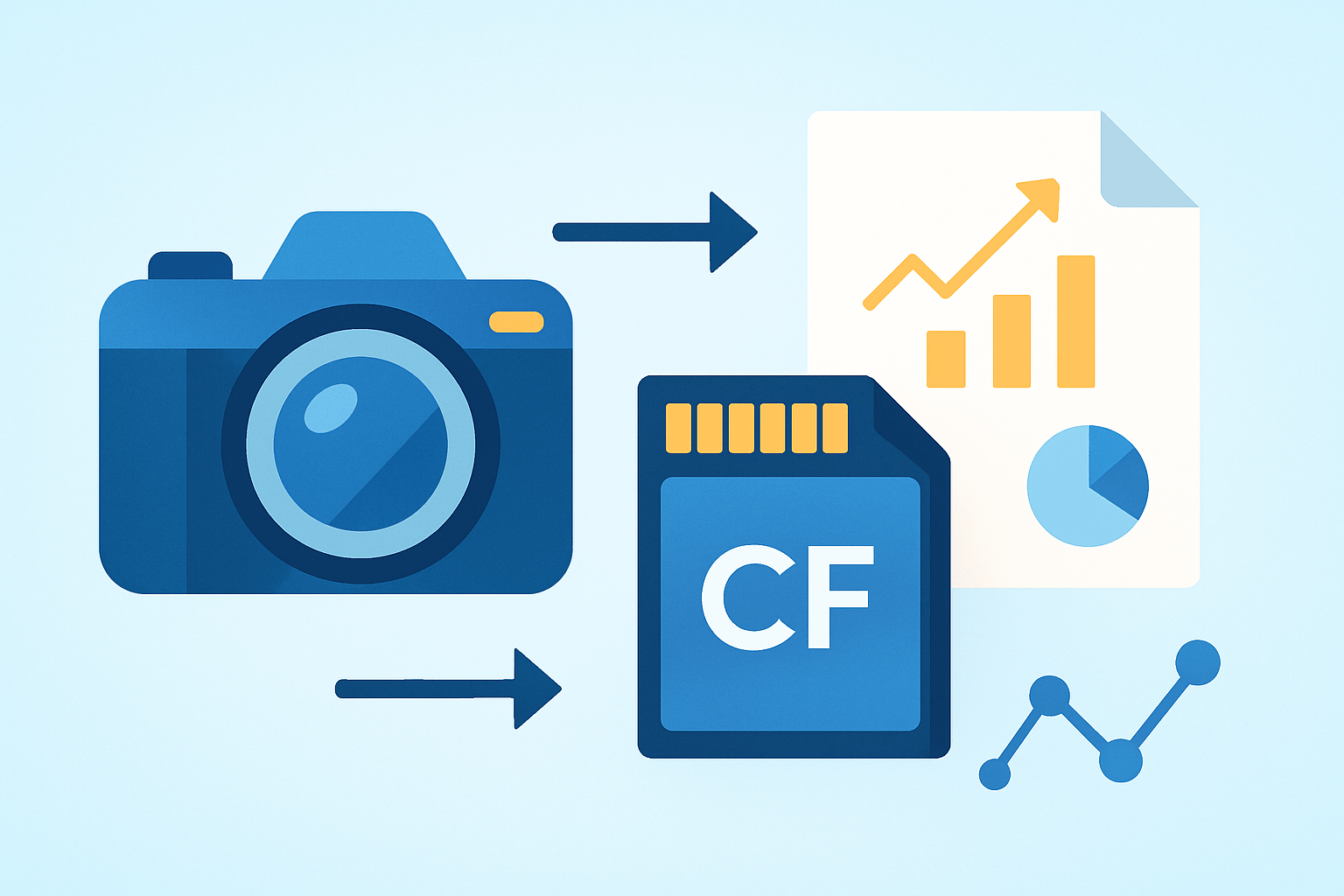
A CompactFlash (CF) card is a removable flash‑memory card used by many cameras to store photos and video; it connects via a multi‑pin interface and is prized for sustained write speeds and ruggedness.
In your camera, the CF card acts as the main recording medium. It holds RAW files, JPEGs, and video clips so your camera can shoot, buffer, and save without missing the moment.
Physically, a CF card is a small metal and plastic rectangle that is larger and thicker than an SD card. It mates with a dense multi‑pin connector, which is part of why it handles sustained transfers so well when matched to a compatible camera.
Photographers historically chose CF because it offered reliable sustained write performance, solid durability, and a proven pro workflow. That reliability mattered during long bursts, fast action, and high‑bitrate recording where consistency wins over peak numbers.
Today, you will still see CF in many older and pro DSLRs, some dedicated video cameras, and industrial imaging gear. Newer standards like CFast and CFexpress exist for cutting‑edge speeds, and we will clarify the differences later in this guide.
Before you buy, confirm what your camera uses. Check your camera manual — some cameras use CF, others use CFast/CFexpress or SD.
If you’re wondering what is a cf card for a camera, think of it as a rugged, reusable roll of digital film that your camera writes to many times per second. Without it, even the best sensor cannot save a single frame.
If you enjoy the backstory and evolution of the format, you can read more about CompactFlash and how it became a workhorse in professional photography.
Types of CompactFlash Cards
There are two physical types of CF cards: Type I and Type II. Type I is 3.3 mm thick, while Type II is 5.0 mm thick, and both share the same length and width.
Type I is by far the common form for flash‑memory CF cards you use in cameras. Type II mostly housed microdrives, which were tiny mechanical hard disks placed in a CF shell.
You can spot the difference by the side profile and the labeling on reputable cards. If your camera accepts only Type I, a Type II card will be too thick to fit properly.
Microdrives were popular for capacity back when flash was expensive and small. Flash memory replaced them because it is faster, more shock resistant, and far more reliable in the field.
Do not confuse CF with CFast or CFexpress, because they are separate standards. CF uses a PATA‑style multi‑pin interface, while CFast uses SATA and CFexpress uses PCIe, and none are physically compatible with each other.
This matters because a slot labeled CF cannot use a CFast or CFexpress card, and vice versa. The names look similar, but the connectors, protocols, and speeds are different by design.
Check your camera’s slot specification to see whether it supports Type I only or both Type I and Type II. Never force a thicker card into a Type I slot, as you can damage the pins in the camera.
If a friend asks what is a cf card for a camera, you can now explain that “CF” itself has two thicknesses, and most photographers use the slimmer Type I flash version. Getting the type right is the first step to smooth shooting.
Speed Classes and Performance
Read speed describes how fast you can offload files to a computer, while write speed describes how fast the card can accept data from your camera. For photography and video, sustained write speed is the critical number.
When your camera fires a burst, it writes into a buffer and then to the card. If sustained write speed is too low, the buffer fills and the camera slows or pauses, which can cost you frames.
Manufacturers often print big “up to” read speeds on the label, but real‑world sustained write can be lower. Look for cards and product lines that publish sustained write figures and mention UDMA support, because that interface feature helps maintain steady throughput.
You can estimate your minimum need with a quick math check. For video, required MB/s is your camera’s bitrate in Mbps divided by 8, then add 20–50% headroom to avoid drops; for example, 200 Mbps video needs about 25 MB/s plus margin, so aim for 35–40 MB/s sustained.
For bursts, multiply your average RAW file size by your camera’s frames per second to get a rough worst case, then remember that buffers smooth short spikes. If you shoot long bursts of large RAW files, choose the fastest CF your camera supports to keep the buffer clearing smoothly.
Typical guidance is straightforward. Casual JPEG shooting is fine with modest sustained write speeds, high‑bitrate video calls for solid mid‑to‑high sustained writes, and action RAW bursts benefit from the top tier your body supports.
To verify real performance, test with a trusted benchmark that writes large files and reports sustained rates, not just peaks. You can also time how long your camera takes to clear a full RAW burst to the card and compare different cards in the same body.
Counterfeit cards are a real risk, so buy from authorized sellers, verify serials, and test the card’s true capacity and speed before a paid shoot. If numbers look too good for the price, they probably are.
For a broader, beginner‑friendly overview of the basics, this concise CF cards guide is a helpful refresher. As you weigh what is a cf card for a camera in your kit, remember that dependable sustained write speed is what keeps your camera shooting.
CF Cards vs. SD Cards
CF cards are bigger and use a multi‑pin connector inside the camera, while SD cards are smaller and use flat contacts along one edge. That physical difference shapes durability and how each card sits in the slot.
Historically, CF excelled at sustained write reliability in pro bodies, which is why it dominated top cameras for years. Modern SD standards like UHS‑II and V60/V90 now match many use cases, so newer cameras often choose SD for size and cost.
CF’s strengths include a rugged shell and a stable connector that resists wobble under continuous recording. The trade‑off is that the camera’s pins can bend if a card is inserted poorly, so careful handling matters.
SD’s strengths are ubiquity, lower prices at many capacities, and wide support in laptops and readers. Dual SD slots are common in current cameras, and fast SD card lanes can handle 4K and even higher‑quality video in many bodies.
If your camera has a CF slot, use CF and get the best sustained write your model supports. If your camera is SD‑based, choose SD cards that meet the camera’s speed class requirements for your mix of bursts and video.
Remember that CFast and CFexpress are different from both CF and SD, even if the names sound similar. They use different connectors and protocols, and you cannot swap them between slots.
For data transfer, use a good USB 3.x card reader matched to your card type to avoid bottlenecks. Multi‑slot readers ease mixed workflows when you juggle CF and SD on the same job.
How to Choose the Right CF Card
Start with physical compatibility by confirming whether your camera takes Type I only or both Type I and Type II. Also confirm it actually needs CF and not CFast or CFexpress, because the names can be confusing but the cards are not interchangeable.
Next, define the sustained write speed you need based on your shooting. Use the quick math from earlier, and add healthy headroom so the card keeps up on hot days and during long takes.
Pick a capacity that fits your workflow and risk tolerance. Many photographers prefer several medium cards for redundancy, while others want one large card for convenience and fewer swaps.
Choose reputable pro lines that publish sustained write numbers and include solid warranties. Buy from authorized sellers, keep receipts, and test each new card before a critical shoot.
Make sure your card reader supports UDMA and connects over a fast USB 3.x port for quick offloads. A slow or outdated reader can make a fast card feel sluggish on the desktop.
Before first use, format the card in the camera so the file system matches your body. Do this again after each full backup cycle to keep the card tidy and reduce fragmentation.
If corruption is suspected, stop writing to the card immediately and set it aside for recovery. Do not delete or reformat until you have tried proper tools, and never run “quick fixes” that write new data over the old.
Back up as soon as possible and keep two copies before you reuse the card. A simple pattern is card to drive A and drive B before you format for the next shoot.
Label your cards, store them in a protective case, and avoid heat, moisture, and dust. Keep contacts clean, and never touch the connector area with oily fingers.
Rotate cards and replace them on a schedule if you shoot heavily, especially if errors appear or speeds drop. Storage media wears over time, and proactive replacement beats surprise failures on a job.
Troubleshooting starts simple if a card is not recognized. Try a different reader, another camera, or a known‑good USB cable, and check whether your camera firmware is current.
If speeds seem slow, verify that your body supports the card’s interface features and try another reader or port. Re‑test sustained write with a trusted tool to isolate whether the bottleneck is the card, the reader, or the computer.
Pro tip: carry at least one clean blower and gently dust the slot before inserting a card in sandy or windy locations. This helps prevent debris from bending pins or contaminating contacts.
For a quick refresher on CF fundamentals and use cases, this short overview of CompactFlash explained adds helpful context. So when someone asks what is a cf card for a camera, you can pick the right type, speed, and capacity with confidence and keep shooting without skips.
What People Ask Most
What is a CF card for a camera?
A CF (CompactFlash) card is a removable storage card photographers use to save photos and videos directly from the camera. It plugs into a compatible camera and holds your image files until you transfer them.
How do I use a CF card in my camera?
Turn your camera off, insert the CF card into the card slot until it clicks, then turn the camera on and shoot as normal. The camera will store photos and videos on the card automatically.
How can I tell if my camera needs a CF card?
Look at the camera’s card slot or owner’s guide to see which card type it accepts, since some cameras use CF cards while others use SD or different formats. If it accepts CF, you can use a CF card to save your photos.
Can I use a CF card to transfer photos to my computer?
Yes, you can remove the CF card and insert it into a card reader, or connect the camera to your computer, to copy files and back up your photos. Always safely eject the card or camera before removing it.
Is a CF card reusable and safe for deleting photos?
Yes, CF cards are reusable—delete or format them to free space, but always back up important files before deleting. Regularly formatting the card in your camera helps keep it working properly.
What common mistakes should beginners avoid with CF cards?
Don’t remove the CF card while the camera is saving files, and avoid touching the card’s metal contacts. Also store cards in a protective case to prevent damage or loss.
Will a CF card affect my camera’s speed or image quality?
A CF card won’t change the image quality, but a slower card can make saving files and burst shooting take longer. Choosing a reliable card helps your camera perform more smoothly.
Final Thoughts on CompactFlash Cards
You might’ve started by asking whether CompactFlash still matters; the short answer is yes for certain workflows. You might see numbers like 270 on spec sheets, but what really counts is sustained write reliability — CF cards give steady, long‑duration writes and a sturdy build that tolerates heavy pro use. That dependable performance keeps camera buffers clearing and footage intact when you’re shooting long RAW bursts or continuous video.
One realistic caution: older CF slots, firmware limits, and counterfeit products mean you should verify compatibility and test sustained write speeds before relying on a card on a big shoot. The people who benefit most are pros and serious enthusiasts with pro-level DSLRs, video rigs, or industrial setups that need rugged connectors and predictable, sustained writes.
Across the article we explained what CF cards are, the difference between Type I/II, the speed classes to watch, and how they stack up against SD, giving you a checklist to decide. If your opening question was “Is CF still worth it?” you now have the practical criteria to answer that for your gear — keep testing, pack spares, and shoot confidently.




0 Comments