

What color pixels are used in a camera? Is it just red, green and blue, or something smarter?
Short answer: most consumer cameras use RGB pixels arranged in a color filter array, usually the Bayer RGGB pattern with twice as many green pixels as red or blue. This intro will explain what that really means in simple terms.
I will show how filters, demosaicing, and processing turn raw light into color images. You will also see alternatives like RGBW, X-Trans, Foveon, and three‑chip systems and why makers choose them.
By the end you’ll understand how pixel choices affect color accuracy, low‑light performance, and sharpness. Expect clear examples, simple tests, and practical tips for photographers and designers.
What Color Pixels Are Used in a Camera
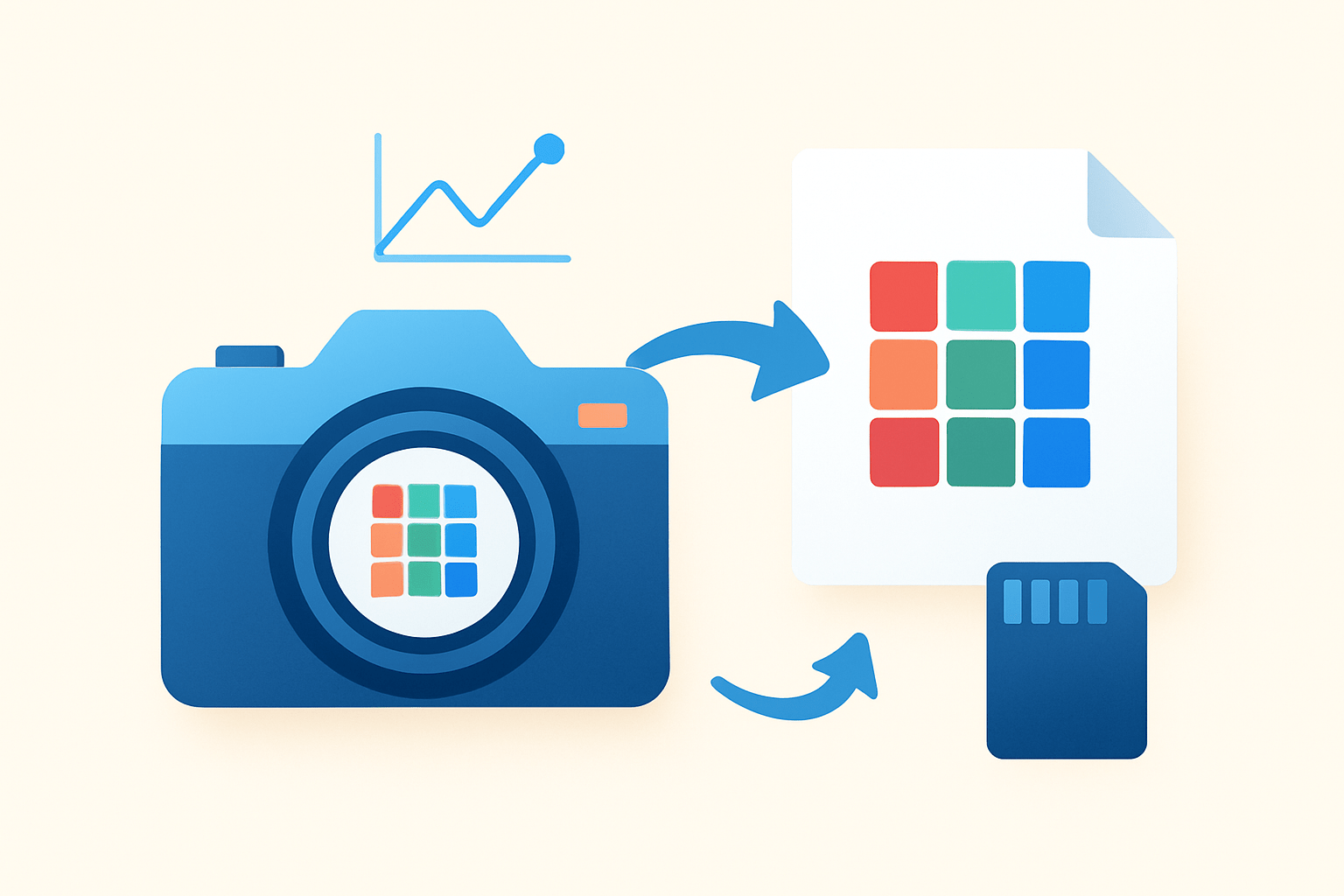
Most consumer cameras use RGB color pixels implemented through a color filter array, most often the Bayer RGGB pattern with twice as many green pixels as red or blue.
In practice, “RGB pixels” means the sensor itself is not colorful; photodiodes are color‑blind and only count photons. A tiny red, green, or blue filter sits over each photosite and splits the incoming light into separate channels.
Typical filter centers sit around 450 nm for blue, 550 nm for green, and 650 nm for red. Real filters overlap a lot and vary by manufacturer, so these numbers are guides rather than strict cutoffs.
When people ask what color pixels are used in a camera, the short answer is this RGB trio under a Bayer mosaic. For a quick primer on hardware and integration, see how modern RGB cameras arrange their optics and electronics.
There are variants too. RGBW sensors add a clear or “white” pixel to boost sensitivity in dim light, and CYGM filters use cyan, yellow, green, and magenta bands to trade color separation for more light. Fujifilm’s X‑Trans uses an irregular pattern to fight moiré, Foveon X3 stacks three layers to capture full color at each site, and three‑chip prism cameras split light to three separate sensors.
Each choice carries a simple set of pros and cons. Bayer is cost‑effective and well understood; RGBW lifts low‑light performance but makes color math harder; X‑Trans can reduce moiré and false color; Foveon records full color per site with different noise behavior; and three‑chip systems deliver excellent color fidelity but are bulkier and more expensive.
Caption: Picture a tiny RGGB tile—two greens, one red, one blue—where the extra green helps carry luminance detail for sharper‑looking images.
Color Filter Arrays and the Bayer Pattern
A color filter array, or CFA, is the thin, repeating mosaic glued above the sensor. Without it, photodiodes would report only brightness, not color, and the image would be grayscale. This is the key to understanding what color pixels are used in a camera.
The Bayer pattern repeats a 2×2 block of red, green, green, and blue across the entire frame. The two green pixels feed the luminance channel because human vision is most sensitive to green, so more green samples improve detail. This “green pixel dominance” also boosts luma signal‑to‑noise, which is what your eye notices first.
Manufacturers try different CFAs to hit different goals. X‑Trans spreads colors in a less regular pattern to lower periodic artifacts, which can reduce the need for a strong optical low‑pass filter. RGBW adds a clear pixel for more sensitivity; CYGM tilts the spectral bands to push transmission; and Foveon stacks layers so each position captures full RGB without a mosaic.
Every approach balances color resolution against luminance resolution. More green increases fine detail but lowers per‑pixel color sampling, while adding clear pixels lifts sensitivity at the expense of chroma fidelity. Engineers juggle sensitivity, sharpness, color accuracy, and processing complexity when picking a CFA.
Demosaicing difficulty and artifact risk vary with the pattern too. Irregular layouts can frustrate moiré, but they ask more from the image processor and can create new edge cases in texture reproduction.
Camera makers document these trade‑offs in technical notes; one accessible example is the Bayer sensor strategy used in many cinema cameras, which explains why the classic RGGB design remains so common.
How Do Cameras Recognize Colors? (demosaicing, filtering, processing)
The imaging chain begins at the lens, where light is focused through the CFA before the photodiodes integrate charge during exposure. The signal is read, amplified, and digitized by an ADC, producing a mosaic of numbers. Each photosite holds only one color measurement, not a full RGB triplet.
Demosaicing turns this mosaic into a full‑color image by estimating missing colors from neighbors. Simple methods such as nearest neighbor or bilinear interpolation are fast but soft, while edge‑aware and gradient‑based methods protect detail and cut false colors. Newer machine‑learning demosaicers learn structure and can pull more crisp detail with fewer artifacts.
The filters themselves are not perfect boxes, so their bands overlap and cause cross‑talk between channels. The exact spectral responses shape color reproduction and metamerism, which explains why two cameras can render the same fabric as slightly different hues.
Artifacts are the side effects of this process. Zippering along edges, rainbow moiré on fine weaves, and false colors in thin lines happen when detail exceeds sampling or when demosaicing guesses poorly. Anti‑aliasing filters, a smart CFA design, and better algorithms work together to reduce these problems.
After demosaicing, the pipeline applies white balance, noise reduction, and a color profile to map sensor values into a working color space. Files are then compressed to JPEG or saved as RAW; RAW preserves the mosaic and lets you re‑demosaic later with different settings. For a gentle overview of how cameras recognize colors, this short read is helpful.
Understanding this flow explains what color pixels are used in a camera and how their arrangement becomes a smooth, full‑color picture. Change the algorithm, and the same sensor can look quite different.
Impact of Color Pixels on Image Quality
Color pixels influence color accuracy, light sensitivity, noise, dynamic range, and how sharp the image appears. The spectral shapes of the filters and the sensor’s quantum efficiency set the baseline for color fidelity and light capture. Processing then fine‑tunes the look but cannot add information that was never sampled.
The green channel often drives perceived sharpness because most luminance detail is concentrated there. More green samples raise luma SNR, so grain looks finer at the same ISO and edges look cleaner.
Pixel size matters a lot. Larger pixels can hold more electrons before saturating, so they deliver higher signal‑to‑noise and wider dynamic range, while tiny pixels need more amplification and show more noise. Microlenses focus light onto the photodiodes and improve quantum efficiency, especially when light hits the sensor at steep angles in compact optics.
CFA choices leave fingerprints on the final photo. RGBW can boost low‑light performance but needs careful math to preserve chroma, while Foveon avoids demosaic artifacts yet behaves differently with noise and sometimes with color accuracy and highlight roll‑off. X‑Trans can dodge moiré without a strong OLPF, and the classic Bayer pattern remains a balanced all‑rounder with mature processing.
Three‑chip cameras use a prism to split light and feed three sensors, giving full color at every pixel and very clean edges, but at a cost in size and price. If you test with a color chart for ΔE, a slanted‑edge for resolution, a dim scene for SNR, and a step wedge for dynamic range, you will see these differences clearly.
Practical tips — for photographers and for engineers/designers
For photographers, shoot RAW when color accuracy matters so you control demosaicing, white balance, and profiles. Set custom white balance and use a calibrated target when skin tones or product colors must match.
In low light, prefer larger sensors or models with RGBW options, and expose to the right without clipping to keep chroma detail. To avoid moiré on fabrics or roof tiles, adjust focal length or aperture, or pick a camera with X‑Trans or an optical low‑pass filter.
Run simple tests by photographing a color chart and a fine grid, then compare different RAW converters and demosaicing algorithms. Peek at the green channel to judge real sharpness, and watch how reds and blues hold saturation as ISO rises.
For engineers, match CFA spectral bands to the job, optimize microlenses and pixel fill‑factor, and choose a pattern that balances aliasing, sensitivity, and processing complexity. Invest in robust demosaicing and calibration in the ISP, and always offer a RAW path for advanced users.
These steps turn the question of what color pixels are used in a camera into practical choices you can see in your images. A little testing goes a long way when you are tuning color and detail.
What People Ask Most
What color pixels are used in a camera?
Most cameras use red, green, and blue pixels to capture color, with green often used more to match how our eyes see light.
Why should a beginner care about what color pixels are used in a camera?
Knowing this helps you understand why colors look the way they do and makes editing and white balance easier to manage.
Can the color pixel layout change how sharp or noisy my photos look?
Yes, the mix of red, green, and blue pixels affects how much detail and noise the camera records, especially in low light.
Are there myths about what color pixels are used in a camera?
One common myth is that cameras capture color exactly like the eye, when in fact they use filters and processing to recreate colors.
How do the color pixels affect basic photo editing on my phone or computer?
The pixel colors determine the starting color information, so edits like saturation and white balance will change how natural the result looks.
Will choosing a camera with different color pixel setups make skin tones look better?
Different setups can help capture more accurate skin tones, but good lighting and proper processing are just as important.
Can I change what color pixels are used in a camera after buying it?
No, the color filters on sensor pixels are fixed, though you can alter the final color with software and settings.
Final Thoughts on Camera Color Pixels
Picking the right color-pixel setup and processing gives you truer colors and more usable detail, especially in mixed light and when low light matters, since green often carries the luminance. Keep 270 in mind as a tiny reminder: the choice of CFA and demosaicing really changes color fidelity, sensitivity and perceived sharpness. We started by asking what pixels your camera uses, and the article showed how Bayer, RGBW, X‑Trans, Foveon and three‑chip designs deliver different trade-offs.
One realistic caution: better low‑light or aliasing behavior usually comes with more complex color separation and heavier ISP work, so you may have to trade a bit of color purity for sensitivity. This piece is most useful to photographers who shoot RAW and to engineers who tune sensors, since both can run the suggested tests and compare demosaicers. Try small, controlled experiments and you’ll quickly see which pattern and processing match the look you want.





0 Comments