
what is a GoPro camera — the tiny, indestructible cam that follows you through surf, snow, and sky?
This guide answers that clearly and fast. It explains what makes GoPro different, its key features, and a short history so you know why people love them.
You will also get practical how-to steps, real use cases, and a model comparison to help you choose. Expect screenshot-ready settings cheat-sheets, sample clips, and links to official specs and solid reviews for deeper reading.
Whether you’re an adventurer, vlogger, or filmmaker, this article will help you pick the right GoPro and start shooting better footage today.
What is a GoPro camera?
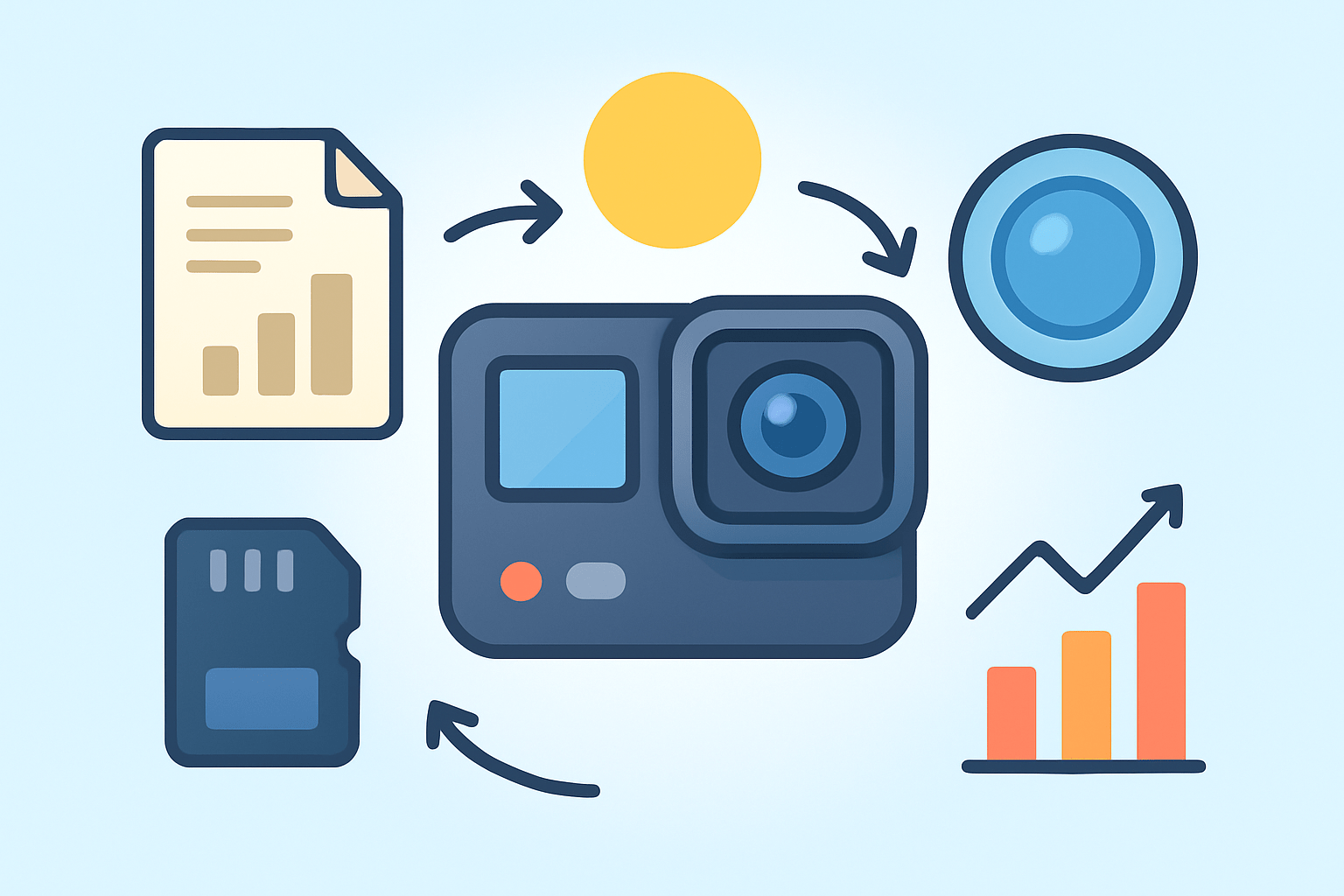
What is a GoPro camera? A GoPro is a compact, rugged action camera designed to capture high‑quality video and photos in motion and in extreme environments. It is purpose built to go where phones and bigger cameras struggle, and to keep recording when the action gets real.
In one sentence, it is a tiny, tough camera you can mount almost anywhere to capture fast, immersive stories with minimal fuss.
The idea began with surfers wanting a point‑of‑view angle that felt like the rider’s eyes. That original concept grew into the HERO series and later the 360‑degree MAX, adding features for creators, travelers, and filmmakers along the way.
The first thing that sets a GoPro apart is its size and mountability. You can stick it on a helmet, strap it to your chest, clip it to a backpack, or suction it to a car without big rigs or extra hands.
The second is the optics and stabilization. A wide lens pulls in the scene, while strong electronic stabilization keeps footage smooth when you run, ride, or swim, so the clips feel stable without gimbals.
Durability is the next pillar. Modern models are waterproof out of the box for everyday swims and rain, and the shell is built to survive drops, dust, and sweat without blinking.
Finally, the ecosystem is huge. Mounts, cases, lights, mics, and grips change the angle and sound, and the app makes control and sharing simple for beginners and pros.
If you are a skier, surfer, biker, hiker, diver, traveler, vlogger, or filmmaker who wants dynamic POV or B‑roll, a GoPro fits right in. See how it all fits together in the brand’s official overview for more context and sample clips.
If you just need the quick pitch, here it is again: a GoPro is the pocket‑size, mount‑anywhere camera that turns motion and moments into stable, cinematic clips you can share fast.
GoPro camera features
When people ask what is a GoPro camera, they often want to know what it can actually do. The answer is a mix of smart video modes, durable design, strong stabilization, and an accessory system that turns one camera into many.
Video resolution is a headline feature on every model. Recent HERO cameras shoot up to 5K or 5.3K for maximum detail, with crisp 4K that looks great on phones, TVs, and social feeds. You can choose frame rates such as 24 or 30 frames per second for a cinematic look, 60 for smooth motion, and 120 or even 240 for slow motion.
Slow motion makes action feel epic. Record at a higher frame rate like 120 fps and play it back at normal speed so time stretches and the moment breathes. For daylight sports and bright scenes, 1080p120 or 4K120 on supported models is a sweet spot.
Photos are not an afterthought. GoPro captures single shots, bursts for fast action, and RAW files for editing flexibility. HDR and SuperPhoto modes combine multiple exposures to hold detail in bright skies and shadowy ground when the light is tricky.
Stabilization is the secret sauce called HyperSmooth. It analyzes your footage in real time to remove shakes and jitters, so handlebars, waves, and footsteps look fluid. Newer models add horizon leveling or horizon lock, which keeps the frame level even when the camera tilts.
TimeWarp and time‑lapse slow the world differently. TimeWarp creates stabilized, accelerated motion for walks, drives, and city tours, while regular time‑lapse takes a steady shot at set intervals to turn clouds and sunsets into quick, dreamy sequences.
Waterproofing is built in for everyday use. Most HERO cameras handle a pool or rain without a case, and a dedicated dive housing lets you go deeper for scuba. Rinse with fresh water after salt, check the door seals for sand, and never snap doors shut with grit in the O‑ring.
Battery life depends on resolution, temperature, and features. Expect around an hour or so at 4K with stabilization, less in cold, and more at lower settings. Carry two spare batteries, use a small dual charger, and consider an external power bank for long time‑lapses or car mounts.
Mounts and accessories expand the look. A helmet mount gives a high‑energy POV, a chest mount adds stability for biking, a suction cup sticks to cars or boats, and a small tripod or 3‑way grip works for handheld and vlogging. Mods like a media frame, compact light, and external mic add better audio and fill light when you need it.
Connectivity is built for speed. Wi‑Fi and Bluetooth pair the camera with the mobile app for preview, control, firmware updates, and quick transfers. Many models can live stream to platforms via the app or RTMP, so you can share a ride or session in real time.
Pros get deeper control with Protune, a flat color profile, and sometimes 10‑bit color for smoother gradients in skies and water. Add in horizon leveling, advanced bitrate options, and, on the MAX model, full 360‑degree capture you can reframe later for impossible angles.
A simple spec snapshot looks like this in practice. You often get up to 5K or 5.3K recording, robust 4K slow motion on newer bodies, waterproofing for everyday water use, wide and linear field‑of‑view choices, and stabilization that rivals small gimbals. Audio comes from built‑in mics with wind reduction, and there is support for external mics through compatible mods.
For most action, 4K60 with stabilization is a dependable starting point. For very fast scenes and daylight, 1080p120 gives smooth slow motion, and for talking to camera, 1080p60 or 4K30 in Linear FOV avoids the fisheye look.
Use the right card to avoid dropped frames and recording errors. A UHS‑I microSD with U3 or V30 rating or better is safe for 4K and high frame rates, and formatting the card in‑camera keeps it healthy.
Underwater, colors shift toward blue and green as you go deeper. A red filter helps at tropical snorkeling depths, while proper video lights are the better fix for scuba or in low light. Always secure a floaty when you are around open water.
If you want a broader look at how these features compare across generations, TechRadar has an in-depth guide that places specs and use cases side by side in plain language.
How to use a GoPro camera
Setup is simple, and a few habits make it even easier. Charge the battery fully, insert a fast microSD, and format it in the camera so the file system is clean and ready.
Power on and swipe through the touchscreen to see modes and settings. QuickCapture lets you press one button to start recording instantly and press again to stop, even with the camera off.
Pair with the mobile app for live preview and remote control. Voice commands can start and stop recording so you keep both hands on the handlebars or paddle.
Video mode is the everyday choice for action and vlogs. Pick 4K30 for scenic clarity, 4K60 for fast motion, and turn on stabilization for smooth results.
Photo mode is for single frames and bursts. Use HDR or SuperPhoto in contrasty light, and switch to RAW if you plan to edit the files later.
Time‑lapse creates a sped‑up sequence from still frames. TimeWarp is a stabilized moving time‑lapse that looks great when you walk through markets, along trails, or across a beach at golden hour.
Burst mode is great when you know something will happen but not the exact moment. Hold the button before a jump or trick, then pick the sharpest frame later.
Night modes stretch exposure for low light, stars, or light trails. Keep the camera steady on a small tripod, and avoid touching the setup during the shot.
Start with simple presets that work in most cases. For action on a helmet or chest, use 4K60, a Wide or Linear view as you prefer, and HyperSmooth on, while leaving advanced menus off until you get comfortable.
For slow motion, use 1080p120 in good light and avoid using high frame rates at dusk or indoors where noise creeps in. For vlogging, try 1080p60 or 4K30, Linear FOV, stabilization on, and add an external mic if your model supports it.
Underwater for snorkeling, set 4K30, Wide view, and add a red filter or fix white balance in post. Use a floaty back door or handle so a wave does not steal your camera, and rinse gear after each swim.
For TimeWarp and time‑lapse, keep your movement steady and choose an interval that matches the scene, like one second for walking and two to five seconds for city traffic. Lock the horizon if the camera supports it, so the frame stays level across the clip.
Framing matters more than you think. Keep the horizon straight, place the subject slightly off center, and vary mounts to change perspective between wide POV and tighter cutaways.
Care and troubleshooting are straightforward. Clean the lens dome with a soft cloth, dry the camera after saltwater, keep the battery door seals free of sand, and update firmware through the app to fix glitches.
If the camera freezes, pull the battery, reinsert, and reboot, then format the card in‑camera. Turning off Wi‑Fi and Bluetooth when you are not using the app can also stretch battery life on long days.
Always carry one or two spare batteries and a tiny charger in the bag. QuickCapture is the fastest way to grab moments, and ND filters can tame harsh sun so highlights do not blow out and motion stays smooth.
If you need a refresher after this walkthrough, CNET has a clear detailed explainer that echoes these basics with simple examples. A quick settings cheat sheet to screenshot could read like this: action 4K60 Wide, slow motion 1080p120 in daylight, vlog 1080p60 Linear with mic, snorkeling 4K30 Wide with a red filter, TimeWarp auto speed during a walk, and night lapse on a tripod with longer intervals.
If you still wonder what is a GoPro camera good for day to day, it’s best at fast, shareable clips you can grab with one button and almost no setup. Keep the camera handy and ready, and it will reward you with footage you would not have captured with anything else.
Use cases for GoPro cameras
Action sports are the classic playground. For skiing and snowboarding, a helmet mount sees the slope and your hands, while a chest mount smooths bumps and keeps skis in frame with 4K60 and stabilization on.
On a mountain bike, a chest mount feels immersive and stable, especially on rough trails. Use 4K60 or 2.7K120 for smooth slow‑downs, and add a small clamp or bar mount for alternate angles on the frame.
Surfers and kayakers get bold angles with board and paddle mounts. Use 4K30 for clean detail, a floaty for safety, and a tether so a wipeout does not end the day.
Travel and adventure benefit from the small size. A 3‑way grip or tiny tripod handles handheld shots, selfies, and quick time‑lapses, while 1080p60 keeps files lighter for easy edits and uploads on the road.
When you are in cities or at landmarks, switch to Linear view so lines stay straight. Move slow, keep the horizon level, and shoot a mix of wide establishing clips and short five‑second details for fast edits later.
Underwater work changes the rules. For snorkeling, 4K30 with a red filter fixes colors, and slow pans beat fast moves, while for scuba you will want a dive housing and, ideally, video lights to bring back reds and yellows in deeper water.
Vlogging is easy with the front screen and good stabilization. Frame at arm’s length in Linear, use an external mic if you have one, and let 1080p60 or 4K30 do the heavy lifting so you can focus on the story.
Pros use GoPro as a crash cam or for creative POV inserts. Stick one on a car bumper, the end of a boom, or a musician’s headstock for wild angles, and consider a 360 camera like MAX to reframe later and never miss the action.
The quick tip for biking is to go chest‑mounted for a calmer picture. The quick tip for vlogging is to keep the horizon level and the camera slightly above eye line so your face looks natural and engaged.
You can imagine a small gallery here with four thumbnails—action, travel, underwater, and vlogging—each with one line of settings. Use those presets as a starting point and tweak based on light and motion.
Comparison of GoPro models
The HERO Black line is the flagship for most people. It has the best stabilization, the most refined low‑light and color options, the front display for vlogging, and the highest resolutions and frame rates of the current generation.
GoPro MAX is the 360 option. It records in all directions at once, lets you reframe later to follow the subject or hold the horizon, and bakes in ultra‑smooth stabilization, making it ideal for creative edits and immersive shots.
Older HERO models are still capable and more affordable. They usually offer strong 4K, good stabilization, and solid waterproofing, though they might lack the latest 10‑bit color, horizon lock, or the newest battery optimizations.
Price versus value comes down to needs. If you want the best stabilization, the richest color depth, and the longest life from firmware updates, the latest HERO Black is usually worth it, while a previous‑gen HERO makes sense for casual travel and budget builds.
Mounts are widely compatible across models thanks to the two‑prong system. Batteries and mods can be generation specific, so check whether your camera supports a particular media mod, Enduro battery type, or special accessory before you buy.
A simple decision checklist helps a lot. Decide your budget, whether you want 360 reframing, how important high frame‑rate slow motion is, if you need 10‑bit color for grading, and whether you prioritize battery runtime or the smallest form factor.
If you are a beginner or traveler, a recent HERO at a good price is the safe pick because it is easy to use and gets you 4K with strong stabilization. If you are a creator or vlogger, the latest HERO Black with front display and support for an external mic is the better choice.
For pro and filmmaker use, pair the newest HERO Black with extra batteries, a media mod, and a basic set of ND filters, and consider adding a MAX for 360 plates and reframed edits. The top pick for most people remains the newest HERO Black you can reasonably afford, with one spare battery and a reliable microSD to match.
When friends ask what is a GoPro camera and which one to buy, I describe it as the one camera that can be your crash cam, your POV camera, your travel camera, and your vlog camera in one. Buy the model that fits your use first, then add mounts to unlock new looks.
Before you decide, remember to budget for at least one extra battery, a UHS‑I V30 microSD, and a simple mount that covers your main activity. If you like to research further, the TechRadar piece above and the brand’s official overview already linked are great starting points for detailed specs.
See sample clips from creators to compare stabilization, color, and low‑light looks, and then commit to a setup that you will actually carry. The best GoPro is the one you take with you and switch on the moment something starts to happen.
What People Ask Most
What is a GoPro camera?
If you’re asking what is a gopro camera, it’s a small, tough camera made for recording hands-free video and photos during active situations like sports and travel.
Why do people use a GoPro instead of a phone camera?
GoPros are built to handle movement, water, and rough conditions and can be mounted for hands-free shots where phones can’t go.
Can beginners use a GoPro easily?
Yes, most GoPros have simple one-button recording and automatic settings that make them easy for beginners to start shooting right away.
What activities are GoPros best for?
They work great for action sports, outdoor adventures, underwater scenes, and any situation that needs a small, mountable camera.
Do I need camera skills to get good results with a GoPro?
No, basic tips like steadying the camera, framing your subject, and good lighting usually produce very watchable footage.
What are common mistakes to avoid when using a GoPro?
Common errors include forgetting to secure mounts, not checking battery or memory, and ignoring simple composition, so double-check gear before filming.
Can I use a GoPro for everyday vlogging and family videos?
Absolutely; its compact size and wide-angle view make it convenient for casual vlogging and capturing family moments on the go.
Final Thoughts on GoPro Cameras
At its heart a GoPro turns high-energy moments into shareable, stabilized footage you can take anywhere. Pack spare batteries and fast cards so a long day of shooting won’t grind to a halt at 270. That portability and toughness are the real payoff: you trade bulk for always-ready capture.
Be honest about limits: tiny sensors and wide lenses mean GoPros can show grainy shadows and fisheye in low light, so bring extra light or plan for cleanup in editing. They’re perfect for adventurers, athletes, travelers and creators who need durable POV and simple setup. Pros will still use them for B‑roll and POV inserts rather than as main cinema cameras.
We opened by asking “what is a GoPro camera” and showed how it’s a compact, rugged action cam built for motion and extreme use. This guide covered features, quick settings, mounts and model choices so you’ll know what to pick and how to shoot. Try new angles, trust simple setups, and you’ll keep improving with every outing.




0 Comments