
What is watermark in camera and should you add it to your photos?
This short guide answers that question in simple steps and helps you choose what works best for your images.
We explain the common meanings of a camera watermark — visible stamps, invisible forensic marks, and EXIF/XMP metadata. You will see clear examples so the choices are easy to understand.
Read on to learn the types, benefits, drawbacks, in-camera settings, editing workflows, and a quick checklist to protect and brand your work.
What is a watermark?
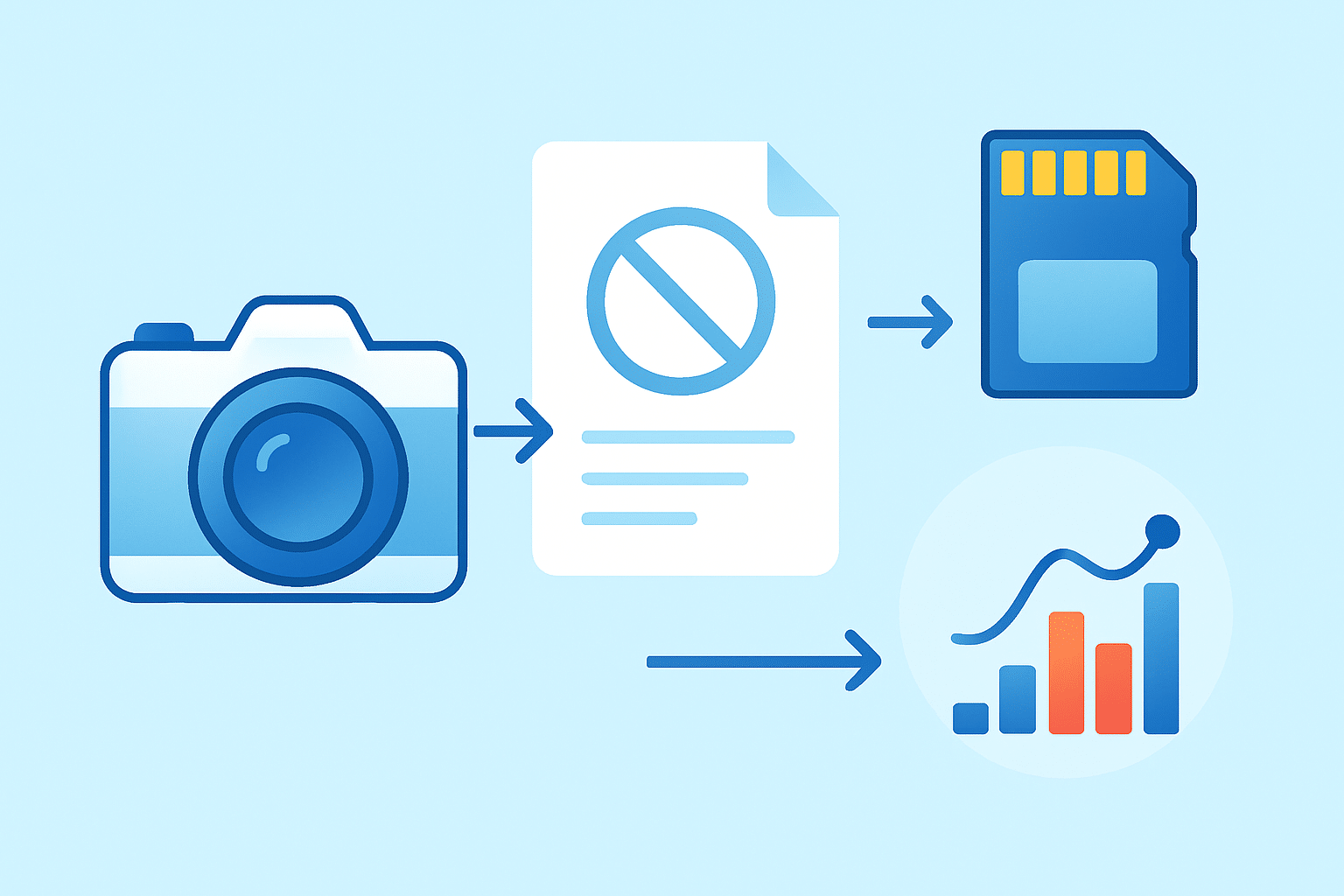
If you have ever asked yourself what is watermark in camera, think of it as any mark that ties an image to its source. A watermark can be visible on the photo, invisible inside the pixels, or stored as information that rides along with the file. Each form serves a slightly different job.
A visible watermark is what most people imagine: a logo, signature, or line of text placed over the picture. An embedded or invisible watermark hides inside the image data and can be detected with special tools. A metadata watermark isn’t a graphic at all, but copyright and author data written into EXIF or XMP fields.
When people say “in-camera watermark,” they usually mean one of two things. Some phones and a few cameras can stamp a visible overlay onto the JPEG the moment you shoot, like “Shot on OnePlus” or a custom name. Others let you fill in EXIF copyright and creator fields in-camera, which won’t show on the image but stay attached to the file.
Examples are everywhere. You might see a corner logo on a wedding preview, a diagonal semi-transparent brand on a proof, or a simple name and year below a portrait. Invisible options exist too, such as forensic marks that survive resizing and moderate edits, similar to what services like Digimarc offer.
It also matters where the watermark happens. If your camera burns the mark onto a JPEG, it becomes part of the pixels and cannot be turned off later. If the camera only writes EXIF or XMP, the original image stays clean, and you can decide later how to display or export it.
Here’s the short answer to what is watermark in camera: it is a tool for attribution, branding, and gentle deterrence, and in some cases a way to track usage. Use the visible kind for eyes, the invisible kind for evidence, and metadata so your name always travels with the file.
Types of watermarks and how they work
Visible watermarks are the simplest to understand. You drop a logo or text on the image and export it, either in-camera, in your editor, or with a phone app. Placement can be subtle in a corner, or strong and diagonal to cover more of the frame for proofing.
These overlays come in many styles. Some are small, tasteful, and transparent, designed to brand without stealing attention. Others use a large diagonal mark or a tiled pattern for stronger deterrence, trading a bit of elegance for protection against quick crops and screenshots.
Invisible digital watermarks tuck a pattern into the pixels. Robust marks aim to survive resizing, compression, and mild edits, while fragile marks are designed to break if the file is changed, indicating tampering. They require software to embed and detect the signal.
Detection typically involves scanning the image for the hidden code. Robust systems can identify images even after social-media compression or small crops, yet heavy edits and AI upscaling can still defeat them. They are best when you need tracking or evidence of authorship beyond what a visible mark provides.
Metadata-based “watermarks” are simply text fields like Creator, Copyright, and Contact written into EXIF or XMP. They are easy to add in-camera or during import in Lightroom. The drawback is that some platforms strip metadata on upload, and anyone can remove or alter these fields if they have the file.
Video watermarking works similarly but comes with extra twists. You can burn a logo into the video frames or overlay it on export, or you can embed IDs at the file level for detection later. Streaming platforms may also add their own identifiers for takedown workflows.
Choosing the right type depends on your goal. Use a visible watermark for branding and casual theft deterrence, an invisible or forensic approach if you need tracking, and metadata for attribution and contact info. For deeper background on the tech side, a concise digital watermarking guide can help you compare approaches.
Benefits of watermarking
The first and most obvious benefit is marketing. A clean, consistent logo or short URL on the corner of your images turns every share into a mini business card. It builds recognition on social feeds, newsletters, and portfolio thumbnails without relying on captions.
Watermarks also make crediting easier. When a photo is reposted far from the original source, a visible mark reduces accidental miscrediting and points viewers back to you. Even a small, tasteful signature can do that job without shouting.
They deter casual theft as well. A watermark won’t stop a determined infringer, but it raises the effort required for quick copy-and-paste reuse. Many people simply move on when they see a visible watermark or pick a different image that is not marked.
For working photographers, watermarks support common workflows. Proofs, sample galleries, and stock previews often use strong diagonal or tiled marks so clients can review images without taking clean copies. Event photographers can share same-day highlights with branding while keeping final files reserved for delivery.
They can also help when evidence matters. Invisible watermarks and good metadata habits can support your claims by showing provenance, though they are not a replacement for proper copyright registration. Think of them as part of your documentation rather than the whole legal strategy.
If you want to see how others approach branding and deterrence across different niches, this overview of watermarks for photographers compares styles that balance impact and subtlety. Study what fits your voice, then adapt the idea to your audience.
Drawbacks and limitations
No watermark is a silver bullet. A small corner logo can be cropped off in seconds, and more intrusive marks can be removed with cloning or content-aware fill. Skilled editors and modern tools make this even easier than before.
AI-powered inpainting has changed the game too. With a few strokes, many apps can replace a branded corner with believable pixels. This is another reason to think in layers of protection rather than relying on one mark to carry all the weight.
There is an aesthetic cost. An oversized or high-contrast mark can distract from your composition and turn off potential clients. Subtle branding looks better, but it also offers less deterrence, so you need to decide where to draw your line.
Platforms can also get in the way. Some social networks strip EXIF and XMP, removing your contact and copyright fields. Heavy compression may blur or weaken thin watermarks, and invisible signals can degrade as images are resized and reposted.
Common myths are worth clearing up. A watermark is not legal registration, and EXIF can be altered or removed. Forensic watermarking often requires paid services and special readers, so plan for that cost if you need robust tracking.
There are times when watermarking is not appropriate. Final client deliverables are usually clean unless a client specifically asks for a brand overlay. Many galleries, competitions, and editorial submissions also require unmarked files to ensure fair judging and clean layout.
Practical guide — when, where and how to watermark (design + tools + best practices)
Use watermarking when you share previews, protect low-resolution web samples, or deliver proofs. Avoid it on final paid images unless requested, and keep your masters unmarked and safely backed up. If you ever wondered what is watermark in camera in terms of daily workflow, it’s simply another switch you flip when the goal is visibility or deterrence.
On smartphones, many Android models add in-camera visible overlays. Open your Camera app, tap Settings, and look for Watermark or Device watermark to toggle a “Shot on” mark or custom text. iPhone’s default Camera does not offer an overlay, so you’ll add one in post or use a third-party app with a watermark preset.
On dedicated cameras, look for copyright or artist info fields in the menu. Canon places it under Menu, wrench tab, Copyright Information; Nikon uses Setup Menu, Copyright information; Sony and Fujifilm offer similar entries on many bodies. This writes EXIF/XMP so your author and copyright lines travel with every file.
Lightroom makes batch watermarking straightforward at export. In the Export dialog, enable Watermarking and choose Edit Watermarks to load a transparent PNG logo or set a text style, then save it as a preset. You can make separate presets for subtle corner branding and strong diagonal proofs and switch with one click.
Photoshop is great for reusable automation. Place your vector logo as a Smart Object, set opacity and blending, and record an action that positions it relative to the long edge. Then run File, Automate, Batch or use Image Processor to apply the action to an entire folder.
On the go, mobile apps can speed up sharing. Tools like eZy Watermark or iWatermark let you drop a logo, adjust opacity, and export multiple sizes. If you prefer desktop freeware, GIMP and ImageMagick can handle text and logo overlays with repeatable settings.
Design choices matter as much as the tool. Aim for 20–40% opacity for subtle branding and 60–90% for stronger deterrence, and size the watermark to about 8–12% of the long edge so it scales well across images. For detailed design help, this guide on how to design a watermark will sharpen your typography, spacing, and contrast choices.
Placement should protect the image without blocking the subject. A corner mark suits portfolios, a diagonal suits proofs, and a small tiled pattern offers stronger coverage if theft is a concern. Choose a neutral color and add a thin stroke or shadow so the mark stays visible over both light and dark backgrounds, and keep a safe margin from edges to survive cropping.
To make removal harder, think in layers. Combine a visible overlay with an invisible mark and good EXIF/XMP practices, so even if someone crops your logo, the file still carries your identity. For high-risk previews, use multiple small marks or a semi-transparent band across key areas rather than a single tiny logo.
Consider alternatives that complement watermarking, especially for high-value work. Share smaller or compressed previews, keep full-resolution files behind paywalls or client portals, and register important images so you can use legal takedowns if needed. Forensic services can help track usage at scale, but they come with a subscription cost and a learning curve.
A quick checklist keeps you efficient. First decide your goal—brand, deterrence, or proof—then pick the type of mark to match. Prepare a scalable logo or a transparent PNG, create export presets in your editor, test on a few images, and keep your clean masters locked away in multiple backups.
One last publishing note: when you post example images that demonstrate watermark placement, add descriptive alt text so they remain accessible and searchable. A phrase like “example of diagonal visible watermark on landscape photo” helps both users and search engines understand what you are showing. That habit supports your brand even before someone reads the caption.
By now the idea of what is watermark in camera should feel practical, not mysterious. Whether you add a tasteful signature, embed copyright in EXIF, or invest in invisible signals, the best approach is the one that fits your audience and your business. Start simple, build presets, and iterate as your needs grow.
What People Ask Most
What is watermark in camera?
A watermark in a camera is text or a logo automatically stamped onto a photo when you take it. It usually shows the photographer’s name, brand, or copyright info.
How does a camera add a watermark to photos?
The camera overlays saved text or an image onto the picture file either when saving or in the camera’s software. Many phones and cameras have a setting to turn this feature on or off.
Why would I use a watermark in my camera photos?
Watermarks help identify your work and discourage casual image theft while sharing online. They also make it easier for viewers to see who made the photo.
Can a watermark in camera protect my photos from being stolen?
A visible watermark can deter casual copying and help prove ownership, but it won’t stop determined thieves from cropping or editing it out. For stronger protection, combine watermarks with other steps like sharing lower-resolution files or embedding metadata.
Will a camera watermark ruin my photo quality?
A simple watermark usually doesn’t harm the image itself, but it can distract from the picture if it’s large or placed poorly. You can choose size and position to minimize visual impact.
Can I remove a watermark added by my camera?
If the watermark is burned into the image file, removing it cleanly can be hard and may leave traces. It’s best to keep an original unwatermarked copy if you think you might need one later.
Is it better to use a camera watermark or add one later in editing?
Adding a watermark later gives you more control over design and placement, while camera watermarks are faster and automatic. Pick the method that fits your workflow and how professional you want the result to look.
Final Thoughts on Watermarks in Camera
Watermarks are your digital signature — they help your name travel with images, boost recognition, and make casual reuse less likely; even a 270-pixel preview with a subtle mark can keep your work identifiable when you share it online. They’re especially useful for social sharers, event and stock shooters, and anyone who shows proofs, but they’re not a magic shield — determined removal or aesthetic complaints can still be a problem. Keep previews watermarked and masters secure so you get the marketing and protective value without compromising final client deliverables.
We began by asking what is watermark in camera, and the article walked through visible overlays, EXIF metadata, and invisible forensic marks, plus when to use each. That practical breakdown should make it easy to pick a type that matches your goal — brand, deterrence, or proof — while keeping in mind platform and aesthetic limits.
Try a subtle preset, test exports on several devices, and adjust placement so your mark protects without overpowering the image. With a little practice you’ll find a rhythm that keeps your work recognizable and lets you share with confidence.





0 Comments