
What does locking an sd card do? Can a tiny switch really stop files from being changed or lost?
This article gives a clear answer and shows what “locked” really means. You’ll learn how the switch makes the card read-only and how devices react.
You will see quick checks and fixes for Windows, macOS, Linux, and Android. I include copy-paste commands, photos of the slider, and safe recovery tips if the card seems damaged.
Whether you are a photographer or just using a phone, this guide will save time and protect your files. Read on to fix a locked SD card without losing your pictures.
What Happens When You Lock an SD Card?
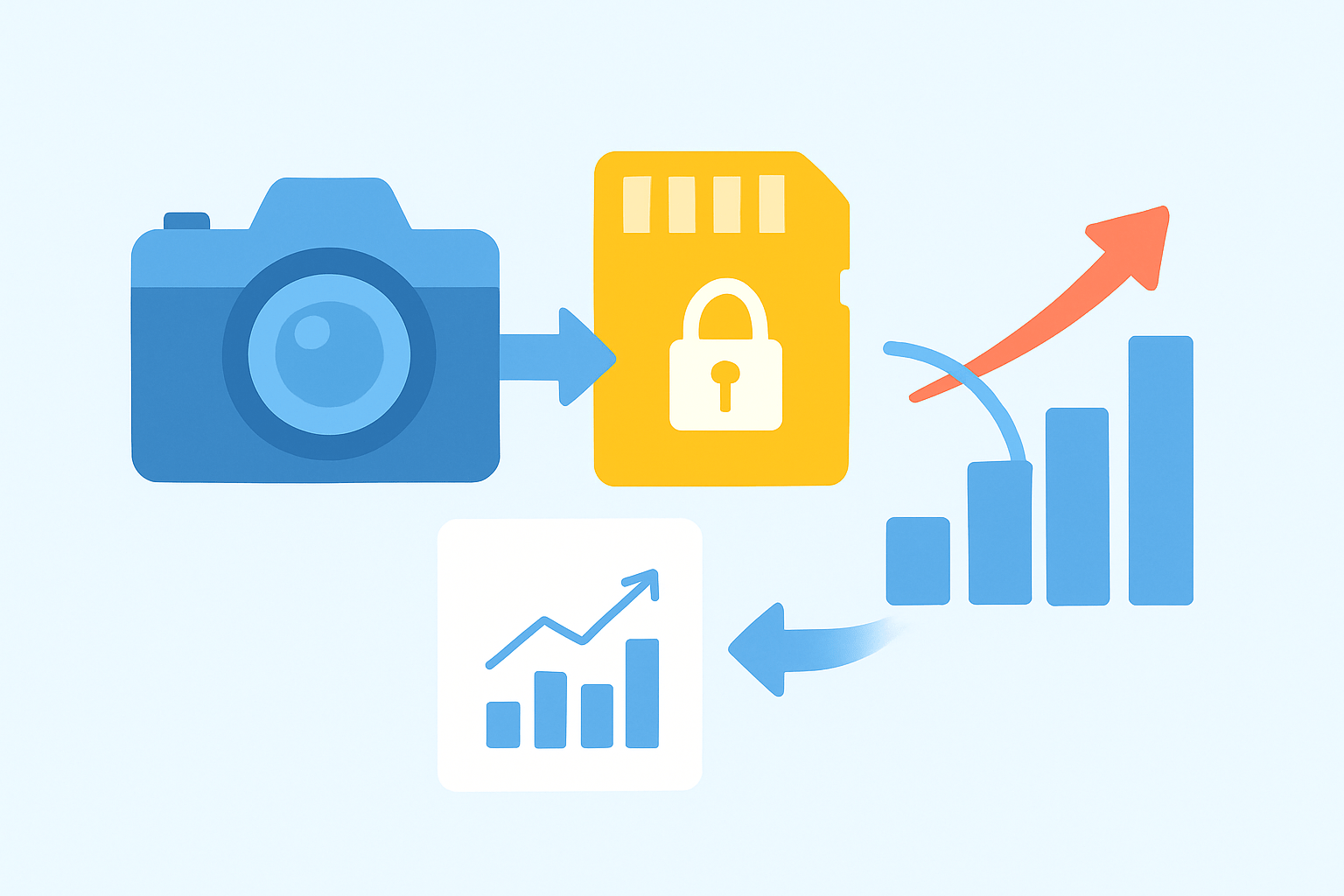
What does locking an sd card do? It flips hardware write-protection. You can read everything, but you cannot add files, change files, delete files, or format the card.
Full-size SD cards have a small slider on the left edge. MicroSD cards do not, but many adapters have the slider. Devices detect the position and block writes; it is not encryption.
You will see messages like Card locked or The disk is write-protected, and formatting fails. Sometimes similar errors come from corruption or failing readers. For a primer, see SD card basics.
How to Tell If Your SD Card Is Locked
Check the switch first. Unlocked is usually up toward the contacts, locked is down toward the Lock label. With microSD, inspect the adapter instead.
Try a quick test in your camera and on a PC. Take one photo or make a tiny text file, then delete it; a locked card blocks both. This simple check shows what does locking an sd card do.
Use system tools if needed. Windows: diskpart, then list disk, select disk X, and attributes disk. macOS: diskutil info /dev/diskX; Linux: lsblk -o NAME,RO and dmesg | tail for read-only flags.
How to Unlock an SD Card and Use It Again
Start with physical fixes. Slide the switch to unlock, reseat the card, and try a different adapter or reader. If the slider is loose, a tiny tape shim can hold it temporarily.
On Windows, back up first. Open diskpart and run list disk, select disk X, and attributes disk clear readonly, then eject and reinsert. This often clears software write-protect and restores normal saves.
On macOS, use Disk Utility to unmount or erase after backup. From Terminal, diskutil eraseDisk ExFAT SDCARD /dev/diskX removes stubborn flags. On Android, adoptable storage allows full writes; portable mode can limit apps.
On Linux, clear the bit with sudo hdparm -r0 /dev/sdX, or remount with sudo mount -o remount,rw /mountpoint. If nothing works, image the card with ddrescue and run PhotoRec or Recuva before formatting; see recover lost data.
Why SD Cards Have a Lock Feature
Why does the lock exist? It prevents accidental deletes or formatting, protects camera firmware, and lets makers ship read-only media. The benefit is instant, hardware write-protect with no setup.
But it is not security. Some readers bypass it, sliders break, and there is no encryption, which matters when asking what does locking an sd card do for privacy. For more context, read about the memory card lock.
Troubleshooting a Locked SD Card
If the switch is stuck, try another adapter or reader first. Quick fix: reseat the card, power-cycle your device, and gently nudge the slider toward unlock.
If it still reports write-protected, clear software flags, try a different USB port, and update storage drivers. A read-only SD card may also come from a failing reader or cable.
When the card is not recognized or looks corrupted, do not format yet. Image the card, run chkdsk or fsck, and decide how to remove write protection from sd card without losing photos.
What People Ask Most
What does locking an SD card do?
Locking an SD card sets it to read-only so you can view files but not add, edit, or delete them.
Can I still see photos and files when an SD card is locked?
Yes, you can open and view files on a locked SD card, but you can’t save changes or delete them.
Will locking an SD card stop accidental deletion?
Yes, locking helps prevent accidental deletion or overwriting of files by most devices and apps.
Does locking an SD card protect my data from viruses or hackers?
No, locking only prevents writing to the card and does not stop malware or unauthorized access from a compromised device.
How do I unlock an SD card if it is locked?
Slide the small write-protect switch on the card to the unlock position or change the card’s settings in your device.
Can locking an SD card stop it from being formatted?
Yes, locking normally prevents formatting and other write operations, though some devices may still override the lock.
Are there any downsides to keeping an SD card locked?
Keeping it locked means you can’t add or update files until you unlock it, which can be inconvenient for regular use.
Final Thoughts on Locked SD Cards
Whether you’re shooting on a point-and-shoot 270 or a pro body, locking the card just flips on write-protection so your files stay safe but you can’t add, change, or delete them; this piece walked through how to spot that message, check the slider, and try simple reader- and software-side fixes. The big win is getting control back — you can recover photos, clear accidental write blocks, or safely prepare a card for reuse. Photographers and casual users will both find the step-by-step checks most useful.
Remember one realistic caution: the little slider isn’t a security lock, and if the card shows persistent errors you should image it before formatting or seek recovery help rather than risk permanent loss. If a broken adapter or host limitation is the problem, switching readers or using DiskPart/diskutil will often resolve it, and hobbyists and pros alike will appreciate having these fixes in their toolkit. With the mystery from the opening line demystified, you’ll be better able to protect shots and move forward with confidence.




0 Comments