
How to attach tripod to backpack so it stays secure, balanced and easy to grab?
This guide gives clear, simple answers and step-by-step instructions. You’ll learn side, bottom, inside, MOLLE and quick‑release methods with short pros and cons for each.
We also include a decision guide to pick the best way by tripod size, trail type and pack features. You get a gear checklist, padding and safety tips, plus a quick test to try before you leave.
Follow the short steps and photos to stop wobble, protect your gear and speed deployment. Updated for 2026 — read on to find the easiest setup for your tripod and hike.
Different ways to carry a tripod on a backpack
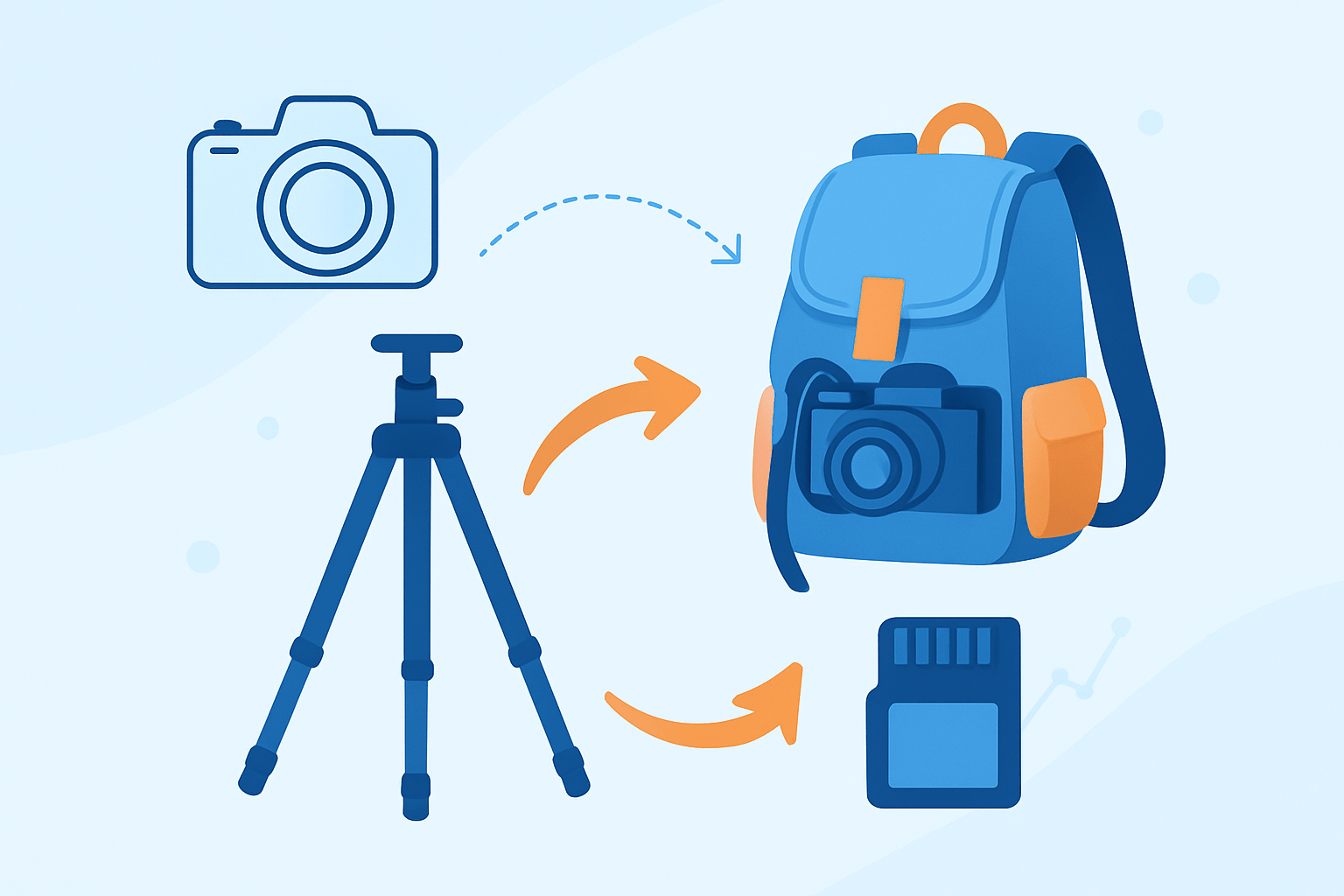
The quick answer is simple: side mount using compression straps, bottom mount using cinch straps, inside the pack if it fits, lash to MOLLE or daisy chains with straps or carabiners, or clip on accessory quick‑release tripod straps. Each option balances speed, protection, and stability in a different way. Choose based on your tripod size and the trail you plan to hike.
If you’re asking how to attach tripod to backpack for most day trips, start with a side mount because it is fast and easy. For long hikes or heavy sticks, a bottom mount keeps weight low and balanced. If the weather is bad or the trail is brushy, carrying the tripod inside the pack is safer for the gear and your pack fabric.
Travel tripods play well with side mounts and inside-pack carry because they are short and light. Full-size tripods ride best on the bottom or tight to the side closest to your back panel. If your pack has strong compression straps, daisy chains, and a sturdy hipbelt, you have the most choices.
Think about access before you choose a method. If you need the tripod every 10 minutes, side mount with the head up is fastest. If you plan to shoot only at sunset, bottom mount saves your shoulders and keeps the center of gravity low.
Trail type also matters. On narrow, brushy trails a side mount can snag and swing, so carry it low and tight or inside the bag. On open alpine trails a side mount is fine, but for scrambling and boulder hopping, bottom mount is noticeably more stable.
Here are quick tradeoffs in plain words. Side mount gives the fastest draw but can pull the pack to one side and catch on branches. Bottom mount is slow to access yet very stable and kind to your back.
Use this universal approach no matter the method: compress the tripod fully, lock the leg locks and center column, choose a solid anchor point, secure the head and the legs with a primary strap, then add a second tie to stop rotation. Pad any metal-to-fabric contact, walk 30–60 seconds, and adjust until it feels quiet and tight.
Before you head out, gather the key bits: one or two accessory straps 36–48 inches long, a cam-buckle strap for firm hold, Velcro leg wraps, a neoprene sleeve or sock for the head, a small locking carabiner, a few feet of paracord, a thin foam pad, and spare webbing. These small items make any pack tripod-ready in minutes. Pack them in an outside pocket for quick tweaks on the trail.
Do a quick pre-attachment check to protect your gear and pack. Collapse and lock the center column, remove or secure the quick‑release plate, retract spikes or cover them, and wipe grit from the legs so the pack fabric does not abrade. Confirm the pack straps and daisy chains are stitched into load-bearing seams.
Take care of your back and your bag while you learn how to attach tripod to backpack. Keep weight close to your spine, avoid thin decorative loops, and pad sharp edges so the fabric does not wear. For more setup ideas that work with many bag types, see attach a tripod.
Side mounting your tripod on a backpack
Side mounting is the fastest way to deploy your tripod on the trail. It shines for short hikes, city shoots, and fast-changing light when stopping to unpack is costly. You need two straps, Velcro wraps, a small carabiner, and a soft sleeve for the head.
Start by collapsing the tripod fully and locking every leg lock and the center column. Decide if the head sits up for speed or down for protection; head up is quick, head in is safer if the head is bulky or delicate.
Place the tripod against the side of the pack with the mass close to your back panel, not hanging far out. This keeps the center of gravity near your spine and reduces swing in tight spaces.
Run the upper compression strap around the head or top legs and cinch firmly, then add a second strap lower down to stop rotation. Two anchors are the secret to a quiet carry and a stable pack on uneven ground.
Wrap a Velcro strap around the legs to stop splay and rattling, and tuck rubber feet in so they do not snag. If your legs have spikes, cover them with caps or tape for now.
Add padding anywhere metal contacts fabric. A neoprene head sleeve, a sock, or a small foam square under the clamp protects both your tripod finish and the pack’s side panel.
Do a short walk test and micro-adjust. If the tripod leans or rotates, tighten the lower strap or move the lower anchor slightly closer to the pack’s back panel.
You can mount vertically for classic carry or horizontally for clearance under branches; test both at home. Try both sides of the pack and pick the one that lets your dominant hand deploy the legs without taking the bag off fully.
Large ball heads or gimbal heads need extra care. Seat the head inside the strap loop and use a carabiner as a keeper so the head cannot slide out when you bend over.
The side mount gives the fastest access but may unbalance the pack on very rough ground. On long scrambles, consider swapping to bottom carry at the trailhead and switch back at golden hour.
Bottom mounting your tripod with straps
Bottom mounting carries the weight low and close, which saves energy over distance. It is slower to access, but it shines with full-size tripods, windy ridges, and long approaches. Many hiking packs already have lower compression straps you can use.
Gather long compression straps or cam-buckle straps, a thin foam pad, and a small carabiner for a safety link. Ratchet straps can over-tighten and crush foam, so a cam-buckle is safer for camera gear.
Collapse the tripod, lock everything, and retract spikes or screw on rubber feet. If your tripod feet are removable, tuck them inward so they do not scrape the pack fabric.
Place the tripod along the pack bottom with the thickest part near the back panel rather than hanging off the front edge. The goal is to keep the weight inside the pack’s silhouette so it won’t snag or swing.
Thread one strap through or around the legs near the feet and crank it snug. Add a second strap crossing the first or set farther up the legs to stop any pivoting or rotation on the move.
For heavy setups, route a lower anchor through a reinforced loop near the hipbelt to transfer some load to your hips. This simple tweak reduces shoulder fatigue over long miles.
Pad the contact area with a foam strip or neoprene sleeve so the pack floor does not wear through. Recheck that you can still use hipbelt pockets and that nothing blocks the pack’s undercarriage if you set it down.
On a 10-mile alpine hike I carried a full-size Gitzo on the bottom with two cam-buckles and a foam pad. The pack felt planted, and I forgot the tripod was there until it was time to shoot.
Balance your load inside the bag around the tripod position, and keep heavy lenses near your back. A simple packing guide helps you place weight where it rides best.
Bottom mounting is best when balance beats speed. If sunset is your only shot of the day, the extra minute to unstrap is well worth the comfort.
Attaching a tripod to backpacks without tripod holders
If your backpack has no tripod sleeve or straps, you still have options. Daisy chains and side webbing take accessory straps well, and even a small carabiner can tame the tripod head. Keep all anchors on stitched, structural points.
A simple sling is easy to make with a 1-inch strap or paracord. Tie a loop at each end, cradle the tripod legs in the strap, and run the pack’s compression strap through the sling so the tripod sits snug to the side.
You can stabilize the head by clipping a small carabiner from the sternum strap loop to the tripod’s top plate. This trick stops fore‑aft sway during quick steps without adding bulk.
If you sew, add a short webbing loop or D-ring to a reinforced patch near the side panel. Avoid stitching into load-bearing seams, and remember that any modification can void a warranty, so get a professional to sew if unsure.
Generic tripod straps from many brands clip around the legs and then loop onto pack straps or daisy chains. They are fast, light, and work on commuter bags, travel packs, and hiking packs alike.
Be cautious with thin decorative loops and fashion webbing because they are not made for load. Test your DIY setup at home, add padding under hard edges, and step up to better hardware if anything slips.
Before you commit to a long day, walk and jog around the block for five minutes. Check seams, buckles, and fabric for any stress marks, and make small changes until the carry feels silent and secure.
Strapping techniques for stability during movement
Stability is all about two good anchors and friction. Use a top and a bottom strap on side carries, or two straps on bottom carries, so the tripod cannot rotate. The result is a quiet, balanced pack that moves with you.
A cross-lash or gentle figure‑8 wrap adds a bite that stops pivoting. Run one strap around the legs, then angle the second strap slightly across it so the tripod is trapped in a soft X.
Close the legs with a Velcro wrap and the tripod stops rattling. This tiny strap does more than you expect, and it also protects the leg locks from brush.
Add friction at the contact points with rubber tape, a neoprene sleeve, or a small foam pad. Soft grip surfaces let you cinch less while holding tighter, which is kinder to the pack fabric.
A short bungee can serve as a secondary retainer that allows tiny movement but kills full swings. It is an easy win if you often crouch, scramble, or step over logs.
Quick-release straps are great when you need speed at every stop, while permanent webbing and cam-buckles win on rough trails and long climbs. Pick the faster strap for city work and the more secure strap for mountains.
If buckles slip, swap to a cam-buckle or tie a small backup knot behind the buckle. If the tripod rotates, move the anchors farther apart or add a second strap lower on the legs.
When brush keeps grabbing your gear, tuck the tripod closer to the back panel and cover sharp parts with a sleeve. If you see seam stress, move the anchor to a stronger webbing point or add a reinforced loop.
Avoid common mistakes like leaving the quick‑release plate dangling, using only a single strap, trusting cheap straps that creep loose, or clipping to non-structural loops. These small errors cause most mid-hike fixes and dropped gear scares.
Run a quick checklist before you leave: check tightness, twist the tripod to test rotation, and do a short road or jog test. Make sure hipbelt zips open, nothing rubs your ribs, and no metal edge touches bare fabric.
If you still wonder how to attach tripod to backpack, think of it like a sleeping pad: compress, anchor at two points, add friction and padding, then test. The method may change, but the principles never do.
For a field-tested example that shows clean strap routes and fast deployment, see how others carry a tripod on rugged packs. Adapt the idea to your bag, take a short shakedown hike, and you’ll be ready for the light.
What People Ask Most
How to attach tripod to backpack when hiking?
Use the backpack’s side straps or daisy chains to hold the tripod horizontally or vertically and tighten the buckles so it can’t swing. Point the tripod legs down or toward your back to keep weight balanced.
Can I attach a tripod to a backpack without special straps?
Yes, you can use carabiners, webbing, or a small bungee cord to secure the tripod to loops or belt straps on the pack. Just make sure the fastener is tight and the tripod won’t shift while you walk.
What is the safest place on a backpack to attach a tripod?
The side or back panel near the torso is safest because it keeps the load close to your center of gravity. Avoid attaching a tripod too high or too low where it can snag or unbalance you.
Will attaching a tripod to my backpack damage the pack?
If you use proper straps and avoid sharp contact points, most packs handle a tripod fine without damage. Protect delicate fabric by padding the contact area if the tripod rubs or presses hard.
Is it better to carry a tripod inside or attach it to the backpack?
Attaching a tripod frees up internal space and makes it easy to access, while carrying it inside protects it from weather and reduces snagging. Choose based on route difficulty and how often you need to use the tripod.
How do I stop my tripod from swinging when attached to a backpack?
Tighten multiple attachment points and secure the legs together with a strap or clip to reduce movement. Placing the tripod close to your back also cuts down on swinging.
Are there common mistakes to avoid when learning how to attach tripod to backpack?
Don’t rely on a single loose strap, avoid letting the tripod stick out where it can catch on branches, and check buckles before you start walking. Regularly re-check the attachment during long hikes to stay safe.
Final Thoughts on Carrying a Tripod on Your Backpack
You’ve now got 270 degrees of options for carrying a tripod on a backpack—side, bottom, inside, MOLLE, and quick‑release straps—framed so you can pick what fits your kit and trail. The real benefit here is practical confidence: instead of guessing, you’ll choose a method that balances access, protection, and load transfer so your gear rides securely. This guide lays out simple steps, the must‑have kit, and easy tests so you’ll spend less time fumbling and more time shooting.
A quick caution: cheap straps, single tie‑downs, or sewing into non‑structural loops can lead to slippage, abrasion, or seam stress, so pad contact points and test any DIY fix with a short walk. These techniques are especially useful for day hikers, travel photographers, and landscape shooters who need fast deployment without wrecking their pack. If you carry very heavy tripods, favor bottom mounts and route load toward the hipbelt.
Remember the opener—how to attach tripod to backpack—wasn’t a mystery by the end; you’ve got clear, tested methods and a checklist to validate them. Trust your adjustments, walk a short test, and enjoy framing shots with one less worry ahead.




0 Comments