
Can cameras hear what you say? This guide answers that exact question plainly and up to date for 2026.
We explain which cameras can record audio and how microphones and software turn sound into a recording. You will see simple examples of home cams, doorbells, and pro systems.
You will also learn how far a camera can pick up speech, how to test your own device, and how to turn audio off. We cover basic legal and privacy issues so you know the risks.
Read on for quick tests, buying tips, and easy steps to protect your privacy. By the end you’ll know if your camera can hear you and what to do next.
Can security cameras record sound?
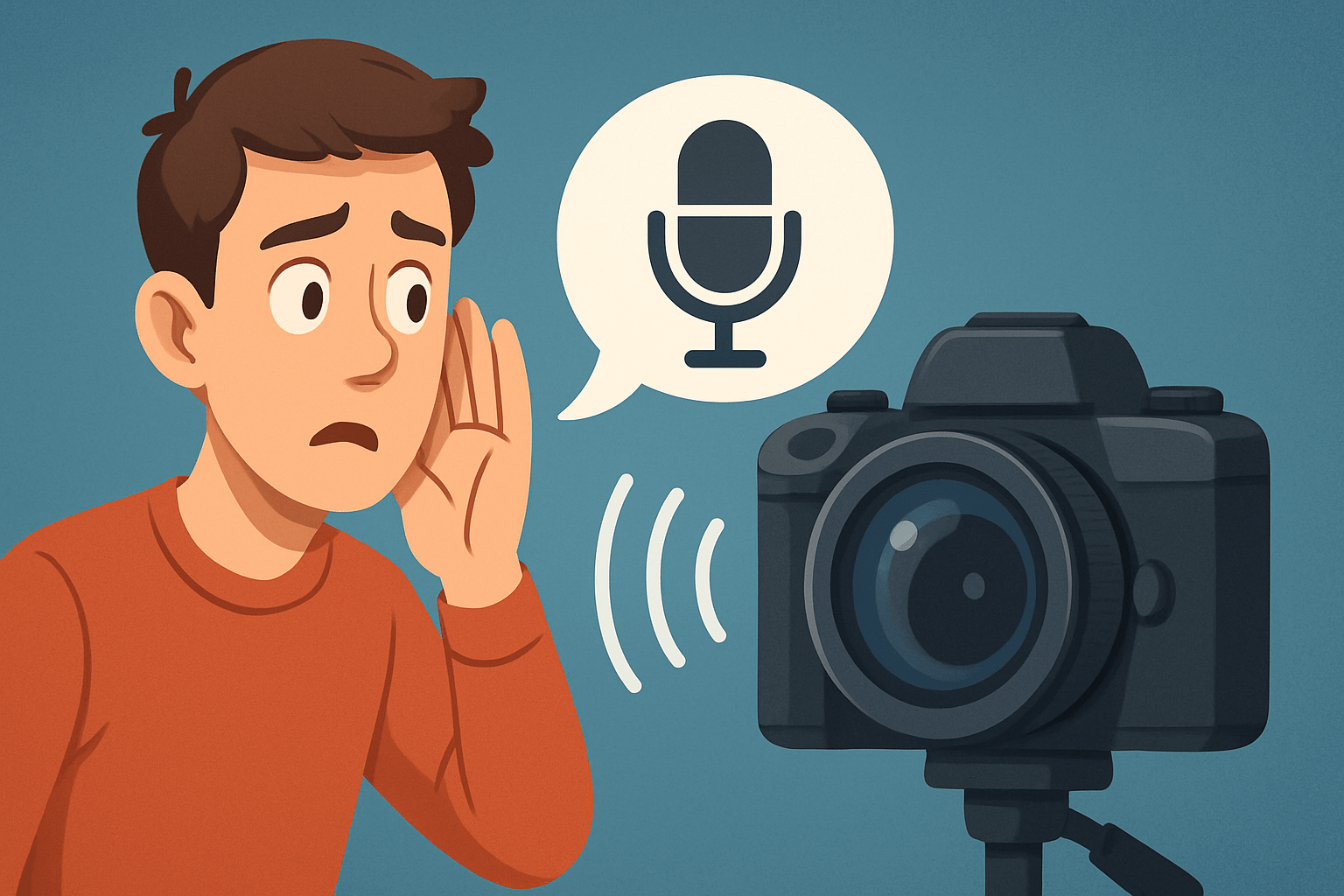
Yes, many modern security cameras can record sound. If you’re wondering can cameras hear what you say, the short answer is yes when a microphone is present and enabled. Some models leave audio out for cost, privacy, or legal reasons, so it depends on the specific device.
Here’s why it works. A small microphone picks up sound, an analog‑to‑digital converter turns it into numbers, a codec compresses it, and the camera streams or stores that audio alongside video. In other words, if the camera can record audio, it can capture speech near the mic and save it with the footage.
Consumer Wi‑Fi cameras like Nest Cam, Arlo, and Wyze typically include built‑in mics. Video doorbells almost always include two‑way talk, so they add both a mic and a speaker. Professional IP cameras often provide an external mic input, while some older or very cheap CCTV kits skip audio entirely.
Audio quality varies a lot from one camera to another. Wind, traffic, HVAC noise, or glass doors can mask voices, and a mic buried deep inside a plastic shell will hear less. So even when a camera records sound, how clearly it can hear what you say comes down to mic placement, processing, and the environment.
For examples, a small indoor cam near a hallway can capture speech a few meters away in a quiet home. A Ring or Nest doorbell records porch conversations and lets you talk back through the app. A pro IP camera from Axis, Hikvision, or Dahua paired with a powered external mic can capture more distant speech with better clarity.
How security cameras capture audio
Most cameras use tiny MEMS or electret condenser microphones. These mics hide behind a pinhole on the body, while professional models may expose a 3.5 mm jack or terminal block so you can attach an external microphone with better range or directionality.
Onboard mics are convenient and cheap, but they are tuned for close voices and quiet rooms. External mics let installers choose sensitivity, pickup pattern, and weather protection, which directly affects whether can cameras hear what you say during real‑world use.
After sound hits the mic, an analog‑to‑digital converter samples it at a fixed rate, often between 8 and 48 kHz. The camera then applies automatic gain control to even out loud and quiet parts, and may run noise reduction or beamforming to cut background hum and focus on speech.
Next comes compression. Many systems use G.711 for simple, uncompressed audio and broad compatibility, while AAC delivers higher quality at lower bitrates. Some modern platforms use Opus because it stays intelligible even when bandwidth fluctuates. The chosen codec and bitrate shape how natural voices sound and how much data the stream consumes.
Audio travels with video over live protocols like RTSP or HLS, or it is stored on a microSD card, a local NVR/DVR, or in the cloud when events trigger recording. If you review a clip later, the app decodes the audio track in sync with the footage so you hear what happened as you watch.
Two‑way audio adds a speaker to the camera and often a better mic. Some apps are half‑duplex, where you press to talk and then release to listen, while full‑duplex allows both sides to speak naturally at once. Latency of a second or two is common, but it still works well to deter intruders or greet a courier.
Together, the mic, processing, and codec determine clarity more than video resolution ever could. A higher signal‑to‑noise mic with a smart algorithm will make voices more intelligible in tough rooms. For a broader rundown of which cameras have audio, look at the mic type first, then follow the audio path from capture to storage.
How far can a security camera record audio?
Distance depends on physics and noise. Sound weakens as it spreads out, and the inverse‑square law means level drops fast with every step away. Mic sensitivity, directionality, ambient noise, housing design, and codec settings all shape how far a voice stays understandable.
With a typical consumer built‑in mic, expect clear conversation at roughly 1 to 5 meters in a quiet room. A quality external or directional mic can stretch intelligible speech to 10 to 30 meters in quiet conditions, sometimes more with shotgun or parabolic setups. Those specialized mics are uncommon on consumer cameras but common in professional installs.
Outdoors, wind and traffic crush range, and glass doors or windows block or reflect sound. Even if the video sees you, the mic might not hear you through insulation or double‑pane glass. So the real answer to how far can cameras hear what you say is “it depends,” and conditions matter more than the brand.
You can test range in five minutes. Mark spots at 1, 3, 5, and 10 meters from the camera, speak in a normal voice, then repeat with a raised voice and a whisper, and record each take. Play back the clips and rate them as clear, somewhat clear, or unintelligible, and you will know your practical microphone range for that location.
How to know if a security camera is recording audio
Start with the spec sheet. Look for mentions of a microphone, audio‑in, two‑way audio, or audio codecs like AAC, G.711, or Opus. If any of these appear, the camera likely records sound when the setting is enabled.
Inspect the device itself. A tiny pinhole labeled mic or a small grill usually marks the microphone, and a larger grill can indicate a speaker for two‑way talk. Remember that some models hide the mic under a seam or on the bottom, so look closely with a flashlight.
Open the app for the camera or NVR. Look for an audio toggle on the live view, privacy controls, and playback with a speaker icon; if sound comes through on recordings, audio is on. Some platforms store audio by event only, so test a motion clip as well as continuous footage.
Run a quick check you control. Stand near the camera, speak a sentence and clap once, then trigger a recording and replay it with the phone volume up. If you hear your words and the clap, the camera is capturing audio and syncing it with video.
If you’re more technical, view the RTSP or ONVIF stream metadata and check for an audio track and codec listing. Only inspect devices you own or manage, because accessing someone else’s stream or network is illegal. For simple methods anyone can use, this guide shows how to tell if cameras have audio in minutes.
Turning audio off is straightforward. Use the app’s audio toggle or a privacy setting in the firmware, unplug or remove any external mic, or place an approved physical cover over the mic opening if the maker allows it. After disabling, record a test clip and confirm that cloud backups and local storage do not include sound.
Is it legal for security cameras to record audio?
Law depends on where you live. In the U.S., the Federal Wiretap Act sets a baseline, and states add their own consent rules, with many using one‑party consent and some requiring all‑party consent for recording a conversation. Other countries have their own consent and surveillance laws, so always check local statutes.
The place matters too. Courts look at whether people have a reasonable expectation of privacy, so recording audio in bathrooms, changing rooms, or private offices is very risky. Recording conversations not meant to be overheard can also trigger wiretap issues even in public areas.
Reduce risk with a few habits. Disable security camera audio by default, post clear signs, collect consent where appropriate, set short retention limits, and secure footage with encryption, strong passwords, and two‑factor authentication. Think of this as good hygiene for security camera audio and your wider privacy setup.
Internationally, privacy rules like GDPR treat audio as personal data, so you need a lawful basis, clear notice, and strong data protection. Always document your purpose, limit access, and avoid recording more than you need. This is not legal advice, and you should consult a lawyer for specific use cases.
Choose audio only when it serves a clear need, such as evidence of threats or two‑way communication at a door. If privacy risks outweigh the benefit, pick a no‑audio model or keep audio off. A simple sign like “Audio and video recording in progress on these premises” plus consent language such as “By entering, you consent to audio and video recording for security purposes” can help set expectations, but get legal review before posting.
What People Ask Most
Can cameras hear what you say?
Some cameras can if they have a built-in microphone or are paired with one, but many cannot record sound by default.
Do smart security cameras listen to conversations?
Many smart cameras include microphones for two-way talk or alerts, but they usually only record audio when the feature is turned on.
How can I tell if my camera is recording sound?
Check the camera’s app or settings for an audio option or microphone icon, or look for a two-way audio feature in the device controls.
Is it legal for cameras to record audio where I live?
Laws vary by location, so it’s best to check local rules about consent before recording someone’s voice.
Can a camera pick up whispers or private talks?
That depends on the microphone quality and distance, but quiet or distant conversations are less likely to be clearly recorded.
How do I stop a camera from listening to me?
Turn off the audio feature in the camera’s settings or mute/remove the microphone to prevent it from recording sound.
Are there privacy risks if a camera records sound?
Yes, recorded audio can capture sensitive details and may be stored or shared, so review permissions and storage settings regularly.
Final Thoughts on Can Cameras Hear What You Say
If you wondered “Can cameras hear what you say?”, the short answer is yes—with caveats, and this guide gives you the knowledge to decide when and how to let them listen. We explained how microphones and codecs work, how to test range (we even included a 270-second test), and how to spot or disable audio so you can protect privacy while still capturing useful evidence. That clarity helps homeowners, small-business owners, and security pros choose gear and set policies that match real needs.
Knowing whether a camera will reliably catch speech means fewer surprises and stronger, more usable recordings, but be realistic: ambient noise, mic placement, and local consent rules can make audio unreliable or legally risky. The practical checks and simple test steps in this piece are aimed at people who need actionable certainty—landlords, employers, and anyone securing a home or business. With a few sensible settings and routine checks, you’ll have systems that listen where it matters and respect privacy elsewhere.





0 Comments