
You’ve stood at the printing counter wondering how many 4×6 photos per stamp you can print without wasting paper or risking rejected ID photos. We’ll show layouts that keep heads the right size and prints sharp. You’ll get faster, less wasteful results.
Surprisingly, the neat math people expect often falls apart when margins, spacing and aspect ratios enter the picture. This guide helps beginners, parents, small studios and anyone printing passport or ID photos at home or at a lab.
We’ll explain why labs sometimes squeeze more images and why home printers may force you to print fewer, without getting lost in technical jargon. You’ll also get quick tips on templates, resolution needs, and prepping images so tiny faces stay clear.
Whether you’re making a single passport sheet or batching dozens, you’ll save time and avoid reprints. You’ll also avoid common legal pitfalls that can ruin a passport application. So keep reading because the fix is simpler than you think.
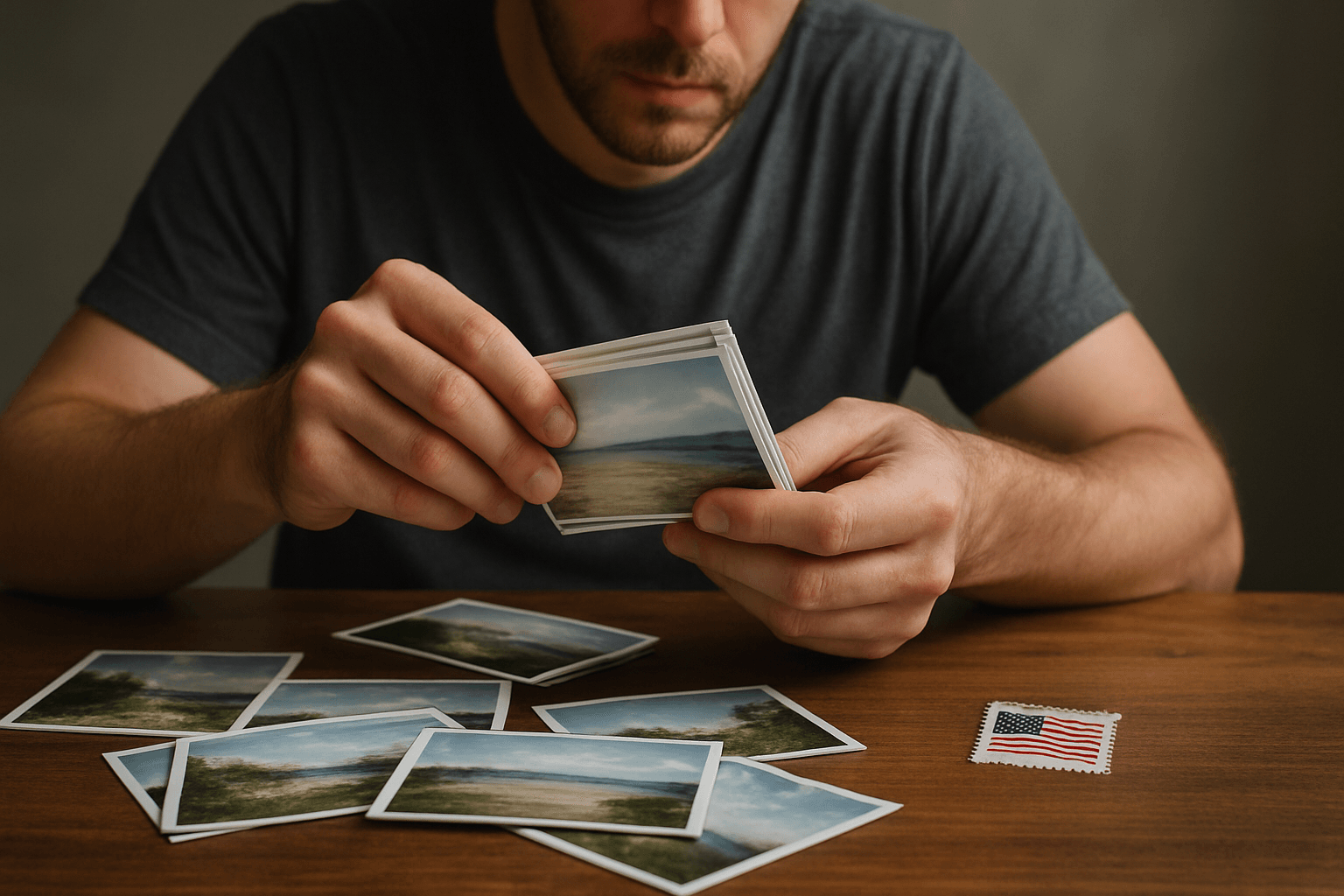
Exact dimensions of a 4×6 photo (inches, cm, pixels at 300 PPI)
Before we calculate how many 4×6 photos per stamp you can manage, let’s anchor the basics. A 4×6 print measures 4 by 6 inches, or 10.16 by 15.24 centimeters.
Its area is 24 square inches and the aspect ratio is 3:2, which simply means the long side is one and a half times the short side. This ratio affects layouts later.
At 300 PPI—pixels per inch—the file should be 1200 by 1800 pixels. PPI is screen resolution, while DPI is printer dot density; labs often use the terms interchangeably.
If you’d like a refresher on sizes and conversions, skim how big is a 4×6. It’s the foundation for precise multi-up planning.
Standard stamp-size (passport) photo dimensions and standards
Now for stamp photos. A typical stamp or passport-style shot measures 20 by 25 millimeters, which is 0.787 by 0.984 inches. That’s roughly 0.77 square inches.
The aspect ratio is about 4:5, so it’s taller than it is wide. That’s different from a 4×6’s 3:2, and this mismatch influences cropping and grid choices.
Many ID standards specify minimum head height, such as at least 16.25 millimeters from chin to crown. They also require 300 DPI resolution for the submitted digital or printed image.
When in doubt, check current stamp-size guidelines. Specs change by country, and small deviations often cause rejections.
The math: how many stamp photos fit on a 4×6 print
Let’s do the napkin math first. Divide the 4×6 area—24 square inches—by a stamp’s ~0.77 square inches. You get about 31 stamps in a purely theoretical, marginless world.
Real paper needs breathing room. Spacing, printer margins, and aspect ratio losses typically reduce practical layouts to about 24 to 30 stamps per 4×6 sheet.
If you’ve searched “how many 4×6 photos per stamp,” the confusion comes from these losses. The answer depends on orientation, spacing, and whether you crop or scale slightly.
We’ll translate that theory into working grids next, so your sheet prints cleanly and cuts easily without clipping chins or foreheads.
Layout considerations: aspect-ratio mismatch, margins, spacing and cropping
Because a 4×6 is 3:2 and a stamp is roughly 4:5, something must give. You either crop the image tighter or add white margins inside each stamp cell.
Margins matter more than you think. Unprintable borders on home printers, plus safe cutting space, can cost you a whole row or column if you plan too tightly.
Spacing—tiny gutters between photos—prevents accidental trims into faces. Even 0.03 to 0.05 inches between cells makes cutting safer and reduces visible lab bleed.
For common counts, think in portrait sheet orientation. A 4×6 portrait fits 4 columns × 6 rows for 24 with comfortable columns; 5 × 6 squeezes 30 with near-zero margins.
Resolution and pixel requirements for sharp small prints
Quality starts upstream. At 300 DPI output, a 20×25 mm stamp should be about 236 by 295 pixels. That’s your per-stamp target for reliably crisp small prints.
The 4×6 canvas at 300 PPI is 1200 by 1800 pixels. When arranging stamps, keep each cell at 236 by 295 pixels minimum to avoid softness from upscaling.
Downscaling from a larger original is fine; it usually sharpens detail. Avoid upscaling tiny smartphone crops, or enable high-quality interpolation to minimize artifacts.
For IDs, preserve head size while cropping. Lock your crop tool to the 4:5 ratio and watch the chin-to-crown distance, not just the edges of the frame.
Templates and tools for arranging multiple stamp photos on 4×6
I build a 1200×1800 pixel canvas in Photoshop, Lightroom, or any editor with guides. Snap a grid, then duplicate locked-aspect cells to fill your chosen layout.
Create three templates: 24, 25, and 30 cells. Set cell sizes to 236×295 pixels for true-scale stamps, and add gutters of 6–12 pixels for safe cutting.
Lock the aspect ratio at 4:5 when placing images, so faces don’t stretch. Enable “constrain to image” or similar to keep crops proportional as you drag.
If your lab needs bleed—ink beyond the edge—add 1–2% extra empty margin around the outer cells. Bleed protects against trimming variability at the lab.
Printing practices: photo labs vs home printing
Labs often offer multi-up sheets and tweak spacing to maximize counts. Some, like 4×6 photo prints, support borderless output, which helps fit tighter grids.
Home printers may enforce non-negotiable margins. Borderless modes can slightly enlarge the image, so test to ensure your outer cells don’t get clipped.
Paper finish changes the cut feel. Glossy can scuff when trimmed; lustre or matte usually cuts cleaner and hides fingerprints, especially across many small prints.
If you’re still wondering how many 4×6 photos per stamp layout you can run, ask your lab about exact borderless tolerances. Gear rules often decide the final count.
Tips to maximize quality and print efficiency when doing multi-up prints
Start with sharp, well-lit originals at 300 DPI or higher. Clean, even backgrounds simplify compliance and reduce compression artifacts when downscaling.
Build a 1200×1800 pixel multi-up canvas and paste each stamp into a pre-sized cell. This avoids last-minute resizing that can soften the final print.
Enable crop overlays that show 4:5, and keep head height consistent from batch to batch. Small variances become obvious when twenty faces sit side by side.
Run a test sheet with dummy faces. Measure a printed head height, check for safe cutting space, then lock your settings for the full run.
Legal and official-photo considerations that affect multi-up printing
Regulations are strict for IDs. Exact dimensions, head proportions, and background color all matter, and labs or officials may reject nonconforming prints.
Multi-up sheets can tempt you to shrink or crop slightly to fit another row. Resist that for official use; changing the head size is a common failure point.
Confirm current government specs before printing a stack. If a lab offers compliance checks or certification, it’s often worth the small fee.
If your goal is purely personal “stamp” prints, flexibility is fine. For passports, stick to the book, even if it costs a few spots on the sheet.
Case studies and example layouts for 24–30 stamps on a 4×6
For 24 stamps, orient the sheet portrait and use 4 columns × 6 rows. At true 20×25 mm, you’ll have comfortable side margins and thin row gaps for safe cutting.
For 25 stamps, a 5 × 5 grid only fits by reducing height slightly below 25 mm. That breaks most passport specs, so use this only for non-official “stamp” prints.
For 30 stamps, go 5 columns × 6 rows on a portrait 4×6. It fits at true size but leaves razor-thin margins, making borderless lab printing almost mandatory.
These examples show why the practical answer to how many 4×6 photos per stamp depends on your tolerance for spacing, printer bleed, and strict size compliance.
What People Ask Most
How many stamp-size photos can I print on one 4×6 photo?
In theory a 4×6 (24 in²) divided by a stamp area (~0.77 in²) gives about 31 small photos, but in practice margins, spacing and cropping reduce that to roughly 24–30 stamps per 4×6. I recommend planning for 24–30 to allow for printer margins and to preserve head proportions.
What are the precise measurements of a stamp photo compared to a 4×6 photo?
A typical stamp/passport size is 20 mm × 25 mm (0.787″ × 0.984″), area ≈0.77 in², aspect ratio ≈4:5; a 4×6 print is 4″ × 6″ (10.16 cm × 15.24 cm), area 24 in², aspect ratio 3:2 and at 300 PPI equals 1200 × 1800 pixels. I use those exact numbers when laying out multi-up templates to keep sizing consistent.
Can I print passport photos on a regular 4×6 print without cropping?
Not usually — the 3:2 4×6 shape and the ~4:5 stamp shape don’t match, so you’ll need to either crop the image to fit or add margins that change how many fit on the sheet. I also warn that any cropping that alters head-size or position can make an ID photo noncompliant with official rules.
What resolution is needed for printing small photos on a 4×6 sheet?
I recommend 300 DPI (dots per inch) for sharp small prints; at 300 DPI a stamp is about 236 × 295 px and a full 4×6 is 1200 × 1800 px. DPI is just a density measure — starting at 300 DPI preserves detail when you downscale or print multiple copies on one sheet.
How do I set up printing multiple passport photos on a 4×6 sheet?
I create a 1200 × 1800 px canvas, add a grid template for the target count (24, 25 or 30), lock the crop aspect ratio for each cell, set margins/bleed, batch-place images, and run a test print to check head-size and spacing. Using template-ready tools in Photoshop or Lightroom makes the process fast and repeatable.
Why does the number of photos per 4×6 print vary between photo labs?
Labs use different printer margins, borderless options and automated presets that either maximize count or preserve strict cropping for ID rules, so counts vary between vendors. I always check the lab’s settings or request a specific template if I need a guaranteed layout or official compliance.
Wrapping Up: Making Multi‑Up Passport Prints Work for You
If you started this article wondering how many 4×6 photos per stamp you could realistically fit and still meet ID rules, you’ve now got a clear way to balance count and compliance. The main payoff here isn’t an exact maximum so much as a reliable method to judge tradeoffs between fitting more images and preserving the head-size and sharpness officials care about. That clarity will be most useful to travelers, parents, small business operators, and photographers who need efficient, official-looking prints.
One realistic limitation is that labs, printers and official photo rules sometimes force tighter crops or fewer images than you’d like, so layouts that work on screen may not pass validation. Equipment margins and paper options vary, and that variability means you’ll have to accept occasional compromises between quantity and guaranteed compliance. Still, understanding the layout constraints makes those compromises predictable rather than frustrating.
Armed with the layout logic we described, you can craft multi-up sheets that respect head proportions and image quality without guessing. Put these guidelines into practice on a mockup and you’ll be making consistent, compliant prints with less wasted paper and time.




0 Comments