
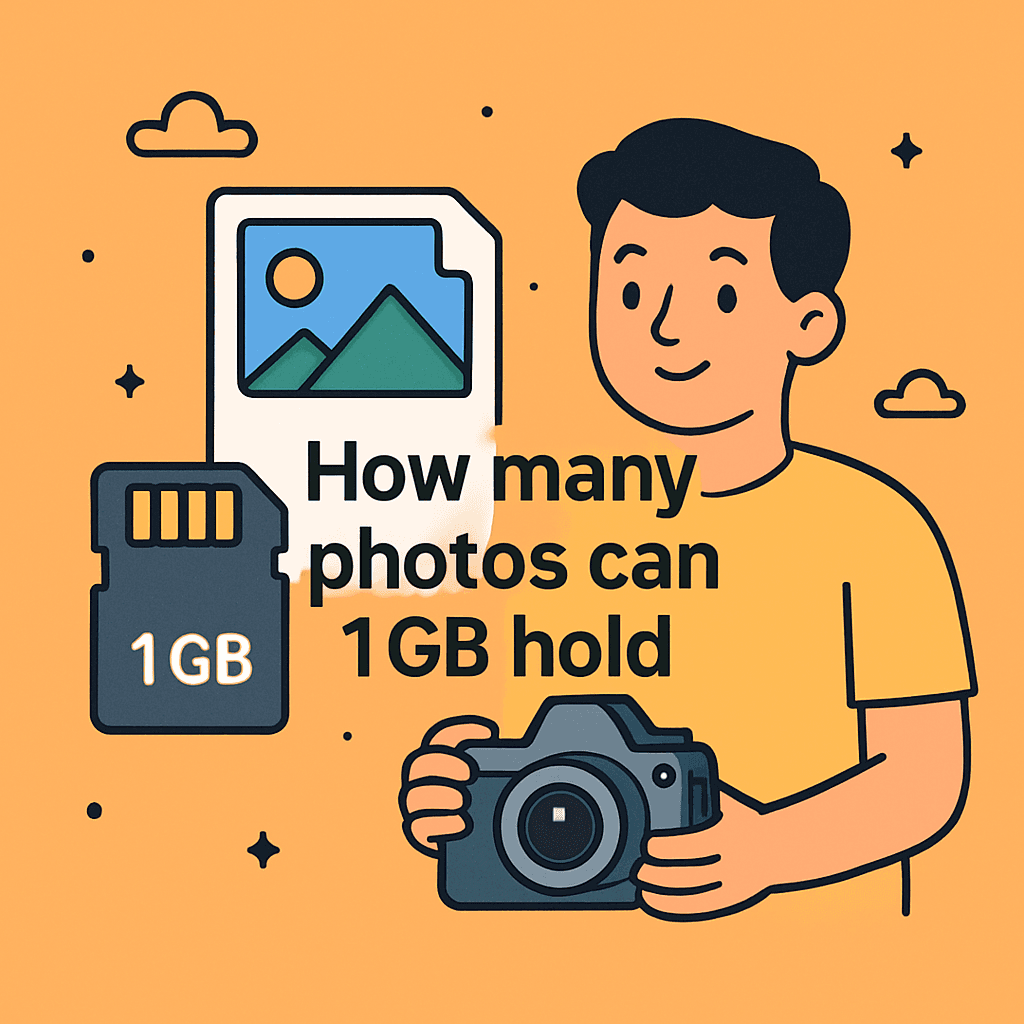
Tired of running out of space mid-shoot? You’re probably wondering how many photos can 1gb hold when picking a card for a shoot. It’ll show simple ways to estimate capacity and avoid nasty surprises.
You’ll learn quick rules of thumb for common JPEGs and RAW files, plus real-world examples that make numbers click. You’ll also get one easy formula to estimate counts from your own images. You’ll finish with practical tips to squeeze more shots when you need them.
It’s for smartphone shooters, travel photographers, hobbyists, and pros who need to plan memory for events. Beginners shooting casual photos and pros shooting RAW for weddings or commercial work will both find useful guidance here.
You’ll be surprised how wide the range can get and why labels don’t always mean what you expect. You’ll get a few quick rules that make planning memory painless. …keep reading because the fix is simpler than you think.
What “1 GB” Means for Photo Storage
On SD cards, 1 GB uses decimal math: 1 GB equals 1,000 MB, not 1,024 MB. That small distinction matters when you’re estimating capacity in the field.
The quick math is friendly: 1,000 divided by your average file size in megabytes. If your photos average 5 MB, then 1,000 ÷ 5 ≈ 200 photos per gigabyte.
Remember there’s tiny overhead for the file system, so your real number may dip slightly. When friends ask how many photos can 1gb hold, I always start with this simple division.
Typical Photo File Sizes by Format and Resolution
File size depends on two big levers: format and resolution. Format is how data is saved, like JPEG or RAW; resolution is how many pixels the sensor records.
JPEG compresses the image to keep files small, trading a bit of flexibility later. RAW keeps nearly all sensor data, giving you editing power at the cost of size.
Resolution multiplies everything. More megapixels mean more data to store, so both JPEG and RAW grow as your camera’s sensor gets larger.
JPEG (smartphone / high-res)
Smartphone JPEGs today commonly land between about 2–5 MB per file. Using the math, that’s roughly 200–500 photos per 1 GB on a typical phone.
Bright scenes with simple detail compress well and shrink files. Night shots, foliage, or confetti scenes pack in texture, pushing JPEGs closer to the upper range.
RAW (professional/uncompressed)
Most camera RAW files average around 20–30 MB each, depending on sensor and bit depth. That means about 30–50 photos per 1 GB in real practice.
RAW protects dynamic range and color depth for editing, which balloons data. It’s why I switch to RAW for paid jobs, even if it slashes capacity.
Low- and mid-resolution examples
A 5MP image often lands near 1.5 MB, which fits around 595 photos per 1 GB. A 12MP JPEG averaging 7 MB drops that to roughly 140 photos per 1 GB.
These figures aren’t one-size-fits-all, but they reflect everyday experiences. When someone asks how many photos can 1gb hold, these examples make it click.
Range of Possible Photo Counts
Across devices and settings, I’ve observed a wide span: roughly 13 to 715 photos per 1 GB. The extremes come from huge RAW files versus small, low-res JPEGs.
Three variables drive the swing: megapixels, format, and compression level. A 45MP camera in RAW behaves nothing like a 5MP compact shooting economy JPEGs.
If you want a sanity check, compare your results with a trusted flash storage chart. Your numbers should land in the same neighborhood.
How Image Resolution Affects Storage Needs
Resolution represents pixel count, and pixels are data. Double the pixels, and your files swell, even with the same format and quality settings.
Newer phones like the iPhone 15 shoot 24MP by default, increasing average JPEG size. That means fewer images per gigabyte than older 12MP models at the same settings.
High-resolution sensors also amplify complex detail, which compresses less efficiently. Landscapes bristling with leaves always make JPEG counters tick down faster.
Compression, Quality Settings and Metadata Impact
JPEG compression comes in flavors like Fine, Standard, or Economy. Fine keeps more detail, creating larger files; Economy trims detail for smaller sizes.
Dialing down quality can dramatically boost capacity with minimal visible loss for casual shots. It’s a quick lever when you’re wondering how many photos can 1gb hold during a trip.
Metadata—EXIF tags like lens, time, and GPS—adds only a sprinkle of bytes. Compared to image data, it’s a rounding error.
Smartphone vs DSLR: Practical Comparisons
Smartphone JPEGs at 2–5 MB yield around 200–500 images per gigabyte. A DSLR or mirrorless shooting 20–30 MB RAWs nets about 30–50 per gigabyte.
If you flip the camera to RAW+JPEG, capacity drops again. You’re saving two files per shot, so plan for half the count compared to RAW alone.
These rules-of-thumb help on assignment days. I still do a quick test before a job so I know exactly how many photos can 1gb hold for that setup.
Real-World Examples to Use in Article
Here’s what I tell students on photo walks. A 1 GB card holds about 140 12MP JPEGs if each file averages 7 MB.
For RAW shooters, figure about 30–50 photos when files range from 20–30 MB. Drop to a 5MP JPEG around 1.5 MB, and you’ll see roughly 595 photos per gigabyte.
If you want more benchmarks, skim these photos per GB references. They align closely with my field notes.
How to Calculate Your Own Estimate
Open your gallery and note file sizes for 20 recent shots. Add them up, divide by 20 to get an average, then use 1,000 ÷ average MB.
Alternatively, shoot a quick test burst and check the sizes on your computer. This mirrors your current settings and subject matter for an accurate estimate.
Do this before buying cards for an event. You’ll know precisely how many photos can 1gb hold with your exact camera and settings.
Tips to Maximize Photo Storage Efficiency
When quality can flex, drop JPEG from Fine to Standard. Most viewers won’t spot the difference on social media, and your capacity climbs.
Shoot JPEG instead of RAW for everyday snapshots. Save RAW for night scenes, high contrast, or paid work where editing latitude matters.
Estimate your shot count and pick card sizes accordingly. For a long day, I prefer multiple mid-size cards instead of one giant basket for all eggs.
Special Considerations for Planning Memory Cards
Match cards to the job. Casual travel and family events thrive on JPEG; commercial shoots often demand RAW for post-production.
High-megapixel bodies need larger or more cards. Even with compression, those sensors eat space quickly in busy, detailed scenes.
When in doubt, carry extra cards and a backup plan. You’ll appreciate it the moment a perfect sunset keeps you shooting past expectations.
For an at-a-glance guide, this memory card hold overview echoes the numbers I use when planning.
Effect of Post‑Processing and Camera Settings on File Size
Editing can grow files, especially when exporting high-quality JPEGs or TIFFs. Sharpening and noise reduction add detail, which compresses less.
In-camera tweaks matter too. Setting higher JPEG quality or enabling noise reduction usually increases the saved file size before you even import.
When storage is tight, adjust export quality thoughtfully. Aim for the smallest file that still looks great at your intended viewing size.
What People Ask Most
How many photos can 1GB hold on my smartphone?
It depends on file size — typical smartphone JPEGs are about 2–5 MB, so I can expect roughly 200–500 photos per 1 GB; if I shoot higher-resolution or RAW, I’ll get far fewer.
What is the difference in photo count between JPEG and RAW on 1GB?
JPEGs are compressed and usually much smaller (roughly 200–500 per GB), while RAW files are much larger and uncompressed (about 30–50 per GB), so RAW yields far fewer shots per gigabyte.
How does image resolution affect storage needs?
Higher megapixel sensors create larger files, so more megapixels mean fewer photos per gigabyte; for example, a 24MP image will typically use more space than a 12MP image.
Can I store more photos by lowering JPEG quality?
Yes — lowering JPEG quality increases compression and reduces file size so I can fit more photos on the same card, though reduced quality may be noticeable depending on how low I go.
How many 24MP photos fit in 1GB?
It depends on format and compression; 24MP files will generally be larger than 12MP ones so I’ll get fewer than the ~140 12MP JPEGs per GB, and the precise count is best found by measuring average file size and dividing 1,000 MB by that number.
How many photos does a 1GB memory card hold for DSLR cameras?
For DSLR RAW files (typically around 20–30 MB each) I can expect roughly 30–50 photos per GB, while DSLR JPEGs can reach into the hundreds depending on compression settings.
How do I calculate how many photos my memory card can hold?
I measure the average file size of a sample set of my photos (in MB), then divide 1,000 MB by that average (1,000 ÷ average file size) to estimate how many photos will fit on the card.
Final Thoughts on Memory-Card Confidence
We opened with a simple worry: how many photos can 1gb hold and why that answer always seemed to dodge photographers when they needed it most. This article turned that anxiety into useful clarity by explaining what a gigabyte really represents and showing the main factors that swell or shrink file sizes, so you can make informed choices instead of guessing. You should now feel less mystified about matching card size to shooting style.
The real benefit here is practical confidence — you’ll be planning shoots and buying cards with a reliable ballpark in mind rather than hoping luck holds out. Don’t forget, though, that these are estimates: higher megapixels, RAW files, and heavy editing will devour space faster than average figures suggest. Hobbyists packing for vacations and pros scheduling multi-hour shoots will both get the most from using this guidance.
Remember the opening hook about surprise-full cards; by understanding the drivers behind file size you’ve already solved that pain point. Try applying the ideas to your own camera habits and you’ll be shooting with fewer storage headaches and more creative freedom going forward.


0 Comments