
How to know when blink camera is fully charged? This short guide gives clear signs so you stop guessing and keep your camera ready.
You will learn how to read the Blink app, spot LED charging cues, and see which Blink models are rechargeable or use replaceable AA batteries. A simple checklist will help you confirm a full charge fast.
The article also covers charge times, troubleshooting tips, and safety notes for non-rechargeable batteries. Step-by-step checks and photos make it easy to follow.
Scroll down for quick answers and practical steps you can try now. No tech skill required.
How to know when Blink camera battery is fully charged
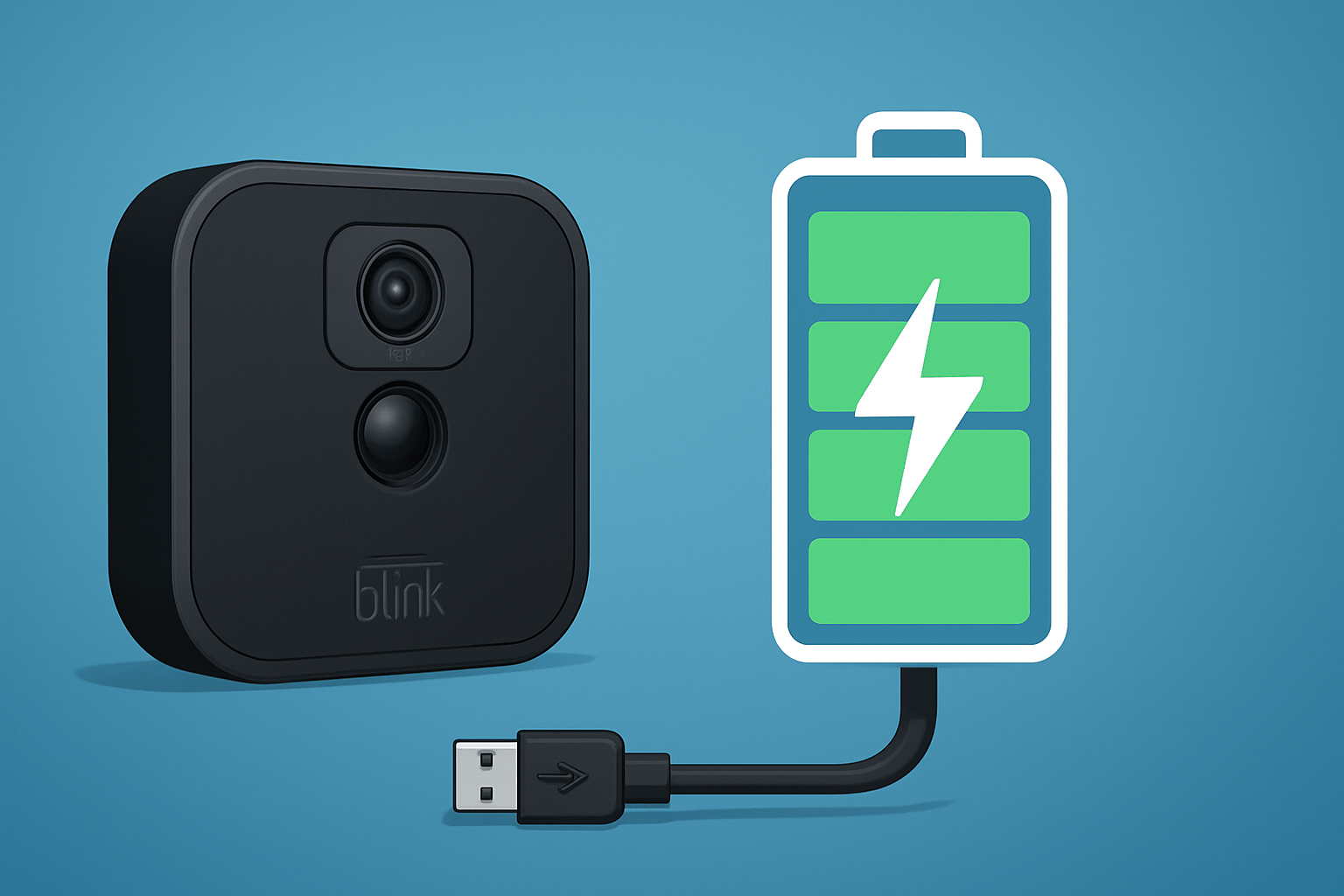
The quick answer: open the Blink app and confirm the battery reads 100% or shows a full/OK status, and if you are using a rechargeable pack or solar mount, wait for its charger LED to turn solid green. That is how to know when blink camera is fully charged.
Most Blink cameras do not charge because they run on non‑rechargeable AA lithium cells. “Fully charged” only applies if you power your camera with a rechargeable accessory like a solar panel battery pack or USB battery base.
Here is the model reality in simple terms. Blink Outdoor 4, Outdoor 3, Indoor (Gen 2), XT, XT2, and the Blink Video Doorbell use two AA 1.5 V lithium batteries and are not rechargeable. Blink Mini and the Wired Floodlight Camera plug into mains power and have no battery. For a quick model refresher, see Blink’s guide to camera power.
Reliable signs of a full charge are the app showing Battery 100% or Full/OK, the accessory or charger LED changing from red or amber to green, and external charger indicators reaching full. LED colors and blink patterns differ by accessory and model, so always check your specific manual for exact meanings.
To verify, connect your rechargeable pack to a stable wall charger and let it sit for the recommended time. When the indicator turns green, reconnect the camera if needed.
Open the Blink app to confirm the updated battery status. If the reading lags, start a short Live View or power cycle the camera to refresh the value and make sure the change sticks.
How To Check Battery On Blink Camera
Open the Blink app, then on the home screen tap the gear icon next to your camera. You will see a small battery icon on the camera tile and a fuller readout inside Device Settings.
Go to Device Settings, then Device Info to view the Battery field. Depending on firmware, it may show a percentage or a status like OK, Good, or Replace; if it looks stale, pull down to refresh, start a Live View, or capture a clip and check again.
If you use a rechargeable battery base or solar pack, look at its LED while plugged in; a green light usually signals full charge. For AA models, you can remove the back cover carefully, inspect the cells, and reseat or replace them with fresh 1.5 V lithium AAs.
There can be a delay before the app shows 100% or Full, especially right after charging or replacing batteries. Give it a few minutes, then refresh; for more context on charging methods, see how to charge a Blink battery. If you came to learn how to know when blink camera is fully charged, this is the screen that confirms it.
Understanding the LED light indicators on Blink cameras
Charging LEDs usually live on the battery accessory or its USB charger, not on the camera itself. A common pattern is red or amber while charging and solid green when full, but LED colors and behavior are model‑dependent, so confirm in your manual.
The small LED on the front of most Blink cameras is a status light for recording and connection, not a battery meter. Blue often appears during Live View or recording when enabled, and a blinking red can indicate setup or network issues; for solar kits, check that the solar panel is charging as shown by its own indicator.
To be certain, pair the charger or panel LED with the Blink app reading. Those two together are how to know when blink camera is fully charged on rechargeable setups.
Blink Camera Battery Charging Time
For AA models like Outdoor 4 and Indoor (Gen 2), there is nothing to charge; Blink estimates up to two years of life under typical use. The Blink Video Doorbell can run on two AAs or wired power; wiring does not recharge its batteries. Blink Mini and Wired Floodlight are plug‑in and always powered.
If you use a rechargeable battery base or solar mount, USB top‑offs often take a few hours with a 5 V, 1–2 A wall adapter, while solar time varies with sun and temperature. Exact times depend on capacity, starting level, and the charger, so follow your accessory manual.
Use a quality wall adapter instead of a computer USB port, and avoid high‑voltage “fast” phone chargers unless your accessory allows them. Charging while mounted is fine if the cable is seated and the port is protected from weather.
Troubleshooting Blink camera battery related issues
If the app shows the wrong percentage, pull to refresh or force‑close and reopen the app. Trigger a short Live View, then reboot the camera and Sync Module if needed, and confirm you are on the latest firmware.
When a rechargeable pack will not fill or stays low, swap the USB cable and wall adapter, try another outlet, and let it charge longer. Inspect the charging port for debris and test with a known‑good 5 V adapter.
Rapid drain is usually caused by frequent motion clips, long clip length, or heavy Live View. Reduce motion sensitivity, shorten clips, keep the camera in Wi‑Fi range, avoid extreme cold, and update firmware.
If LED patterns are confusing, consult your model’s manual and try a reboot or reset. Signs of a failing battery include swelling, heat, sudden shutdowns, or a charge that drops quickly; replace AAs with fresh 1.5 V lithium cells or replace the pack.
Contact Blink support if problems persist and have your model, serial, firmware, and screenshots ready. Never attempt to recharge non‑rechargeable AA cells, as this is unsafe and can cause leaks or fire.
What People Ask Most
How to know when Blink camera is fully charged?
Open the Blink app and check the battery indicator — a full reading (near 100%) means the camera is fully charged. You can also confirm by unplugging and verifying normal operation.
How long does it usually take to fully charge a Blink camera?
Charging time varies but most Blink cameras reach a full charge within a few hours on a proper charger. If it takes much longer, check the cable and connection.
Can I leave my Blink camera plugged in after it shows fully charged?
Yes, leaving it plugged in is generally safe, but unplug it if the camera gets unusually hot or shows signs of damage. Regular monitoring helps prevent issues.
Why does my Blink camera still show low battery after charging?
This can happen due to a loose cable, dirty contacts, an app refresh delay, or a weak battery that needs replacement. Try reconnecting the charger and refreshing the app first.
Will the Blink app notify me when the camera is fully charged?
The app shows battery level but usually does not send a dedicated “fully charged” alert, so check the device battery indicator in the app. Some users set reminders to check manually.
Can an LED light tell me when the Blink camera is fully charged?
Some units use status lights that change when charging finishes, but the most reliable method is checking the battery indicator in the Blink app. Rely on the app if the light behavior is unclear.
What simple steps can I take to keep my Blink camera battery healthy after it’s fully charged?
Reduce motion sensitivity, shorten clip length, and use schedules to limit recording time for longer battery life. Regularly check connections and update the app to maintain performance.
Final Thoughts on Blink Camera Battery Charging
You should now be able to tell when a Blink battery is truly topped up: the app reads 100% or “full”, the camera or charger LEDs show the documented stop pattern, and an external charger confirms it — you might even spot diagnostic codes such as 270 in logs. That core benefit — knowing when to stop charging and avoid surprise downtime — gives you steadier recordings and fewer interruptions. We answered the opening question about how to know when Blink camera battery is fully charged with a quick checklist, app and LED checks, model notes, charge-time expectations, and troubleshooting steps.
A realistic caution: app readings can lag, LED colors and patterns vary by model, and many outdoor units use non-rechargeable AA cells that should never be recharged. This guide helps owners of rechargeable Blink models the most, while also helping anyone managing mixed setups by spelling out simple checks and what to watch for. With these small habits and a quick verification routine, you’ll spend less time guessing and more time enjoying the protection your cameras are meant to provide.




0 Comments