

How to photograph black skin so it looks rich, detailed, and true to life?
This short guide shows exactly how to photograph black skin with a clear, step-by-step workflow you can use on set. It covers lighting, white balance, exposure, gear, and post-processing.
You’ll learn the why behind melanin and reflectance, simple camera settings, and three proven lighting setups to copy. There are quick do’s and don’ts, a gray-card routine, and a gear checklist for fast prep.
Follow these practical tips to keep tones natural, preserve texture, and create catchlights that bring portraits to life. Read on for easy steps and a printable on-set checklist.
How to Photograph Black Skin and Other Dark Skin Like Mine
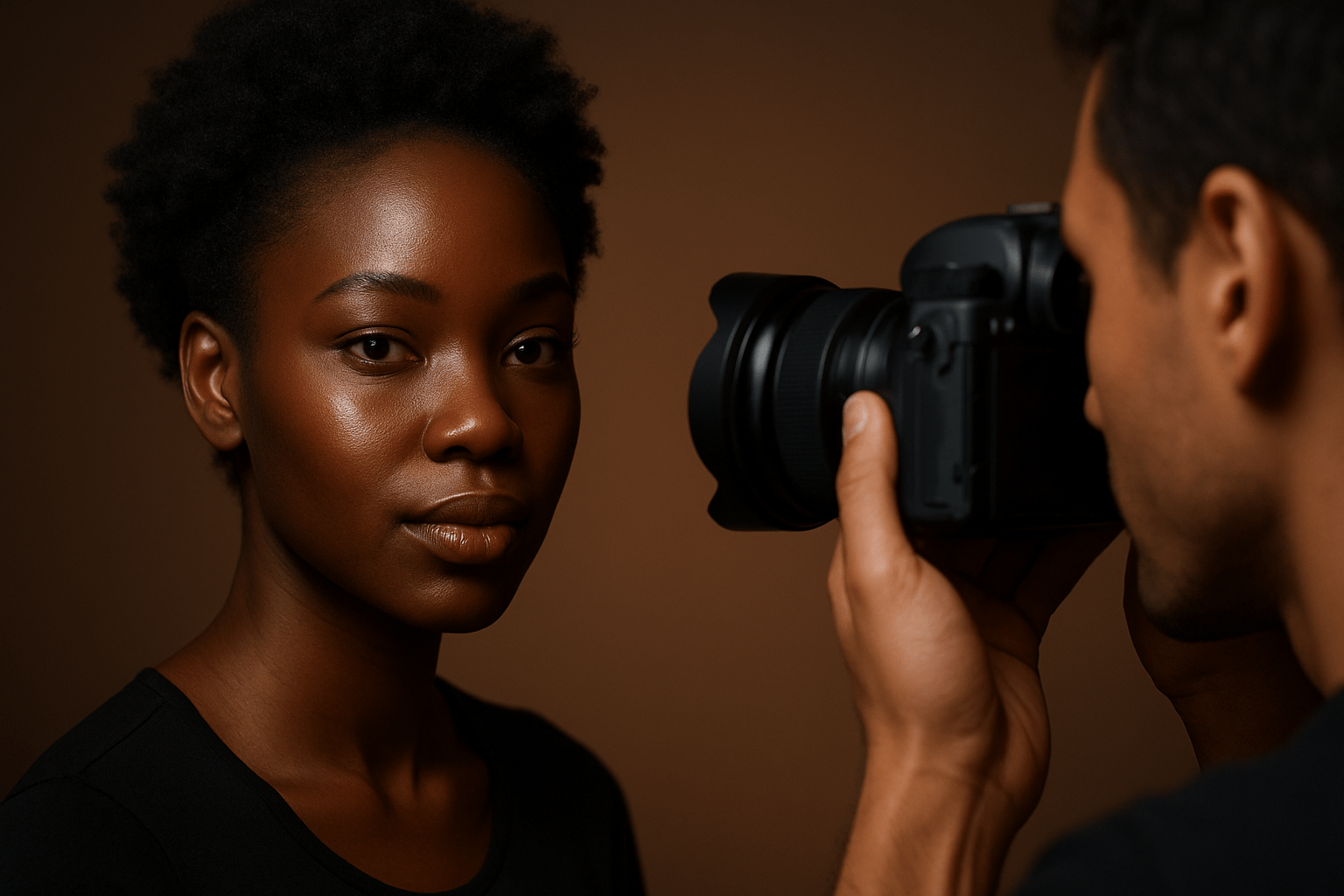
If you have asked how to photograph black skin, the answer is not more light but better light. Darker skin has more melanin, which absorbs more light and can make midtones sink if you light it wrong. The goal is to protect highlights, keep midtones rich, and hold texture in the shadows.
Midtones carry the story of dark skin, so do not chase a “bright” exposure and lose shape. Let the light wrap and let the face sit where it feels dimensional, not washed.
Before you start, plan your color. Jewel-toned backdrops like emerald, deep navy, and burgundy sing with darker skin, while high-gloss white can throw harsh bounce and unwanted contrast. Confirm makeup is shade-matched to face, neck, and clavicle, and favor matte where shine builds fast on the T‑zone.
Pack a RAW-capable camera, 85mm or 50mm primes, a large soft modifier or a big window, a smaller gridded light for hair or rim, and white, silver, and gold reflectors. Bring a gray card or ColorChecker, a tether cable, and a monitor calibrator so your preview stays honest. Set ISO 100–400, plan for 1/125–1/200 when using flash, and choose f/2.8–f/5.6 depending on depth and skin texture.
Start with a clean six-step workflow. First, set RAW and base ISO and turn off Auto White Balance so your color stays consistent shot to shot. Second, make a custom white balance from a gray card or ColorChecker frame and keep it handy for every lighting change.
Third, build a large, soft key that wraps from about 45 degrees to the face and add a white reflector or low fill to open deep shadows. Fourth, meter the face with an incident meter or a spot reading on the cheek and use the histogram and zebras to guard highlights on the forehead, nose, and cheekbones. Fifth, shoot variations with tiny angle changes, try a backlit frame with a reflector, and adjust light ratios for mood.
Sixth, review on a calibrated screen or tether and bracket ±0.5 to 1 stop if you are unsure. Capture close-ups for pores, texture, and clean catchlights that bring eyes to life.
Do keep catchlights visible and well-shaped. Do shoot RAW and avoid relying on AWB; do not over-smooth skin in retouch and erase real texture.
If you want more field-tested ideas on how to photograph black skin, this piece pairs well with a helpful guide that expands on technique and creative choices. Use both to build your own repeatable flow on set.
Dial in White Balance for Natural Skin Tones
White balance is the steering wheel for skin color. AWB will chase the brightest tone in frame and can cool dark skin in shade or warm it too far under tungsten, making it look ashy or orange. Getting WB right in camera makes everything else easier.
The simplest tool is a gray card. Shoot one frame with the card at each setup, then set a custom WB in camera or select that frame in RAW to sync across the set.
A ColorChecker lets you build a profile and correct tints from odd lights or green backgrounds. When you cannot profile, use Kelvin mode and manual tint so color stays stable when you recompose or add a reflector.
For strobes, start around 5200–5600K and fine‑tune with tint; for tungsten, try ~3200K; for golden hour outdoors, 3000–4500K often feels right. If you see green from foliage or fluorescent bulbs, add a touch of +magenta to clean the cast.
Make a quick habit: photograph the gray card in the same light as the face, tether to check a neutral preview, and lock that WB for the sequence. If you change modifiers or the sun shifts, shoot the card again and update.
If the skin looks cool and flat, warm with a gold reflector tip-in or bump Temperature slightly. If it looks too orange, use a white or silver bounce and pull Temp back or nudge Tint toward green to neutralize a magenta push.
When you photograph mixed tones in one frame, capture a neutral reference and plan local white-balance adjustments in post. One camera WB rarely solves every face, so build flexibility into your files.
Choosing the Right Lighting for Dark Skin
Light quality and direction matter more than raw power. A large source makes soft transitions and keeps pores and texture pleasing, while controlled specular highlights bring a healthy sheen without blowing out. Think shape first, then brightness.
Go big on modifiers. A large softbox or broad window creates wrap and smooth midtones, a beauty dish with diffusion adds glam specular without harsh edges, and grids or snoots let you aim rim or hair lights so they do not spill on the face.
Pick reflectors with intent. White gives a neutral, gentle lift, silver adds pop and brighter catchlights, and gold adds warmth that can be great at sunset or in cool shade. Use gold lightly so you do not push the skin toward orange.
Natural light starter: place your subject in open shade or beside a window at about 45 degrees and hold a white reflector just below the chin. Start at ISO 200, 1/200, and f/2.8–f/4, and adjust the reflector distance to taste. Picture a top-left catchlight that mirrors the window; that shape signals good wrap.
Studio one-light starter: set a 36″ octabox 45 degrees from the face, 3 feet from the subject, and add a white board opposite for fill. Aim for roughly a 2:1 ratio between key and fill, start at ISO 100, 1/160, and f/4, and feather the key so speculars on the forehead stay tight and controlled. Imagine a diagram with the key slightly forward of the subject’s nose line to keep shadows soft.
Two-light with rim: keep the same octa as key at 4 feet, then add a gridded strip or snoot behind and above for a hair light. Place it opposite the key, set it 1 to 1.5 stops under the key for subtle separation, and start at 1/200 and f/5.6 to protect highlight detail. Watch RGB clipping to make sure the rim does not go pure white.
Low-key option: use a smaller modifier or tuck the key further to the side for a 3:1 to 6:1 ratio, but keep shadows recoverable in RAW. A black or deep navy background keeps focus on the face and makes catchlights sparkle. This approach is moody yet still respectful of texture.
Catchlights are your heartbeat. They reveal the shape and position of your modifier and make eyes feel alive, so place them high and slightly off-center, then ask your subject to turn until the sparkle looks right. For more perspective on lighting approaches, the notes in photographing people of color offer useful context.
Exposing for the Face on Dark Skin
Exposure choices decide whether the skin feels rich or dull. Aim to protect bright speculars while keeping midtones healthy and round, because that is where darker skin carries its detail. This is core to how to photograph black skin well in any light.
An incident meter reading at the subject’s face is the fastest way to set exposure. If you spot meter, read a midtone area like the cheek, then add or subtract about half a stop to taste while watching the preview.
Use your histogram and highlight warnings as guards, not goals. If zebras blink on the forehead or nose, pull the key or stop down a third and recheck, and look at RGB channels for clipping in just one color.
Starter settings help. Try ISO 100–400 for clean files, shutter 1/125–1/200 to sit under flash sync or freeze handshake, and aperture f/2.8–f/5.6 depending on the texture you want. When in doubt, bracket ±0.5 to 1 stop and choose the best density later.
Some photographers like to underexpose by a third to protect highlights, then lift shadows in RAW with minimal noise. Others expose so midtones land full and then pull highlights down; both work if you guard speculars and avoid crushing blacks.
When faces in one frame have different tones, feather the key toward the darker face and add a local fill near the lighter face. You can also lift the darker face with a closer white reflector while leaving the lighter face unchanged.
Common mistakes include trusting AWB and evaluative metering to “fix” exposure, using a tiny hard light that creates hot spots, and shooting too wide open so nose and ears blur away. Close down a touch, grow the light source, and meter the face, not the background.
Post-Processing Tips for Dark Skin
Start from the RAW file and apply the gray-card or ColorChecker frame you shot on set. A good profile and neutral WB give you a clean base so color edits stay small and precise. This simple step is the secret to how to photograph black skin that feels natural and luminous.
In Lightroom or Camera Raw, set WB first, then adjust Exposure until the face feels right. Pull Highlights down a bit to control speculars, raise Shadows just enough to show contour, and fine-tune Whites and Blacks so the histogram touches but does not crush.
Use the tone curve to shape contrast in the midtones rather than hammering global Contrast. Small S‑curves add polish without losing detail, especially around cheekbones and the bridge of the nose.
Color sits in oranges and reds for most skin, so nudge HSL gently. Lower Orange saturation a touch if needed, and adjust Orange/Red luminance a hair to keep depth without chalkiness. If you see purple or green shifts, correct hue slightly rather than adding heavy global saturation.
For local work, paint subtle dodge and burn on low flow to carve planes and reduce isolated shiny hotspots. Keep texture by using frequency separation sparingly, and avoid strong global Clarity or Dehaze that can gray out midtones. Your goal is polish, not plastic.
Build a skin-tone brush preset with small negative highlights, a touch of texture reduction, and tiny warmth if needed. Use layer masks to keep lips, eyes, and hair crisp while evening tone on cheeks and forehead.
When your color feels right, proof on a calibrated monitor and convert a copy to sRGB for the web. Keep a wide‑gamut TIFF or the RAW as your master so you can print later without banding or color loss.
If a rim light clipped a little, try a local highlight recovery and reduce exposure slightly in that area. Tame green casts from grass or fluorescents with a local +magenta brush, and preserve catchlights as you sharpen the eyes.
If you want to see a complete color-to-retouch pipeline tailored to darker tones, study advice built around BIPOC portraits and adapt the parts that fit your style. The strongest edits often look invisible and let light and expression carry the frame.
Here is a quick on-set reference you can memorize. Pack a RAW-capable camera, 85mm or 50mm primes, a large octabox or a big window source, a smaller gridded light for rim, white/silver/gold reflectors, a gray card or ColorChecker, a tether cable, and a monitor calibrator. Good tools make consistent skin color much easier.
Use these starting settings and ratios. ISO 100–400, shutter 1/125–1/200 when using flash, aperture f/2.8–f/5.6, and bracket ±0.5 stops if needed; for strobes try 5200–5600K, tungsten ~3200K, and golden hour around 3000–4500K, and always shoot a gray card per setup. Meter the face, check zebras, and keep highlights under control.
Match backdrop and styling to flatter the skin. Choose jewel tones or warm earth colors and avoid putting bright white right next to the subject if it causes harsh bounce; ask for makeup that matches face to neck and avoids heavy white primers or powder, with a subtle highlight on the cheekbone for a healthy sheen. Avoid common mistakes like auto WB, small harsh light without diffusion, blown highlights, over-smoothing texture, skipping the gray card, or letting background colors spill onto the skin.
What People Ask Most
How do I expose correctly when photographing black skin?
Expose for the skin’s midtones and highlights so you keep rich detail, and review your images to avoid blown highlights. Small exposure tweaks often work better than large changes in post.
What kind of lighting works best when photographing black skin?
Soft, directional light like window light or a softbox brings out texture and creates flattering catchlights, while harsh light can wash out tones. Use reflectors or fill light to gently lift shadows when needed.
How should I set white balance when photographing black skin?
Match white balance to the light source or set a custom white balance to keep skin tones accurate and natural. Slightly warmer settings often make skin look healthy without changing the true color.
What are common mistakes beginners make when photographing black skin?
Common mistakes include underexposing, overusing harsh flash, and not checking highlights or color on a screen. Take test shots and adjust lighting and exposure before shooting a full set.
How can I pose and compose to flatter black skin in photos?
Use poses and angles that catch light on the cheekbones and eyes, and pick backgrounds that contrast with the skin tone to help the subject stand out. Simple, confident poses usually look best.
Do I need special editing techniques when photographing black skin?
Basic edits like small exposure, contrast, and color adjustments are usually enough, and avoid over-brightening or desaturating the skin. Use subtle local edits to preserve texture and tone.
Is it true I should always overexpose when photographing black skin?
No — always overexposing can blow out highlights and remove texture; instead aim for a correct exposure that preserves detail and color. Adjust lighting and camera settings to retain highlight detail.
Final Thoughts on Photographing Dark Skin
This guide gives you a clear, start‑to‑finish workflow so you can light, expose, and edit dark skin with confidence, and I even saved a quick cheat‑sheet named 270 on my desktop to remind me of the essentials. It walks through the why of melanin and reflectance, how to dial white balance, where to place soft wrapping light, and exact camera starting points so you can copy settings on set. Portrait and commercial shooters who work with darker tones will get the most from it, because it’s built to turn principles into repeatable shots.
Be realistic: you’ll still need practice and bracketing to learn how a given modifier or backdrop behaves, and don’t let presets or heavy retouch steal texture or flatten midtones. The article showed simple checks—gray‑card WB, meter the face, check histograms—that help you avoid those traps.
Come back to these steps when you plan a session and they’ll speed your setup and sharpen your eye; the opening promise—to photograph black skin and other dark skin like mine—was answered with practical, repeatable tools. Keep experimenting and you’ll keep getting more honest, luminous portraits.





0 Comments