
How to photograph shiny objects so they look clean, crisp, and free of your reflection? This short guide gives clear, usable steps you can try right away.
You will learn to control reflections and shape light. I give a simple workflow: prep, lighting, camera settings, test shots, shoot, and basic retouch. You will also get quick recipes for jewelry, bottles, chrome parts, and mirrors.
We cover diffusers, cloth tents, white cards, and black flags to shape reflections. I explain camera basics like shooting RAW, using low ISO, a tripod, and apertures such as f/8–f/16. You will get quick fixes for hotspots and tips on using a polarizer.
The article includes lighting diagrams, before/after photos, and a fast-start checklist to set up quickly. Read in this order: workflow first, then lighting and reflection control, camera settings, and the white-card technique. By the end you will know how to photograph shiny objects like a pro.
How to photograph shiny products like metal and glass
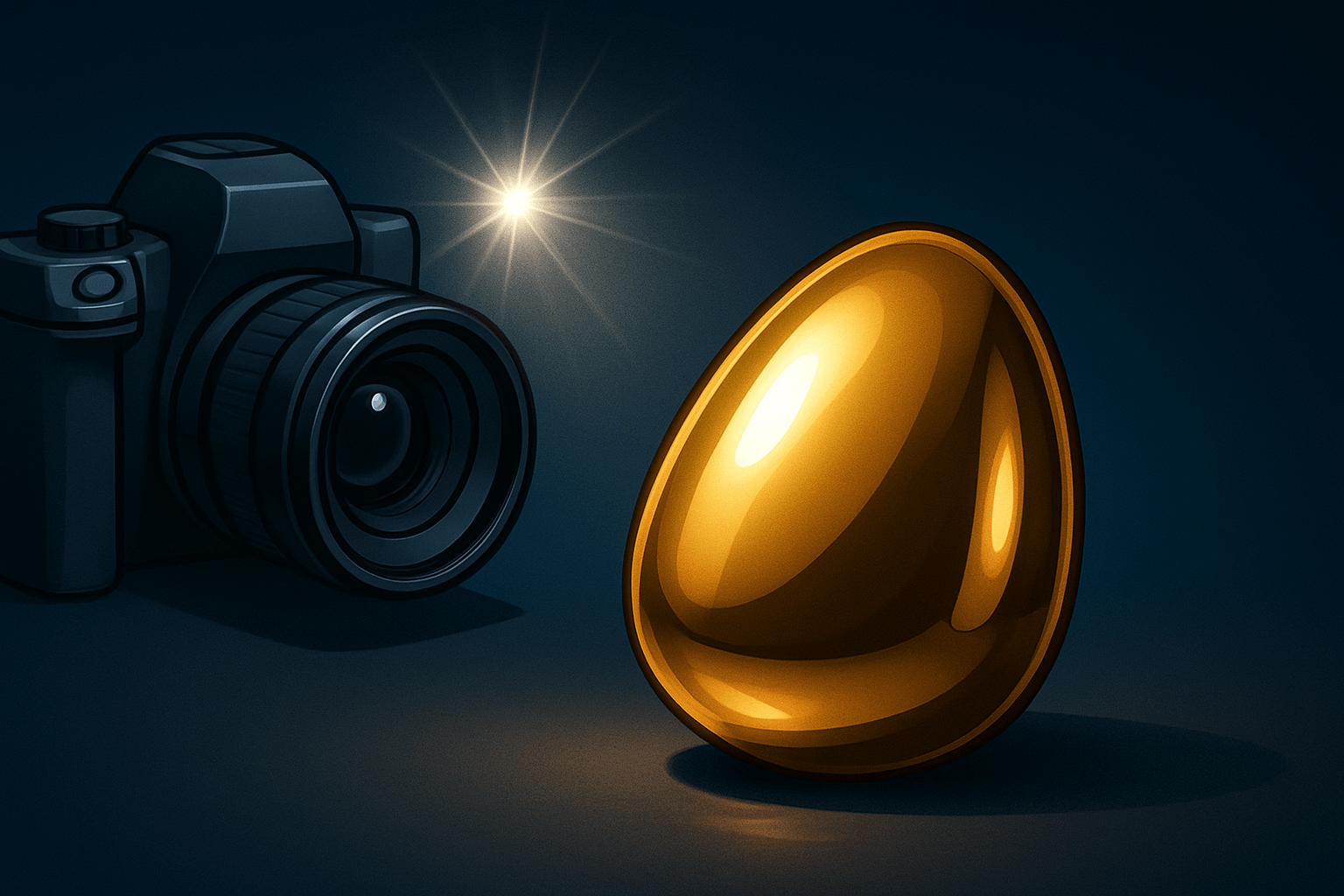
The short answer to how to photograph shiny objects is this: control reflections and shape the light. Clean the object, diffuse your light, place white and black cards, choose a smart angle, shoot RAW, and retouch small flaws later. Everything else builds on those basics.
Use a simple repeatable workflow. Start with prep and cleaning, then build your lighting with large diffusion, set the camera, run test shots, refine cards and angles, then shoot your finals and do light post-production. This approach works for both metal and glass.
Begin with preparation. Put on gloves, dust with a blower, and polish with a microfiber cloth. Remove stickers and lint, and secure the object with clear putty so it won’t slide when you adjust cards.
Next, set your lighting. Use big, soft light and think of the product as a mirror of the room. Build the scene the product will “see” by placing white cards for glow and black cards for edges, and keep your camera off-axis to avoid reflecting yourself.
Dial in the camera basics. Shoot RAW at low ISO, use manual exposure, and lock focus from a tripod. Take test frames, check the histogram, move cards by small amounts, and tweak exposure until the highlights are smooth but not blown.
Use recipes to move fast. For small jewelry, use a tabletop light tent, a macro lens, and putty under pieces; place two lights outside the tent and add black strips to outline facets. For glass bottles, use a large overhead softbox, side diffusers, and a dark slit to define the bottle edges; you can learn simple DIY lighting setups to copy at home.
For chrome car parts, use a very large scrim and surround the scene with white foam board, then add thin black flags to carve shape. For mirrored items, keep the background clean and reflect a controlled scene into the surface, not the actual room. Include a simple top-down lighting diagram and a before/after showing bare flash versus tented light to make the differences obvious.
Use a light diffuser or build a tent of cloth around the object
Large, soft light replaces harsh hotspots with smooth gradients. A diffuser or cloth tent makes the product reflect a big white surface, which evens out the specular highlights. The result is shape without glare.
You can build a basic tent with white fabric, foam board, or translucent diffusion panels. Size it larger than the subject so the object “sees” only white. Place lights outside the tent, and shoot through a small front opening to hide your reflection.
For small objects like rings, use a tabletop tent and one or two speedlights or small softboxes. Keep the lights just outside the tent walls, and bring the walls close to the subject for even wrap. Add a top card to brighten the crown of the piece.
For bottles, suspend a large overhead softbox and flank the subject with two translucent panels. Aim the lights through those panels, then add thin black cards near the edges to define the bottle outline. Rotate the label to catch a clean, soft highlight.
For large items or mirrors, wrap them with big diffusers or a large scrim and use black flags to draw elegant lines. Skip direct on‑camera flash because it creates hard pinpoints. Choose continuous LEDs for easy preview, or strobes for more power and lower ISO if your budget allows.
If you still see hard edges from the softbox, add another layer of diffusion or pull the light farther back to make the source larger relative to the subject. If highlights blow out, lower power, stop down the aperture, or angle the object slightly so the brightest reflection exits the camera’s view. Watch highlight warnings and adjust until the glow is smooth.
Know the difference between good reflections and bad reflections
Good reflections shape the product and define curves. They look like soft, controlled highlights or neat catchlights that reveal form. Bad reflections are you, your camera, a cluttered room, or a sharp blown hotspot that steals attention.
Create good reflections by placing white cards where you want bright shapes to appear. Then add thin black cards or strips to carve edges and add depth. Move these pieces in small steps and watch the highlight lines tighten or relax.
Eliminate bad reflections by changing your camera position or rotating the object a few degrees. Block problem sources with flags, or reflect a plain white card into the surface to replace a messy scene. You can even place a large white card in front of the camera with a hole cut for the lens.
For tiny surfaces, a hint of mattifying powder can tame micro‑glints, but use it sparingly and remove it after with a soft brush. Keep fingerprints away with nitrile gloves and fresh microfiber cloths. For more visuals, look at tips and examples that illustrate good versus bad reflections.
A circular polarizer can reduce reflections on non‑metallic surfaces like glass or glossy labels. It may also flatten the look if overused and will cost you 1–2 stops of light. It has little effect on bare metal, so rely on diffusion and flags there.
What are the best camera settings for reflective photography?
Start with a stable base: tripod, manual exposure, manual focus, and the lowest native ISO. Shoot RAW for maximum dynamic range and white balance control later. Use a normal or short telephoto lens to avoid wide‑angle distortion near the object.
Aperture does the heavy lifting. For most small and medium products, f/8 to f/16 balances sharpness and depth, with f/11 as a reliable sweet spot. If you need more depth, step down carefully or consider focus stacking rather than pushing into diffraction.
Set shutter speed after aperture and ISO. With strobes, stay at or below your sync speed and let flash power control exposure. With continuous light on a tripod, long exposures like one second are fine, so use a remote or timer to avoid shake.
Turn off on‑camera flash and keep any speedlights off‑axis and diffused. Respect sync speed limits, angle lights into diffusers, and keep modifiers larger than the subject. Avoid pointing bare lights at shiny surfaces unless you want a hard specular line.
Watch the histogram and enable highlight alerts to protect peaks. Bracket exposures when unsure, and set custom white balance with a gray card if color is critical. Example settings that work: strobe setup at ISO 100, f/11, 1/125s on a tripod; continuous tent at ISO 100, f/11, 0.5–2s depending on brightness; include small thumbnails of these recipes in your visual guide for easy reference.
Start by surrounding the object with white cards or paper
White cards act like huge, cheap reflectors that you can place anywhere. They control the shape of reflections without adding more lights. This is the easiest place to start when learning how to photograph shiny objects.
Place a card in front for gentle fill, two at the sides for wrap, and one above to mimic a big softbox. Angle each card until the highlight lines look smooth and even. Move them closer for brighter reflections and farther for softer, dimmer ones.
Add black cards or thin strips to create crisp rims and separate edges from the background. A narrow black line can turn a flat bottle into a sculpted silhouette. Slide the strip until the edge pops, then fine‑tune distance to control contrast.
If you have no studio kit, use printer paper, foamcore, or a white bedsheet as reflectors. Hide your reflection by placing a large white card between the camera and object, and cut a small hole for the lens. For a deeper dive on techniques to shoot without glare, learn how controlled reflections beat brute force brightness.
Keep a short pre‑shoot checklist in mind. Clean with blower and microfiber, wear gloves, remove dust and stickers, secure pieces with putty, and plan your hero angle before building the light. Essential gear includes a tripod, a macro or standard lens, a large softbox or tent, foamcore cards, black flags, diffusion fabric, an off‑camera flash or LED, a remote release, a blower, tweezers, and spare cloths.
Avoid common mistakes by watching for your own reflection and using a card to hide it. If highlights blow out, add diffusion or lower power; if the object looks distorted, back up and use a longer focal length. For a three‑step fast start, put the object in a tent, place two lights outside the sides, and add a top white card to polish the glow.
Finish with simple post‑production. Remove dust and tiny unwanted reflections with clone and heal, recover mild highlight clipping if needed, and adjust white balance for neutral metal and clean glass. Use gentle dodge and burn to shape highlights, and include before/after frames and a quick “problems and one‑line fixes” graphic in your final set so readers see what each change does in real time.
What People Ask Most
What’s the easiest setup when learning how to photograph shiny objects?
Start with a clean background, soft diffused light, and a steady camera to reduce blur and harsh reflections.
How do I avoid unwanted reflections on shiny surfaces?
Change your shooting angle, use diffused light or white cards around the object, and move yourself until reflections disappear.
Do I need special gear to photograph shiny objects well?
No, a basic camera or smartphone works fine; simple tools like a tripod, diffuser, and clean cloth make a big difference.
How can I make shiny objects show more detail in photos?
Use side or angled lighting to reveal texture and keep small, controlled highlights to define the shape.
Is natural light better than flash for photographing shiny objects?
Soft natural window light is usually easier to control, but flash can work when diffused to avoid harsh spots.
What common mistakes should beginners avoid when learning how to photograph shiny objects?
Don’t use direct harsh light, forget to clean the object, or leave a busy background that creates distracting reflections.
How should I edit photos of shiny objects without losing the natural shine?
Remove dust and tiny blemishes, then use gentle contrast and clarity adjustments while keeping the natural highlights intact.
Final Thoughts on Photographing Shiny Products
If one image sticks it’s that controlling reflections and shaping light makes the difference — keep 270 as a quick reminder to check angles and reflections. Mastering those levers gives you reliable, sale-ready images without guessing every session, and it’s especially useful for product photographers, e‑commerce sellers, and hobbyists. The payoff is consistent highlights and cleaner backgrounds.
This guide showed a repeatable workflow — prep, build soft light (tents or diffusers), shape reflections with white and black cards, pick camera settings, test, then retouch — so you won’t be surprised by nasty hotspots or camera reflections. A realistic caution: heavy retouch isn’t a substitute for proper lighting, so plan shoots and clean your subject carefully. The diagrams and recipes will speed that learning.
People who want crisp, true-to-object product photos will get the most from these steps, since they focus on predictable control instead of luck. Even small tweaks — card placement or a slightly different aperture — often fix what looked impossible. Keep experimenting, and your shots will improve with each setup.



0 Comments