
What does aperture control in photography? This tiny lens opening changes how bright your image is and how blurred the background becomes.
In this guide you’ll learn what aperture is, how aperture controls light, and how f-stops affect both exposure and depth of field. We will keep it visual and practical with clear examples and charts.
You will see side-by-side photos, an f-stop scale, and simple exposure swaps so you can try them yourself. By the end you will know which apertures to use for portraits, landscapes, macro and low light.
No heavy math — just short formulas, quick tips and a three-shot exercise to practice. Read on to master aperture and make photos that look the way you want.
What is Aperture in Photography?
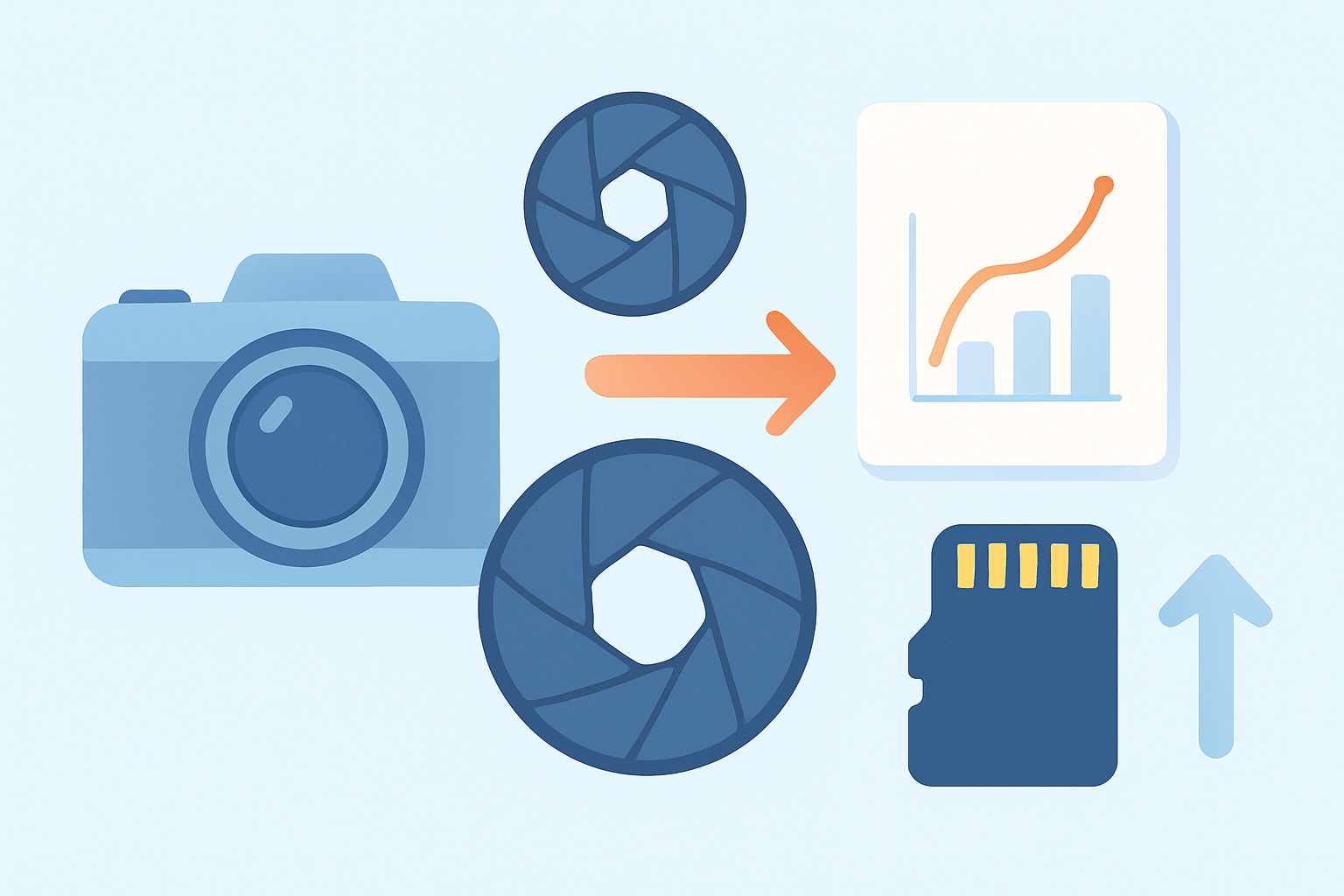
Aperture is the adjustable opening inside your lens that light passes through before reaching the camera sensor. Think of it as the lens’s iris, made of overlapping blades that widen or narrow to control the opening. A lens has a widest possible opening called its maximum aperture and a smallest opening called its minimum aperture.
This opening size is described with an f-number, which relates the opening to the lens’s focal length. The math sits just under the surface, but you don’t need much of it to use aperture well. If you want a deeper dive into construction and basic use, explore these aperture basics when you are ready.
If you peered into a lens as you adjusted the setting, you would see the aperture blades forming a larger or smaller hole. A big opening lets in more light; a small opening allows less. Many beginners first ask what does aperture control in photography because that simple iris changes both brightness and the look of blur.
Aperture is the camera’s iris — it controls how much light enters and helps shape the look of your photos.
How Aperture Controls Light
Aperture controls the amount of light reaching the sensor; opening the aperture more lets in more light, closing it down lets in less — which directly affects exposure. That is the straight answer to what does aperture control in photography, and it is the bedrock of every exposure you make.
At the same shutter speed and ISO, a wider aperture makes the image brighter, and a narrower aperture makes it darker. Photographers describe these light changes in “stops,” where one stop is a doubling or halving of light. You will meet a standard f-stop progression soon, but the idea is simple: open up one stop and you double the light; stop down one stop and you cut the light in half.
Here is a practical pair to see how this plays out. Start at EXIF: 50mm, 1/200s, f/2, ISO 100, and then stop down to f/4, which is two stops less light than f/2. To keep the same exposure you could slow the shutter two stops to 1/50s at ISO 100, or you could raise ISO two stops to ISO 400 at the same 1/200s; either way the brightness matches while the depth of field and noise differ.
Picture a before/after set: a wide aperture image looks bright with creamy background blur, while the stopped-down version looks darker if you change nothing else. Try this exercise with a stationary subject at f/2, f/5.6, and f/11, and note how the exposure and blur change; it will cement the idea of what aperture does in a few minutes of shooting.
Understanding F-Stops
The f-number ties aperture to your lens with a simple relationship: f-number = focal length / aperture diameter. On a 50mm lens at f/2, the opening is roughly 25mm across, while at f/4 it is about 12.5mm. That is why smaller f-numbers represent larger openings and bigger f-numbers represent smaller openings.
This inverted numbering confuses almost everyone at first, so you are not alone. The classic f-stop scale runs as f/1.0, f/1.4, f/2, f/2.8, f/4, f/5.6, f/8, f/11, f/16, and f/22, and each full step halves or doubles the light. Most cameras also allow third-stop steps between these marks for finer control, which is helpful when you need a precise exposure.
Lens makers advertise a lens’s maximum aperture because it sets how much light you can gather and how shallow you can make depth of field. A lens that opens to f/1.8 or f/1.4 is called “fast” because it allows faster shutter speeds in low light. You will also see differences in the number and shape of aperture blades, which subtly affect the look of out-of-focus highlights and the quality of bokeh.
If you want a simplified walkthrough and sample images showing the f-stop scale in action, this short beginner’s guide pairs the numbers with real-world scenes. Many learners find that seeing the f-stop progression beside photos makes f-stops explained feel intuitive rather than abstract.
How Aperture Affects Depth of Field
Depth of field is the zone in front of and behind your focus point that looks acceptably sharp. A larger aperture, which is a small f-number, produces a shallower depth of field, and a smaller aperture, which is a large f-number, produces a deeper one. This is the creative half of what does aperture control in photography, and it changes how your subjects separate from the background.
Consider a portrait with an 85mm lens at f/1.8. The subject’s eyes can be tack sharp while the background melts into soft color and shape, so her face pops from the scene; EXIF might read 85mm, 1/400s, f/1.8, ISO 100. Stop down to f/5.6, and more of the hair, ears, and background details become defined, shifting the mood of the image.
Distance and focal length matter a lot too. Move very close for a macro shot and depth of field becomes razor thin even at modest apertures like f/8, which is why macro shooters often blend multiple images using focus stacking. Use a telephoto lens and you compress distance; pair that with a wide aperture and the background blurs dramatically, while a wide-angle lens at the same aperture keeps more of the scene in focus.
For landscapes, stopping down to f/8–f/16 usually gives enough depth of field to render near-to-far detail, especially when you focus near the hyperfocal distance. Be aware that stopping down too far can introduce diffraction, a softening that creeps in past the smallest apertures; many lenses are sharpest around f/5.6–f/8, a zone often called the sweet spot. Knowing where your lens peaks lets you balance depth of field and crisp detail.
As simple guidance, portraits often sing between f/1.2 and f/2.8, landscapes often thrive between f/8 and f/16, and macro work commonly rides between f/5.6 and f/11 with focus stacking when needed. The best way to learn is to set up one scene, shoot at three apertures, and compare how the background, bokeh, and edge details change. A quick series like that will show you how aperture shapes both sharpness and blur more clearly than any diagram.
Common pitfalls are easy to fix once you notice them. Many beginners mix up the numbering and assume f/16 is “bigger” than f/2.8; remember that a smaller f-number means a larger opening and less depth of field. Others stop down to f/22 for every landscape and then wonder why the file looks soft; diffraction is the clue to stop earlier and use better focus technique.
Shooting wide open also demands careful focus, because the plane of sharpness can be paper thin at close range. If you keep missing the eyes in portraits, either step back slightly, stop down a bit, or use live view magnification or focus peaking if your camera offers it. When background blur still isn’t enough at your chosen aperture, increase the gap between subject and background or switch to a longer focal length.
Aperture and Exposure Triangle
Aperture works alongside shutter speed and ISO to create the exposure triangle. Each setting changes brightness and image character in its own way, and your job is to pick the balance that fits the moment. Once you understand how they trade off, you can predict results before you even lift the camera.
Consider this equivalence: Example A is 1/200s, f/2.8, ISO 100. If you stop down to f/5.6, that is two stops less light, so you can either slow the shutter two stops to 1/50s at ISO 100, or you can raise ISO two stops to ISO 400 and keep 1/200s, or you can mix one stop of each to land at 1/100s, ISO 200. EXIF will differ, but the exposure will match, while motion blur, noise, and depth of field will not.
In practice, choose Aperture Priority (A or Av) when depth of field is your main concern and let the camera set shutter speed. Choose Shutter Priority (S or Tv) when freezing action or adding motion blur is the goal, and let the camera choose aperture within limits. Use Manual when you need full consistency, such as in studio work or any scene where light is fixed and you want zero surprises.
For handheld shooting, a simple baseline is the reciprocal rule: use a shutter speed close to 1 over your focal length, like 1/60s for a 50mm lens, then open the aperture or raise ISO if the meter demands more light. If the background still looks too sharp at your widest aperture, increase the subject-to-background distance or zoom in slightly. If your subject is out of focus at wide apertures, step back or stop down a touch, and lean on live view magnification or focus peaking to confirm your focus.
Memorize a quick cheat sheet in sentence form to speed up choices. Portraits usually work best between f/1.4 and f/2.8, street and travel often sit between f/4 and f/8 for flexibility, landscapes live around f/8 to f/16 with an eye on diffraction, sports love f/2.8 to f/4 to allow faster shutters, low light favors the widest aperture you own plus a higher ISO, and macro thrives around f/5.6 to f/11 with stacking when needed. For a broader overview of how all three settings interact, skim this concise exposure guide and then go practice with a simple scene and three test apertures.
What People Ask Most
What does aperture control in photography?
Aperture controls how much light enters the camera and how much of the scene is in focus, affecting both brightness and depth of field.
How does aperture affect background blur in my photos?
A wider aperture makes the background more blurry to isolate your subject, while a smaller aperture keeps more of the scene in focus.
When should I use a large or small aperture for portraits and landscapes?
Use a large aperture for portraits to blur the background and emphasize the subject, and use a small aperture for landscapes to keep everything sharp.
Will changing aperture make my photo brighter or darker?
Yes, a larger aperture lets in more light and brightens the image, while a smaller aperture reduces light and darkens the image.
Can aperture affect image sharpness or camera mistakes like soft edges?
Aperture can change overall sharpness and may cause parts of an image to look soft if it’s too wide or too small, so test settings to find the best look for your lens.
How do I change aperture on a basic camera or phone?
On most cameras switch to Aperture Priority or Manual mode and adjust the aperture control; on many phones use portrait mode or a pro/manual mode to mimic aperture effects.
What’s a common beginner mistake related to aperture?
Beginners often use too wide an aperture and end up with important parts of the subject out of focus, so check your focus and depth of field before shooting.
Final Thoughts on Aperture in Photography
Aperture is less a technical hurdle and more a creative tool: it’s the camera’s iris that lets you sculpt brightness, mood, and background separation so your subject stands out. If you remember image 270 in the sample gallery, it’s an easy reminder of how different f-stops change light and blur. For anyone who wants clearer portraits, crisper landscapes, or tighter macro detail, mastering this control makes your images feel more intentional and more expressive.
We also warned about realistic limits — you’ll get softer results if you stop down too far and missed shots if you rely on wide apertures without solid focusing technique — so balance matters. If you started by asking “what does aperture control in photography?” this piece walked through the iris idea, f-stop math, depth-of-field trade-offs, and how to trade aperture with shutter and ISO to get the exposure you want. Keep practicing the three-exposure exercises and you’ll soon make aperture choices instinctive and confident, ready to craft the look you want.



0 Comments