
Why do cameras make eyes red?
Because a camera flash bounces off the blood-rich back of the eye (the retina) and sends red light straight back to the lens. It is like shining a flashlight into a dark room and seeing some light bounce back.
This article will define red eye and explain the main causes, such as big pupils and a flash that sits close to the lens. You will also get simple prevention tips, easy post-processing fixes, and a warning about white pupil reflections that need medical attention.
Keep reading for quick checklists, before-and-after photos, a gear cheat-sheet, and pro tips for phones, kids, and weddings. By the end you’ll know how to stop red eye and how to fix it fast if it happens.
What is Red Eye?
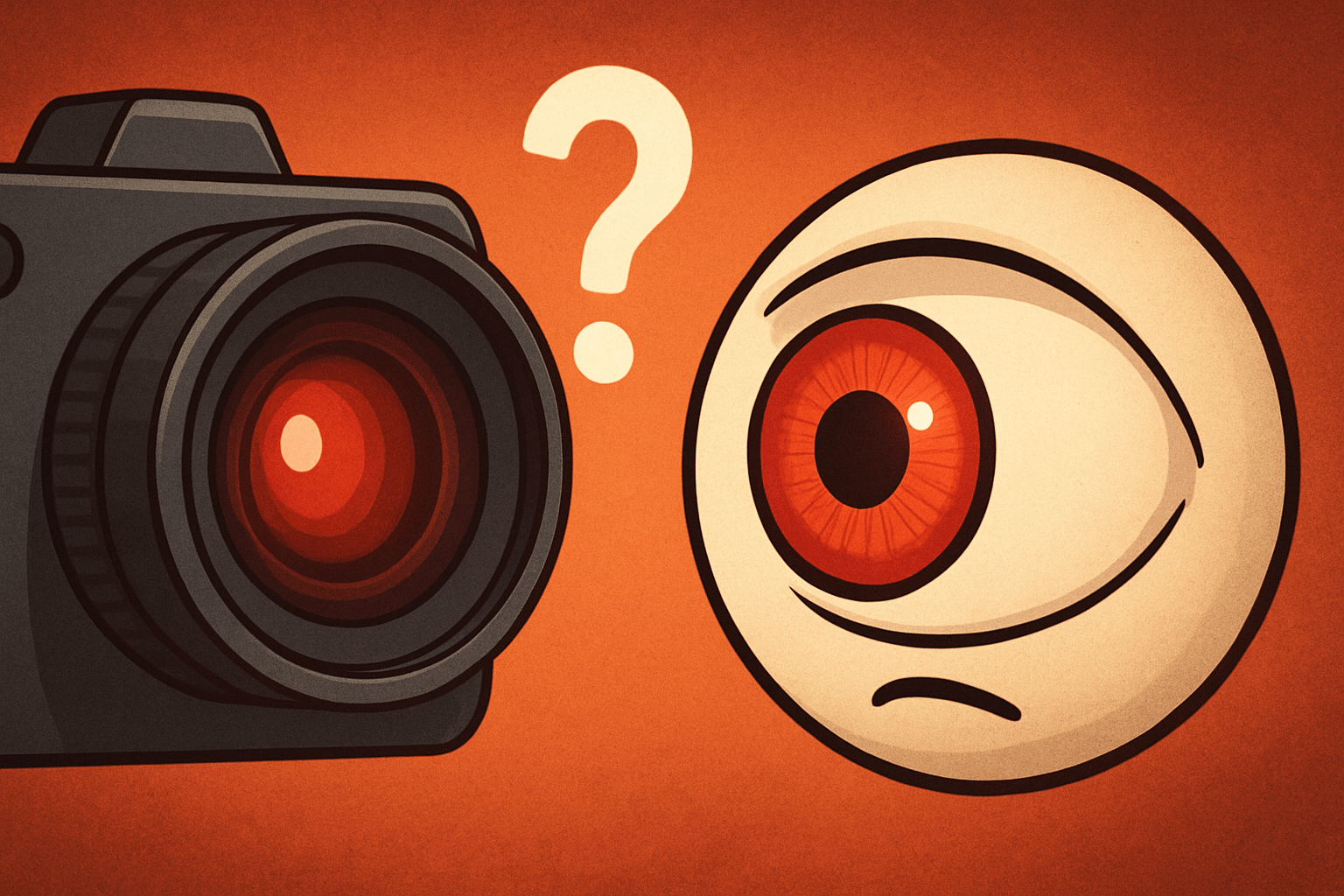
Ask why do cameras make eyes red, and the plain answer is simple: flash light enters the pupil and bounces off the back of the eye into the lens. Your camera records that bounce as a red glow.
It’s like shining a flashlight into a dark room — light goes in and some comes straight back. The reflecting surface is the retina and the blood‑rich choroid. Photographers call this the red-eye effect.
Humans show red, while many animals have a tapetum lucidum that makes green or yellow eye‑shine. A persistent white pupil in photos, called a white reflex or leukocoria, is a medical warning; the American Academy of Ophthalmology advises seeing a specialist.
What Causes Red Eye in Flash Photography?
Red-eye happens when a small, bright flash sits close to the lens and the subject’s pupils are dilated. That straight, on‑axis bounce from the blood‑rich back of the eye is the reason why do cameras make eyes red.
Pupil size is a big driver. In low light the iris opens wide, so more flash reaches the retina and more comes back.
The closer the flash is to the lens, the more the reflection returns straight to the sensor. This is why phones and compact cameras are prone to it; guides that explain what causes red eye often start with that geometry.
A small angle between where the flash fires and where the lens looks creates a vivid red return. Standing very close tightens that angle, so close wide‑angle portraits are risky.
Hard, undiffused light on-axis intensifies the effect, while a softer, bigger source reduces it. Wide lenses encourage close distances in dim rooms, both of which boost red-eye.
Red‑eye reduction modes fire a brief pre‑flash to make pupils contract before the exposure. They help, but add delay, trigger blinks, and can flatten expressions.
How to Prevent Red Eye in Photos
Move the flash off-axis and you break the mirror path. An external flash, a simple bracket, or an off‑camera light bounced off a wall or ceiling is the most reliable fix, and it directly answers why do cameras make eyes red.
Turn on more room lights so pupils constrict and you can lower flash power. Ask the subject to look slightly past the lens, and raise ISO or slow the shutter a touch to let in more ambient.
Use red‑eye reduction only with patient, static subjects; with kids it often triggers blinks. On phones, add a nearby lamp, try the screen ‘flash,’ step back a bit, or angle the phone so the flash isn’t straight‑ahead; for medical background on red eyes in photos, consult trusted sources. For weddings and large groups, skip red‑eye reduction.
Before you shoot, check light, distance, and flash placement, then take one test frame. If red-eye appears, add a lamp or bounce the flash, and rely on a simple kit: bracketed external flash and a white‑ceiling bounce with settings that favor ambient light.
How to Fix Red Eye
Most editors have one‑click fixes: Lightroom’s Red Eye Correction, Photoshop’s Red Eye Tool, and Google Photos’ auto‑fix. Adobe’s help docs and Cambridge in Colour cover the steps.
For manual repair, zoom in, pick the Red Eye Tool, set pupil size and darken, then click each eye. Or select the pupil, desaturate and lower brightness, then paint a tiny dark pupil and keep the catchlight.
On smartphones, the built‑in editor or apps like Snapseed remove it fast. For many images, use a Lightroom sync or a Photoshop action to batch corrections, and keep a before/after set to confirm a natural look.
Don’t over-darken or erase catchlights, and leave some iris texture so eyes don’t look painted. If a pupil looks white instead of red, seek medical evaluation right away.
What People Ask Most
Why do cameras make eyes red?
Because the camera flash reflects off the back of the eye (the retina) and the light looks red when the photo is taken.
Is red-eye harmful to the eyes?
No, red-eye is just a light reflection and does not hurt the eyes.
How can I prevent red-eye when taking pictures?
Use more ambient light, move or bounce the flash, have people look slightly away from the lens, or enable red-eye reduction mode.
Do all cameras make eyes red?
No, cameras without direct on-camera flash or those that use off-camera or bounced light rarely produce red-eye.
Does eye color affect red-eye in photos?
Not much; red-eye can happen with any eye color, and it mainly depends on lighting and flash angle.
Can I fix red-eye after taking a photo?
Yes, most phone and photo-editing apps have a red-eye removal tool that quickly corrects it.
Is red-eye worse in group photos or portraits?
Group photos often show more red-eye because the flash hits many eyes at once, especially in dim rooms.
Final Thoughts on Red Eye in Photos
Think 270 as a little mnemonic: flash hits the retina and some light bounces straight back, so red eye happens because flash reflects off the retina. This guide showed simple ways to stop it before it starts and easy edits to fix the few shots that slip through, so eyes stay natural and lively. Parents, smartphone shooters and event photographers will get the most mileage from these tips.
Remember one realistic caution: tools that force pupils to shrink or auto-fix can cause blinking or a flat, over-processed look if you rely on them blindly. We covered practical prevention—off-axis flashes, bounced light, more ambient exposure—and gentle post-processing so you don’t paint over real catchlights.
By opening with the plain answer and then walking through causes, prevention and repair, this piece gives you a straight path from problem to polished photo. You’re ready to shoot more confident, natural portraits and handle the few red-eye culprits that remain.





0 Comments