

Why is my camera white? Is the screen glowing white or are your photos coming out completely white?
This guide will help you find the cause fast. We’ll show quick checks like removing the lens cap, trying another app or display, swapping cables, and power-cycling.
You will learn the common reasons: sensor or board faults, power or cable issues, and simple overexposure problems. We explain easy tests to tell hardware from settings or software faults.
Follow a clear step-by-step checklist from quick fixes to advanced troubleshooting. By the end you will know what to try at home and when to call a repair pro.
My camera is just showing a white screen, how do I fix it?
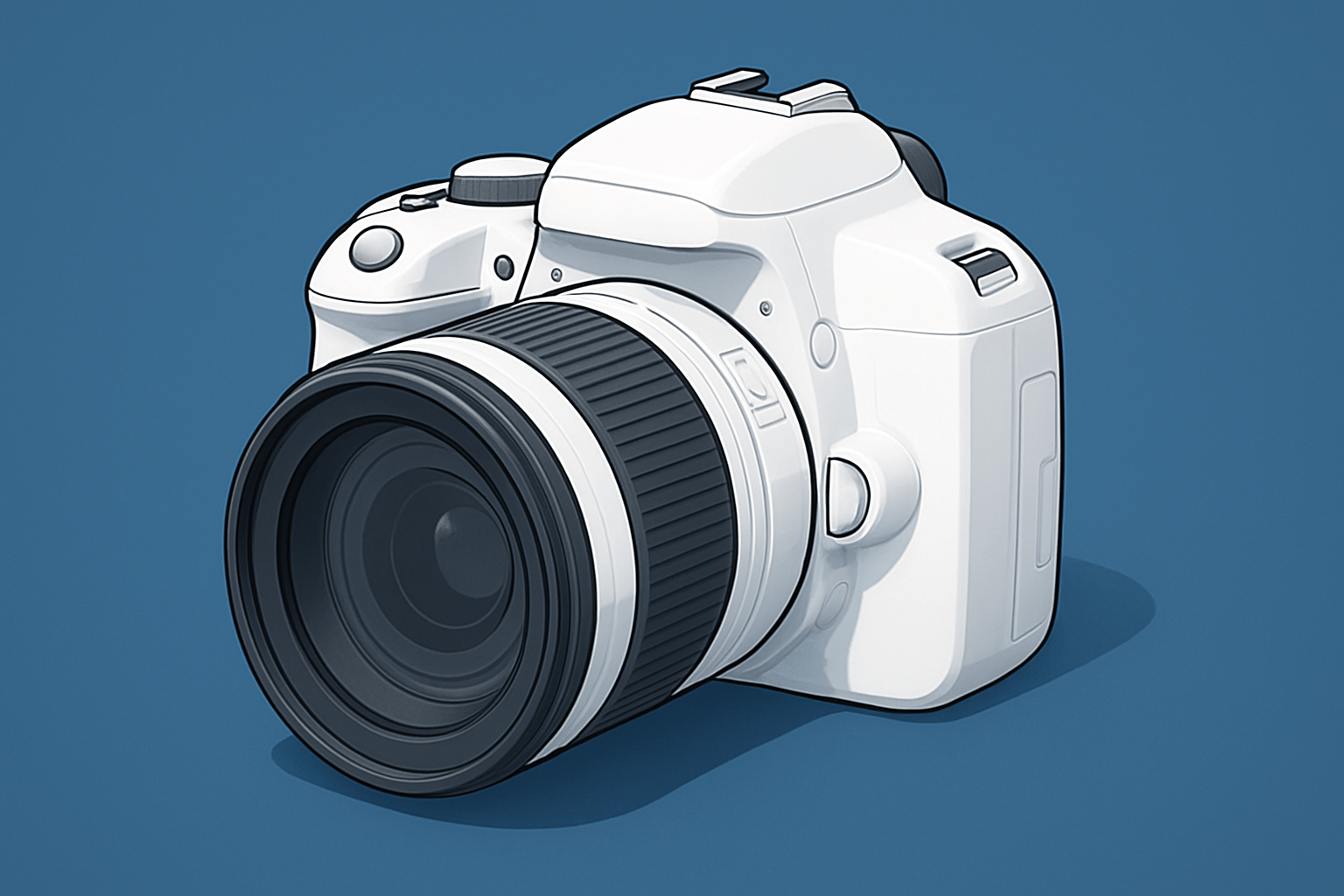
If you’re asking why is my camera white, first separate the cause: a blank white LCD/live view, white saved files, or a whitish veil. A white LCD points to the display path; white files suggest exposure, sensor, or software. Do quick checks: remove the lens cap, try another display/app, swap the USB/BNC/PoE cable, try a different power source, then power‑cycle recorder.
Test smart: shoot one frame and check it on a computer; if it’s fine, the LCD is suspect. Try another app or device, and for DSLRs compare optical viewfinder to rear screen. See this white screen fix and compare white screen vs blown exposure vs IR haze.
Possible Reason: Faulty Hardware (CCD or CMOS damage)
Hardware clues include full‑frame white, hot spots, flicker, or white only in live view or recorded files. Culprits are a damaged CCD/CMOS, a broken LCD ribbon, a failing processor, or water/impact.
Isolate fast: remove the lens and cover the sensor; if the view stays white, the display or board is suspect. Swap lenses and record to a known‑good display; if white persists after resets and cable swaps, repair is next. See this 70D white screen case; rough costs: ribbon $30–$120, board $100–$300, sensor $150–$500; check warranty.
Power or Cable Issues
Unstable or insufficient power can wash the feed to white, on PoE when voltage drops over long runs. Cheap or damaged adapters, attenuated coax, or tired USB leads can also cause a white splash at startup or intermittent whitening under load.
Try a known‑good supply or PoE injector, shorten the cable, reseat connectors, and inspect for corrosion. On IP cams, check the web client and PoE switch logs for undervolt; this IP camera white screen guide mirrors those steps.
Pictures Turning Out Pure White – Overexposure Issues
Many ask why is my camera white when the real problem is exposure. A too‑slow shutter, too‑wide aperture, high ISO, wrong metering, or dialed‑in positive exposure compensation will blow highlights until the file looks pure white.
Quick fix: switch to Manual or Shutter‑priority, set ISO 100, raise shutter to about 1/1000s, and stop down to f/8, then check histogram and highlight warnings. For CCTV/IP, reduce brightness/contrast, review WDR/HDR and day/night or IR‑cut settings, and reset the image profile if needed.
Troubleshooting Steps to Restore Color
Follow this flow: 1) Lens cap, cables, power cycle. 2) Check day/night, IR cut, brightness/contrast, exposure or compensation. 3) Test another app/device. 4) Update drivers/firmware, clear cache. 5) Backup, then reset. 6) Swap cables/power. 7) If it persists, document and contact service. That line is your flowchart.
Power down before swapping connectors, avoid opening sealed bodies, and use ESD care near sensors. Print this five‑step checklist—reboot, reseat, re‑power, re‑test, re‑set—keep spare cables, a multimeter, a cleaning kit, and a PoE tester; if you still wonder why is my camera white, back up before resets, never apply liquid to a sensor, avoid cheap power bricks, and contact manufacturer support.
What People Ask Most
Why is my camera white?
Common causes are a smudged lens, glare from bright light, or a software glitch; try cleaning the lens and restarting the camera or app.
Why is my camera white when I take photos?
That usually means overexposure from direct light or flash; move away from the light source or lower exposure settings.
Why is my camera showing a white screen instead of an image?
A white screen can be a crashed app, permission issue, or hardware block, so force quit the app, check camera permissions, and restart the device.
Why is my camera white and blurry?
Smudges, condensation, or focus problems make images look white and soft; gently clean the lens and let it dry or tap to refocus.
Why is my camera white after a software update?
Updates can reset settings or introduce bugs, so check camera settings, reinstall the app, or install any follow-up patches.
Why is my camera white only in low light?
High ISO and noise can wash out night shots, so add light, use night mode, or steady the camera for better contrast.
Why is my camera white during video calls?
Poor lighting, app conflicts, or incorrect camera selection can cause a white feed, so check lighting, close other apps, and pick the right camera in settings.
Final Thoughts on Fixing a White Camera Screen
If your camera ever goes to a blank white view — the exact worry we opened with — this guide gives a clear path from fast checks to deeper fixes, including a handy 270 checklist for quick triage. By walking through live-view vs saved-file symptoms, power and cable tests, exposure fixes and firmware steps, you’ll get back usable, color-correct images and a dependable live feed. Remember a realistic caution: if white persists after resets and known-good cables, it’s often sensor or board damage and you’ll likely need professional service or warranty help.
These routines suit casual shooters, pros, and CCTV techs who want fewer surprises and more reliable footage, and they showed how to test, isolate, and decide when to stop troubleshooting. Keep safety in mind — power down before swapping connectors and don’t open sealed housings — and document what you tried so a technician can help faster. With that, you can move forward with more confidence knowing the common causes are identifiable and fixable.




0 Comments