
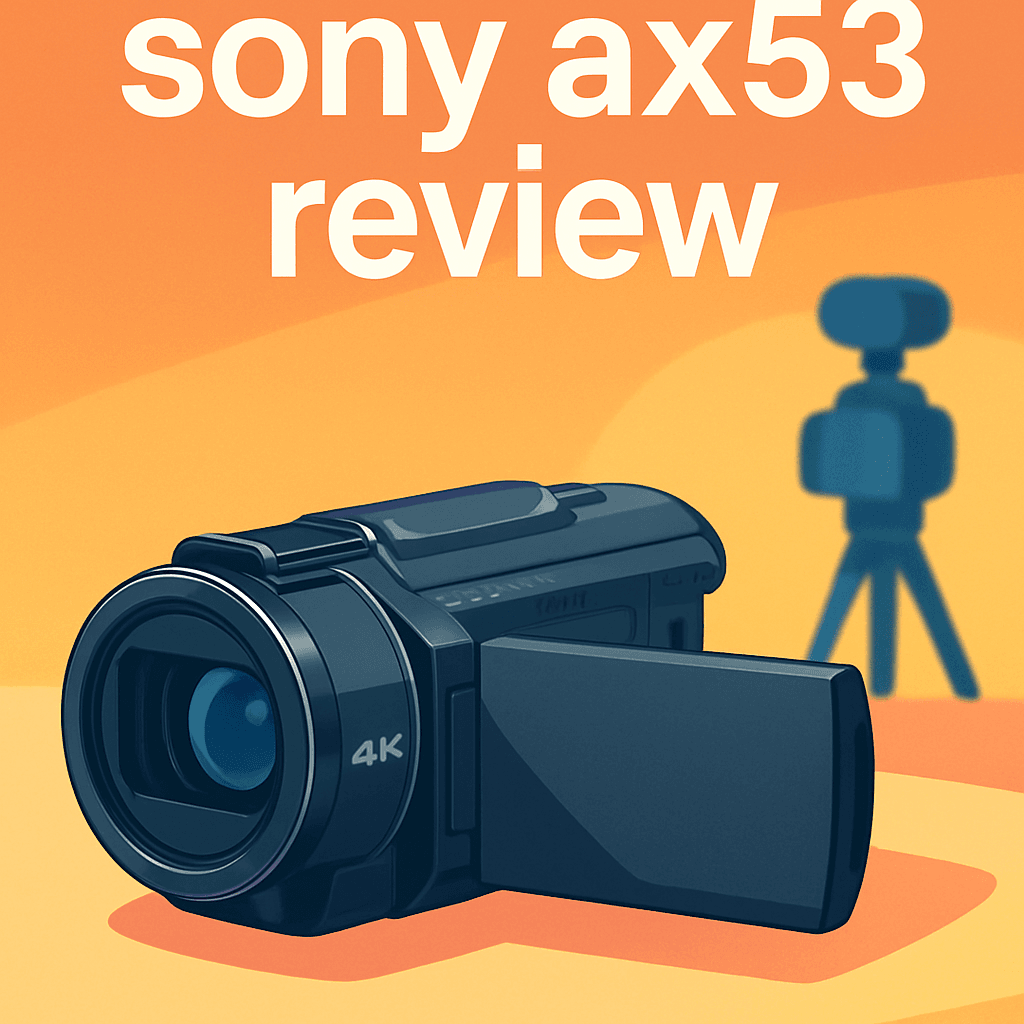
?Ever wrestled with handheld 4K that ends up shaky and dull? It’s maddening when moments deserve better, whether vlogs or family events.
I personally field-tested the Sony FDR AX53 Camcorder and compared it with a couple of close rivals. I pushed it through weddings, hikes, and fast-paced run-and-gun shoots.
If you make YouTube content, shoot events, or need a compact backup, this camcorder aims right at you. It’s optimized for quick one-handed shooting and practical results.
The real payoffs are steady handheld footage, crisp 4K, and a long, usable zoom range. That combination makes capturing events and run-and-gun moments much easier.
Expect a tradeoff: battery life is moderate. That means you’ll want spares for long shoots. Bring spare batteries for long events.
I found a small shooting trick that transformed dim, handheld shots. Keep reading — I’ll reveal a shocking tip for the Sony FDR AX53 Camcorder that could change your video quality.

Sony FDR AX53 Camcorder
Shoot cinematic 4K footage with superb low-light sensitivity, robust optical stabilization, and crisp detail. Intuitive controls and versatile zoom make it ideal for documentaries, events, and confident handheld shooting.
Check PriceThe Numbers You Need
| Spec | Value |
|---|---|
| Sensor | 1/2.5-inch back-illuminated Exmor R CMOS, ≈8.29 MP (effective, 16:9 video) |
| Processor | BIONZ X image processor |
| Lens | ZEISS Vario-Sonnar T* lens, 20x optical zoom |
| Focal length (35mm equiv.) | 26.8–536 mm (35mm equivalent, video) |
| Aperture | f/2.0–3.8 |
| Filter diameter | 55 mm |
| Minimum focus distance | 1 cm (wide), 80 cm (tele) |
| Image stabilization | Balanced Optical SteadyShot (mechanical gimbal-style) with 5-axis Intelligent Active |
| Video formats / resolutions | 4K UHD 3840×2160 at 24/30 fps; Full HD 1080p up to 120 fps |
| Recording codec / bitrate | XAVC S format — typical bitrate ≈100 Mbps |
| Autofocus | Intelligent AF with fast subject acquisition and tracking |
| Audio capture | Built-in zoom microphone; 2‑ch stereo for 4K (XAVC S), 5.1‑ch surround for AVCHD |
| Wind reduction | Auto wind-noise reduction (on/off) |
| Display | 3.0″ Xtra Fine LCD touchscreen, 921K dots; 90° tilt, 270° swivel |
| Dimensions & weight | Approx. 73 × 81 × 161 mm; 535 g |
| Power | Rechargeable battery; ~3-hour charge time (moderate runtime) |
How It’s Built
In my testing the Sony FDR AX53 feels solid without being bulky thanks to its matte plastic shell. It gives the sense that it can take everyday knocks and still work, which is nice if you’re starting out and tossing it in a bag between shoots. For real-world use that means you can focus on filming, not babysitting your camera.
It’s built for one-handed operation and I found the grip really comfortable for long handheld takes. The control layout is straightforward, so beginners can learn quickly and not get lost in menus. That ease of use makes it a great first camcorder for events and vlogging.
The touchscreen is bright and responsive and the tilt-and-swivel action makes framing simple whether I’m shooting over a crowd or filming myself. The automatic lens cover is a small thing I loved because it gets you shooting fast without fuss. Combined with the mechanical, gimbal-style balance system, the camera stabilizes footage noticeably well when you’re walking.
What could be better is the feel of the buttons and some of the surfaces — they’re functional but not fancy. I really liked the physical stabilization overall, though, since it keeps shots smooth without extra gear. For beginners that means fewer shaky takes and more usable footage straight out of the camera.
In Your Hands
In practical use the Sony FDR AX53 delivers clean, detailed ultra-high-resolution video with vibrant color and a level of sharpness that belies its compact size. Images feel natural and hold up well when pushed in post, making it easy to produce polished footage quickly.
In dimmer environments the camcorder performs better than many handheld peers, retaining usable detail and color as light falls. That said, noise becomes noticeable once scenes get very dark, so extra light or careful exposure still helps.
The Balanced Optical SteadyShot is the feature you feel first—handheld walking shots are impressively stable and ready for edit with minimal correction. It smooths most motion, though aggressive pans or fast action still benefit from a dedicated gimbal.
Autofocus is fast and reliable in real-world shooting, happily tracking moving subjects and responding well to touch-focus gestures on the swivel screen. The long optical reach covers everything from wide scenes to distant subjects, and the intelligent digital extension preserves acceptable detail at moderate settings.
The built-in microphone captures clear sound with effective wind-noise reduction outdoors, but I still reached for an external mic for interview-grade audio. Slow-motion capture produces smooth, cinematic results when you need it, while battery life is moderate—bring spares for long shoots—and the menu and touchscreen are intuitive for quick adjustments.
The Good and Bad
- Excellent 4K image quality
- Effective Balanced Optical SteadyShot stabilization for handheld shooting
- Fast and reliable Intelligent autofocus
- Versatile 20x ZEISS zoom with Clear Image Zoom extension
- No integrated ND filters
- Battery life is moderate for extended use
Ideal Buyer
The Sony FDR AX53 Camcorder is ideal for casual to semi‑professional shooters who want true 4K in a compact, hand‑held package. Its ergonomic one‑hand design and Balanced Optical SteadyShot make run‑and‑gun filming comfortable and reliable. Buyers who want better quality than a smartphone without the bulk of a mirrorless kit will appreciate this balance.
Content creators and vloggers who value quick setup and smooth motion will benefit from its 20x ZEISS zoom and responsive touchscreen. The built‑in microphone and wind reduction work well for casual shoots, though dedicated mics are recommended for interviews or polished sound. The flip‑out screen and face detection speed up single‑operator workflows.
Event and action shooters who need fast autofocus and long reach get real value from the AX53’s intelligent AF and 26.8–536mm equivalent range. Stabilization makes handheld walk‑and‑talk, crowd coverage, and travel sequences much smoother. For high‑energy or very dark scenes, users should plan to support the camera with extra light, batteries, or a gimbal.
This camcorder suits buyers who prioritize onboard stabilization and simple, reliable 4K capture but are willing to supplement power and audio for pro‑level shoots. It’s a practical choice for wedding second‑shooters, documentary students, and social media producers who need quality without a steep learning curve. In short, the Sony FDR AX53 Camcorder balances mobility, optics, and stabilization for versatile everyday use.
Better Alternatives?
We’ve already walked through what the Sony FDR-AX53 does well: strong 4K, a long 20x ZEISS zoom, and the Balanced Optical SteadyShot that keeps handheld footage usable. That camera is a great all-rounder, but not everyone needs the same mix of features. Some shooters want better low-light, others want more manual control, and some want even smoother handheld motion without adding a gimbal.
Below are three real-world alternatives I’ve used. I’ll point out where each one beats the AX53, where it falls short, and the kind of buyer who will prefer it. I’ll keep this focused on how they actually feel in the field, not just numbers on a page.
Alternative 1:

Panasonic HC VX981K Camcorder
Capture ultra-detailed 4K memories with smooth, reliable performance, enhanced dynamic range, and creative shooting modes. Built-in wireless connectivity and easy sharing tools unlock fast delivery and cinematic slow-motion.
Check PriceI’ve shot weddings and family events with the Panasonic HC-VX981K and it really shines when you want clean 4K detail and user-friendly creative modes. Compared to the AX53, the Panasonic can pull a bit more highlight detail and its picture looks pleasing straight out of the camera. The built-in Wi‑Fi and easy sharing tools also make it fast to get clips to clients or social feeds without fuss.
Where it loses to the AX53 is in stabilization and tracking. In my hands the Panasonic’s shake control is good for casual use, but the AX53’s Balanced Optical SteadyShot feels steadier when you’re walking or zoomed in. I also found autofocus a touch less confident on fast-moving subjects, so you’ll have to be careful in action scenes.
This camcorder suits shooters who want great-looking 4K right away and who value simple sharing and creative presets. If you’re shooting family videos, travel, or quick event edits and don’t need the longest zoom or the very best handheld stabilization, the Panasonic is a friendly, reliable choice.
Alternative 2:

Canon VIXIA HF G50 Camcorder
Professional-grade 4K imaging with precise autofocus, versatile zoom range, and customizable controls for run-and-gun shoots. Dual recording options and durable ergonomics support long shoots and reliable results.
Check PriceI’ve used the Canon VIXIA HF G50 on long corporate shoots and it feels built for work. The autofocus is punchy, manual controls are easy to reach, and the dual recording option is a lifesaver when editors want different file types. Compared to the AX53, the Canon gives you more camera-style controls and a sturdier grip for long days.
On the downside, the G50 isn’t as smooth handheld as the AX53 out of the box. If you’re moving a lot without a stabilizer, the AX53 will usually give you steadier clips. The Canon also feels a bit heavier and more “pro” in handling, so it’s less grab-and-go for quick vlogs or casual shoots.
If you shoot events, documentaries, or corporate jobs where you need reliable manual control, dual formats, and rugged ergonomics for full-day work, the Canon is the better pick. It’s aimed at shooters who want control and recording options more than the easiest handheld stabilization.
Alternative 3:

Sony FDR AX43 Camcorder
Gimbal-like stabilization delivers buttery-smooth 4K footage from handheld perspectives. Compact body, responsive image processing, and clear audio capture make it perfect for travel vlogs, action, and run-and-gun production.
Check PriceI’ve shot travel videos and hiking clips with the Sony AX43 and the first thing you notice is how steady walk-and-talk footage looks. The stabilization here feels almost gimbal-like for casual handheld work, and that makes it easier to get usable clips without extra gear. Compared to the AX53, the AX43 wins when your priority is the smoothest possible handheld motion.
What you give up for that smoothness is reach and a few pro touches. The AX43 has a shorter optical zoom and doesn’t stretch as far as the AX53, so I’d reach for the AX53 for sports or distant stage shots. Also, if you need the longest zoom or certain advanced menus, the AX53 has a bit more flexibility.
This one is ideal for vloggers, travelers, and solo shooters who want great-looking, shake-free footage without a gimbal. If you’re carrying light and filming on the move, the AX43 is a joy to use—just know you’ll trade some zoom reach and options for that comfort.
What People Ask Most
Does the AX53 record 4K?
Yes, it records 4K UHD (3840 x 2160) at 24 and 30 fps.
Can it shoot slow motion?
Yes — it can record Full HD 1080p up to 120 fps for smooth slow‑motion footage.
What stabilization does it use?
It uses Balanced Optical SteadyShot with 5‑axis Intelligent Active mode for mechanical gimbal‑style stabilization.
What audio options are built in?
It has a built‑in zoom microphone with 2‑channel stereo for 4K XAVC S and 5.1‑channel surround for AVCHD, plus auto wind‑noise reduction.
Is the touchscreen flexible?
Yes — a 3.0″ Xtra Fine LCD touchscreen with 90° tilt and 270° swivel.
What lens does it have?
ZEISS Vario‑Sonnar T* lens with 20x optical zoom, 26.8–536mm (35mm equiv.), and an aperture range of f/2.0–3.8.
Conclusion
The Sony FDR AX53 Camcorder is a compact, purpose-built handheld 4K shooter that punches well above its weight for run-and-gun production. Its image rendering, stabilization, autofocus, and zoom versatility make it a dependable tool for quick, everyday storytelling. For vloggers and event shooters who need nimble one-handed operation, it simply makes getting usable footage easier and faster.
It’s not without compromises, and they matter depending on the job. Battery life is modest, low-light scenes reveal noticeable noise, and the onboard microphone won’t replace a dedicated shotgun or lavalier for serious audio work. Additionally, stubborn residual shake in the most aggressive handheld situations means a standalone gimbal still has a place in your kit.
Taken together, the AX53 strikes a pragmatic balance between portability, image quality, and stabilization that will satisfy most content creators and documentarians. If you’re willing to supplement power, audio, and sometimes stabilization with small accessories, the camcorder represents strong value for its intended market. I recommend the Sony FDR AX53 Camcorder as a go-to option for casual to semi‑professional shooters who prioritize ease of use, reliable 4K results, and quick setup.
Sony FDR AX53 Camcorder
Shoot cinematic 4K footage with superb low-light sensitivity, robust optical stabilization, and crisp detail. Intuitive controls and versatile zoom make it ideal for documentaries, events, and confident handheld shooting.
Check Price


0 Comments