
Want your livestream to look like a polished TV broadcast instead of a shaky webcam chat? Choosing the best camera for live video streaming can make that difference. This guide breaks down five standout cameras, explains connectivity and stabilization options, and answers the FAQs every streamer asks.
From casual gamers to pro content creators, camera needs vary wildly. Image clarity, low-light performance, and dependable autofocus affect viewer engagement. We’ll show which trade-offs make sense for small studios versus mobile setups.
Connectivity often dictates your whole setup. Plug-and-play simplicity matters for one-person streams, while multi-camera productions need broadcast-grade options. We’ll walk through the pros and cons of different ways to send video from camera to encoder or computer.
Stabilization is equally important for motion and professional polish. Built-in sensor stabilization, software smoothing, and gimbals all solve different problems. I’ll explain which approach preserves image quality and which crops or compromises the frame.
Whether you’re building a compact livestream rig or upgrading a studio, this guide helps you pick wisely. Read on to find the best camera for live video streaming that matches your workflow, budget, and audience expectations. Expect practical advice for long-form shows, short social sessions, and everything in between.
No matter your level, we cut through marketing noise and focus on real-world streaming performance. Let’s find the best camera for live video streaming for your setup.
1. Logitech C922 Pro

Logitech C922 Pro Stream Webcam
Smooth full-HD streaming with crisp autofocus and background replacement for pro-quality video calls and live broadcasts.
Check PriceThe Logitech C922 Pro is a reliable, no-nonsense webcam that hits the sweet spot for streamers who want good image quality without a large budget. It delivers sharp 1080p video at 30fps or a smoother 720p at 60fps, so you can choose between resolution and frame-rate depending on your content.
Setup is straightforward and genuinely plug-and-play, which makes it a great choice if you value speed and simplicity over fiddly configuration. In real-world use it provides decent image quality in varied lighting, so you won’t be constantly battling exposure shifts during casual streams.
As a photographer I appreciate that it’s compact and unobtrusive on top of a monitor, and its wide compatibility with streaming platforms removes a lot of compatibility headaches. That said, it’s not trying to replace higher-end cameras; it’s designed for conferencing and beginner-to-intermediate streaming rather than professional multi-camera productions.
Keep in mind the limitations: the C922 Pro has limited resolution options compared with 4K-capable cameras, and it lacks autofocus, so you’ll want a stable setup and consistent camera-to-subject distance. If you need crisp, high-resolution footage for a polished broadcast, you’ll eventually outgrow it — but for straightforward, reliable live streams, it’s a solid, affordable workhorse.
- Reliable video quality
- Easy to set up and use
- Wide compatibility with streaming platforms
- Compact design
- Limited resolution options
- No autofocus
2. Canon PowerShot G7 X Mark III

Canon PowerShot G7 X Mark III
Compact vlogging powerhouse captures bright 4K video and sharp stills with fast lens and intuitive touchscreen controls.
Check PriceAs a compact camera built with streaming in mind, the Canon PowerShot G7 X Mark III punches above its size. It delivers excellent 4K video and a flip-up screen that makes framing yourself effortless when you’re talking directly to camera.
One of its standout strengths for live streaming is native YouTube live streaming — you can go live without complicated capture setups, which is a huge convenience when you want speed and reliability. There’s also a mic input, so you can pair a proper microphone for much better audio than the internal mic provides.
In real-world use this camera is a portable option for streamers seeking professional-level results. Image quality and versatility are regularly praised, so if you travel or move between setups, the G7 X Mark III gives you pro-looking streams without hauling heavy kit.
There are trade-offs to consider. Battery life is limited, so expect to run extra batteries or use AC power for longer sessions. Also, it lacks continuous autofocus in video mode, so fast subject movement or constant repositioning can be a challenge unless you adapt your workflow.
Overall, I recommend the G7 X Mark III to vloggers and solo streamers who prioritize image quality and portability and who can manage shorter sessions or external power. If you need long, hands-off broadcasts with heavy subject movement, you may want to plan around its battery and AF limits.
- High-quality 4K video
- Flip-up screen for self-viewing
- Mic input for improved audio
- Compact design
- Limited battery life
- No continuous autofocus in video mode
3. Elgato Facecam

Elgato Facecam MK.2 Webcam
Studio-grade sensor delivers ultra-clear 1080p60 footage, plug-and-play setup, and advanced image tuning for polished streaming.
Check PriceThe Elgato Facecam is built around a 1080p at 60fps output, so you get smooth motion and plenty of detail for live streams. As a photographer, I appreciate how that frame rate keeps facial movement natural and reduces motion blur compared with 30fps webcams.
This camera intentionally forgoes autofocus, using a fixed-focus design instead. That makes it very reliable in a stable, desktop setup where you sit at a consistent distance from the lens.
In practice it’s a solid upgrade from basic webcams if you prioritize image quality and steady performance. The fixed focus and compact design mean fewer surprises during a session — once you set it up, it stays put.
That said, the lack of autofocus and the 1080p ceiling are real trade-offs. If you move around a lot on camera or need 4K output for high-end productions, the Facecam may feel limited.
For most streamers and content creators who want clear, dependable video without complicated settings, this is a very practical choice. It’s especially good for desktop streamers, podcasters, and anyone who values consistent image quality over advanced features.
- Crystal-clear video
- Reliable performance
- Fixed focus ideal for static environments
- Compact design
- No autofocus
- Limited to 1080p resolution
4. NearStream VM20

NearStream VM20 4K Wired Streaming Camera 40x Hybrid Zoom
Versatile 4K wired camera with powerful 40x hybrid zoom and reliable connectivity for long-range, high-resolution live productions.
Check PriceThe NearStream VM20 is a pro-oriented streaming camera that delivers professional-level 4K video while remaining approachable for solo creators. As a photographer, I appreciate how that extra resolution preserves fine detail and gives you room to crop without losing image quality during a live broadcast.
Its low-light performance is one of the standout attributes. In dim interiors or evening shoots the VM20 holds onto color and detail better than typical webcams, which reduces the need for heavy lighting rigs and makes setups simpler and cleaner.
The 40X Hybrid Zoom gives you remarkable framing flexibility. You can push in for tight headshots or pull back for wider room coverage without swapping lenses or moving the camera; combined with presets it becomes easy to jump between composed shots on the fly.
Smart remote control and preset modes are practical for one-person productions and multi-camera setups alike. You can switch angles, recall framing, and adjust quickly mid-stream — a genuine time-saver when you’re managing audio, chat, and visuals at once.
If you’re aiming for high production values — educational streams, professional vlogs, or multi-camera talk shows — the VM20 is a solid choice. It integrates easily into streaming workflows and gives you tools that elevate picture quality and operational control.
That said, it may be more camera than a casual streamer needs, and its price is higher than many simple webcams. If you don’t need 4K or advanced zoom, you might find its feature set excessive.
- High-quality 4K video
- Excellent low-light performance
- Advanced zoom capabilities
- Smart remote control for easy operation
- May be overkill for basic streaming needs
- Higher cost compared to other options
5. DJI Osmo Action 4

DJI Osmo Action 4 Standard Combo
Rugged action rig captures stabilized 4K footage, waterproof design, and accessories for adventurous filming in any environment.
Check PriceThe DJI Osmo Action 4 is built around a large image sensor that gives noticeably better low-light performance than typical action cameras. As a photographer who shoots on the move, I appreciate that improved sensitivity — it preserves detail and color when lighting drops.
It supports live streaming via a phone app, which makes mobile broadcasts straightforward and quick to start. The camera is also compatible with DJI’s radio microphone system, so you can pair it with a reliable wireless audio setup for clearer voice capture on location.
Ruggedness and portability are core strengths here. The Osmo Action 4 is clearly aimed at action-oriented, mobile streaming — its durable build stands up to outdoor use and travel, and the rotatable design helps you find an optimal broadcast angle whether handheld or mounted.
If your workflow is mobile, adventure-focused, or needs a compact, tough camera with decent low-light chops, this camera is a strong contender. However, remember it requires a phone for streaming setup and offers limited control over camera settings while live — so it’s less ideal for studio-style, static broadcasts where fine-grained control matters most.
- Good low-light performance
- Rugged and portable design
- Supports DJI’s radio microphone system
- Can be rotated for optimal broadcast angle
- Requires a phone for streaming setup
- Limited control over camera settings in live streaming mode
Connectivity Options for Live Streaming
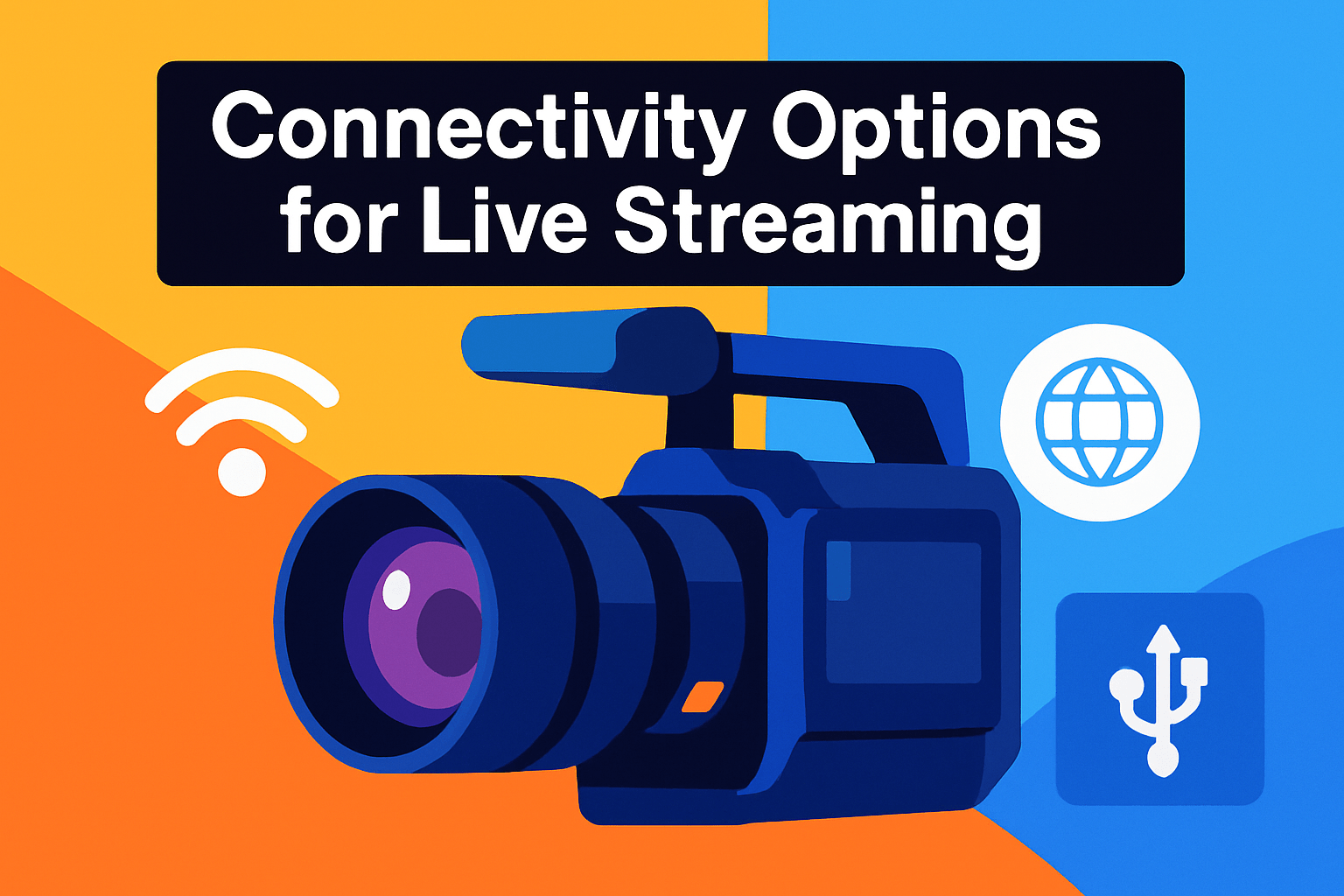
When I plan a live shoot I always start by matching connectivity to the workflow. USB is the easiest route: plug-and-play, usually over USB 3.0, and perfectly fine for single-camera streams at up to 1080p60. If you want a quick setup for conferencing or casual streaming, USB saves time and headaches.
HDMI is the middle ground for most creators who want higher resolution and more control. It’s the standard way into switchers and capture cards, supports 1080p and 4K signals, and gives you full-frame clean HDMI outputs from most mirrorless and compact cameras. Keep in mind HDMI cable runs degrade after long distances (roughly past 100 feet), and mini/micro HDMI ports are easier to knock loose during a busy setup.
For multi-camera events or long cable runs, SDI is the broadcast option I recommend. SDI uses locking BNC connectors, carries multichannel audio and video down the same cable, and can run several hundred feet with minimal signal loss — ideal for venues and large productions. Its reliability and low latency are why production houses prefer it.
Most higher-end streaming cameras now give you multiple outputs, which is useful for redundancy or feeding both a recorder and a switcher. Remember that HDMI and SDI often need capture cards or hardware encoders to reach your streaming computer, unless the camera has built-in USB streaming or a dedicated encoder.
Practically, choose USB for simplicity, HDMI for better image quality and 4K workflows, and SDI when distance and reliability matter. Also think about future-proofing: if you expect to scale to multi-cam or longer venues, invest in cameras and infrastructure that support HDMI/SDI, good quality cables, and reliable capture hardware.
Stabilization Options for Live Streaming
Stabilization can make or break a live stream. If your camera is locked on a tripod at a desk, stabilization is almost irrelevant. But the moment you move, walk, or pan, choosing the right method becomes crucial.
In-body image stabilization (IBIS) physically moves the sensor to counter small shakes. It works with any lens and is a photographer’s favorite for handheld work because it preserves image quality without cropping. Keep in mind IBIS struggles more with long telephoto lenses, where optical lens stabilization still plays a major role.
Electronic image stabilization (EIS) is software-based and shifts or crops the frame to smooth motion. It’s handy for bigger movements like walking streams or quick pans. The trade-off is obvious: you lose a bit of frame and sometimes resolution, so your image can look softer.
Using IBIS and EIS together often gives the best practical result. IBIS handles tiny jitters while EIS cleans up larger motion. Watch for the combined crop though — if you need every pixel for a crisp 4K stream, that crop might be unacceptable.
Gimbals still beat on-board systems when you need cinematic smoothness. They preserve the full image area and avoid the softening or crop that EIS causes. For action streams, mobile shoots, or any situation with lots of movement, a gimbal is usually worth the setup time.
My rule of thumb: for fixed desk streams use a solid tripod and turn stabilization off if it adds micro-movement. For handheld presenter-style streams lean on IBIS and a modest EIS setting. For dynamic, run-and-gun streams bring a gimbal and consider lens OIS for telephoto work.
Finally, frame with stabilization in mind. Leave extra headroom if EIS will crop, test your setup before going live, and balance smoothness against sharpness depending on the content you want to deliver.
What People Ask Most
What is the best camera for live streaming?
There is no single best camera; choose one that matches your resolution needs, connectivity options, and stabilization requirements. Balance features with your workflow and budget to find the right fit.
Do I need a DSLR or mirrorless camera for live streaming?
No, you do not necessarily need a DSLR or mirrorless camera for basic streaming; webcams can be sufficient for many use cases. Dedicated cameras offer more control and image quality when you want a higher-end result.
Can webcams match the quality of DSLRs or mirrorless cameras for live streaming?
Webcams can deliver solid results for conferencing and casual streams but generally lack the larger sensors and interchangeable lenses of dedicated cameras. For more cinematic image quality and flexibility, DSLRs or mirrorless cameras tend to perform better.
How do you connect a camera to a computer for live streaming?
Cameras can connect directly via USB or use HDMI or SDI outputs routed through a capture device or hardware encoder. Choose a connection method that matches your camera outputs and your computer or switcher workflow.
What features should I look for in a camera for live streaming?
Look for reliable video quality, the connectivity you need, effective stabilization, and audio input options. Also consider autofocus performance, low-light capability, and ease of setup for your streaming environment.
Are mirrorless cameras good for live streaming?
Yes, mirrorless cameras are well-suited to live streaming due to their compact size, strong video features, and versatile lens options. They may require additional capture hardware depending on the available outputs.
What camera settings are best for live streaming?
Use consistent exposure and white balance, and choose a reliable focus method to avoid distractions during the stream. Match the resolution and frame rate to your platform and available bandwidth for smooth playback.
Conclusion for Live Video Streaming Cameras
Choosing the right live-streaming camera comes down to aligning resolution, connectivity, and stabilization with your content style and workflow rather than chasing the highest specs. Consider how you stream — static talk shows, mobile action, or multi-camera productions — and pick the features that solve those real needs.
Remember that each connection type and stabilization approach brings trade-offs: USB is simplest, HDMI and SDI suit more complex setups, and IBIS, EIS or a gimbal address different motion challenges. Matching those choices to your budget, setup complexity, and desired image quality will give you reliably better results than buying on brand alone.
If you want to keep improving your streaming craft, explore more articles on the site to deepen your knowledge and refine your setup choices. The right reading will make it easier to translate technical options into practical upgrades for your streams.
Have a question or want specific advice about your setup? Leave a comment below — we usually reply within a few hours and are happy to help.


0 Comments