
How do photo printers differ from inkjet printers?
Short answer: photo printers are built for photos — they use more color inks, finer droplet control, wider color gamut, and better media handling. Inkjet printers is the broader category that also includes general-purpose, document-focused models.
In this article we break down the key differences: ink chemistry, printhead tech, droplet size, color accuracy, paper types, speed, and per-print cost. You will also see real examples, buyer guidance, and a simple checklist for choosing the right option.
Read on to get a clear comparison and practical tips so you can decide whether to buy a dedicated photo printer, use a lab, or stick with a general inkjet. The next sections give quick answers first, then the details behind them.
How do photo printers differ from inkjet printers?
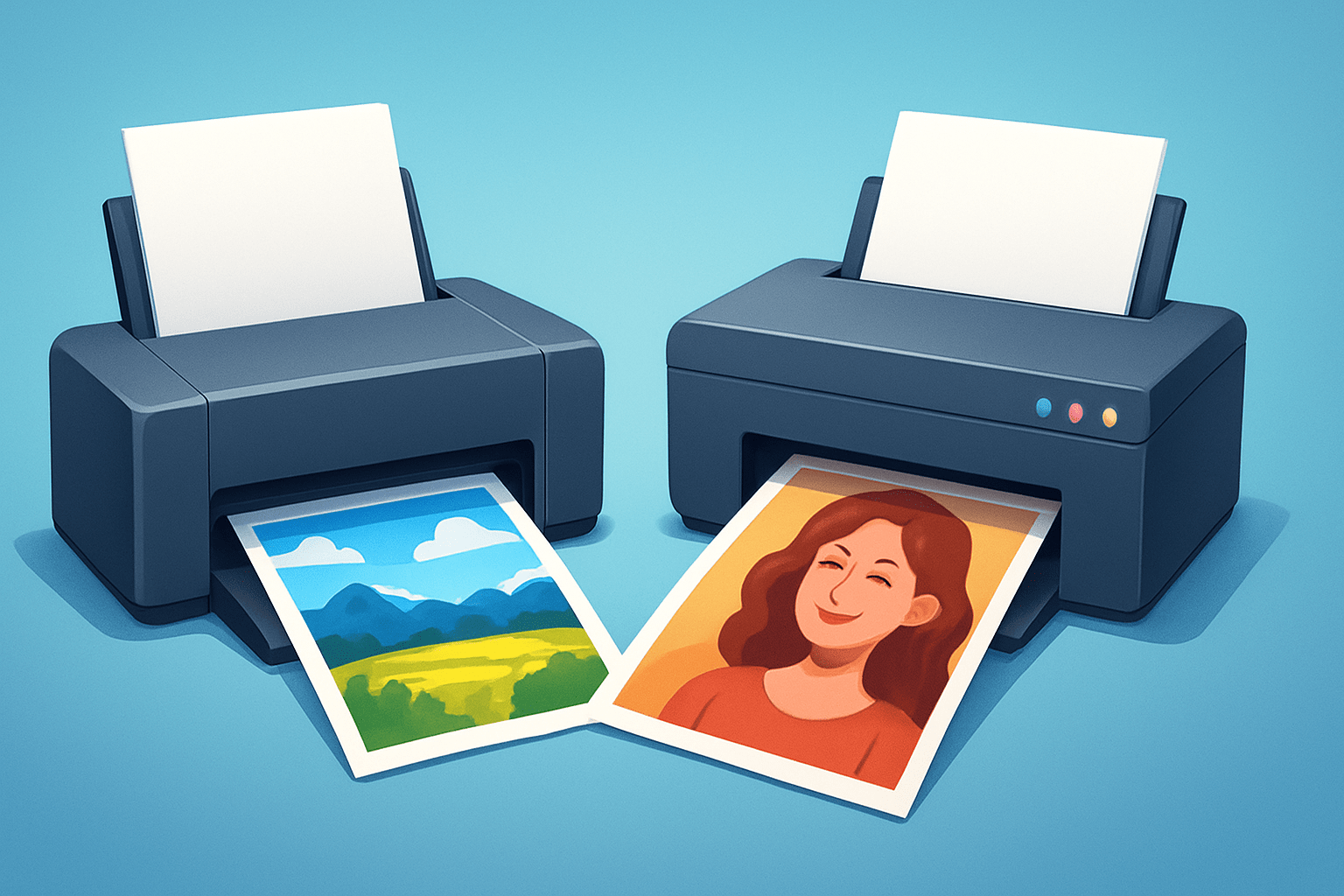
Photo printers are purpose‑built machines for photographic output, often using more ink colors, finer droplet control, wider color gamut, and dedicated media paths, while “inkjet printers” is a broad category that includes many general‑purpose models focused on documents first and photos second. That difference in specialization is the most practical answer to how do photo printers differ from inkjet printers?
In a dedicated photo printer you typically get six to twelve inks, including light cyan and light magenta for smoother gradients, and often multiple blacks or gray inks for better tonal control. The printhead can fire very small droplets, sometimes around 1.5 to 3 picoliters, which helps reduce banding and keeps fine detail crisp.
A general‑purpose inkjet usually runs four inks, commonly a black and a tri‑color cartridge, and it is tuned for sharp text, fast draft modes, and low upfront cost. It can print photos, but saturated reds, deep blues, and smooth sky gradients are harder to match, and thicker papers may not feed cleanly.
Ink chemistry also splits the crowd. Many consumer inkjets use dye inks for punchy color, while serious photo printers lean on pigment inks for better longevity and more neutral black‑and‑white. Some pro photo units carry both a “photo black” for gloss papers and a separate “matte black” for uncoated fine‑art stocks.
There are exceptions worth noting. Dye‑sublimation photo printers don’t spray liquid ink at all; they transfer dyes from ribbon to paper with heat, creating continuous‑tone 4×6 or 5×7 prints with consistent gloss, at a fixed per‑print cost. And some multifunction inkjets produce surprisingly good photos, but they remain generalists at heart.
Wide‑format photo printers are their own beast. They accept roll paper, handle heavy fine‑art sheets, and add specialty inks like red, green, or blue to push color boundaries for gallery work. Drivers and color management tools are also more advanced, supporting custom profiles and RIP workflows.
If you want occasional 4×6 snapshots, a basic inkjet or a retail lab is simple and cost‑effective. If you want exhibition‑level 13×19 or larger with predictable color and longevity, a dedicated pigment photo printer with good profiles or a RIP is the safer route.
Some readers first wonder whether a laser printer could work for photos, but toner tech is aimed at speed and text. If you are weighing that path, this short primer on laser vs inkjet clarifies why inks, not toner, remain the choice for photographic quality.
Ink types & print technology: dye vs pigment, extra color inks and printheads
Dye inks are liquid colorants that soak into the paper coating, producing vivid color and smooth gradients. They often deliver a wider apparent gamut and glossy punch, but can be less lightfast depending on the paper and display conditions.
Pigment inks suspend fine color particles that sit closer to the paper surface, giving better resistance to light and ozone. They usually offer stronger, more neutral blacks on matte papers and better archival performance, though gamut can be slightly narrower on some high‑gloss stocks compared with modern dyes.
Photo printers add more cartridges for two reasons: smoother tones and expanded gamut. Light cyan and light magenta reduce visible dots in pale areas and skin. Gray inks stabilize black‑and‑white tones. Separate photo black and matte black optimize density on glossy versus matte papers without compromise.
Pro photo models may include extra colors like red, blue, or green, which widen the color triangle and help hit intense hues that a four‑ink set misses. You see this most in saturated foliage, neon signage, deep ocean blues, and nuanced shadows.
Printhead design matters in daily use. Thermal heads heat the ink to fire droplets and are common in many consumer models; they are fast and cost‑effective. Piezoelectric heads flex microscopic crystals to push ink, allow a wider range of ink chemistries, and often excel with pigment sets and variable droplet sizes.
Dye‑sublimation takes a different path by vaporizing solid dye from a ribbon onto a receptive paper layer. The result is a continuous‑tone look with excellent uniformity and a consistent finish. Sizes are limited and costs are predictable per sheet, making them great for events and small prints.
Droplet size, measured in picoliters, is a practical spec to watch. A picoliter is a trillionth of a liter, and smaller droplets can render smoother gradients with less visible dot structure. Resolution in DPI is useful, but droplet size and how many tones each dot can represent matter more for photos.
Real‑world examples help. Many general inkjets start around 3 to 5 picoliters with four inks, while enthusiast photo printers can fire 1.5 to 3 picoliters with six to ten inks. That combination produces cleaner skin gradients, richer shadow separation, and more believable skies on a good paper.
If you are still comparing overall printer tech rather than photo quality specifically, this concise laser vs inkjet guide gives context and explains why photo printers stay within the inkjet family.
Image quality, color gamut and longevity (fade resistance)
Image quality is measurable, not mystical. Color gamut describes the range of colors a device can reproduce; think of sRGB as a smaller triangle and Adobe RGB as a larger one that better fits many photo printers and papers. Color accuracy shows up as ΔE, where lower numbers mean a smaller error from the target color.
Tonal gradation is the smoothness from light to dark, especially in skies and skin. Shadow and highlight detail describe how well the printer separates near‑black textures and bright whites without blocking or clipping. These are the areas where a dedicated photo printer’s extra inks flex their muscles.
Gloss uniformity, bronzing, and gloss differential are finish issues that influence perceived quality. Bronzing is a metallic sheen in dark areas on glossy papers, and gloss differential is when inks and bare paper reflect light differently. Good photo printers tune inks and coatings to minimize both on compatible papers.
A photo printer reaches higher quality by combining wider‑gamut inks, finer droplet control, and better software. Printer drivers and, in pro setups, a RIP (Raster Image Processor) manage how color is translated from your file to the specific paper. ICC profiles, which map color from one device to another, are the glue that keeps screens and prints aligned.
Get color management basics right and everything else gets easier. Calibrate your monitor with a colorimeter so the screen is a known reference. Soft proof using the paper’s ICC profile to preview gamut clipping, then export with embedded profiles and print using the exact profile for the chosen paper.
Longevity matters if you care about heirlooms or gallery sales. Independent tests from groups like Wilhelm Imaging Research report that modern pigment prints on archival papers can last decades to well over 100 years under ideal display or storage conditions. Dye prints can also last for many years, but often less under bright light or poor storage.
Paper choice shifts both gamut and longevity. Gloss and baryta papers give higher dmax (deeper blacks) and wider color, while matte and cotton rag excel at subtle tones and viewing under varied lighting. If you work in Adobe RGB and print with a wide‑gamut photo printer, you preserve more saturated greens and cyans than sRGB‑bound workflows allow.
To see the difference, compare the same image printed on a four‑ink office inkjet and a ten‑ink photo printer using matching paper. The photo unit should show cleaner reds, better blues, and more open shadows. That practical side‑by‑side proves, in simple terms, how do photo printers differ from inkjet printers?
If you want a quick refresher on media choices and device types when thinking about printing photos, this short read on printing photos frames the options without deep technical jargon.
Paper compatibility and media handling
Paper is half the print. Glossy papers deliver maximum punch, deep blacks, and shiny surfaces that make colors pop. Luster and satin hold strong color with a softer sheen that hides fingerprints and suits albums, weddings, and gallery walls.
Matte and fine‑art cotton rag lean toward subtlety and texture. They favor gentle tonal transitions, graceful black‑and‑white, and archival aims. Baryta papers emulate traditional darkroom fiber papers with a bright base, deep blacks, and a refined sheen many pros love.
Canvas, metallic, and specialty films expand creative output. Canvas softens micro‑detail and looks great on large wall pieces. Vinyl and films are more for display graphics, yet some wide‑format photo printers handle them well with the right profiles and inks.
Coatings determine speed and durability. Microporous coatings dry fast and suit pigment inks for crisp detail and resistance to smudges. Swellable coatings can protect dye inks from ozone but may take longer to dry and are more sensitive to humidity.
Photo printers stand out in media handling. They offer borderless printing across common photo sizes, straight‑through paper paths for thick fine‑art stocks, and higher supported weights measured in gsm. Wide‑format models accept rolls for panoramas and long prints, with advanced feeders to prevent scuffs.
Choose paper for how the print will live. Gloss for bright, saturated color behind glass; luster for a versatile finish that resists fingerprints; matte or cotton rag for an archival look with soft, natural tones. Let prints cure per the paper maker’s guidance, often 24 hours, before framing to avoid outgassing marks on glass.
Costs, speed and who should buy which: home vs hobbyist vs pro
Upfront costs vary by ambition. A basic home inkjet or all‑in‑one often lands between the price of a dinner out and a few hundred dollars, and it will scan, copy, and handle occasional photos. Enthusiast photo inkjets with six to ten inks can range higher, and wide‑format pro models step into four figures.
Ongoing costs matter more than sticker price. Small cartridges mean frequent replacements, while larger tanks lower cost per milliliter but raise initial spend. As ballpark figures, a 4×6 might cost from well under a dollar to a little over, an 8×10 from a couple of dollars upward, and a 13×19 several dollars more, depending on ink set and paper.
Remember hidden service items. Many desktop printers collect waste ink into pads that eventually need servicing or replacement. Periodic maintenance cycles consume ink, and switching between matte black and photo black on some models can waste ink as the lines purge.
Third‑party inks tempt with savings, but tradeoffs include color drift, clog risks, and voided warranties. If you sell your work or care about permanence, stick to manufacturer inks and papers, or vetted fine‑art brands with published profiles and longevity data.
Photo printing speed is a tradeoff with quality. High settings move the head slower and add more passes, which reduces banding and improves detail. Expect an 8×10 at top quality to take a couple of minutes or more on many photo inkjets, and smaller dye‑sublimation prints to emerge in under a minute.
Match the tool to the job. If you print a handful of family photos each month, a lab or your existing all‑in‑one makes sense. If you are a hobbyist making regular 8×10 and 13×19 prints, a six‑to‑ten‑ink photo printer balances cost and quality, while studios should lean toward wide‑format pigment machines with good profiling or a RIP.
Do a quick break‑even check before buying. Add the printer price spread over, say, two years, plus estimated monthly ink and paper, and compare that to the lab’s price times your monthly print count. If your cost per print at home stays higher and you don’t need control or immediacy, a lab wins.
When shopping, focus on questions that predict results. How many ink channels are there, and which extra colors or grays are included? What paper sizes and thicknesses are supported, what are the per‑print cost estimates, is ICC profiling straightforward or is a RIP supported, and how strong is the warranty and service network?
Quick buyer’s cheat sheet for clarity. Office inkjets are affordable and versatile but tuned for documents, so photos are acceptable, not outstanding. Dedicated photo printers cost more to run but deliver a wider gamut, better blacks, and the consistency you need for frames, clients, and galleries.
Finally, keep your workflow healthy to protect your investment. Run a nozzle check before important jobs and print something small each week to keep heads clear. Store finished prints in acid‑free sleeves or mounts and out of direct sunlight to slow down environmental fading.
If you still find yourself torn between general office needs and photo output, a short primer on laser vs inkjet will reinforce why inkjets rule for images, and the rest of this guide shows why dedicated photo models go further. With that context, the question of how do photo printers differ from inkjet printers? becomes a simple one of priorities: color fidelity, paper flexibility, and longevity versus convenience and cost.
What People Ask Most
How do photo printers differ from inkjet printers?
Photo printers are a type of inkjet made specifically for photos, with inks and color handling tuned to deliver richer, more accurate images than basic inkjet printers.
Can I use a regular inkjet printer to print photos?
Yes, you can print photos on a regular inkjet, but the results often lack the color depth and sharpness of prints from a dedicated photo printer.
Do photo printers give more accurate colors than standard inkjet printers?
Photo printers typically produce more accurate and vibrant colors because they are optimized for photo color reproduction and may use extra color cartridges.
Is special paper required for photo printers compared to inkjets?
Using photo paper improves results on any printer, and photo printers are designed to perform best with glossy or matte photo papers for richer, sharper prints.
Are photo prints from inkjet printers more durable or longer lasting?
Print longevity depends on the ink and paper used, but dedicated photo printers paired with archival photo paper generally yield longer-lasting results than basic inkjets.
Are photo printers harder to maintain than regular inkjet printers?
Photo printers may need more frequent ink replacements and occasional nozzle cleaning for color accuracy, but routine maintenance is similar to other inkjets.
Will a photo printer make my smartphone photos look professional?
A photo printer can significantly improve print quality, but good lighting, resolution, and basic editing of the original photo are also important for a professional look.
Final Thoughts on Photo Printers vs Inkjet Printers
You came to learn if a photo printer is just another inkjet, and the short answer—shown by specs, profiles and print samples—is that dedicated photo models yield richer color, smoother tones and better paper handling. A 270 may be a model number, but it’s the extra inks, smaller droplets and dedicated media paths that make the visual and archival difference. The core benefit is control over color, finish and longevity rather than just higher DPI.
Realistically, they cost more to buy and run, and you’ll need to learn color management and occasional maintenance. That tradeoff makes them best for enthusiasts, fine-art hobbyists and pros who print often or need gallery-quality, archival results. For casual snapshots, a lab or basic all-in-one still makes good sense.
Now that you know which technical choices—inks, droplet size, media handling and profiles—actually change your prints, you’ll be better equipped to pick the right route for your needs. Expect more satisfying, longer-lasting prints when gear and workflow match your goals.




0 Comments