
Want to know how to use photography umbrellas to create soft, flattering light in minutes?
This guide gives a clear, step-by-step workflow you can use on your first shoot. You will learn when to pick shoot-through or reflective umbrellas, how to mount them, and the right distances for headshots and full-body shots.
I’ll explain umbrella types, mounting tricks, and how to avoid hotspots. You will also get practical setups for portraits, products, and fashion with starter camera and flash settings.
Plus there are gear checklists, diagrams, troubleshooting tips, and safety notes to copy on set. Updated for 2026 so you can use current gear and best practices.
How to Use a Photography Umbrella
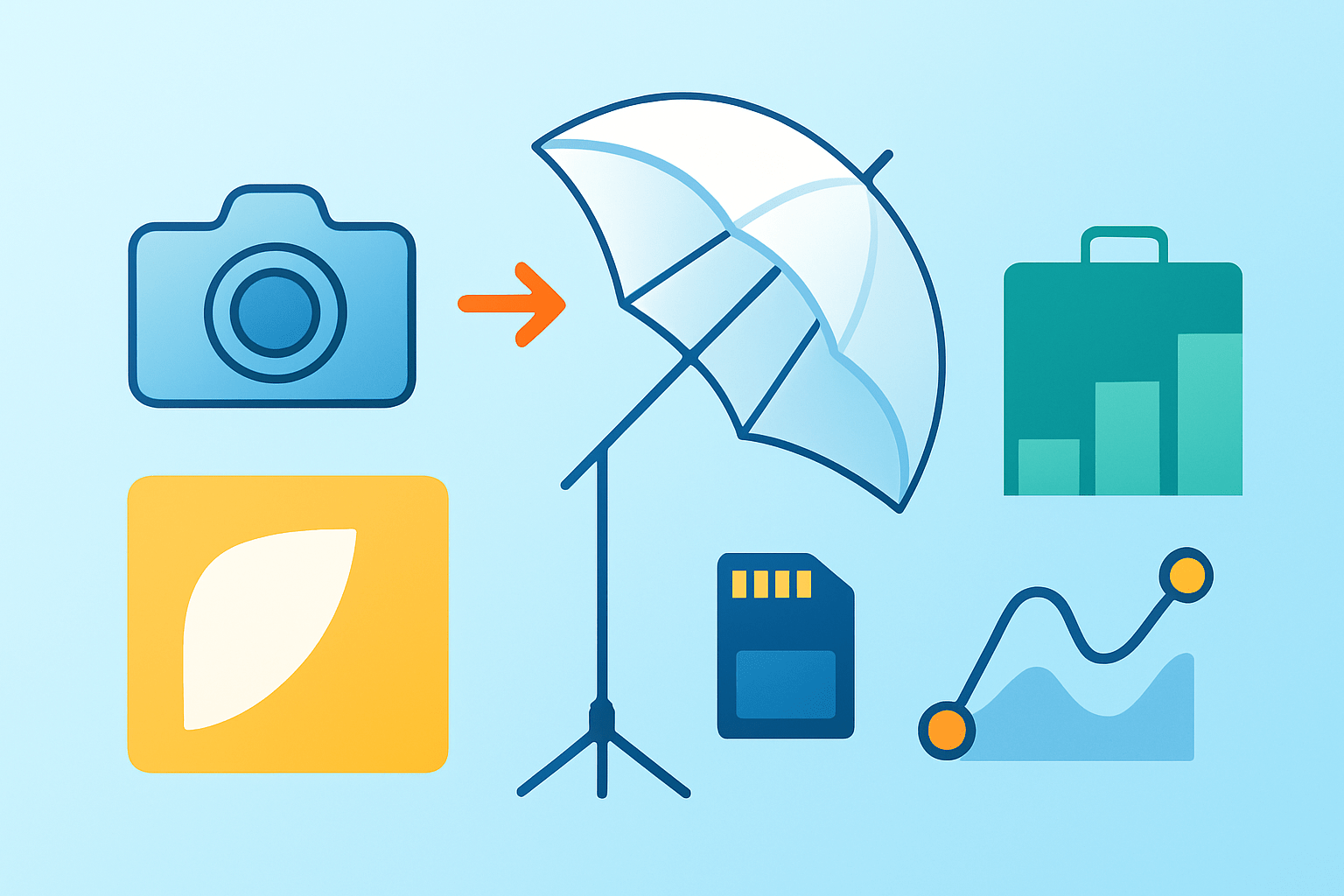
If you want to know how to use photography umbrellas, follow this simple workflow and you will get clean, soft light on your first try. Start with the look you want, then place the gear, set your camera, and refine with a quick test shot.
Pick a shoot‑through umbrella when you want airy, low‑contrast light that wraps. Pick a reflective umbrella when you want more punch, control, and less spill.
Step one is assembly and mounting. Slide the umbrella shaft into the umbrella receptor on your flash head or into a shoe‑mount bracket, then tighten it so it cannot slip. Lock the light on a stand, angle the tilter so the shaft points to your subject, and sandbag the stand before you power on.
Step two is placing the light relative to the umbrella. For a shoot‑through setup, put the flash or strobe behind the umbrella and aim it through the fabric toward your subject. For a reflective setup, point the head into the umbrella’s interior and let the light bounce out to your subject.
Step three is positioning the umbrella to the subject. For headshots, start at two to four feet from the face so the light is soft and flattering. For three‑quarter or full‑body shots, start at three to six feet and adjust distance to control softness and coverage.
Step four is dialing in camera and flash basics. Set shutter to your sync speed, set ISO to 100 or 200, and choose an aperture that fits your depth needs, often f/4 to f/8. Start your flash at one quarter power in manual or try TTL so you can see a safe baseline.
Step five is testing and fine‑tuning. Take a test photo and study catchlights, shadows under the nose and chin, and any hotspots on skin. Move the umbrella closer for softer shadows, feather it to tame hotspots, or drop power to keep highlights clean.
Run a fast mental checklist before every frame. Confirm the umbrella is mounted, the type matches your intent, the distance is right, the angle models the face, a test shot looks good, and the stand is secure. This habit prevents most problems before they happen.
Bring the basics so you are never stuck on set. Pack a white shoot‑through, a silver or white reflective umbrella, sturdy stands, umbrella brackets, speedlites or strobes, sync triggers, sandbags, clamps, flags, gels, and a diffusion cloth. These tools cover almost every indoor portrait or product job.
If you want a deeper walkthrough that mirrors this process, see this umbrella lighting setup resource and compare it to your own notes. Use it to build a simple diagram you can tape to your case.
To speed up learning, print a one‑page cheat sheet with distances, angles, and starting settings. Add a small lighting diagram and a QR code to a short setup video so you can review moves on set.
Types of Photography Umbrellas (and when to use each)
Knowing the types is key to learning how to use photography umbrellas with intention. Each surface changes contrast, output, and spill, so match the tool to the story you want to tell.
A white shoot‑through umbrella gives very soft, low‑contrast light and wide spread. Use it for portraits, newborns, or soft fill when you want gentle skin and fast setups.
A silver reflective umbrella gives higher contrast and more output at the same power. Use it for fashion, drama, or when you need to push light farther in larger spaces.
A white reflective umbrella sits between silver and shoot‑through. It is softer than silver but brighter and cleaner than a thin shoot‑through, so it is a balanced option for everyday portrait work.
A black exterior with silver interior controls spill and blocks light from escaping through the fabric. Use this when you need separation from the background or want to keep light off walls and floors.
Parabolic umbrellas are deeper and more directional with a unique falloff that hugs form. They shine in fashion and head‑to‑toe work where you want shape, control, and an elegant edge.
Convertible three‑in‑one umbrellas let you remove the black cover or diffusion to switch between reflective and shoot‑through modes. They are great when you need one tool to span mixed needs on a small job.
Size changes everything because apparent size controls softness. Small umbrellas around thirty‑three to forty inches suit headshots and tight spaces, standard sizes around forty‑five to sixty inches handle three‑quarter portraits, and large sixty inches and above help with full‑body or small groups. Bigger sources look softer when placed close, but they catch wind and need more careful stands.
When deciding fast, think in three sliders. If you want maximum softness, pick a big white shoot‑through and move it close. If you want contrast and efficiency, pick silver and back it off to keep shape. If you need portability, go smaller and raise ISO a touch to keep power down.
If you like studying options before buying, skim a concise complete guide to see surface samples and size comparisons. Bookmark your favorites and match them to the work you shoot most.
For each type, record how it looks in your space. Make a simple before and after test with no modifier versus the umbrella, and caption the results so you can build an internal style library.
Mounting, Light Source & Avoiding Hotspots
Studio heads usually include an umbrella receptacle under the tube, so the shaft slides in and sits on axis. If your head lacks tilt range, add a tilter bracket between head and stand so you can angle the umbrella without stressing the mount.
Speedlites need a shoe‑mount or umbrella bracket, and a tilter to aim cleanly. If you must stack power, use a multi‑flash bracket and center the beams so the umbrella fills evenly, then secure each flash with locking pins.
To check for even light, photograph the umbrella face, not the subject. Put the camera in manual at ISO 100, sync speed, and f/8, underexpose the shot, and watch for bright hotspots or dark corners in the fabric. This quick test tells you how even your beam is before you place a person in front.
If you see a bright hotspot in the center, move the flash head slightly back from the umbrella to widen the spread. Change the flash zoom to a wider setting, or add a diffusion cloth over the umbrella to smooth the beam.
If the edges are brighter than the center or you see unwanted spill onto walls, move the flash head a bit closer to the umbrella and reduce zoom. Switch to a black‑backed reflective umbrella, or add flags at the sides to catch stray light.
Aim matters as much as distance. With reflective umbrellas, aim the head into the deepest part so the bounce exits the umbrella evenly. With shoot‑through, aim through the center for even wrap, and use a deliberate hotspot only when you want a crispy highlight as a creative accent.
Always think about safety and stability when you open big fabric indoors or outdoors. Sandbag every stand, clamp loose cables, and never open umbrellas near doors or fans that can kick up wind. If you use hot lights or high‑powered strobes, respect heat limits and avoid placing gels directly on the glass unless they are rated.
Many beginners miss small things that cause big problems. They keep the flash too close to the umbrella and do not fill the surface, they place the umbrella too far from the subject and lose softness, or they skip the test shot and only notice banding or hotspots after the session.
For more technique context and a classic lesson path, revisit the umbrella basics and compare the beam tests to your own. Use the same settings so your tests translate one to one.
Build a habit of checking the umbrella face for uniform tone before every portrait. It takes ten seconds and prevents hours of retouching later.
Placement, Distance & Angle — Practical Setups for Portraits, Products & Fashion
Distance and angle shape the face more than any other move. Closer light is softer and drops faster, a higher light sculpts cheekbones, and the angle sets the pattern from butterfly to loop to Rembrandt in a small twist.
For a soft beauty headshot, use a white shoot‑through at about forty‑five degrees to camera and thirty to forty‑five degrees above eye level, two to three feet from the face. Start at ISO 100 to 200, sync speed, f/4 to f/5.6, and one quarter power, then tweak so the catchlights sit high and the under‑chin shadow is clean.
For a Rembrandt or loop look, try a white or silver reflective umbrella to the side and slightly above the eye line. Feather it so the bright edge misses the face and let the soft edge do the work, then start at ISO 100, sync speed, f/5.6 to f/8, and one quarter power for control.
For a small product, use a small silver or white reflective umbrella one to three feet away and aim the head into the inner curve, then rotate to manage reflection angles. Keep ISO 100, sync speed, f/8 for depth, and start at one eighth to one quarter power to avoid clipping labels or glossy surfaces.
For fashion or full‑body, bring a large parabolic or a sixty inch umbrella four to eight feet away and raise it to keep shadows falling down the body. Start at ISO 100 to 200, sync speed, f/5.6 to f/8, and one quarter to one half power so you can hold shape in the wardrobe.
For rim or backlight, place a reflective umbrella behind the subject and off to one side to kiss the hair and shoulder. Start one to two stops lower than the key and keep ISO 100, sync speed, f/4 to f/5.6, and one sixteenth to one eighth power so the rim does not overpower the face.
Feathering is a simple but powerful move. Point the umbrella so the soft edge of the beam grazes the subject rather than the center, which lowers contrast on skin and reduces hotspots while keeping shape. Use this when you want smooth gradients and calmer highlights.
Watch catchlights because they tell you where your light sits. Umbrella catchlights are round to oval and look natural in eyes, and a parabolic can leave a slightly taller specular that hints at direction. Place the catchlight high and slightly to the side to keep eyes lively.
Document your setups so you can repeat wins. Make side‑profile diagrams that show stand height and distance, and add a caption with lens, ISO, shutter, f‑number, and flash power. Shoot a quick before and after with no modifier, then with the umbrella, and label the files for later study.
If you are still deciding how to use photography umbrellas for your space, try each recipe in the same room and keep the camera settings constant. Compare shadow edge transitions and catchlight positions so you see what each umbrella type does without guessing.
Advanced Techniques: Multi‑Light Setups, Gels & Creative Uses
A simple three‑point recipe is a fast way to scale up. Use an umbrella as your key, place a second umbrella on the opposite side and set it one to two stops lower for fill, then add a rim or backlight with a third light or a gridded speedlight to separate the subject from the background.
Mix umbrellas with softboxes, reflectors, and continuous LEDs when you need coverage plus shape. Match color temperature first, then balance power so the key defines the face, the fill only opens shadows, and the rim stays subtle and clean around hair and shoulders.
Gels open creative options for rim lights and backgrounds. Tape the gel to the flash head or use a gel holder, and avoid direct contact with hot strobes unless the gel is heat rated. A cool blue gel on the rim with a neutral key can lift a portrait without looking heavy handed.
Try creative twists when you want something fresh. Collapse a reflective umbrella slightly to focus the beam and add drama, use an umbrella as a graphic prop in fashion, or frame environmental portraits with intentional umbrella reflections on windows or cars. For groups, use two large umbrellas equal distance from the center and set the same power so coverage stays even from edge to edge.
Troubleshoot multi‑light scenes by checking color shifts first, then spill and exposure ratios. If the background is too bright, flag the key or switch to a black‑backed reflective umbrella and move it closer to reduce spill, then refine with a quick test shot and small power trims.
Before every shoot, review a short checklist so good habits stick. Sandbag every stand, tape down cables, close doors near big umbrellas, and confirm your sync speed to avoid banding. Keep a printed diagram and a tiny cheat sheet in your bag, and add a link to a short video or gif that shows feathering moves you can mimic in seconds.
Once your eye learns the patterns, how to use photography umbrellas becomes second nature. You will read faces faster, place light with intent, and spend less time fixing problems and more time making portraits that feel alive.
What People Ask Most
What are photography umbrellas and why should I use them?
Photography umbrellas are simple light modifiers that soften and spread light to create more flattering, even lighting for portraits and product shots.
How do I set up a photography umbrella for a simple portrait?
To learn how to use photography umbrellas, mount the umbrella on a light stand, attach your light, point the umbrella toward or away from the subject depending on the type, secure the stand, and test the light.
What’s the difference between shoot-through and reflective umbrellas?
Shoot-through umbrellas let light pass through for very soft light, while reflective umbrellas bounce light back for a slightly more directional, brighter look.
How close should the umbrella be to my subject for softer light?
Move the umbrella closer for softer, more wraparound light and farther away for slightly harder, less diffuse light.
Can I use a photography umbrella outdoors or in windy conditions?
Yes, you can use umbrellas outdoors, but always weigh down the stand or avoid strong wind to prevent damage or accidents.
What common mistakes should I avoid when learning how to use photography umbrellas?
Avoid not securing the stand, placing the umbrella at the wrong angle, and mixing different color lights without correction.
How do I clean and store photography umbrellas to keep them in good shape?
Wipe the fabric with a damp cloth and let it dry completely before folding, then store it in a case or dry place to prevent damage.
Final Thoughts on Photography Umbrellas
You came wondering how to use a photography umbrella, and this guide gives a clear, repeatable workflow that turns umbrellas into predictable, flattering light. Keep a 270 test-and-adjust mindset: mount, pick shoot-through or reflective, dial distance and angle, and tweak flash power until catchlights and shadows look right. The core benefit is simple—big, forgiving light that shapes faces and tones without fuss, so portrait, fashion, and product shooters get softer, more flattering results.
One realistic caution: umbrellas can show hotspots, uneven falloff, or tip a stand, so always test the umbrella face, tweak flash-to-umbrella distance, and sandbag every light. We walked through mounting methods, types, ready-to-use recipes, and creative multi-light ideas so you won’t be guessing on set. Try a simple setup tonight and you’ll see how the step-by-step answer at the opening turns into consistent results you can build on.





0 Comments