
What is a megapixel — and does it really make your photos better?
This article explains what a megapixel means, shows the simple formula (width × height ÷ 1,000,000) with a clear example, and defines what a pixel is. You will also learn the difference between pixels and sensor photosites, and how pixel size and binning change real results.
You’ll see how megapixels affect detail, cropping, prints, file sizes and video, with quick printing math for 300 and 150 ppi. I will compare sensor sizes and give practical buying tips so you pick the right camera or phone for your needs.
Expect clear examples, a quick reference list of recommended MP by use, and a buyer checklist you can use today. No jargon — just visual rules and simple numbers to help you decide.
What is a Megapixel?
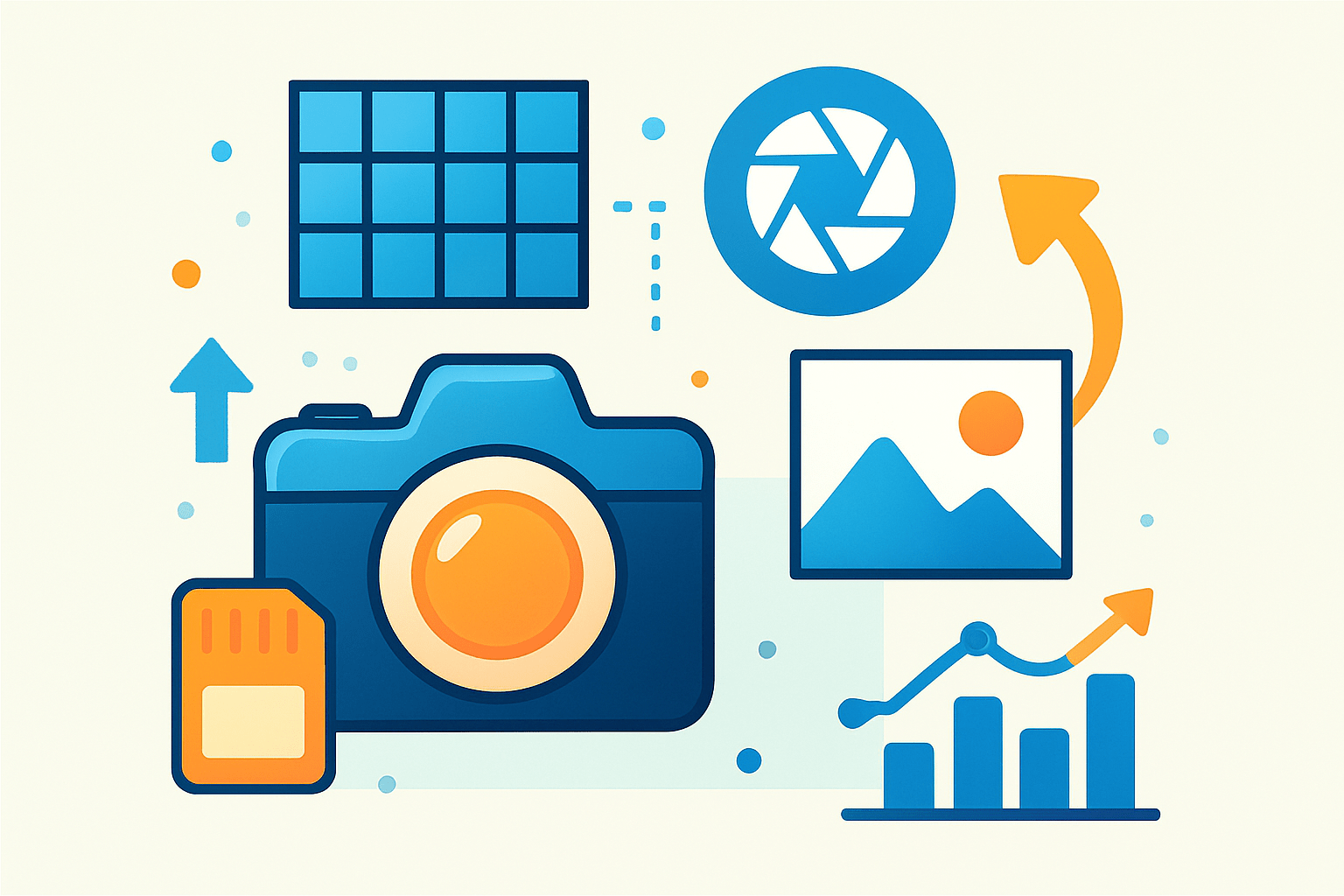
A megapixel = one million pixels. It is a way to measure image resolution by counting how many tiny picture elements make up the photo. If you are wondering what is a megapixel in simple terms, think of it as the headcount of colored dots in your image.
The quick math is straightforward: megapixels = (width in pixels × height in pixels) ÷ 1,000,000. For example, 4000 × 3000 pixels equals 12,000,000 pixels, which is a 12 MP image. If you shoot 6000 × 4000 pixels, that totals 24,000,000 pixels, or 24 MP.
A pixel is the smallest unit of a digital image that can display a color. A megapixel is only a count, not a guarantee of quality, because sharpness, noise, lens performance, and processing also shape the final result. High numbers can be helpful, but they are not the whole story.
Typical cameras today span a wide range. Many smartphones produce 12–48 MP files, with some sensors listing 50–108 MP. Full-frame cameras commonly run 24–50 MP, while medium-format systems often push 50–150+ MP for extreme detail and large prints.
Pixel vs. Megapixel
A pixel is a finished picture element you see in the final image or on a screen, while a camera sensor uses tiny light-catching buckets called photosites. Manufacturers sometimes call those photosites “pixels,” but they are not the same as the final display pixels you edit and view.
You will also see “total pixels” and “effective pixels” in spec sheets. Total includes areas that are masked or used for calibration, while effective pixels are the ones that contribute to the image you save. Always compare effective pixels when judging usable resolution.
Most sensors use a Bayer filter where each photosite records only red, green, or blue light. The camera then uses demosaicing to interpolate and build full-color pixels from this mosaic. This is one reason why resolution numbers alone do not fully describe color fidelity or detail.
Pixel size, or pixel pitch, is measured in micrometers and it matters a lot. Two cameras can both be 24 MP, but if one has a small sensor and the other a large sensor, their photosites differ greatly in size and light-gathering power, which affects noise, dynamic range, and texture rendering. For a deeper dive into megapixel counts and their impact on photo quality, look at how pixel pitch and processing work together in real images.
Smartphones with 50–108 MP sensors often use pixel binning, which combines groups of tiny photosites into larger “virtual” pixels. A 108 MP sensor can output a cleaner 12 MP file by merging 9 photosites into one, trading some nominal resolution for improved low-light performance and reduced noise.
How Megapixels Affect Photo Quality
Higher megapixels capture more native detail, which is most noticeable when you view at 100%, crop heavily, or print large. That extra data can preserve textures like hair, foliage, and fabric weave. When people ask what is a megapixel, they are often really asking how much detail they can keep when they enlarge or crop.
There are limits and trade-offs. On a fixed sensor size, increasing MP shrinks the pixel size, which usually raises noise, reduces low-light performance, and can squeeze dynamic range. This is why two 48 MP cameras can deliver different results if one has a physically larger sensor.
Optics can also bottleneck resolution. Lenses have finite resolving power, and high-MP sensors demand excellent glass, careful focus, and refined technique. Diffraction at small apertures softens images no matter the megapixels, so sharpness is not identical to MP count.
More megapixels mean larger files. Expect rough RAW sizes like 12 MP at about 15–30 MB, 24 MP at about 25–50 MB, and 45+ MP at about 60–100+ MB depending on compression and bit depth. Bigger files slow transfers, lengthen edits, and require more storage and faster computers.
Video has its own math. 4K frames are about 3840 × 2160 pixels, which equals roughly 8.3 MP per frame. 8K is about 7680 × 4320 pixels, or about 33 MP per frame. Many cameras use line-skipping, pixel binning, or downsampling to turn a high-MP sensor into clean video without overheating or rolling-shutter issues.
The myth that more MP automatically equals better pictures needs to go. Image quality comes from sensor design, pixel size, lens quality, exposure, processing, and your technique. If you want a second opinion on whether megapixels matter, compare real-world samples rather than spec sheets.
To visualize the effect, I recommend a simple set of sample images. Show a pixel grid close-up that reveals blocky pixelation when zoomed, a side-by-side crop from a 12 MP versus a 24 MP file, a sensor size diagram with pixel pitch callouts, and a print-size versus PPI chart. When using high-MP cameras, use a tripod or higher shutter speeds to fight motion blur that high resolution can make more visible.
How Many Megapixels Do You Need?
Your needs define the right number. For social media and web use, 3–12 MP is usually more than enough because platforms downsize aggressively. For small prints like 4×6 or 5×7 and everyday sharing, a good 12 MP smartphone already performs beautifully.
Printing math makes this clearer. Pixels needed = inches × desired PPI on each side, then multiply to get total pixels and convert to MP. An 8×10 at 300 ppi needs 2400 × 3000 pixels, which equals 7,200,000 pixels or 7.2 MP.
Scale up to a 16×20 at 300 ppi and you get 4800 × 6000 pixels, which equals 28,800,000 pixels or 28.8 MP. That is where a 30 MP class camera begins to shine if you want crisp, nose-to-glass viewing quality without upscaling.
You can lower PPI for large prints viewed from farther away. At 150 ppi, an 8×10 needs only 1200 × 1500 pixels, or 1.8 MP, and a 16×20 needs 2400 × 3000 pixels, or 7.2 MP. Many gallery prints look excellent at 150–200 ppi because nobody examines them from six inches away.
If you plan to crop, budget extra resolution. A simple rule is to multiply your required MP by the inverse of your crop. Cropping to half the frame area means you should start with roughly double the MP to maintain the same output size and detail.
Here is a quick reference in plain words. Social/web needs about 3–12 MP; hobby travel and family albums are well served by 12–24 MP; large prints look best with 24–50+ MP depending on viewing distance; professional landscape, studio, or commercial work often benefits from 36–100+ MP; for video, aim for sensors that read out cleanly at 4K or 8K rather than chasing extreme stills resolution.
Before you buy, check real files at 100% and look at high-ISO crops for noise and color shifts. Compare dynamic range tests, study lens MTF or resolution charts, and verify RAW file sizes so you know the storage demand. Plan your workflow with fast cards, a reliable backup strategy, and consider shooting RAW with careful sharpening and noise reduction to make the most of high-MP sensors.
Megapixels and Sensor Size
Sensor format changes how megapixels behave. A 1-inch, Micro Four Thirds, APS-C, full frame, and medium format sensor can all offer similar MP counts, yet the larger sensors have larger pixels at the same MP, which usually means cleaner shadows, smoother tones, and better low-light results.
Pixel pitch drives this difference. A 12 MP full-frame camera has photosites that are several times larger than those on a 12 MP 1-inch sensor, so it gathers more light per pixel and preserves more dynamic range. That is why low-MP, large-sensor bodies can look stunning in dim scenes.
High MP on a large sensor often delivers the best blend of detail and tonal quality, assuming the lens and technique keep up. High MP on a tiny sensor can create impressive daylight detail but may struggle with noise and highlight retention, even with binning and computational boosts. For a plain-English take on megapixels and when do they matter, compare across sensor sizes, not just the MP line.
Modern tech narrows gaps with backside illumination, smart binning, and aggressive computational sharpening in phones. Still, prioritize sensor size and dynamic range for low-light and overall quality, and prioritize MP only if your uses demand huge prints or heavy crops. When in doubt, study trusted lab tests like sensor scoreboards and print guides to match numbers to real results, and remember that knowing what is a megapixel is just the starting point for making the right choice.
What People Ask Most
What is a megapixel?
A megapixel is a unit that equals one million pixels and it describes the resolution of a digital image. Higher megapixels mean more detail in the picture.
How does a megapixel affect photo quality?
A higher megapixel count can capture finer detail and allow bigger prints or more cropping. Image quality also depends on lighting, lens, and camera settings.
Do I need a high megapixel camera to take good photos?
No, many great photos come from cameras with moderate megapixels because composition and lighting matter more than just resolution. A higher megapixel count is helpful but not essential for everyday photos.
Can I print large photos if I have more megapixels?
Yes, more megapixels let you print larger photos without losing detail. They also let you crop images while keeping useful resolution.
Does megapixel count matter for social media posts?
Not much, because social platforms often shrink and compress images, so a moderate megapixel count is usually enough. Focus on clear framing and good lighting instead.
Is megapixel the same as overall image quality?
No, megapixels only measure image resolution, not color accuracy, noise level, or dynamic range, which also shape quality. Other camera features and shooting technique are important too.
What is a common mistake people make about megapixels?
A common mistake is assuming more megapixels always mean better photos, which can lead to neglecting lighting and composition. Bigger files can also be harder to store and share without improving image quality.
Final Thoughts on Megapixels
If you remember the opening hook asking whether megapixels are the secret to better photos, this guide—rather than 270 reasons—showed when they actually make a difference. We broke down what a megapixel is, how pixels and sensor size change the outcome, and the real-world trade-offs between resolution, noise, lenses and workflow.
More megapixels mean finer detail, easier cropping and bigger prints, but they also bring larger files, tougher lens and technique demands, and worse low‑light performance on small sensors. That practical balance matters most to landscape, studio and commercial shooters or anyone who plans heavy cropping or gallery prints.
Every reader who wondered whether higher numbers translate to better images should now see that resolution is a tool, not a magic pill — it’s about the right match of sensor, glass and processing for your needs. Keep experimenting with your gear and prints; you’ll soon find the megapixel sweet spot that fits your vision.



0 Comments