
How to order photo prints that look like the originals and last for years?
This guide shows easy steps to get great prints every time. You will learn how to prepare files, pick sizes and paper, and choose a good lab.
It includes a simple 7‑step workflow, a short phone‑to‑print example, and a troubleshooting mini‑case. You’ll also get a printable checklist and quick money‑saving tips.
Read on for clear, practical advice that suits beginners and hobbyists. By the end you’ll know exactly what to check before you hit “order.”
How to order photo prints (Step‑by‑step)
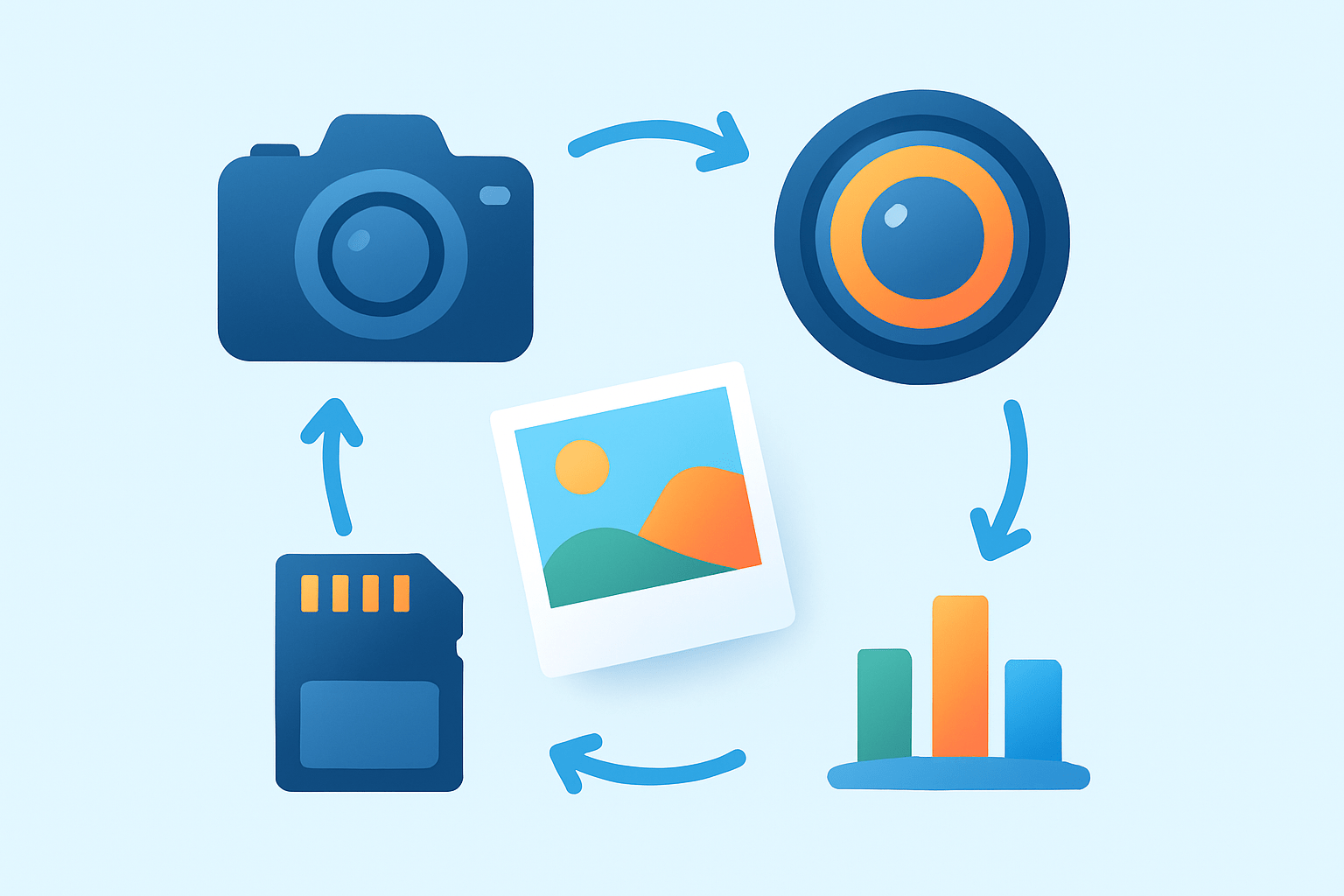
If you’re learning how to order photo prints, here’s the simple path that works every time. Follow these 7 steps and you’ll go from camera roll to wall-ready without surprises.
Step 1: Decide what you want. Choose a single print or a set, pick sizes that suit where they’ll live, and decide if you want canvas, a framed print, or loose paper prints. Clarity here saves time and money later.
Step 2: Pick a lab, local or online. Choose based on print quality, price, and turnaround; local pickup is fast, while online labs usually offer more papers and sizes. If you use Photos on Mac, you can also order on Mac with a built‑in flow.
Step 3: Prepare your files. Export high‑quality JPEG or TIFF, ensure you have enough pixels for your chosen size, and embed the sRGB color profile unless your lab says otherwise. Name files clearly so the lab and you can match notes to prints.
Step 4: Upload and set options. Choose size, paper type, and surface finish, then decide on borders or margins and whether you need mounting or a frame. Check any options for color correction if you want the lab to adjust.
Step 5: Review the preview or proof. Confirm the crop, watch for bleed near edges, and read any lab warnings about low resolution or aspect ratio mismatches. Accept prompts only after you are happy with the framing and fit.
Step 6: Checkout with delivery in mind. Pick shipping speed and add insurance for valuable orders, then apply coupons or bundle discounts before paying. Expect a tracking number and a delivery window; large prints may ship separately.
Step 7: Inspect prints on arrival. Look under neutral light for color, sharpness, and damage; compare to your proof and notes. If something is wrong, contact the lab promptly for a reprint or return with photos of the issue.
Example workflow: I take a phone photo of my daughter at sunset, edit lightly, export a high‑quality JPEG in sRGB, and upload to a consumer lab. I choose an 8×10 on lustre paper, nudge the crop to keep her eyes centered, and confirm the preview before ordering. That’s the heart of how to order photo prints without guesswork—Follow these 7 steps and you’ll be confident every time.
Preparing your images for print
Great prints start with pixels and preparation. Pixel dimensions are the real data that determine how large you can print; DPI is just a print instruction that maps those pixels to inches.
As a practical target, aim near 300 DPI at the chosen size for close viewing. Rough guidelines help: 4×6 needs around 1200×1800 pixels, 8×10 around 2400×3000 pixels, and 16×20 around 4800×6000 pixels.
Match your aspect ratio to your print size to avoid surprise crops. A 3:2 image fits 4×6 and 12×18 naturally, while 8×10 is 4:5 and will trim the long side; add borders or “fit to paper” if you must keep every edge.
Handle color with care. Most consumer and many pro labs expect sRGB, so export in sRGB and embed the profile; use Adobe RGB only if your lab supports it. Soft‑proof when available and calibrate your monitor using your system’s calibrator so screen brightness and color aren’t misleading.
Pick the right file format. A high‑quality JPEG at 90–100% quality (or level 10–12) is fine for most orders, while TIFF is safer for large fine‑art prints or heavy edits. Avoid re‑saving JPEGs repeatedly to prevent compression artifacts.
Apply output‑specific sharpening. Add light, crisp sharpening sized for the final print, then zoom to 100% to check for halos or crunchy noise; reduce sharpening if you see jagged edges. Clean mild noise in shadows but keep texture in skin and skies.
Do a quick technical check before uploading. Read the histogram for clipping, examine key details at 100%, and consider a small test print before committing to a big wall piece. A proof now is cheaper than a reprint later.
Choosing size, paper and finish
Choose a print size that suits both resolution and viewing distance. Larger pieces viewed from across a room can tolerate fewer pixels per inch, but small frames on a desk need more crispness. If you’re unsure about options, skim common photo print sizes to anchor your plan.
Lustre or semi‑gloss paper is the versatile choice for portraits and everyday prints. It keeps colors lively but resists fingerprints and reflections better than glossy. If you want one safe default, pick lustre.
Glossy paper delivers punchy color and deep blacks, great for saturated travel photos or albums. It can glare under bright light and shows fingerprints, so avoid it for display spots with windows or spotlights.
Matte or flat papers are glare‑free and refined, perfect under glass and for minimalist decor. Blacks are softer, so avoid very dark, contrast‑dependent images unless you like the muted look.
Metallic or pearl papers add shimmer and high impact. Landscapes, night cityscapes, and car photos often sing on this finish, while skin tones can look too shiny if overdone. Use it when you want that extra wow.
Fine‑art papers such as cotton rag and baryta elevate texture and longevity. These giclée options are archival and ideal for artwork, exhibitions, and limited editions, often with richer tones and a luxurious feel in hand.
Canvas offers a textured, painterly look that hides minor noise and makes big prints approachable. Budget for stretching or mounting, and confirm wrap margins so important details don’t disappear around the edges.
Think through finish, mounting, and framing early. Borders and mats create breathing room, float frames feel modern, and rigid backings add durability; UV glass or coatings protect against fading. Each upgrade adds cost, so match the finish to your subject and display spot.
Where to print your photos (best options & what to look for)
You have four main lab types: big‑box or retail, consumer online services, boutique artist labs, and professional labs. Retail is fast and cheap, online services offer variety, boutiques focus on design, and pro labs deliver consistency and control.
Mpix is a pro‑consumer lab with reliable color, paper choices, and framing options. Artifact Uprising leans premium, with beautiful papers, gift‑ready books, and design‑forward products.
Social Print Studio shines with creative formats like squares, strips, and stickers for personal projects. Walmart is cheap, fast, and convenient for everyday prints with same‑day pickup in many areas.
Before choosing a vendor, look for sample images and recent customer photos, ICC/profile support, the exact sizes and papers you need, and honest turnaround times. Check shipping and packaging quality, the reprint or return policy, and any volume discounts that fit your order.
Validate a lab by ordering a small test print or requesting a sample pack, and download the lab’s ICC profile if provided. Read fresh reviews and see how pros print to set your expectations for consistency and care.
Essential tips, checklist and troubleshooting when ordering prints
Include a tiny checklist in your order notes or file names so nothing gets missed. Add the file name, requested size, embedded color profile, pixel dimensions, chosen paper and finish, and your email or phone in case the lab needs you.
Save money and time by batching orders, watching for promo codes, and choosing off‑peak shipping when deadlines allow. Use in‑store pickup if you’re on a tight timeline, and consolidate frames or mounts to reduce shipping risk.
If you see color shifts, soft‑proof the image, embed sRGB, and ask the lab for their profile or disable auto corrections. Calibrate your monitor and reduce screen brightness so your print doesn’t come out darker than your display.
When low‑resolution warnings pop up, crop to a smaller size or upscale carefully with modern tools, then review at 100% for artifacts. Don’t push beyond what your pixels can support for close‑viewed prints.
To avoid cropping surprises, always study the preview and adjust the crop to protect key edges. Leave safe margins around text or important details, and remember that bleed can trim a sliver off the edges.
Protect your package on the road. Choose tracked shipping, add insurance for expensive orders, and request rigid packaging or tubes for large prints; let canvas acclimate before hanging. If a box arrives damaged, photograph everything before unwrapping and contact support immediately.
Care for prints like keepsakes. Frame behind UV‑protective glass, avoid direct sun, use acid‑free mats and backings, and store loose prints in archival sleeves in a cool, dry place. Dust gently with a clean microfiber cloth and avoid humidity swings.
For high‑stakes projects, order a small proof first and keep your originals backed up in at least two places. Read your lab’s reprint policy so you know the window for claims and what photos they need to approve a reprint.
Troubleshooting mini‑case: your 16×20 arrives too dark and slightly green compared to your laptop. You lower your monitor brightness, switch to sRGB with soft‑proofing enabled, and ask the lab to disable auto color; you also run a 4×6 test. The reprint matches your proof, and you’ve learned a repeatable system for how to order photo prints with confidence.
What People Ask Most
How do I order photo prints online?
To order photo prints, upload your photos to a printing site or app, choose sizes and finishes, and complete checkout. Most services let you preview and adjust crops before you place the order.
What file types and quality should I use when I order photo prints?
Use high-quality JPEG or PNG files with clear images and minimal compression for the best results. Avoid tiny or heavily cropped photos to prevent pixelation.
How can I check my photos so the prints look good before I order photo prints?
Preview each image at full size, fix basic brightness or color issues, and crop to the correct aspect ratio before ordering. This helps avoid surprises in the finished prints.
How long does it usually take from order to delivery?
Production times vary by provider but usually take a few days, with shipping adding extra time. Many services offer faster options if you need prints quickly.
Can I order photo prints from my phone or tablet?
Yes, most photo labs have mobile-friendly sites or apps that let you upload, edit, and order prints directly from your device. It’s an easy way to order while on the go.
What are common mistakes to avoid when you order photo prints?
Avoid using low-resolution images, forgetting to check cropping, and not selecting the right finish for the photo’s use. These mistakes often lead to unsatisfactory prints.
How should I store prints after I order photo prints to keep them safe?
Keep prints in a cool, dry place away from direct sunlight and use acid-free sleeves or albums to prevent fading and damage. Proper storage will help them last much longer.
Final Thoughts on Ordering Photo Prints
If you started this piece wondering how to order photo prints, the main gift here is a clear, step-by-step workflow that turns digital files into prints you’ll actually enjoy. Remember, image quality matters — think pixels not just megapixels (a practical target near 270 ppi for many sizes) — and color shifts or crop surprises are the most common hiccups, so double-check previews. This guide is best for hobbyists, parents, and shutterbugs who want reliable results without tech overwhelm.
We walked through the seven practical steps — from deciding what to print, picking a lab, and preparing files, to checking proofs and inspecting delivery — and we covered resolution targets, paper choices, and vendor checks. That combination means you’ll spend less time guessing and more time enjoying framed photos, albums, and gifts that look like you imagined.
A last bit of realism: even careful orders can need a reprint, so keep originals backed up and expect to request fixes if something’s off. With the basics in hand, you’re ready to turn favorite moments into prints that last — and you’ll get better each time.




0 Comments