
What are raw photos and why do photographers care? This guide explains RAW in plain English and shows why it matters for your pictures.
You will learn what is a RAW image, how RAW differs from JPEG, and what data a RAW file actually contains. We’ll also cover common RAW formats like CR2, NEF and DNG, and when to choose RAW in the field.
Expect simple examples: flat RAW previews vs processed JPEGs, highlight recovery, and easy editing steps you can follow. By the end you’ll know when to shoot RAW, how to process it, and how to store your files safely.
What is a RAW image?
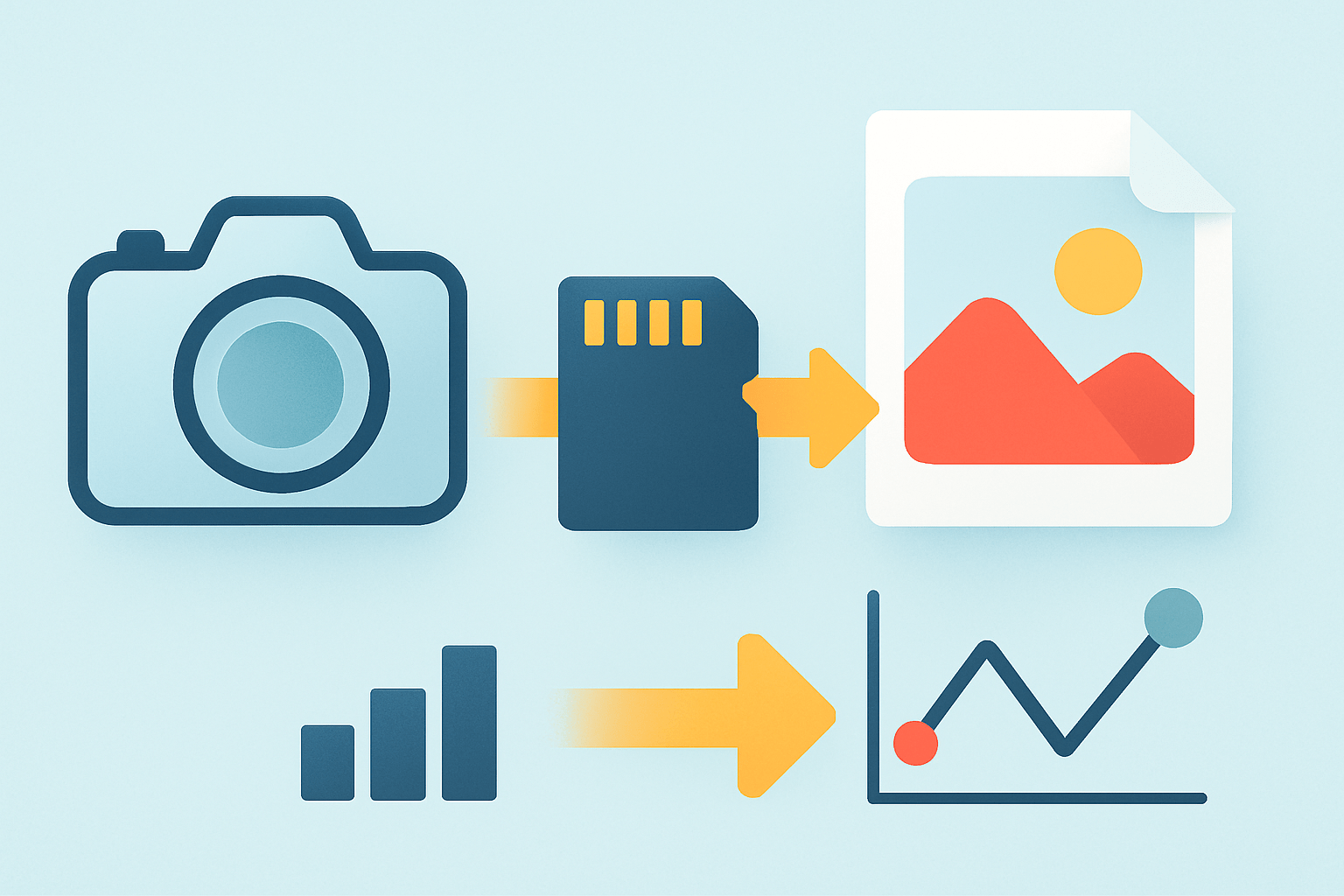
What are raw photos? A RAW photo is the unprocessed sensor data captured by a camera — a digital negative that preserves high bit-depth and the camera’s raw measurements before any tone curve, white balance or compression is applied.
Think of a RAW file like a film negative. It must be “developed” in software before it becomes a finished picture you can share or print.
RAW is not a finished image, because it stores measurements rather than a baked look. Your camera shows an embedded preview JPEG, which is why the file appears viewable on the camera and in many browsers.
Those previews often look flat or washed out compared to in‑camera JPEGs. That is normal, because no strong tone curve, gamma adjustment, sharpening, or saturation has been applied yet.
Common RAW extensions include CR2 or CR3 for Canon, NEF for Nikon, ARW for Sony, ORF for Olympus/OM System, RW2 for Panasonic, and DNG from Adobe. Different manufacturers store this data in their own formats.
DNG is popular as a more universal and archival option. Some photographers convert proprietary RAW files to DNG to improve future compatibility and simplify long‑term storage.
A clear side‑by‑side of a flat RAW preview and a processed JPEG makes this difference obvious. The RAW version holds more detail that you can shape, while the JPEG is already stylized by the camera.
If you want a deeper technical primer, Canon’s guide to RAW fundamentals explains how the sensor data becomes an editable digital negative. That foundation helps you see why RAW editing is so powerful.
RAW vs JPEG: What’s the difference?
In short, JPEG is processed, compressed, 8‑bit, and ready to share, while RAW is unprocessed, higher bit‑depth, and designed for editing. That one sentence explains why the choice affects everything downstream.
Bit depth is the first big divider. JPEG stores 8‑bit color per channel, or 256 levels, but RAW usually carries 12, 14, or even 16‑bit data, which gives thousands to tens of thousands of tonal steps and far less banding; see Adobe’s overview of RAW vs JPEG for a quick visual.
In‑camera processing is the second gap. JPEG bakes in white balance, sharpening, noise reduction, contrast, and the camera’s tone curve, while RAW keeps those as suggestions you can change later.
Compression differs too. JPEG uses lossy compression that throws away data to shrink file size, but RAW can be uncompressed, lossless compressed, or lightly compressed depending on your camera.
RAW holds more dynamic range, so highlights and shadows are more recoverable. Many modern sensors let you pull back one to three stops in highlights and open deep shadows with cleaner results when starting from RAW.
File size and speed matter in the field. RAW files are larger than JPEGs, often two to five times bigger, which can slow burst rates and fill buffers and memory cards faster.
Compatibility is another factor. JPEG is universal and opens on almost any device, while RAW often needs a current converter or plug‑in and may demand updates as new camera models arrive.
Here’s a practical example. A wedding photo with a bright dress might clip to pure white in a JPEG, but a RAW file often lets you pull texture back into the fabric with a highlight slider.
White balance is a second example that beginners love. If you shoot indoors under tungsten and forget to change WB, a JPEG may turn orange and degrade when corrected, while RAW lets you set the exact color temperature after the fact.
Heavy color grading is the third test. RAW files tolerate bold looks and deep contrast adjustments with fewer artifacts, smoother gradients, and cleaner skin tones than an already compressed JPEG.
Choose JPEG when you need speed, long bursts, small files, and little or no editing. It is great for quick social posts, casual travel shots, or handing off files straight out of the camera.
Shoot RAW when quality and flexibility matter, such as for prints, client work, tricky lighting, or when you plan to edit. If you still wonder what are raw photos good for, it is this recoverability and control that makes the difference.
What information does a RAW file contain?
At the core, a RAW file stores the sensor’s linear measurements for each pixel. The data is not yet demosaiced into a full‑color image or shaped by a tone curve.
It also encodes bit depth, which describes the number of tonal values per channel. Common depths are 12‑bit (4096 steps), 14‑bit (16384 steps), and sometimes 16‑bit, which reduces banding and preserves fine gradations.
Every RAW includes extensive EXIF metadata. You will find shutter speed, aperture, ISO, lens model, focal length, focus distance, timestamp, and sometimes GPS coordinates or author data.
Because cameras need to show a preview quickly, they embed a small JPEG or thumbnail inside the RAW. That preview reflects camera picture styles, even though the underlying RAW is still untouched.
White balance is saved as coefficients rather than applied color. Color matrices describing how the sensor sees red, green, and blue guide the converter, but they are not locked into the final look.
Black levels, white levels, and sensor calibration info are recorded for accurate rendering. This data helps the software interpret noise floors and avoid clipping in the conversion.
Compared to JPEG, RAW keeps latitude the camera otherwise discards. JPEG quantizes tones and compresses aggressively, while RAW preserves the original capture for finer editing and cleaner recovery.
Edits are typically non‑destructive and stored as instructions, not changes to the RAW. Your adjustments live in a catalog or sidecar XMP file, so you can always return to the original data with one click.
Why shoot in RAW?
The biggest win is headroom. RAW gives you more usable stops for highlight recovery and shadow lifting, which can save backlit portraits, sunsets, and high‑contrast street scenes.
White balance becomes a creative choice instead of a mistake to fix. Because RAW stores the scene’s neutral point, you can adjust color temperature precisely without hurting quality.
Color grading is smoother and more natural. High bit‑depth files reduce banding in skies, gradients, and skin tones, even when you push contrast or shift hues strongly.
Edits are non‑destructive, so you can experiment freely. If you go too far, you can reset to the untouched RAW file and try a new approach with zero loss.
High‑ISO work benefits too. Modern noise reduction tools extract cleaner detail from RAW data than from already compressed JPEGs, especially in dim interiors or night scenes.
There are trade‑offs you should plan for. Larger files demand more storage, faster cards, and a backup strategy that includes a local external SSD or HDD and an offsite or cloud copy.
RAW requires compatible software and a little more time. Some clients and older viewers cannot open proprietary formats, so you may need to export JPEGs or TIFFs for delivery.
Shoot RAW when you intend to edit, print, or face difficult light, and consider RAW+JPEG or compressed RAW when speed and sharing matter. For a friendly overview of basics, explore this primer on RAW photography and then practice with your own files.
How to process RAW photos
Start by importing and culling in a fast viewer such as FastRawViewer, Photo Mechanic, or Lightroom. Tag keepers, reject misses, and build a simple folder structure for each shoot.
Apply a neutral camera profile and set a clean base white balance. Expose to the Right can help, but use it cautiously and avoid clipping highlights you cannot recover.
Make global exposure fixes next. Adjust exposure, highlights, shadows, contrast, and shape the tone curve until the image feels balanced and natural.
Handle noise before sharpening for cleaner detail. Then enable lens corrections, fix chromatic aberration, and address perspective or distortion if needed.
Refine with local adjustments like brushes, gradients, and masks, and then color grade to taste. Choose an output color space that fits the job, such as sRGB for web or Adobe RGB/ProPhoto for print.
Export thoughtfully with presets: JPEG sRGB at moderate compression for web, or 16‑bit TIFF with a wide gamut for prints. Use presets and batch edits for speed, back up original RAWs to two locations immediately, and consider converting to DNG for long‑term compatibility if it suits your workflow; if you began by asking what are raw photos, this is where they become finished pictures.
What People Ask Most
What are raw photos?
Raw photos are the unprocessed image files straight from a camera sensor that keep all the original scene data. They let you make bigger, cleaner edits than compressed formats like JPEG.
Why should I shoot raw photos instead of JPEG?
Shooting raw gives you more control over exposure, color, and detail when editing. It helps recover highlights and shadows that a JPEG might have already discarded.
Do raw photos take up a lot of storage space?
Raw files are larger than JPEGs because they store more data, so they use more card and drive space. Many photographers manage this with bigger memory cards or by deleting unneeded shots after sorting.
Do raw photos look worse straight out of the camera?
Yes, raw images often look flat or dull at first because they haven’t had in-camera processing applied. That blank look is normal and gives you a neutral starting point for editing.
Can I open raw photos on my computer or phone?
You can open raw files with many photo apps and editing programs, including free and built-in options on modern devices. Some software may need an update or plugin for newer camera models.
Can I convert raw photos to JPEG later?
Yes, you can export raw files as JPEG, TIFF, or other formats after editing without changing the original raw file. This lets you keep the original data while sharing or printing edited versions.
Will shooting raw photos make my photos look better automatically?
Shooting raw won’t fix bad composition or lighting, but it gives you more flexibility to improve exposure and color in postprocessing. Good technique plus raw files usually leads to better final results.
Final Thoughts on RAW Photography
In short, a RAW photo is your camera’s digital negative — it hands you the fullest sensor data so you can rescue highlights, tweak white balance, and shape tones later. RAW’s core benefit is that extra editing latitude and finer tonal gradations, though it comes with tradeoffs (RAW files are larger — often around 270% the size of a JPEG on some cameras — and need extra processing). We answered the opening question “what is a RAW image?” by showing what the file holds, how it differs from JPEG, and the basic steps to turn that data into a finished picture.
This format’s strength is clear: more recoverable detail, smoother color, and non‑destructive tweaks that keep your original data safe, which makes it ideal for photo enthusiasts, pros shooting for print, and anyone working in tricky light. Realistically, you’ll need to budget storage, time, and a simple RAW workflow, but the quality upside usually justifies those costs. Keep experimenting with small shoots and simple edits — you’ll see the difference and gain confidence quickly.


0 Comments