
What is vga camera — a tiny 0.3MP sensor or a useful tool for modern projects?
This article explains the simple meaning: VGA means 640×480 pixels (about 0.3MP). It also clears up the common confusion with the VGA monitor (15‑pin) connector.
You will see real photo comparisons and learn how VGA modules and interfaces work. We also cover TOF depth cameras, performance limits like low light and cropping, and typical use cases.
Finally, get clear buying, testing, and setup tips so you can choose or upgrade with confidence. Read on for quick facts, visuals, and a printable checklist to help you decide.
What is a VGA camera?
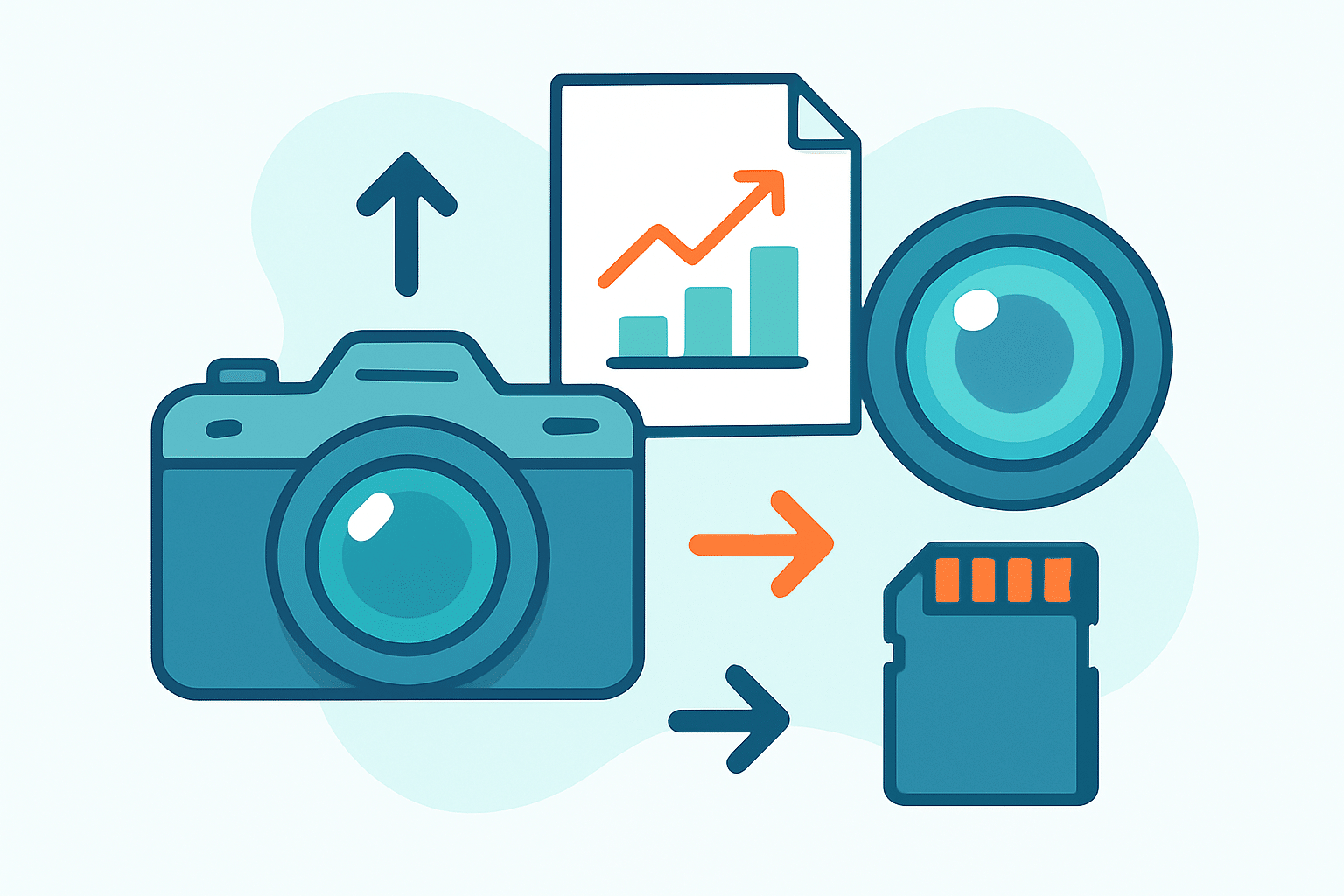
A VGA camera is a camera that captures images at VGA resolution, which is 640 by 480 pixels. If you are asking what is vga camera in plain terms, it is a 0.3‑megapixel camera that focuses on small, fast, and simple capture rather than high detail.
People often confuse the term with the VGA display connector, the 15‑pin D‑Sub plug used to drive monitors. The camera’s “VGA” describes its image resolution, not the type of plug it uses, so a VGA camera can output over USB, MIPI, or other interfaces unrelated to that big blue connector.
The name traces back to IBM’s original VGA display mode that popularized 640×480 in the late 1980s. That label stuck for the resolution itself, and camera makers adopted it for sensors and modules, as explained in the VGA standard.
Quick facts: 640×480 equals 307,200 pixels and uses a 4:3 aspect ratio. Many modules run at around 30 frames per second, and you will also see the term 0.3MP used for the same class of cameras.
One common misconception is that a VGA camera must use a VGA connector, which is not true. Another is that VGA is only for old tech; in reality, plenty of modern modules and even TOF 3D VGA cameras still ship because the format is fast and light, and we will touch on those depth cameras later.
VGA resolution and image quality: what 640×480 actually means
VGA resolution gives you 640 pixels across and 480 pixels tall, so the camera records a fairly small grid of detail. On today’s screens, that looks fine at small sizes, but it will not hold up when you zoom in, crop heavily, or try to fill a large display.
Printing is also limited because prints need lots of dots per inch for crisp results. At 300 dpi, a VGA photo is roughly 2.1 by 1.6 inches, which is great for IDs or thumbnails but not for big prints.
For detail, a VGA frame can show a face clearly if the person fills the frame, yet it struggles with identification across a room. If you plan to crop after the fact, consider that you have little pixel headroom to cut away and still keep clarity.
Color depth and dynamic range depend on the specific sensor and its processing pipeline. Many VGA camera modules output 8‑bit YUV or RGB data, and compression can further reduce subtle color gradations, so always confirm bit depth and processing modes in the sensor datasheet.
Low light is where small VGA sensors show their limits because tiny photosites collect less light. The camera may raise ISO and noise, or slow the shutter and add motion blur, so adding illumination often improves results more than any setting tweak.
File sizes are modest, which is why VGA remains popular in embedded and streaming tasks. A typical VGA JPEG frame sits around 30–80 KB at moderate quality, while uncompressed YUY2 at 30 fps needs roughly 18 MB/s, and MJPEG at 30 fps often lands near 10–20 Mbps depending on compression.
Modern encoders can push H.264 or H.265 at 640×480 to about 0.5–2 Mbps with decent quality. Lower resolution also trims processing time, so end‑to‑end latency can be well under 200 ms on a good pipeline, which helps for responsive previews and teleoperation.
If you compare VGA to HD, you will see the size gap immediately. 720p has 921,600 pixels (about 3× VGA), and 1080p has 2,073,600 pixels (about 6.8×), so they offer much cleaner edges and crop room but require more bandwidth and computing power.
How VGA cameras work — interfaces, signals and common module types
Before diving into connectors, remember that VGA in cameras refers to resolution. The 15‑pin D‑Sub “VGA” plug is a display connector for monitors, not a typical camera plug, and many VGA cameras never touch that legacy interface.
VGA camera modules can output in several ways, depending on where they are used. You will see parallel DVP/CCIR for microcontrollers and FPGAs, MIPI CSI for single‑board computers, USB UVC for plug‑and‑play webcams, composite video on older analog modules, and even simple TTL serial on low‑frame‑rate devices.
If you are researching the old 15‑pin connector for context, remember it is a monitor cable with color and sync lines, not a camera signal. For a quick refresher on pins and signals, see this VGA connector guide rather than wiring a camera to it.
Classic VGA sensors you may encounter include the OV7670, a low‑cost CMOS module found in many hobby kits, and the MT9V034, a more performance‑minded sensor often used in robotics. Many older USB webcams that advertise “VGA” simply expose a UVC stream that any PC can read without special drivers.
There is also a special category called TOF 3D VGA cameras, which do not output color images by default. These generate a depth map with 640×480 distance pixels, often controlled over I2C and streamed via USB or MIPI, and their accuracy, range, and format vary by vendor and need a close look at datasheets.
However the module is built, the data path is similar: sensor captures the frame, interface carries it to your board or PC, and software displays or analyzes it. Keeping that chain simple is one reason VGA camera module designs remain popular.
Key features, variations and typical applications
The biggest strengths of a VGA resolution camera are cost, power, and bandwidth. Modules are cheap, run cool, and push small files, so even modest processors and slow networks can handle live streaming.
The limits are just as clear: detail is capped, cropping options are thin, and low light can look noisy or blurry. If you require identification at a distance, print‑quality photos, or rich post‑processing, a higher resolution will serve you better.
Monochrome VGA modules trade color for sensitivity and crispness, which can help in machine vision or barcode reading. Color VGA modules add realism and are fine for monitoring, but they are less sensitive in dim scenes because of the color filter array.
USB VGA webcams are convenient because they usually follow the UVC standard and work out of the box on major operating systems. Board‑level VGA modules are tiny and flexible for embedded builds, while TOF 3D VGA depth cameras add per‑pixel distance for interactions and robotics.
Common uses include simple surveillance, IoT snapshots, low‑bandwidth livestreams, and presence or motion detection in industrial settings. Robotics teams often start with a VGA camera module to prototype navigation or line following before moving up to HD when they need more detail.
If you want depth or gesture tracking without heavy RGB data, a TOF VGA camera is a smart pick. If you need to zoom, crop, or read fine text, think VGA vs HD camera and plan an upgrade path to at least 720p.
Practical buying, testing and usage tips (must‑have checklist)
Start by mapping requirements to specs so the choice is deliberate, not accidental. Ask yourself what is vga camera good for in your case, then match the interface you can support, the frame rate you need, driver availability, lens type and field of view, IR cut options, and power budget.
When a module arrives, grab sample images in daylight and in low light to set a baseline. Measure latency and frame drops, verify your operating system recognizes the device, and check that the field of view and focus match your scene.
Dial in exposure and white balance to avoid flicker or color cast, and add light if the scene is dim. If the image looks rough, try denoising and gentle upscaling in software, or remove the IR‑cut filter and use an IR illuminator for night shots, knowing colors will shift.
For problems, try the simple fixes first, because they solve most issues quickly. Update drivers, shorten USB cables, supply clean power, lower the frame rate, and reset any auto settings that got stuck or confused.
Choose at least 720p if you need reliable identification, clean text, or print‑ready stills. Pick depth sensors like TOF or LiDAR when your task is about distances, gestures, or 3D mapping, not just color pictures.
For budget builds, OV7670‑style boards often cost only a few dollars, and basic USB VGA webcams are easy to find second‑hand. Industrial monochrome or global‑shutter VGA parts cost more but bring robustness, so always read the sensor datasheet and browse community examples before you commit.
What People Ask Most
What is VGA camera?
A VGA camera is a simple camera that captures low-resolution images and video for basic tasks like video chats and simple monitoring.
How is a VGA camera useful for home security?
It can watch rooms, doors, or entryways and provide clear enough images for basic identification and motion alerts.
Can I use a VGA camera for video calls or online meetings?
Yes, a VGA camera is often fine for video calls when you only need to show people clearly rather than capture fine detail.
Is it a mistake to expect high photo quality from a VGA camera?
Yes, expecting the same sharpness as modern high-definition cameras is a common mistake because VGA cameras are made for simple, everyday use.
How can I improve images from a VGA camera?
Better lighting, steady mounting, and keeping the lens clean usually make the biggest improvement in image clarity.
Are VGA cameras still used today and where?
Yes, they are used in low-cost devices, older equipment, and basic security setups where small file sizes and simple monitoring are fine.
Will a VGA camera work well in low light?
Low-light performance is usually limited, so adding a light source or placing the camera where there’s more light helps a lot.
Final Thoughts on VGA Cameras
A VGA camera still earns its place when you need simple, affordable imaging—small files, low power draw, and easy integration make it perfect for many embedded and streaming tasks, and in product catalogs you might even see odd model numbers like 270 pop up. In plain terms, it trades fine detail for efficiency, and this guide walked through what that tradeoff looks like in real use. We answered the opening question about whether VGA is useful by showing where it shines and where it falls short.
Be clear about the limits: don’t expect crisp ID photos, large printable images, or strong low‑light performance from such tiny sensors. It’s best for hobbyists, IoT builders, robotics prototypers and anyone needing low bandwidth or a compact monitoring camera. If your project needs identification-level detail, plan to move up to 720p or higher.
By covering resolution, interfaces, TOF depth variants and practical shopping and testing tips, this piece gives you a realistic playbook to pick or avoid VGA where it matters. Take the basics, test in your own conditions, and you’ll find whether a small camera or a higher-res upgrade is the smarter choice for your next build.




0 Comments