
What is video camera, and can it make your footage look professional?
This article answers what is video camera in simple words. You will get a clear definition and a short TL;DR for quick reading.
We explain how cameras turn light into moving images, the main parts like lens, sensor, microphone, and terms like frame rate and codec. You will also learn about camera types, how to choose one, and starter settings for shooting.
Whether you are a vlogger on a budget, an indie filmmaker renting cinema kit, or a small-business livestreamer, this guide helps. Read on for practical checklists, easy settings, and buying tips you can use today.
What is a Video Camera?
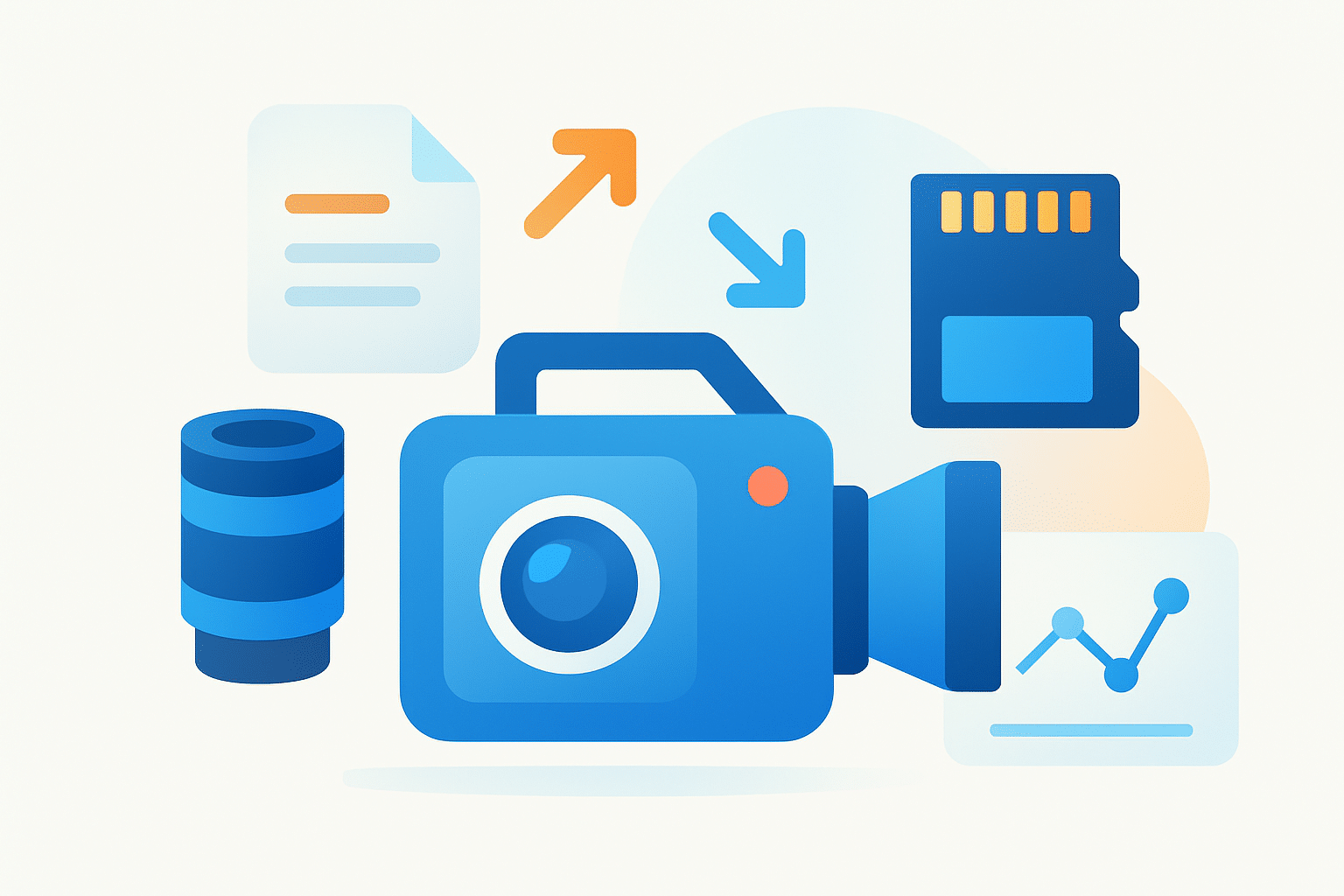
Many beginners ask what is video camera in the simplest terms. It is a device that captures moving images, and often audio, then saves them as digital files you can view and edit. A modern video camera can live in a cinema body, a phone, or a laptop webcam.
TL;DR: A video camera converts light and sound into files so you can tell stories with motion. It is different from a still camera because it records continuous frames over time, not single photos.
The words camcorder and video camera often overlap. A camcorder is a self-contained camera with built-in recording and usually a zoom lens and audio inputs. Video camera is the broader label that also includes cinema bodies, webcams, and hybrids that shoot photos and video.
At its core, a camera has a lens, an aperture and shutter system, an image sensor, and a processor. It also has a viewfinder or monitor, a microphone or audio inputs, and media plus an encoder to compress the footage. These parts form a path from light to saved file.
A few terms help you read spec sheets fast. Frame rate is how many images per second you capture, like 24p or 60p. Resolution describes pixel size, like 1080p or 4K, and it affects detail and crop options.
Sensor is the silicon that converts light to data, and dynamic range is how well the camera holds detail in bright and dark areas at once. Codec is the compression method, and progressive vs interlaced is the way frames are scanned, with progressive being cleaner for modern screens.
Older cameras recorded analog signals to tape, while today almost everything is digital files on cards or drives. This shift brings better quality, easier editing, and instant sharing. If you came here wondering what is video camera in the digital age, it is a compact computer with a lens aimed at life.
How Video Cameras Work
Light enters through the lens and is shaped by the aperture and shutter settings. It hits the image sensor, which turns light into electrical signals. The processor then converts, cleans, and compresses that signal into a file you can store and edit.
Most modern sensors are CMOS, while older or specialized models might use CCD. CMOS sensors are efficient and fast, which is why they dominate today. CCD can have very clean readout but is rarer in new bodies.
Sensor size changes the look and performance of footage. Larger sensors like full-frame gather more light, show less noise, and give shallower depth of field. Smaller sensors like 1-inch or phone sensors are compact, deeper in focus, and cheaper to build.
Color is captured through a filter pattern on the sensor, usually a Bayer array. The camera demosaics that data to create full-color pixels for each frame. Bit depth, such as 8-bit or 10-bit, tells you how many shades each color channel can display and how far you can push grading.
Frame rate sets the motion feel, and scan type affects clarity. Progressive scan draws each line in order, while interlaced alternates lines and can look jagged on modern screens. Rolling shutter reads the sensor line by line and can bend fast motion, while global shutter reads all at once and avoids skew.
The encoder turns raw data into manageable files using codecs. H.264 and H.265 are efficient for delivery, while ProRes is larger but easier to edit and grade. Chroma subsampling like 4:2:0, 4:2:2, or 4:4:4 controls how much color detail is kept, which matters in keying and heavy post work.
Stabilization can be optical in the lens, sensor-shift inside the body, or electronic using crops and algorithms. Autofocus may use contrast detection, phase detection, or hybrid systems like dual-pixel. Better AF keeps faces sharp and reduces missed shots when you move.
Sound rides on a separate path. Built-in mics are fine for notes, but they pick up camera noise and echo. For clean audio, use external mics, XLR or 3.5mm inputs, and record at 48 kHz so your sound matches video standards.
A useful starting rule is the 180-degree shutter rule. Set shutter speed to about double your frame rate, like 1/50 for 24p, for natural motion blur. This is the default many producers expect unless you want a crisp or stylized look.
Types of Video Cameras
There are many camera families, each built for a job and a budget. If you need a quick anchor, check the dictionary meaning first, then look at sensor size, lens mount, audio inputs, and how long it can record. The right category saves you time and money.
Cinema cameras focus on dynamic range, color science, and robust codecs. They often record RAW or ProRes and take cinema lenses with swappable mounts. Pros include top image quality, while cons include size and cost, which are firmly in professional pricing.
Professional broadcast camcorders are built for news and events. They offer XLR audio, long record times, and controls for fast work on the move. The pros are reliability and ergonomics, while the cons are smaller sensors and high professional prices.
Mirrorless and DSLR hybrids shoot strong video in compact bodies. They use photographic lens systems and fit into small bags for travel or gimbal work. The pros are portability and lens choice, while the cons can include rolling shutter and heat, and prices span entry to prosumer.
Consumer camcorders and vlogging cameras are simple and light. They often have flip screens, good autofocus, and easy menus for creators who work solo. The pros are ease and price at entry level, while the cons are limited codecs and smaller sensors.
Action cameras and 360 cameras are tiny, tough, and wide. They mount on helmets, handlebars, or cars, and the stabilization is excellent. The pros are ruggedness and speed, while the cons are tiny sensors and fixed lenses, with prices from entry to prosumer.
Webcams and smartphones are all about access and sharing. They stream, conference, and post to social quickly, sometimes with strong HDR modes. The pros are convenience and cost, while the cons are limited manual control, and pricing runs from free to entry level.
CCTV, medical, scientific, high-speed, and thermal cameras are specialized tools. They trade general features for a single purpose like low-light surveillance or extreme frame rates. They range from prosumer to very high professional prices.
How to Choose a Video Camera
Start by writing your main purpose in one line. Is it film, livestream, vlogging, events, or security, and how mobile must you be. Then ask yourself what is video camera doing in your day-to-day work and how much low light you face.
Match sensor size to your look and lighting. If you shoot indoors with limited lights, a larger sensor helps and gives softer backgrounds. If you need everything in focus and travel light, a smaller sensor can be a win.
Check resolution and frame rates so your delivery matches your platform. Most beginners can start with 4K up to 30p and 1080p up to 60p for action. If you plan slow motion, confirm 120p and check the crop and autofocus performance at that rate.
Look at codec choices and bitrates because they decide how far you can grade footage. Ten-bit 4:2:2 files hold skin tones and skies better than 8-bit 4:2:0. If your computer is modest, choose edit-friendly codecs or plan on proxies.
Ask about dynamic range and log profiles if you want a cinematic look. Log needs practice and exposure tools, but it protects highlights and shadows. Make sure you have monitoring aids like waveform or zebras.
Lens mount and ecosystem should fit your future plans. A strong used market and adapters can stretch your budget. For audio, decide if you need 3.5mm for light setups or XLR with phantom power for pro mics.
Think about stabilization, battery life, media type, and heat. In-body stabilization helps handheld work, while better grips and buttons help long days. Fast cards, spare batteries, and good cooling keep you rolling on set.
Set a budget and prioritize the right things for your level. Entry users should favor easy autofocus, a good kit lens, and simple menus. Prosumer buyers should balance sensor size, codecs, and audio inputs, while professionals should favor robust codecs, dynamic range, and lens systems with XLR audio.
Before a big purchase, rent or borrow and shoot a mini project. Test for overheating, rolling shutter, and focus reliability with your lenses. For used bodies, check total hours, card slots, and sample clips, and save a line item for repairs.
Plan for accessories because they complete the kit. Budget for lenses, a shotgun mic or lav, a solid tripod, ND filters for bright days, spare batteries, and storage for backups. For deeper reading, you can start from a plain-language definition and then compare specs on manufacturer pages, DPReview, and CineD.
Here are three quick scenarios to map needs. A vlogger on a budget can pick a small hybrid with a flip screen, strong autofocus, and 10-bit if possible. An indie filmmaker might rent a cinema body and primes for a week, while a small business can run a mirrorless camera to a capture card for clean livestreams.
Camera Settings and Tips for Beginners
Choose a frame rate that fits your story. Use 24p for a film feel, 30p for most online videos, and 60p or more for sports and slow motion. Then set shutter speed to about double your frame rate using the 180-degree rule.
Control depth of field with aperture. Use a larger f-number outdoors for more in focus, and add ND filters to keep the shutter where it belongs. Keep ISO as low as you can to reduce noise, and raise it only as needed.
Set white balance manually to avoid shifts mid-shot. Pick a preset for daylight or tungsten, or do a custom balance on a gray card. Avoid auto white balance in mixed light to keep colors consistent.
Audio makes or breaks video, so use an external mic and watch levels. Stabilize with a tripod, gimbal, or IBIS, and plan your movement before you roll. Format cards in the camera, carry spares, and keep firmware updated.
Starter settings can be simple. For 24p, try 1/50 shutter, a mid aperture like f/4 to f/5.6, and ISO at the base value; for 30p, try 1/60; for 60p, try 1/125 and add light or ND to control exposure. These give you a clean baseline you can tweak.
Common mistakes to avoid include leaving white balance on auto in mixed light, forgetting backups of footage, ignoring room echo, and trusting only the screen without checking focus peaking or magnification. Practice a short checklist before every shoot. That habit prevents painful surprises later.
If you still find yourself asking what is video camera best for your needs, return to your goal and your light. Try a test with your real scene and your real voice. You will see quickly what matters and what you can skip.
On-set checklist: camera, lens, mic, batteries, cards, tripod, ND filter, cleaning cloth.
What People Ask Most
What is a video camera?
A video camera is a device that records moving images and sound so you can watch, edit, or share them later.
How does a video camera work?
It captures light through a lens and converts it into electronic signals that are saved as digital video files.
What can I use a video camera for?
You can use it to film events, make online videos, document projects, or preserve personal memories.
Is a video camera different from a regular camera?
Yes, video cameras focus on recording continuous motion and audio, while still cameras prioritize single photos, though many devices do both.
Can beginners learn to use a video camera easily?
Yes, basic shooting is easy to learn with practice, and many cameras offer automatic settings to help beginners.
What common mistakes should I avoid with a video camera?
Avoid shaky shots, poor lighting, and weak audio, because these issues make videos look and sound unprofessional.
Do I need extra gear to start using a video camera?
You can start with just the camera, but a tripod and a microphone often improve stability and sound quality.
Final Thoughts on Choosing a Video Camera
Whether you’re picking up a $270 starter camera or planning a bigger investment, this guide gives a clear framework to match gear to the stories you want to tell. Instead of tech overwhelm, you get practical trade-offs—sensor size, codecs, audio, and stabilization—so you can choose features that matter most for your projects. Just keep in mind a camera won’t fix poor lighting or weak sound; accessories and technique still matter.
The people who benefit most are vloggers on a budget, indie filmmakers renting cinema kits, solo creators, and small businesses setting up livestreams, since we paired scenarios with checklists and settings. That opening question — what’s the right camera for me? — was answered by breaking down anatomy, types, and a step-by-step buying flow so you can test and compare more confidently. Try your chosen setup, learn from the footage, and trust that each project will sharpen your eye and grow your confidence.




0 Comments