

What is a cfexpress card and why should you care?
It is a high-speed removable card made for high-bitrate video and large RAW photo bursts.
This guide explains how CFexpress works, from PCIe lanes to the NVMe storage protocol. You will learn the three types (A, B, C) and what their speeds mean for your camera.
We compare CFexpress to SD, XQD, and CFast so you can pick the right card for your needs. You’ll also get practical buying tips, testing steps, and top recommended models with clear charts and tests for 2026.
What is a CFexpress card?
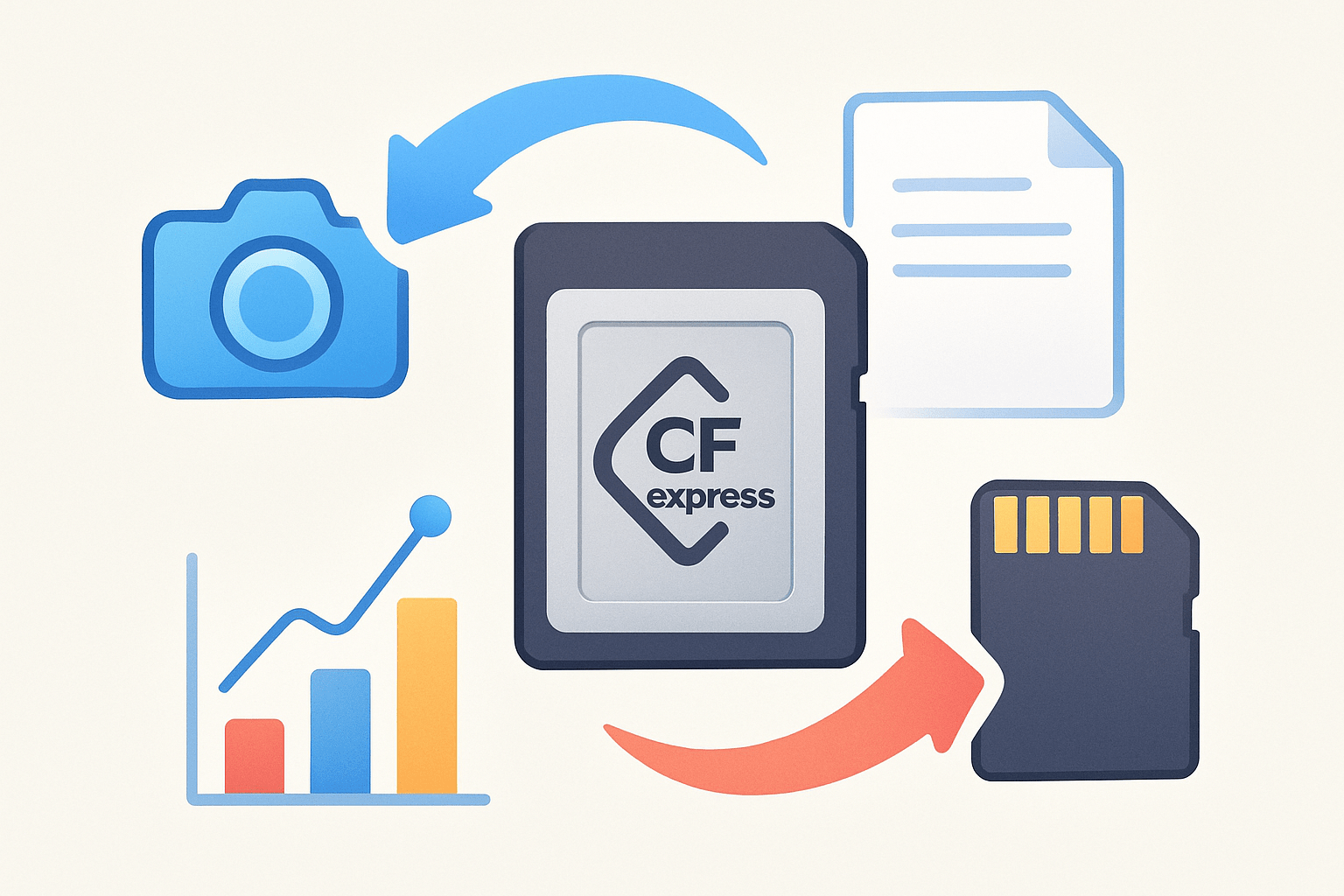
If you’ve been wondering what is a cfexpress card, it’s a high-speed removable memory card that uses PCIe lanes and the NVMe protocol to deliver dramatically faster reads and writes.
CFexpress was created by the CompactFlash Association, the same group behind CompactFlash and XQD. It was designed to replace and extend XQD and CFast for pro cameras and other devices that demand bandwidth.
At its core, CFexpress is simply NVMe flash storage on a tiny card. PCIe provides the data highways, and NVMe is the language the controller uses to move files with very low delay.
This matters because cameras no longer hit the limits of aging USB-based card tech. High raw bandwidth and low latency mean frames clear buffers faster and codecs can stream without choking.
For photographers it allows long RAW bursts without buffer lockups. For filmmakers it enables high-bitrate 4K, 6K, and 8K, plus higher frame rates and intraframe codecs.
The path to CFexpress began with XQD in the early 2010s. XQD brought PCIe into cards, but CFexpress standardized NVMe and added more performance options.
Early adoptions included Nikon bodies that shipped with XQD and later gained CFexpress Type B support by firmware. Canon, Panasonic, and Fujifilm followed with cameras that used CFexpress Type B from launch, while Sony introduced the small Type A slot in the A7S III and later the A1 and FX line.
Recent revisions such as CFexpress 4.0 add support for newer PCIe generations. That doubles theoretical headroom while keeping the same familiar card types for physical compatibility.
As of recent generations, most flagship hybrids and cinema compacts write to CFexpress. The standard keeps evolving to deliver more speed while staying dependable in tough field conditions.
In short, the idea is simple but powerful. Put a modern computer drive interface into a durable camera card, and unlock the speed we need today.
How CFexpress works: PCIe, NVMe, lanes and speeds
CFexpress rides on two pieces of technology: PCI Express and NVMe. Understanding what is a cfexpress card means seeing how PCIe and NVMe work together under the hood.
PCIe is the physical link made of lanes. Each lane is like a highway lane that carries bytes in both directions.
More lanes mean more total bandwidth. A camera or reader negotiates how many lanes the card offers and the PCIe generation it can use.
NVMe is the protocol tuned for flash memory. It uses many queues so the camera can push multiple requests at once with very low overhead.
CFexpress comes in three card types that map to lane counts. Type A uses one PCIe lane, Type B uses two lanes, and Type C uses four lanes.
On PCIe Gen3, a single lane can move roughly one gigabyte per second after overhead. That makes Type A roughly 1 GB/s, Type B up to about 2 GB/s, and Type C up to about 4 GB/s in theory.
When the ecosystem moves to PCIe Gen4, those numbers roughly double. Type A approaches 2 GB/s, Type B about 4 GB/s, and Type C around 8 GB/s if everything else keeps up.
Real-world results are lower because controllers, firmware, and flash memory add overhead. Heat can force the card to slow down, and many cameras cap throughput well below the theoretical max.
File system and codec behavior also matters. All‑Intra video and RAW bursts write small chunks rapidly, while long-GOP codecs write fewer but larger blocks, and each pattern hits the card differently.
Advertised speeds are usually peak reads measured in an ideal desktop reader. What matters for video is the guaranteed sustained write, which some cards label with VPG ratings like VPG 400.
If you want a refresher on these ideas in camera terms, see this deeper dive that walks through speeds and use cases.
Types of CFexpress cards and compatibility
CFexpress comes in three physical types that look and feel different in the hand. They share the same tech inside, but the shape affects where they fit.
Type A is the smallest and is slightly smaller than an SD card but thicker. It appears in compact high-end cameras where space is tight, like Sony’s A1, A7S III, A7 IV, FX3, and FX6.
Type B is the most common today and is about the size of an XQD card. It powers many pro bodies from Canon, Nikon, Panasonic, and Fujifilm, and it balances size and speed well.
Type C is the largest and is aimed at the highest potential throughput. You will see it more in specialized devices than in mainstream mirrorless bodies for now.
One reason Type B spread so fast is that it shares the XQD connector lineage. Many cameras with an XQD slot gained CFexpress Type B through firmware updates, because the physical interface already spoke PCIe.
Nikon’s Z6 and Z7 were early examples of this path, and later the D850, D5, D500, and newer Z bodies also gained support. Panasonic’s S1 and S1R had similar updates, and Fujifilm enabled CFexpress on the GFX100.
Canon’s EOS R5, R3, and EOS‑1D X Mark III use Type B from day one, as do cinema models like the C300 Mark III and C500 Mark II. Sony is the main champion of Type A, pairing it with shared SD slots for flexibility.
For card readers, choose one that matches both the card type and your port speed. USB 3.2 Gen2 readers top out around 1.0 to 1.2 GB/s, while Thunderbolt 3 or USB4 readers can let fast Type B cards stretch their legs.
Adapters across types are not practical because the shapes and lanes differ, so buy readers and cards that match your camera. If you want a quick refresher on the differences, this short explainer on types A, B, C is handy before you shop.
CFexpress vs SD / XQD / CFast — which to use and why
It helps to put CFexpress in context with SD, XQD, and CFast. All of them can be the right answer depending on the job.
Modern SD UHS‑II cards reach peak reads near 300 MB/s, and the best V90 cards guarantee 90 MB/s sustained writing. That is great for stills and many 4K long‑GOP profiles, but it can choke on high-frame‑rate or intraframe codecs.
XQD sits a tier above with peak numbers around 400 to 440 MB/s. It is very reliable in bodies that support it, but the ceiling is much lower than CFexpress.
CFast 2.0 tops out near 500 to 550 MB/s in many tests. It was a workhorse in cinema cameras for years, yet 6K and 8K RAW start to push past what CFast can sustain for long takes.
CFexpress Type A generally delivers 700 to 900 MB/s peaks in readers and strong sustained writes for pro video. Type B doubles the lane count and can read near 1.7 to 2.0 GB/s with sustained writes from a few hundred to well over 1 GB/s on the best models.
Prices have dropped, but CFexpress is still pricier per gigabyte than SD. You pay for the controller, thermal design, and the flash that can keep speed under heat.
CFexpress is essential when your camera records high-bitrate RAW or All‑Intra at 4K60 and above, or when you need 6K or 8K with no dropped frames. It is also the right pick for extended RAW photo bursts in wildlife, sports, and events.
SD or CFast may be enough for lighter profiles, slow motion in long‑GOP codecs, or as overflow slots. They also remain easier to find in smaller capacities for travel and casual work.
SD Express is an emerging bridge that also uses PCIe and NVMe inside an SD shell. Very few cameras support it today, so CFexpress remains the practical path for top‑tier performance.
External recorders using NVMe drives are another option if your camera outputs clean video over HDMI or SDI. They are fast and expandable, but you lose the simplicity of in‑body recording that a card provides.
How to choose the right CFexpress card (practical buying & workflow tips)
Choosing the right CFexpress card starts with knowing your codec’s sustained bitrate. Match the card’s guaranteed sustained write to the highest setting you plan to shoot.
Bitrate numbers are often in megabits per second. Divide by eight to get megabytes per second, then add headroom for metadata and buffer behavior.
For example, 4K 10‑bit 4:2:2 All‑Intra at 400 Mb/s needs roughly 50 MB/s plus some margin. A card that can truly hold 100 MB/s sustained will cruise through that mode.
Step up to 4K120 All‑Intra around 1,200 Mb/s and you are near 150 MB/s sustained. Many Type A cards can handle that, but you will want a Type B Cobalt‑class or similar if you push higher.
6K or 8K RAW varies widely by brand, but it can range from about 250 MB/s to well over 400 MB/s sustained. Those modes reward cards with VPG 400 labels or proven real‑world writes above 600 MB/s for comfortable overhead.
Capacity depends on your day. Stills shooters often do fine with 128 GB or 256 GB, while event and wildlife folks like 256 GB to 512 GB to keep bursts flowing.
Video chews space fast. If you record 4K All‑Intra or any RAW for long stretches, 512 GB and 1 TB cards make life easier, and you can rotate between two or three cards to manage heat and backups.
Look beyond flashy read numbers and focus on sustained write specs and independent tests. Premium lines such as Sony Tough, Lexar Professional Diamond, ProGrade Cobalt, Delkin Black, and Angelbird AV Pro are built to hold speed under heat and heavy use.
When you buy, stick to authorized dealers and check serials and warranty pages. Counterfeits exist, and a too‑good‑to‑be‑true price risks your shoot.
Test new cards before critical jobs. On Windows use CrystalDiskMark and on macOS use Blackmagic Disk Speed Test, and run at least a few gigabytes so the card gets warm.
Numbers in a desktop reader will be higher than in a camera, but they reveal throttling and consistency. In your camera, record the heaviest codec for several minutes and watch for buffer warnings or dropped frames.
Keep camera firmware current, especially in bodies that added CFexpress via update. Always format cards in‑camera, and reformat after each safe backup rather than deleting files on a computer.
Pick readers that match both the card and your ports. Thunderbolt 3 or USB4 readers can let fast Type B cards hit 1.6 to 2.0 GB/s on offload, while many basic USB 3.2 Gen2 readers cap near 1.0 to 1.2 GB/s.
Back up to two locations as soon as you offload. A simple working drive plus a second copy on another disk or NAS gives peace of mind if a card later fails.
Label each card with a unique ID and keep a short log. Rotate cards through the day so one failure cannot take down all of your footage.
Heat is normal at these speeds, but plan for it. Avoid baking cards in direct sun, give the camera a brief breather after long RAW takes, and consider heatsink‑style cards if your body and recording mode are known to run hot.
If you want a quick overview of capacities and workflows from a manufacturer’s perspective, this concise card guide is useful as a second opinion while you compare models. Use it alongside your manual to check codec bitrates and slot support.
Now that you understand what is a cfexpress card and how it behaves, picking the right model becomes a simple matching exercise. Line up bitrate, sustained write, capacity, and reader speed, and your media will disappear into the background where it belongs.
What People Ask Most
What is a CFexpress card?
A CFexpress card is a modern memory card used to store photos and videos in cameras and other devices, designed for fast data transfer and reliable recording.
How is a CFexpress card different from an SD card?
CFexpress cards offer faster transfer speeds and better performance for high-resolution photos and video, compared with most SD cards.
Can I use a CFexpress card in my camera?
Only if your camera supports CFexpress or you use a compatible adapter, so check your camera’s specifications before buying one.
Will a CFexpress card help with high-quality video recording?
Yes, CFexpress cards are made to handle large, high-bitrate video files and help prevent dropped frames during recording.
How do I care for a CFexpress card to avoid data loss?
Handle the card gently, keep it dry and clean, and back up important files regularly to a computer or external drive.
Are CFexpress cards durable and reliable for travel?
They are built to be sturdy and reliable, but you should still protect them from extreme temperatures, moisture, and physical shocks.
What common mistakes should I avoid with CFexpress cards?
Avoid removing the card while a device is writing data and don’t skip regular backups to prevent accidental data loss.
Final Thoughts on CFexpress Cards
When you first asked what is a cfexpress card, you wanted a straight answer — it’s a PCIe/NVMe storage card made for high sustained throughput that keeps high-bitrate video and RAW bursts stable; even numbers like 270 show up in specs, but they don’t tell the whole story. That steady long-run bandwidth speeds workflows, though heat and host limits can bite. Pros and serious enthusiasts who shoot cinema or high-frame-rate RAW benefit most.
Remember that advertised peak speeds can be misleading — sustained write rates, camera firmware, and card thermals determine real performance, so verify sustained specs and test in-camera. Casual shooters will often be fine with SD; those recording long RAW takes should plan for cooling and a fast reader.
You now know what a CFexpress card is and when it matters, and this guide showed the tech, compatibility, and workflow checks to avoid surprises. Keep testing cards in your kit and your editing will thank you as your work scales up.




0 Comments