

What is auto exposure — and can it save your shot in tricky light?
This guide answers what is auto exposure in plain words. It shows when to trust it and when to take control.
You will learn how cameras measure light and pick aperture, shutter speed and ISO. We cover metering modes, AE lock and exposure compensation with camera and phone examples.
Expect clear visuals, quick fixes and a short how-to flow for common problems like snow or backlight. Whether you use a phone or a DSLR, this intro will help you master AE and make smarter shots fast.
What is Auto Exposure?
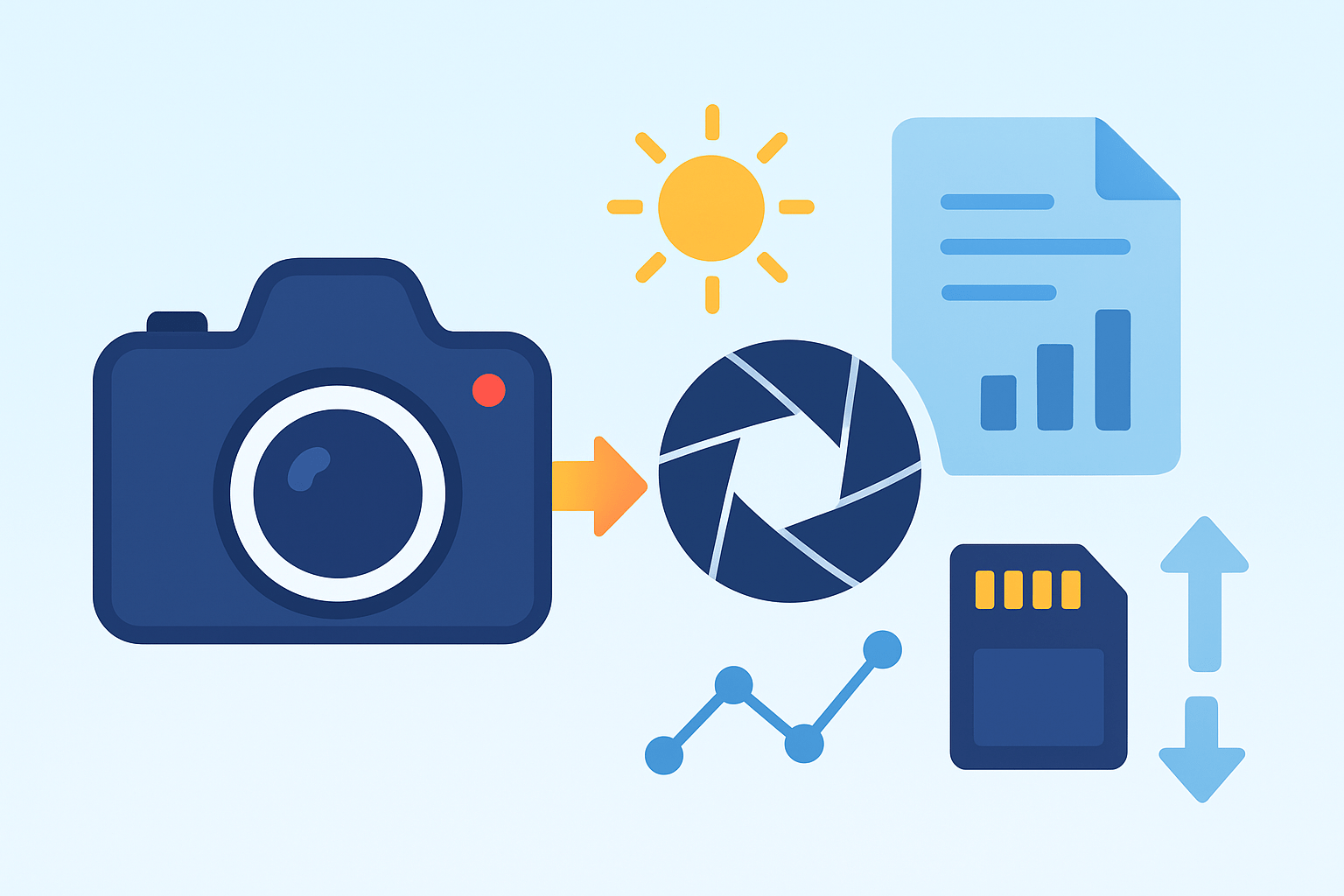
Auto Exposure (AE) is the camera’s automated system for choosing aperture, shutter speed, and ISO so a scene is rendered at a target brightness, often close to an 18% grey tone. It’s the quick brain that balances the exposure triangle for you.
You’ll see it called automatic exposure or just AE in Auto, Program (P), Aperture Priority (A/Av), and Shutter Priority (S/Tv) modes. Compared to Manual, AE makes the numbers while you steer the look.
The meter reads light and converts it to an exposure value (EV), then the camera picks settings; you can hold that reading with AE lock or nudge it with exposure compensation. If you’ve ever asked what is auto exposure, think meter to decision to settings: the camera measures light, then sets shutter, aperture, and ISO together. It aims for a predictable mid-tone, which is why bright snow can fool it without your guidance.
How Does Auto Exposure Work?
The camera first measures light through its metering system and turns that into an EV number. Based on your mode and any limits you set, the AE algorithm selects aperture, shutter speed, and ISO; for a mid-toned street scene it might choose 1/125 s at f/5.6, ISO 200.

In Program mode, the camera pairs shutter and aperture while trying to keep ISO low, and you can often shift that pair. In Aperture Priority you pick the f-number to control depth of field and AE sets shutter, usually with Auto ISO as a safety net. In Shutter Priority you set the speed to freeze or blur motion and AE chooses the aperture, raising ISO if needed.
Modern AE also reads the scene with face or eye detection, color and contrast analysis, and highlight‑priority or HDR modes that bias away from clipping. If you review exposure basics, you’ll see these helpers simply tweak the meter’s target to protect detail. Once you understand what is auto exposure, the balance between motion blur, background blur, and noise becomes predictable.
Metering Modes
Metering modes tell AE where to look. Matrix or multi‑zone evaluates the whole frame and compares it with known patterns. Center‑weighted favors the middle area, while Spot reads a tiny circle that can be tied to your focus point.

Matrix is the safe default for most scenes thanks to scene recognition, but backlight can still trick it. For portraits, center‑weighted or spot keeps skin tones consistent; spot is vital when your subject is small against a bright sky. For a deeper dive, see auto exposure explained and practice by recomposing the same scene with each mode.
Phones simplify this with touch‑to‑expose, AE/AF lock, and automatic HDR or bracketing that tame high contrast. Tap the face to meter and lock, then reframe and shoot. The principle is the same: you are choosing where the meter samples the scene.
What is Exposure Compensation?
Exposure compensation is your EV plus/minus control that tells AE to make the image brighter or darker than its default. +1 EV is one stop brighter, doubling the light; −1 EV halves it.

Use a dedicated dial or the camera menu in Program, Aperture Priority, or Shutter Priority; it generally won’t change exposure in full Manual unless Auto ISO is on. For a refresher on terminology, skim this concise AE definition while you practice.
Try +1 to +2 in snow or high‑key scenes, and about +1 for a backlit face unless you switch to spot on the skin. For very dark subjects being lifted too much, dial −0.7 to −1. When the light or framing is fluctuating, use AE Lock, exposure bracketing, or go fully manual.
When Should I Use AE?
Use AE whenever the light or action is changing fast: street, travel, events, and most smartphone shooting. Prefer Aperture Priority to control depth of field or Shutter Priority to control motion, and let AE handle the rest. Switch to Manual for studio flashes, long exposures, or scenes where preserving highlights exactly matters.
Portrait outdoors? Choose Av with center‑weighted or spot and start around −0.3 to +0.7 EV. Landscape in daylight? Av with matrix at 0 EV. Sports? Tv with matrix and Auto ISO at 0 EV to freeze motion.
If AE underexposes snow, add positive EV; if a backlit face looks dark, meter on the face or add EV. When exposure flickers in mixed light or during a pan, press AE‑L to hold the reading, or bracket for safety. Check your histogram and blinkies to watch highlight clipping.

Quick fix when AE underexposes a snowy scene: switch to spot or center‑weighted, meter on your subject or a mid‑tone, then add +1 to +2 EV. Check the histogram for pushed highlights and back off slightly if the right edge clips.
Creative uses are simple too: overexpose a stop or two for a bright high‑key feel, or underexpose for a clean silhouette at sunset. Use AE lock to keep exposure constant across a panorama or timelapse, and now that you know what is auto exposure, you can bend it to your style.
Glossary: AE means Auto Exposure, the camera’s automatic selection of aperture, shutter speed, and ISO. EV is exposure value, a step system that describes brighter or darker exposures in stops.
Spot, matrix, and center‑weighted are metering modes that change where the camera measures light. AE lock freezes the meter reading for a moment, while P/Av/Tv are Program, Aperture Priority, and Shutter Priority modes that share control between you and the camera.
What People Ask Most
What is auto exposure?
Auto exposure is a camera feature that automatically sets the image brightness so photos aren’t too dark or too bright. It adjusts camera settings to get a balanced-looking picture.
How does auto exposure help me take better photos?
It quickly picks sensible camera settings so you can focus on composition and timing instead of fiddling with controls. This is helpful for fast-moving scenes or casual shooting.
When should I use auto exposure?
Use it for everyday shots, events, and situations with changing light where you need fast results. It’s great for beginners and quick, worry-free pictures.
When should I turn off auto exposure?
Turn it off when you want consistent brightness across multiple shots or specific creative looks, like a moody portrait or a glowing sunset. Manual control gives you predictable results.
Will auto exposure fix bad lighting?
It can improve exposure in many scenes, but it can’t recover detail that is completely blown out or lost in deep shadows. Sometimes you’ll still need extra light or manual tweaks.
What are common mistakes people make with auto exposure?
Relying on it in very high-contrast scenes and not checking your screen or histogram are common mistakes. That can lead to unexpectedly bright or dark parts in the photo.
Does auto exposure work for video?
Yes, most cameras and phones use auto exposure for video, but it may change brightness during a clip unless you lock or set exposure manually for a steady look.
Final Thoughts on Auto Exposure
We began by asking “What is Auto Exposure?” and showed that AE is the camera’s automated system for choosing aperture, shutter and ISO to hit a target brightness — whether you’re shooting 270 images at an event or a single street frame. At its best it quietly balances motion, depth and noise so you can focus on composition and story instead of numbers.
Along the way we walked through metering modes, how AE measures light, exposure compensation and AE lock, so you know when to let it decide and when to step in. One realistic caution is that it can be fooled by very bright or very dark scenes — think snow or strong backlight — so be ready to add compensation, switch to spot metering, or go manual. This makes AE most useful for beginners, run-and-gun shooters, street and travel photographers, and anyone shooting with a phone.
If your opening question wanted a clear answer, you now have one and a practical roadmap for using AE effectively. Keep experimenting with modes and compensation; you’ll build trust in the system and more control over your images.





0 Comments