
What is a gimbal and how can it turn shaky clips into smooth, professional footage?
I’ll define a gimbal in plain terms and show how it differs from tripods, steadicams, and in-camera stabilization.
You’ll learn how gimbals work, the main types, and what to look for when buying one. Plus hands-on tips, a balancing checklist, and quick fixes for common problems.
This guide is for new-to-intermediate creators who want more cinematic, shake-free shots. Read on for simple steps, visuals, and practical advice you can use today.
What is a Gimbal?
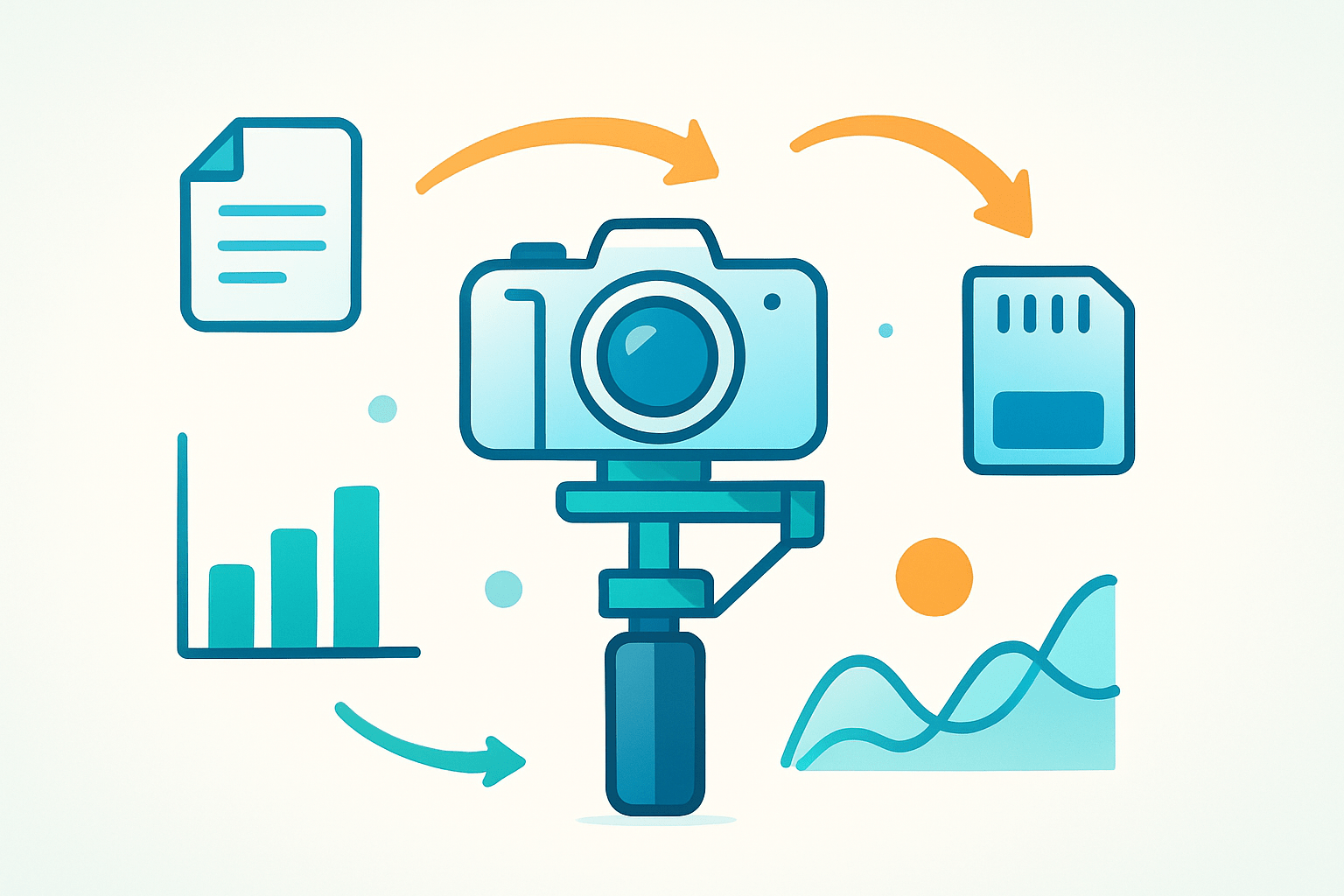
A 3-axis handheld gimbal keeps a mirrorless camera steady during a walk-and-talk.
A gimbal is a motorized stabilizer that keeps your camera level as you move, cancelling shake on the tilt, pan, and roll axes. When people ask what is a gimbal, the simple answer is that it lets you walk, run, or ride and still capture smooth, steady video.
Unlike a tripod that holds the camera still, a gimbal is built for motion. It also differs from a Steadicam that uses counterweights and operator skill, and from in-body or in-lens stabilization or electronic stabilization that soften small jitters inside the image.
Modern gimbals evolved from the old Cardan suspension used to keep ship instruments level. The term and the mechanics go way back, and the history of the gimbal shows why three nested rings make such a stable base for cameras today.
You see gimbals everywhere: vlogging walk-and-talks, wedding aisle glides, action cameras on trails, and drones revealing landscapes. The reason they matter is simple, because stabilized movement instantly boosts your production value and makes footage easier to watch.
How Does a Gimbal Work?
To understand the magic, picture three axes. Pitch tilts the camera up and down, yaw pans left and right, and roll keeps the horizon level so the world does not lean as you move.
A gimbal uses brushless motors on each axis, an IMU with gyroscopes and accelerometers, and a small controller board. Firmware reads motion many times per second and sends just enough force to hold the camera steady where you want it.
The sensors measure rotation in real time, then the controller compares that to your target angle. If the camera drifts, the motors apply a tiny, opposite movement to cancel it before your eye can notice the change.
This active correction is different from mechanical isolation or electronic image stabilization. Because the camera body itself stays pointed, you keep the full field of view, clean edges, and a natural look that edits well with other shots.
Every system has limits and tradeoffs. Payload capacity and motor torque set how heavy a camera and lens you can run, and an unbalanced rig will strain the motors, add wobble, and burn battery faster.
Gimbals fight slow, unintended sway very well, but high-frequency vibrations from vehicles or long, unstabilized lenses can sneak through. Keeping the center of gravity close to each motor axis always improves performance and makes the motors work less.
Latency is low but not zero, so fast, sharp movements can overshoot or undershoot if the motors are too weak. That is why correct balance and appropriate motor strength matter as much as the algorithms inside.
Modes help you decide what moves and what stays locked. Lock mode holds the camera facing one direction, follow mode lets the pan axis drift with your hands, and full-follow adds tilt so the camera floats more freely in space.
POV or roll modes let you intentionally roll the horizon for creative energy, while sport or fast modes speed up response for action. Mastering these choices turns the question of what is a gimbal into how to make it obey your vision so you can shoot better videos in less time.
Types of Gimbals and Key Differences
The first big difference is axis count. One-axis stabilizers are rare and mainly steady a long lens, two-axis options appear on bikes or older drones, and three-axis gimbals are the standard for handheld video because they manage tilt, pan, and roll together.
Smartphone gimbals are light, foldable, and app-driven, often with face tracking and quick edits. Action camera gimbals are compact and sometimes weather-sealed, great for trails, handlebars, or chest mounts where space and weight are tight.
Mirrorless and DSLR gimbals carry heavier payloads and accept accessories like focus motors and wireless controllers. Cinema gimbals and ring systems lift even more and often use two operators, one to move and one to control framing.
Drone-mounted gimbals are tiny but precise, tuned to fight prop vibrations and wind gusts. Gimbal heads for tripods are a different tool that balances long lenses for fluid wildlife or sports panning rather than video stabilization while walking.
By operation, most modern units are motorized and electronic, while manual Cardan mounts and vest-and-arm stabilizers still shine for bigger rigs and footstep isolation. The choice hinges on whether you want powered correction or a floating mount that removes footsteps and operator shake mechanically.
Form factor and use case matter as much as specs. Handheld sticks are portable and quick, mounted bases suit cars and jibs, wearable units fit helmets or chests, and accessories like handles, tripods, extension rods, or remote grips change how you work and what angles you can reach.
As a quick pairing, vloggers and travelers lean toward a lightweight phone gimbal, run-and-gun creators thrive with a three-axis mirrorless unit, aerial cinematography requires a stabilized drone gimbal, and wildlife photographers benefit from a tripod gimbal head for long lenses.
How to Choose the Right Gimbal
Start with payload capacity and motor strength, because these set hard limits. Weigh your camera, heaviest lens, plate, microphone, and any cage, then choose a gimbal that can carry more than that with room to grow.
Battery life and charge time affect how long you can shoot between breaks. Build quality, materials, weather sealing, and overall weight determine comfort on long days and how well the rig travels.
Feature sets matter too. Look for three-axis control, useful follow modes, good subject tracking, a dependable companion app, plus creative options like motion-lapse, time-lapse, and remote control.
Consider the ecosystem and firmware support, because updates keep performance high and squash bugs. Extra mounts, quick-release plates, and third-party accessories also make setups faster and more flexible.
Price, size, and stability trade off against each other, so be honest about where you shoot. Hikers and travelers often do better with a smaller model they will actually carry than a perfect but heavy rig left at home.
For real-world comparisons across categories, browse the best gimbals and note payload, weight, and battery specs that match your kit. Then ask yourself what is a gimbal going to do for your specific shots that other tools cannot.
Do a simple compatibility check by confirming total weight, camera dimensions, lens length at your working focal lengths, balance travel for longer lenses, and plate or cage access that does not block ports. If your shot is static, a tripod or clamp is simpler, and strong in-body stabilization plus a monopod can be enough for short walks.
How to Use a Gimbal: Practical Tips for Smooth, Cinematic Shots
Balancing starts the moment you mount the camera. Slide it on the plate so the camera sits level without power, then adjust tilt, roll, and pan until each axis can rest at any angle without swinging.
Fine-tune by nudging the plate and arms a millimeter at a time until you feel almost no pull when you tilt and let go. The goal is that motors only hold position, not fight gravity, which keeps footage clean and batteries happy.
Power on and run a calibration if your gimbal offers it, especially after travel, a lens swap, or a temperature change. Recalibrate any time you see horizon drift, hear motors buzz, or notice micro-vibrations in straight lines.
Keep batteries topped up and avoid fully draining them for longevity. Update firmware when stability improvements are released, and reset motor parameters or auto-tune when you add a microphone, matte box, or heavier lens.
Hold the handle with two hands when possible, elbows close to your body, and walk heel to toe like a ninja to reduce vertical bounce. Slight knee bend and soft steps work wonders for long hallways or stair descents.
Use lock mode for a composed push-in on a bride walking the aisle, follow for natural pans around corners on city streets, and follow plus tilt for smooth walk-and-talks down stairs. POV or roll mode suits playful, stylized beats and music videos where you want the camera to lean with the action.
Try a gentle push-in toward a subject, a sideways reveal from behind a doorframe, or an orbit around a couple during vows. Low to high reveals and tracking behind a runner turn small spaces into cinematic journeys without tracks or sliders.
If motors overload or the gimbal jitters, the rig is unbalanced or too heavy, so rebalance or lighten it and auto-tune motor strength. Drift usually means it needs calibration or that a plate screw is slightly loose, and random shutdowns often point to a battery connection that needs reseating.
Care and settings complete the picture. Wipe dust from motor housings, store the gimbal in a padded case, keep batteries cool and about half charged for long-term storage, use a shutter near one over twice your frame rate for natural motion blur, add ND filters to hold that shutter in daylight, and favor moderate focal lengths for easier stabilization.
What People Ask Most
What is a gimbal?
A gimbal is a handheld or mounted tool that keeps a camera steady while you move, helping produce smooth video shots. It uses motors and sensors to counteract shakes and bumps.
How does a gimbal help my videos?
A gimbal smooths out hand movements so footage looks professional and steady, especially when walking or panning. It reduces the need for heavy stabilizing rigs or complex editing.
Can I use a gimbal with a smartphone?
Yes, many gimbals are designed for smartphones and make everyday shooting feel more stable and cinematic. They usually clamp your phone and automatically balance it.
Do I need a gimbal for travel or vlogging?
A gimbal is very useful for travel and vlogs because it keeps footage smooth while you move and capture dynamic scenes. Compact models are often lightweight and easy to carry.
Is using a gimbal hard to learn?
No, basic gimbal operation is easy to learn, with simple balancing and a few button controls for common modes. Most beginners can get good results after a short practice session.
Can a gimbal replace a tripod or steadicam?
A gimbal doesn’t completely replace a tripod or steadicam because each tool suits different situations, but it can reduce the need for extra gear in many shooting scenarios. They often work best together depending on the shot.
What common mistakes should beginners avoid with a gimbal?
Avoid not balancing the camera, ignoring battery charge, and forcing the gimbal into awkward positions, as these hurt performance and battery life. Take a moment to set it up and practice smooth movements.
Final Thoughts on Using a Gimbal
Even a compact model like the 270 shows how a gimbal turns handheld motion into calm, cinematic movement—so your shots read as intentional, not shaky. For vloggers, indie filmmakers, wedding shooters and drone pilots this means less time fixing footage and more time crafting moments. It’s the single tool that most reliably lifts perceived production value.
But don’t forget the tradeoffs: gimbals have limits—too-heavy setups, poor balance or dead batteries will still give you problems and they need care. Remember the opening “what is a gimbal” question? We answered it by explaining how stabilization works across three axes, comparing types, and walking through picking and balancing so you can actually use one; once you know those basics, troubleshooting and creative choices get a lot easier.
Start small, practice the ninja walk and balancing routine, and you’ll see steady improvement in a few sessions. You’re better equipped now to turn movement into storytelling—expect smoother, more compelling images ahead.




0 Comments