
What is a gimball and how can it turn shaky footage into smooth, cinematic video? This short guide answers that question and shows simple steps to use one.
A gimball (often spelled “gimbal”) is a mount that keeps a camera steady. It cancels unwanted movement so your footage looks smooth and professional.
We will explain how a gimball works, the three axes, and the main types from phones to drones. You’ll also get step-by-step balancing tips, shooting techniques, and quick troubleshooting checks.
This article is for beginners and intermediate shooters who want better video without the guesswork. Read on for a quick answer, clear visuals, and short practice drills you can try today.
What is a gimball?
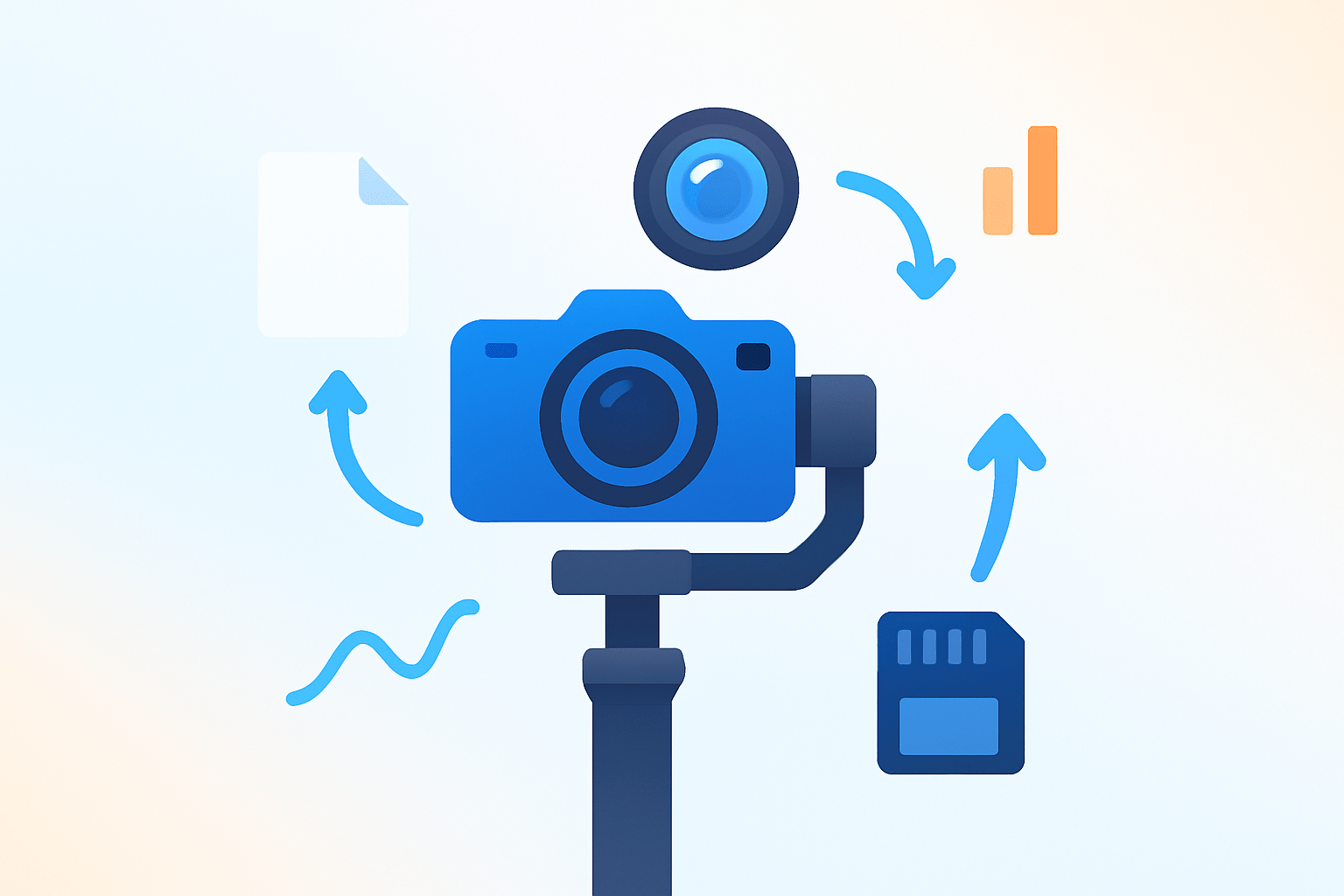
Quick answer: A gimball (also spelled gimbal) is a pivoted, motorized mount that keeps your camera steady by canceling unwanted movement so your video looks smooth and professional.
If you have ever typed “what is a gimball” into a search bar, you are asking about a tool that fights shake for you. It keeps horizons level, pans clean, and motion silky even while you move.
The term is commonly spelled gimbal with one L, but both spellings describe the same device. It uses sensors and motors to hold your camera steady in three axes so shots look polished.
People use gimbals for handheld video, vlogging, weddings, documentaries, action cameras, and drones. Photographers also use gimbal heads on tripods to tame heavy telephoto lenses when tracking wildlife.
Imagine a simple walk-and-talk scene on a busy street. With a gimbal, footsteps soften, the frame floats forward, and the subject’s face stays stable as if filmed on rails.
If you are still wondering what is a gimball in practical terms, think of it as a tiny, smart steadiness system in your hand. A quick before-and-after comparison clip makes the benefit obvious in seconds.
How does a gimbal work?
A gimbal senses your movements and quietly corrects them in real time. Inside, an IMU with gyroscopes and accelerometers detects rotation, and brushless motors apply equal and opposite force to stabilize the camera.
Yaw, also called pan, is the left-right swivel you notice when your frame sweeps across a scene. The gimbal counters this so pans feel controlled rather than accidental.
Pitch, or tilt, is the up-down nod that happens as you walk or climb stairs. The motors hold your framing so the subject does not bob in the shot.
Roll is the twist that makes a horizon look slanted during a turn. The roll axis keeps horizons level unless you deliberately ask for a stylized roll move.
Control algorithms blend sensor data and motor commands to keep things stable. Most systems use PID tuning and sensor fusion to predict and smooth movement without lag.
Torque and payload matter because heavier cameras need stronger motors to respond fast. If the payload exceeds the rating, stabilization weakens and motors can vibrate or overheat.
Motorized gimbals are active stabilizers, while tripod gimbal heads or friction heads are passive. A motorized system fights motion dynamically, whereas a passive setup balances weight so movement feels effortless but not self-stabilizing.
Performance depends on proper balance, fresh batteries, and healthy firmware. Poor balance forces motors to work too hard, which shortens battery life, increases heat, and risks jitter.
Calibration keeps the sensor zeroed and stops slow drifting. A quick auto-cal routine after travel or temperature changes can save a shoot.
If you want a deeper dive into gimbal stabilizer basics, explore how axes interact and how follow settings shape movement. Visualize a simple axis diagram that labels yaw, pitch, and roll, and imagine them countering your motions like tiny spotters.
Types of gimbals and common setups
Choosing the right type comes down to camera size, how you move, and your budget. The goal is to match motor strength and form factor to the shots you want.
Three-axis handheld gimbals for DSLR and mirrorless bodies are the most versatile. They shine for cinematic work, music videos, weddings, and narrative shorts where you need many kinds of moves.
Two-axis or single-axis models are lighter and often used with action cameras. They trim pitch and roll bumps during biking, skating, or mounting to tight rigs where space is limited.
Smartphone gimbals turn casual clips into stable stories without much setup. Drone gimbals are usually integrated and keep aerial footage level as the aircraft battles wind.
Gimbal heads for tripods support heavy telephoto lenses and make tracking birds or sports feel weightless. They are mechanical, not motorized, and excel at smooth pans and tilts with big glass.
Motorized gimbals deliver self-correcting stability but need batteries and setup. Mechanical systems need no power and handle heavy loads, though smoothness relies more on your technique.
When choosing, check payload capacity, foldability, battery life, app features, and build quality. If you shoot with larger lenses or add microphones, lights, or wireless units, scale up the payload for headroom.
For shoppers comparing rigs, this roundup of the best DSLR gimbals helps match models to camera sizes and shooting styles. A wedding B-roll kit might prefer a compact 3-axis unit, while wildlife tracking favors a tripod gimbal head.
How to set up and balance your gimbal
Start by attaching your camera to the quick-release plate and locking any lens accessories in place. Add the items you will actually shoot with, then begin balancing with everything on.
Balance the roll axis first so the frame sits level left to right. Slide the plate or arm until the camera stays put when you let go.
Next balance the tilt axis by adjusting front and back. The camera should hold its position when you tilt it up or down and release.
Finish with the pan axis by lifting the gimbal slightly and checking for swing. Adjust until the base does not rotate by itself and rests neutrally.
Power on the gimbal and run auto-calibration if the software offers it. Fine-tune motor strength and follow speed so the system feels responsive without buzzing.
Remove heavy accessories during balancing if they throw off the center of gravity, then add them back and rebalance. Use a lens support for long lenses, lock axes during transport, and rebalance any time you change lenses or add filters.
Watch for hot motors, loud vibrations, or a frame that slowly drifts. Fix overheating by rebalancing or lowering payload, cure drift with calibration or firmware updates, and tame jitter by easing follow speed or lowering motor power.
Compare a balanced vs. unbalanced clip to see the difference in seconds. A simple three-photo sequence of roll, tilt, and pan balance steps can serve as your quick-reference guide on set.
Quick equipment checklist for the bag includes batteries, spare plates, a phone clamp, lens support, ND filter, a compact tripod or stand, and extra screws. Keeping these together saves time when you move between setups.
Essential techniques and tips for smooth cinematic footage
Before you roll, confirm batteries are full, the gimbal is balanced, and firmware is current. Check your SD card space, camera settings, and ND filters, and secure a wrist strap or sling.
Follow the cinematic shutter guideline of shutter speed near double your frame rate. Keep ISO low, pick a bit rate that preserves detail, and disable in‑body or lens stabilization if it fights the gimbal.
Use a relaxed “ninja walk” with heel-to-toe steps to soften vertical bounce. Keep elbows tucked and let the gimbal do the micro-corrections instead of steering with big wrist moves.
Select modes with intent rather than leaving defaults on all day. Follow works for tracking a subject, Lock holds a heading for push-ins, and POV lets you roll for creative reveals.
Classic moves include slow push and pull to build intimacy, an orbit to show context, and a gentle rise or fall for a reveal. Track alongside a walking subject for natural parallax and a storytelling feel.
Dial follow speed down for dreamy motion and up for fast action. Adjust deadband and smoothing until the gimbal reacts to purposeful moves but ignores tiny jitters.
Avoid quick starts and hard stops, which create lurches you can feel. Give yourself a beat to accelerate and a beat to settle so edits cut cleanly.
Respect payload limits, because overloaded rigs wobble and overheat. If you see micro-jitters, reduce motor strength slightly and practice lighter hand pressure.
Carry extra batteries, a travel stand to rest the gimbal between takes, and a protective case. Keep motors clean and dry, and update firmware when manufacturers fix bugs or add modes.
Try this 5‑minute practice drill: walk ten meters straight, then repeat an arc around a chair, then finish with a slow tilt reveal of a detail. Do it daily and compare clips week to week as your muscle memory improves.
When questions pop up, a quick read with gimbal tips can spark new ideas or settings to test. By now you do not just know what is a gimball, you know how to use it to tell stronger stories.
What People Ask Most
What is a gimball?
A gimball is a handheld device that keeps a camera or phone steady to reduce shake and make smoother video. It lets you move while keeping footage steady.
How does a gimball help beginner videographers?
It makes footage look more professional by smoothing out shaking and small movements. This helps beginners focus on framing and storytelling instead of keeping the camera still.
Can I use a gimball with my smartphone?
Yes, many gimballs are designed to hold smartphones and improve video stability with simple mounting. They let you capture steadier clips for social media and vlogging.
What’s the difference between a gimball and a tripod?
A tripod holds the camera in one fixed position for steady shots, while a gimball stabilizes the camera while you move. Use a tripod for static shots and a gimball for motion.
What are common mistakes beginners make with a gimball?
Beginners often forget to balance and calibrate the gimball, push it too hard, or expect perfect shots without practice. Small setup steps and steady movements greatly improve results.
Will a gimball make my running or action shots smoother?
Yes, a gimball can reduce shake during running or action, but steady technique and practice are still important for best results. It helps a lot but doesn’t replace good movement control.
Is “gimball” the same as “gimbal” or is that a spelling mistake?
“Gimball” and “gimbal” refer to the same stabilizing device, though “gimbal” is the more common spelling; both are understood in casual use. The function remains the same regardless of spelling.
Final Thoughts on Using a Gimbal
A gimbal turns shaky handheld footage into smooth, cinematic motion, and at its simplest a device like this can feel like adding an extra 270 degrees of forgiving movement to your setup. Beyond raw stability, it gives you expressive control over motion so shots look deliberate instead of accidental. That steady foundation is the core benefit: more polished footage with fewer retakes.
Don’t forget one practical caution: motors and batteries aren’t magic—proper balancing and staying within payload limits is how you keep hardware healthy and reliable. This guide walked through the what, how, and which—mechanics, axes, types, balancing steps, and shooting techniques—so you can actually use one, not just admire it. It’s most useful for photographers and videographers upgrading from handhelds—vloggers, wedding shooters, indie filmmakers, and hobbyists will see the biggest payoff.
If your opening question wondered what a gimball really does, you’ve now got a clear answer plus concrete steps to get started and fix common problems. With a little practice you’ll be turning everyday movements into cinematic moments and building confidence one shot at a time.




0 Comments