
How does autofocus work? Ever wondered what your camera does to lock focus so fast?
This guide explains it in plain words and short steps. You will learn the autofocus loop: sensing, deciding, moving, checking, and the difference between contrast-detect and phase-detect.
We also cover DSLR vs mirrorless behavior, AF modes (single, continuous, auto), and focus point types like cross-type. You’ll get practical settings for sports, portraits, and low light that you can copy.
Plus you’ll find diagrams, a small comparison table, annotated photos, a printable troubleshooting checklist, and quick fixes under 30 seconds. Read on and you’ll know which AF settings to use and how to fix common focus problems fast.
How Autofocus Works (core principles)
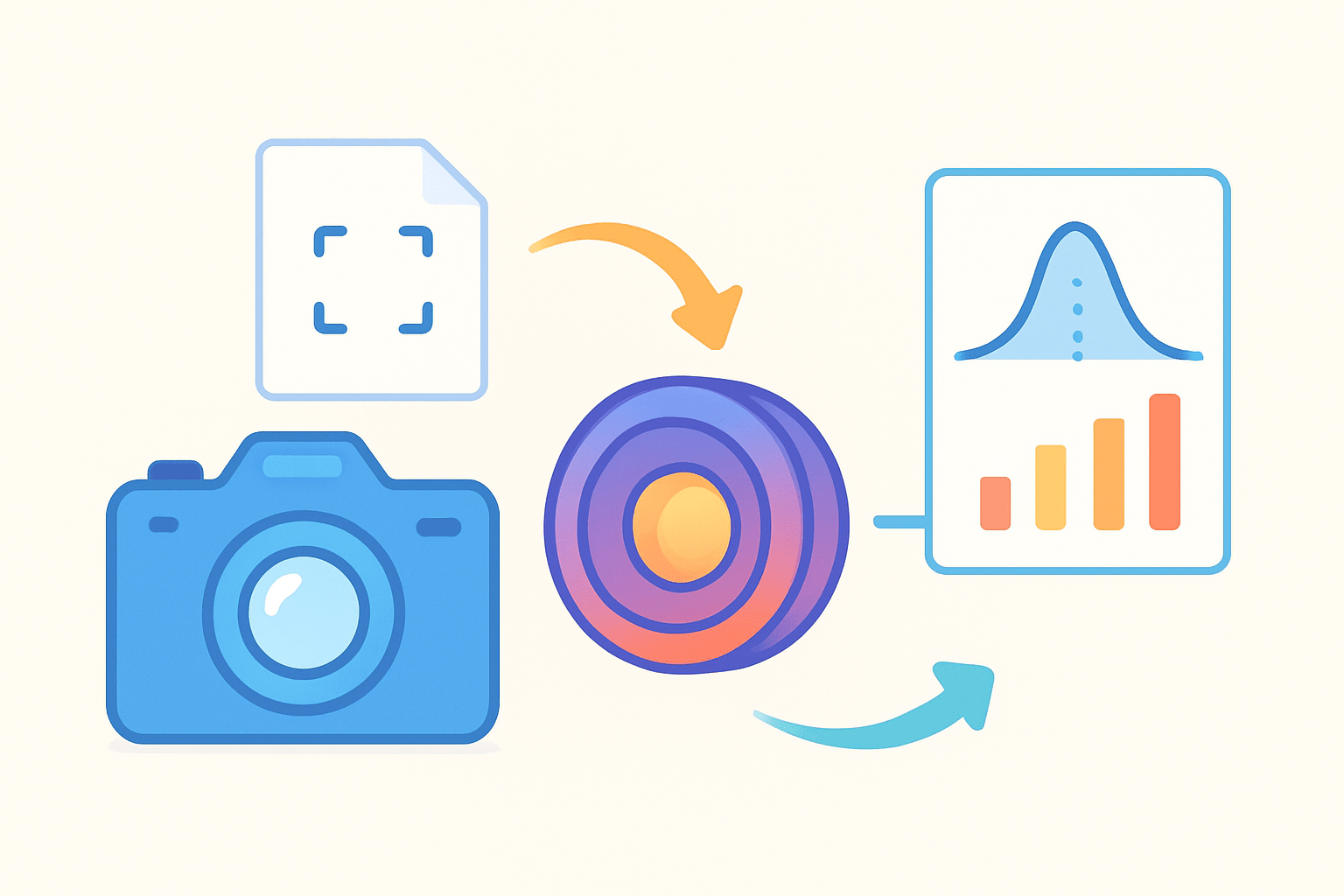
Autofocus is the system that moves your lens elements so the image forms sharply on the sensor. If you’ve ever wondered how does autofocus work, the short answer is: it measures focus, moves the lens, and confirms sharpness.
Every camera runs a loop that goes sensing, deciding, moving, and checking. It first senses what the lens is delivering, decides what needs to change, moves the focus group, then checks to see if sharpness improved.
There are two jobs inside that loop. One is to tell if the image is in focus or not, and the other is to figure out how far to move and in which direction to reach focus.
Contrast detection does the first job by measuring the contrast right on the sensor. The camera nudges the focus forward and backward and looks for the point of maximum contrast, which equals maximum sharpness.
Phase detection does both jobs at once by splitting light into two images and comparing their phase. The offset between the two tells the camera which way to move and roughly how much, often in a single fast step.
Think of contrast detect like feeling your way to the sharpest point by touch. Phase detect is more like reading a ruler and jumping straight to the mark.
A few terms help a lot here. AF point is the spot the camera uses to judge focus. Cross-type AF points see detail in both horizontal and vertical directions, so they lock more reliably on thin or low-contrast subjects.
In DSLRs, a separate AF module does the phase detection using a sub-mirror, while the imaging sensor stays idle for viewfinder shooting. In mirrorless cameras, the AF lives on the sensor itself, so focus and imaging use the same chip.
Diagram suggestion 1: a simple hill-shaped graph of contrast vs focus position, with a labeled peak as “in focus.” Caption: move the lens until the contrast peak is highest.
Diagram suggestion 2: two small beams that slide past each other when out of focus, lining up perfectly at focus. Caption: measure the offset to know the direction and distance of correction.
If you want a plain-English deep dive into the loop, this explainer on how autofocus works walks through the sequence many cameras follow. It shows why the loop repeats until the camera is satisfied.
Takeaway: autofocus is a feedback system that detects sharpness and drives the lens to it. Phase detect predicts the move, contrast detect verifies the peak, and together they give you speed and accuracy.
Main AF Technologies: Phase Detection, Contrast Detection and Hybrids
Modern cameras use contrast detection, phase detection, or a hybrid blend of both. Each method behaves differently with static scenes, action, and video work.
Contrast detection reads the live image off the sensor and looks for the most contrast at your chosen AF point. The camera edges the lens forward, measures again, backs up if contrast drops, then settles at the peak.
This approach is very accurate because it judges sharpness where it matters—the sensor. It needs no calibration, and for still subjects it often nails focus to the pixel.
The downside is hunting, because the system must explore to find the peak. It can be slow in low light or with smooth, low-contrast subjects, and it tends to lag behind moving targets.
Dedicated phase detection, used by DSLRs in viewfinder mode, sends light to a separate AF module with tiny split optics. The module compares two images and computes direction and distance, so the lens can jump straight toward focus.
Because it does the math upfront, phase detection is fast and great for tracking. This is why sports and wildlife shooters relied on it for years, especially with long lenses and erratic motion.
On-sensor phase detection puts phase-sensing pixels right on the imaging chip, often under tiny microlenses or with masked pixels. The camera gets the direction quickly, then lets contrast detection fine-tune the last little bit for perfect sharpness.
This hybrid approach brings the speed of PDAF and the precision of contrast AF. It also works seamlessly for video and live view because the same sensor does both focusing and imaging.
Active AF systems used to ping subjects with infrared or sonar to measure distance. They are rare today in interchangeable-lens cameras, but you may still see assist beams used as a helper in the dark.
Cross-type AF points are special because they detect phase in two orientations, not just one. They tend to lock more confidently on thin lines, fabric textures, or branches where single-axis points get confused.
Quick comparison in words: contrast detect is the accuracy king but can hunt and is weak for fast tracking, though it can look smooth in video. PDAF is very fast and strong at tracking but may need calibration on DSLRs; in video it can pulse. Hybrids aim to be quick, accurate, and stable, using PDAF to get close and contrast AF to confirm.
Visual suggestion: show a sensor with scattered phase-detect pixels highlighted and arrows pointing to how they guide the focus motor. Caption: PDAF pixels estimate the jump; contrast pixels confirm the landing.
Photo demo 1: portrait at f/1.8, two frames side by side. In the sharp frame, the near eye has crisp catchlights and eyelashes; annotate a small box on the eye. In the miss, the focus sits on the nose; annotate the shift and note the softer iris detail.
Photo demo 2: soccer player sprinting toward camera, AF-C zone tracking. In the hit, the player’s face is sharp and the background streaks; annotate the tracking box staying on the head. In the miss, focus grabbed the bright jersey behind; annotate the box sitting on the wrong subject.
For more on the math behind phase, this walkthrough of phase detection autofocus explains how cameras calculate direction and magnitude. Knowing that helps you choose modes that match the motion you shoot.
Takeaway: use contrast AF when precision matters and time allows, PDAF when speed and tracking are critical, and hybrids for the best general balance across stills and video.
Autofocus in DSLRs vs Mirrorless Cameras
System design shapes how autofocus feels in your hands. Where the AF sensors live, and how the camera sees the scene, changes performance and coverage.
DSLRs route light to a separate AF module through a sub-mirror while you look through the optical finder. In live view they often switch to contrast detection unless the sensor has PDAF, and some body and lens combos benefit from lens microadjust to correct small front or back focus.
Mirrorless cameras read focus from the imaging sensor all the time, usually with dense on-sensor PDAF coverage. You get more AF points across the frame, real-time feedback in the EVF and video, and advanced tools like face and eye detection running continuously.
In practice, mirrorless tends to win for video, wide-area tracking, and subjects that roam across the frame. DSLRs still shine with long telephotos, rugged handling, and the clear look of an optical viewfinder many shooters prefer.
Takeaway: choose mirrorless if you want fast, wide coverage and smart subject detection; choose DSLRs if you value the OVF experience and proven AF with big glass.
Autofocus Modes, Focus Points and Smart Features (Face/Eye Detection & Tracking)
AF-S or One-Shot locks focus once, then stops, which is perfect for static subjects. Use it for landscapes, posed portraits, and product shots where nothing is moving toward you.
AF-C or Continuous keeps measuring and updating as your subject moves. It’s the default for sports, wildlife, events, and kids who never sit still.
AF-A or Auto lets the camera switch between single and continuous. It can help in casual shooting but sometimes guesses wrong, so use it only when the motion is unpredictable and low stakes.
AF area modes decide where in the frame to focus. Single-point is for precision on an exact spot, Zone or Dynamic lets the camera track within a chosen area, Wide or Auto lets the camera pick, and Face/Eye AF prioritizes people and their eyes.
Focus priority waits for focus before firing, which is great for portraits and detail shots. Release priority fires as soon as you press, which is safer for fast action where missing the moment is worse than a soft frame.
Practical tip: in tough light, start with the center point because it’s often the most sensitive. For erratic motion, use a zone and enable tracking; for headshots, use eye AF and review at 100% to confirm the near eye is crisp.
Back-button focus separates focusing from the shutter so you have more control. Assign AF-ON to a rear button, disable AF activation on the shutter, and hold AF-ON to track while you shoot freely with the shutter button.
Settings example — Sports: AF-C, Zone/Tracking, minimum 1/1000s, and drive burst high. Aim for a high-contrast part like the face or chest logo and keep your AF point on the subject.
Settings example — Portrait: AF-S or AF-C with Eye AF, Single-point or small zone, around 1/200s, and use your widest comfortable aperture. Place your point on the near eye and reframe if needed.
Settings example — Low light: AF-C with center single-point, 1/125s or faster, open your aperture and raise ISO. Add AF assist or a small constant light to speed the lock and reduce hunting.
If you want a deeper menu walkthrough for different brands and bodies, this concise autofocus basics guide helps map the mode names and options. It makes switching area modes and priorities much faster in the field.
Takeaway: pick a focus mode for subject motion, choose an area mode for how precise you need to be, and use back-button focus to make both choices easier to manage.
Limitations & How to Improve Autofocus Performance — Practical tips & troubleshooting
Autofocus can fail in low contrast, low light, with shiny or glassy surfaces, or repeating patterns like fences. Very shallow depth of field magnifies tiny errors, and some body and lens pairs can front or back focus.
First, confirm your AF mode and AF-area mode match the subject. If you expect motion, switch to AF-C and a zone; if it’s static, use AF-S and a single point.
Next, test with the single center point to remove variables. If the center locks but your wide mode doesn’t, the area mode is the issue, not the lens or body.
In dim scenes, add light with an AF assist beam or a small lamp, open the aperture, and raise ISO to brighten the view. The camera sees contrast better when the scene is brighter.
Make sure firmware is current for both camera and lens, and clean the contact pins. If another lens focuses fine, the problem is likely the original lens.
If you see consistent front or back focus with a DSLR and the same lens, test with a focus chart and apply microadjust, or send the combo for service. Mirrorless bodies rarely need this, but they still benefit from fine-tuning technique.
For sports and wildlife, use AF-C with zone or tracking, a high shutter like 1/1000s, and back-button focus to keep lock while you time the shot. For portraits, switch to Face/Eye AF or a single point on the eye and double-check at 100%.
For macro, rely on live view, magnification, and focus peaking, or even manual focus stacking. For very low light, use the center point, add assist light, or switch to manual with magnified view to confirm.
Quick fix in under 30 seconds: set AF-C, choose the center single-point, add a stop of ISO, and take a short burst while tracking the subject. This often turns a hunting mess into clean, sharp frames.
If you want a printable cheat sheet, list your go-to settings for sports, portraits, macro, and low light, and tape it inside your bag. One glance in the field beats menu-diving under pressure.
Takeaway: most AF problems come from the wrong mode, too little light, or low contrast. Fix the light, simplify the AF area, and verify with the center point before blaming your gear.
What People Ask Most
How does autofocus work on my camera?
Autofocus works by the camera automatically moving the lens elements to make the subject appear sharp in the picture.
How does autofocus work when shooting moving subjects?
It continuously adjusts focus to track movement so the subject stays sharp as it moves across the frame.
How does autofocus work in low light?
Autofocus can be slower or search more in low light, and some cameras use assist lights or longer focusing time to lock focus.
How does autofocus work for portraits versus landscapes?
For portraits it usually targets faces or eyes to keep people sharp, while for landscapes it focuses farther away to keep the whole scene clear.
Can I override autofocus and focus manually?
Yes, you can switch to manual focus to fine-tune focus, which helps with tricky subjects or creative control.
Why is my autofocus not working—what common mistakes should I check?
Make sure autofocus is turned on, the lens and sensor are clean, the subject has enough contrast, and you haven’t accidentally set the lens to manual focus.
How does autofocus work with continuous or tracking modes—will it keep up with action?
Continuous or tracking modes keep updating focus as the subject moves, which helps maintain sharpness during action if the camera can follow the subject.
Final Thoughts on Autofocus
You came asking what makes autofocus get the shot, and the short answer we opened with—moving lens elements until the sensor finds a sharp edge—still holds true. Remember 270 as a quick test number I used earlier; the core benefit is clearer, repeatable sharpness that frees you to chase the moment, though you’ll still face hunting in low light, reflections, or very shallow depth-of-field. We broke down contrast versus phase systems, compared DSLRs and mirrorless, walked through modes and smart features, and gave troubleshooting steps so you can fix focus problems fast.
Portrait and action shooters, as well as any photographer working in mixed or low light, will get the most mileage from mastering these tools and tactics. Use the mode and AF-area that match your subject, test with a simple center-point shot when things go wrong, and keep firmware and contacts up to date. Keep experimenting with settings and trust your viewfinder — you’ll see steadier results with every shoot.



0 Comments