
How to photograph sunglasses so they sparkle, show true tint, and stay glare-free?
This guide breaks the process into simple steps you can use in the studio or on location.
You will get a short action checklist for quick shoots and a full shot list for product pages. I will also walk you through lighting setups, reflection control, angles, camera settings, and retouching.
Follow practical checklists and learn quick fixes for glare, photographer reflections, and blown highlights. The article includes lighting diagrams, before/after images, and a downloadable cheat-sheet to speed your workflow.
How to Photograph Sunglasses: Essential Tips and Techniques
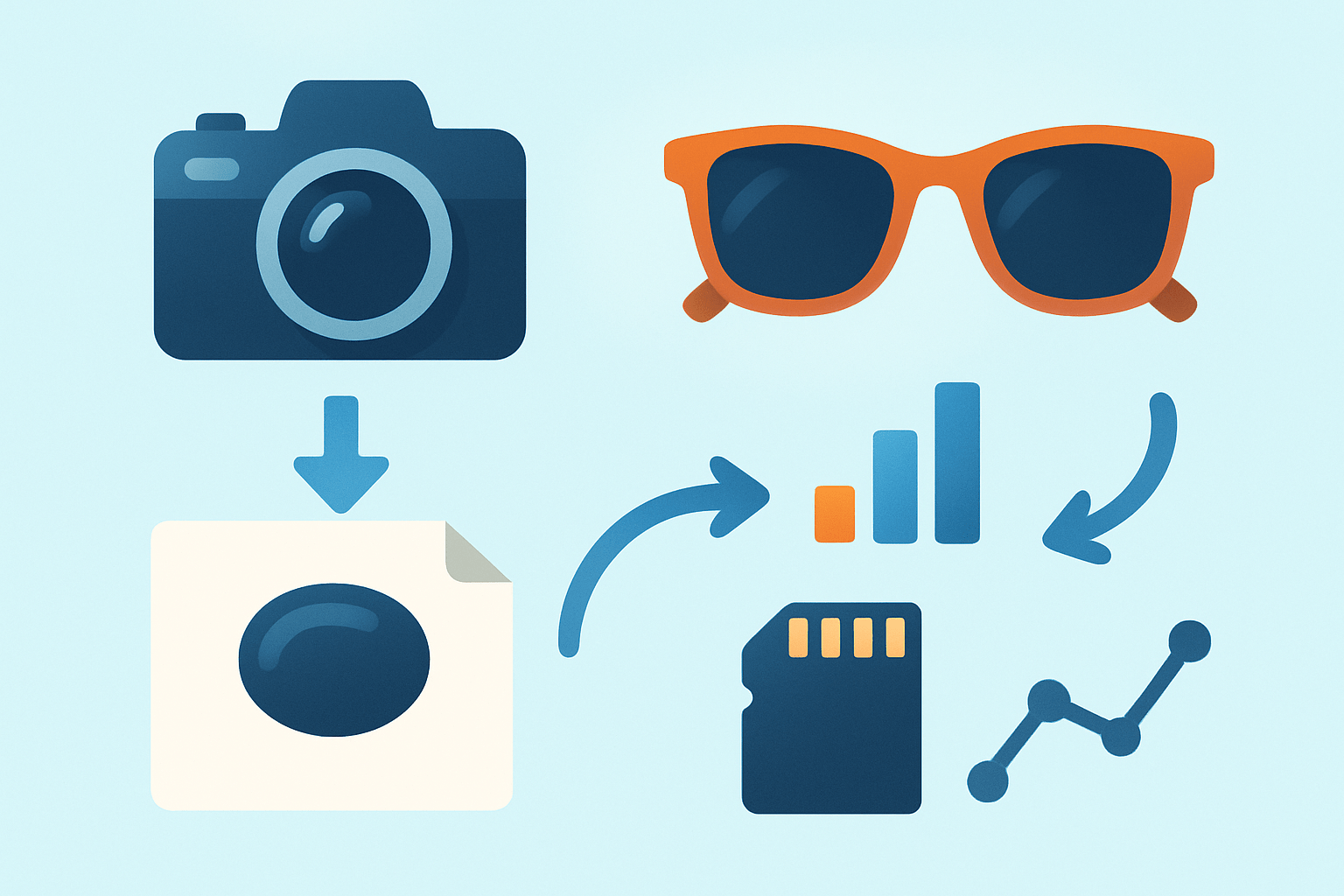
Quick answer first: clean the frames and lenses, set soft diffused light, position and stabilize the sunglasses, shoot RAW while checking reflections with and without a polarizer, then retouch dust and export web-ready files. Keep a gray card in the first frame and review at 100% as you go. This simple loop keeps product consistency tight and saves time in post.
Begin every session with a pre-shoot sweep. Wipe lenses and frames with microfiber, charge spare batteries, format cards, and set up a sturdy tripod or a motorized turntable. Place a gray card and a color checker beside the product and capture a quick reference shot before you begin.
Build a baselight with a softbox or light tent, then take one reference exposure to lock in your starting point. Capture a clean plate of the background without the glasses so you have something to clone from later. For safety, record variants with and without a polarizer, plus one extra frame with slightly lower light to protect highlights on mirrored lenses.
Every product page benefits from a consistent shot list. Photograph a straight-on view to show symmetry and lens tint, then a 3/4 hero at about 45 degrees for the main image. Add a profile, an overhead or backshot, hinge and temple close-ups, interior or branding details, a 360 spin sequence, and one on-model lifestyle shot to show fit.
For speed on larger shoots, tether your camera so you can check focus and reflections in real time. Adopt a naming convention with SKU and angle codes, and copy consistent metadata across similar products. A turntable with fixed lighting lets you automate multi-angle sets and helps you chase higher CTR with uniform galleries.
Your core kit is straightforward. A mirrorless or DSLR that shoots clean RAW files is perfect, paired with a 90mm macro for details and a 50–85mm prime for hero shots and models. Add a solid tripod, two strobes or LED panels, a large softbox or light tent, a circular polarizer, white and black cards for fill and flagging, and a simple turntable for rotations.
Fast fixes solve most problems on set. For smudges, pause and re-clean, then blow off dust with a rocket blower before every take; even one speck becomes a ten-minute retouch. To remove your own reflection, adjust the angle, raise the camera, flag the set with black cards, or rotate the frames a few degrees until the ghost disappears.
If highlights are blown on mirrored lenses, lower light power and add diffusion so the reflection grows larger and softer. When double shadows appear, bring in fill from the opposite side or move the product closer to your background. If color looks off, re-shoot a gray card reference and match to that in post so the lens tint stays accurate.
Understanding Lighting and Reflection
The biggest challenge is that sunglasses are curved pieces of glass and glossy frames. The shape shows everything in the room, and the surface clips easily if the light is too small or too close. Your job is to control reflection shape and preserve lens color at the same time.
Soft, diffused light is the default for product on white. A light tent or a very large softbox creates broad reflections that wrap around curves and keep hot spots in check. This gives you even coverage that drops cleanly onto a white background for e-commerce.
Hard, directional light is your tool for character-rich hero shots. Use a grid or a snoot to add a crisp specular highlight that signals glass and polish. Keep the beam off the lens center and let it graze the frame for texture.
Rim and backlights help the outline read clearly. A small softbox or strip light placed behind and off to one side carves a bright edge that separates dark frames from the background. Add a white card near the nose bridge to lift shadows gently.
Natural light is beautiful for lifestyle scenes, especially at golden hour. Put the sun behind your model and fill from the front with a reflector or LED to avoid haze and veiling flare. This keeps lens color believable and skin tones warm.
A lightbox setup is quick to master. Place an overhead panel and two side panels, all diffused, and set the glasses on a matte acrylic sheet for a faint reflection. Tilt the frames slightly so the big overhead reflection rides along the top edge, not the lens center.
A two-light studio hero offers more shape and depth. Position a big softbox at 45 degrees front-left as your main, then a smaller softbox or gridded light behind-right for rim. Use a white bounce card opposite the key for fill and slide a black card near the lens to sculpt the reflected shape.
A single overhead softbox delivers the flattest look for catalogs. Place the softbox high and centered, raise the product a few inches, and bring white cards close on both sides. This fills shadows and keeps the tones consistent across many SKUs.
Remember the law: angle of incidence equals angle of reflection. If you see a messy reflection, move the light, shift the camera, or tilt the sunglasses to send it away from the lens. A tiny rotation often removes your own outline from mirror coatings.
Black cards act like negative lights that cut unwanted sheen. Place a thin black flag near the lens edge to narrow a reflection, then use a white card to open the shadows underneath the bridge or temples. This balancing act shapes glossy objects without changing exposure.
A circular polarizer can reduce reflections, but it may also darken or mute lens tint. Shoot one set without the polarizer to protect color, then another with it to tame glare, and combine the best parts in post. You can study more examples of this balance in real-world sunglasses photography workflows.
Cross-polarization goes a step further by placing polarizing film on your lights and a polarizer on the lens, rotated to cancel reflections. This can nearly erase surface glare on certain materials. Use it sparingly so lenses still look like glass and not flat plastic.
When issues appear, troubleshoot with small moves. If you see yourself in the lens, raise the camera, change your position, or tilt the frames a few degrees until the ghost vanishes. If highlights clip, add diffusion and drop power; if shadows look doubled, adjust distance or add a fill to soften the overlap.
The Right Angle: Positioning Techniques for Sunglasses Product Photography
Angles tell the product story, so choose them with intent. Good angles reveal frame shape, lens color, and temple details, and they hint at fit. If the angle is wrong, even perfect lighting will not save the shot.
The 3/4 view at roughly 45 degrees is the hero for most pages. It shows the front plus one side, which gives depth and brand presence. Keep the horizon straight and the nose bridge centered for a confident stance.
A straight-on shot documents symmetry and lens tint clearly. It is the best angle to compare mirrored finishes and gradient dyes. Level the frames so the top rim is perfectly horizontal and keep distortion low with a longer focal length.
Profile views are important for spec sheets and shoppers who care about fit. You can show temple length, hinge quality, and how the curve rides behind the ear. Place a card behind the temples if they disappear into the background.
An overhead or backshot adds variety and shows the interior or case fit. This angle is nice for branded details on the nose pads or the inner temple print. Keep the frame aligned with verticals and leave space around the edges for clean cropping.
A low angle creates drama for editorial work. Move the camera slightly below the frame line and tilt up to make the sunglasses feel larger-than-life. Watch for distortion and keep the edges straight to avoid a warped look.
Close-ups sell craftsmanship, so switch to a macro lens for hinges, screws, textures, and logo embossing. If depth of field is thin, capture a short focus stack and combine it so the edges are sharp from front to back. Clean the surface again before every macro pass to avoid long retouches.
Support and stability make angles repeatable. Use low-profile stands, clear acrylic posts, museum putty, or a foamboard cradle with a small cutout, and hide supports behind the bridge or under the nose pads. Shoot a clean plate so you can remove any visible stand in post.
For 360 spins, lock the camera height and distance, and keep lighting fixed while the turntable does the work. Aim for 24 to 36 frames per rotation for smooth playback. If reflections flicker as the product turns, composite the lens area from a single clean frame.
Think about composition rules that help conversion. Use the rule of thirds for lifestyle, leave negative space for overlay text, and keep a consistent horizon across a catalog series. For more e-commerce fundamentals, skim this concise e-commerce guide to align your angles with storefront requirements.
Camera Settings and Post-Processing
Shoot RAW every time so you can protect highlights and correct color accurately. Mount the camera on a tripod, tether if possible, and use electronic front-curtain shutter or mirror lockup for the sharpest results. Review at 100% to catch dust and reflections before they multiply.
Lens choice keeps geometry honest. A 90–105mm macro is ideal for product and details, while 50–85mm primes handle hero and lifestyle shots without distortion. Stay farther back and move the stands instead of leaning in close with a wide lens.
For product on white with strobes, start at ISO 100, f/11, and your camera’s sync speed, then adjust flash power to taste. Watch for blinking highlights in the lens area and step down the aperture if needed. Keep a gray card in the first frame and match exposure to it later.
Close-ups need more depth or a stack. Try f/11 to f/16 for a single pass, and if the curvature still blurs the edges, shoot 5 to 20 slices with the focus ring nudged a little each time. Align and blend the set in your editor to get crisp hinges and temples.
On-model images require a different balance. Use ISO 100–400 and an aperture around f/2.8 to f/5.6 so the face looks natural while the frame remains sharp. Keep shutter within sync if you are using flash, and add fill to keep the lens tint true.
Focus precisely on the front rim or the hinge when the frame is angled. Single-point AF works for general shots, while manual focus with magnified live view is best for macro. When focus stacking, make sure the product does not move between slices.
Color and exposure accuracy start with a reference. Photograph a gray card and a color checker at the beginning of the set, then calibrate your monitor so what you see is what you ship. Preserve the authentic lens tint and avoid global saturation boosts that distort mirrored finishes.
In Lightroom or Camera Raw, begin with white balance from the gray card, then set global exposure and contrast. Enable lens corrections, add gentle noise reduction, and apply modest capture sharpening. Keep the look neutral so you can style selectively later.
Move to Photoshop for detailed cleanup. Remove dust and smudges, clone out support stands using your clean plate, and heal minor scratches. Use dodge and burn to shape highlights on the frame and balance the lens reflection without flattening it.
For stubborn glare, composite the no-polarizer frame for color and the polarizer frame for reflection control. Mask carefully around the lens edge so the transition is invisible, and keep a soft brush to blend. This combo is one of the most reliable solutions in how to photograph sunglasses without losing the glassy feel.
Finish with targeted clarity for acetate textures and subtle micro-contrast for metal frames. Nudge color with selective saturation to protect skin tones and neutral backgrounds. Save master files as layered TIFF or PSD, and export web JPEGs in sRGB.
For web, 72–150 ppi is fine, with multiple sizes for thumbnails, PDP hero, and zoom. Use descriptive filenames that include brand, model, angle, and SKU, and write alt text that describes the color, finish, and angle for accessibility. Keep margins consistent so grids align across the site.
On batch shoots, build a preset in your raw editor to unify white balance and exposure. Tether into capture software to tag angles and apply metadata as you go, then sync your preset across grouped SKUs. Run a final QA pass for color and reflection consistency before delivery.
Styling and Composition
Start by deciding the purpose of the set. Product-only images focus on clarity and conversion, while lifestyle images sell emotion and brand world. Plan your lighting and angles around that goal before you put frames on the set.
Keep styling minimal so the sunglasses remain the hero. Choose a small number of complementary props and place them to guide the eye, not compete. Pro tip: if a prop steals the highlight, remove it and bring in a subtler texture instead.
Match mood to the frame’s personality. Beach objects and warm light feel right for aviators, while leather and dark wood elevate premium acetate. Clean metal or glass surfaces fit modern, technical brands and mirrored tints.
Color harmony keeps the page calm. Use complementary or analogous palettes, and avoid backgrounds that clash with the lens tint. If the lenses are green, a magenta surface will fight them and require extra retouching.
Backgrounds set the tone quickly. White seamless is still the standard for e-commerce, textured concrete or linen adds editorial grit, and a subtle gradient or gel-lit panel creates ad-ready drama. Maintain separation between the frame and backdrop with a gentle rim or backlight.
Direct models with glare in mind. Tilt the chin slightly and rotate the head until the reflection rides along the lens edge rather than the center, and place lights where they create attractive catchlights. Suggest matte wardrobe and hair products to avoid hot spots next to the frames.
Get playful with controlled reflections. A glossy acrylic surface can mirror the frames for a premium look, colored gels can echo mirrored tints, and environmental reflections can tell a story if they are simple and flattering. Always check at 100% to ensure the scene in the lens looks intentional.
Plan deliverables before you shoot so you do not miss an angle. Most SKUs benefit from 8–12 photos plus a 360 spin and one or two lifestyle images, with filenames, alt text, and crops ready for web and social. This approach, paired with a downloadable checklist and a repeatable style guide, makes how to photograph sunglasses feel clear, fast, and consistent across your catalog.
What People Ask Most
What are quick tips for how to photograph sunglasses?
Start with clean lenses, soft even light, and a simple background, and keep the camera steady for sharp shots.
How can I avoid reflections when I photograph sunglasses?
Change the angle of the glasses or the lights so reflections miss the lens, and use a polarizing filter or black cards to block unwanted glare.
Should I use natural light or studio light when I photograph sunglasses?
Natural, indirect window light is easiest for beginners, while soft studio lights give more consistent control for product images.
How do I show the tint and color accurately when I photograph sunglasses?
Use a neutral background, set correct white balance, and include a real-world reference like a face or hand to show how the tint looks in context.
Can I photograph sunglasses with my phone and still get good results?
Yes — clean the lenses, tap to focus, use HDR or portrait mode, and stabilize your phone with a tripod or steady surface.
What background works best when I photograph sunglasses?
Simple neutral backgrounds work best for e-commerce, while subtle textures or lifestyle settings help sell a vibe in social posts.
What common mistakes should I avoid when I photograph sunglasses?
Avoid dirty lenses, busy backgrounds, harsh reflections, and incorrect exposure; always clean the glasses and check your shot before finishing.
Final Thoughts on Sunglasses Photography
Whether you’re shooting a single pair or 270 frames for a catalog, these practical steps turn tricky, reflective lenses into consistent, clickable images that sell. Starting with a clean lens, steady mount, and controlled light gives you repeatable results and fewer retouch hours. That reliable output is the core benefit — images that accurately show frame shape, lens tint, and premium detail.
Be realistic: reflections and fit details can be stubborn, so budget time for careful lighting tweaks and a short retouch pass. The article’s quick checklist at the top and the studio diagrams give you step-by-step moves to tackle those trouble spots. This approach will help product shooters, small brands, and creative directors get predictable, high-converting images.
Over time you’ll refine a workflow that locks in color accuracy, controls glare, and speeds up delivery for every SKU. Keep a clean-plate strategy, shoot variants, and treat post as part of the capture — those habits pay off fast. Dive in, try one lighting setup, and enjoy making sunglasses that truly sing in photos.



0 Comments