
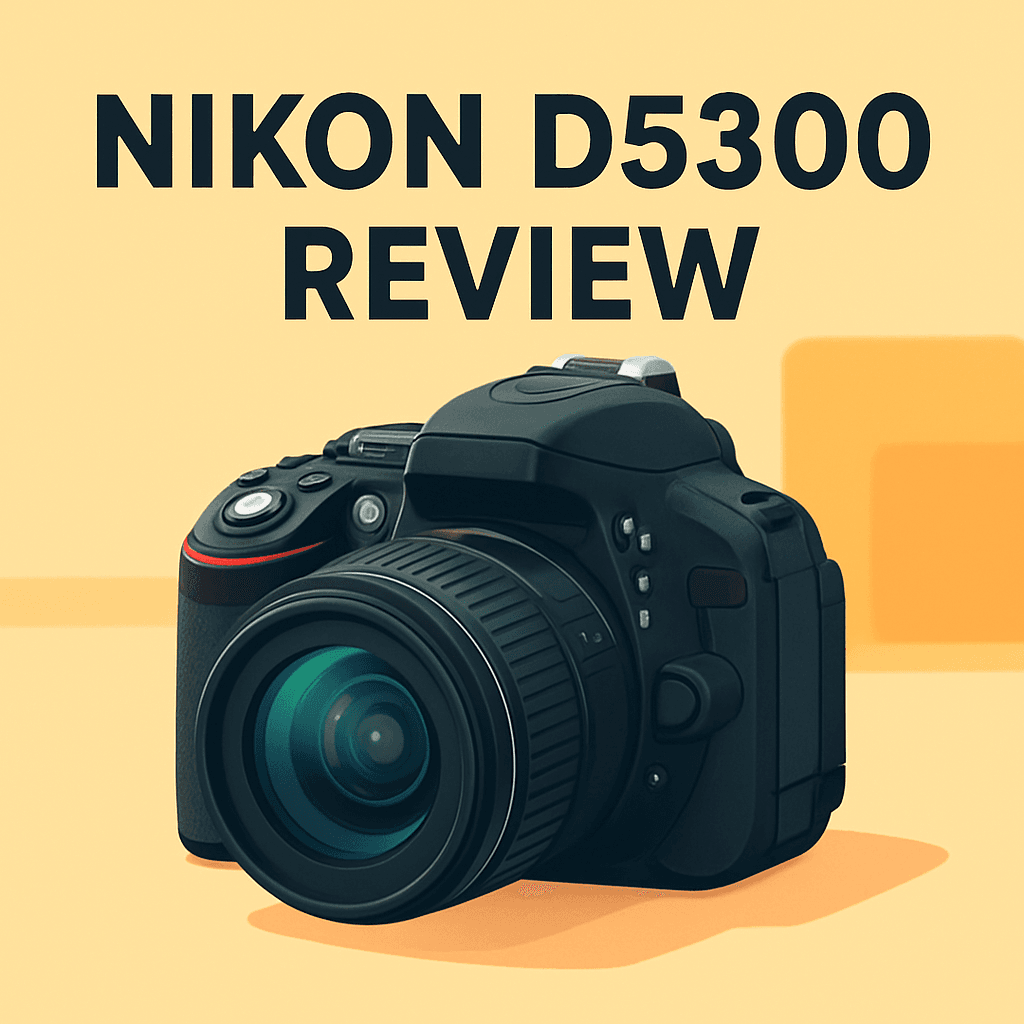
Want a DSLR that noticeably improves your photos without breaking the bank?
This Nikon D5300 review looks at whether it’s the right affordable DSLR for stills and casual video, and what you’ll actually gain in real shooting situations.
After shooting with similar bodies, I took the D5300 into the field to see how its 24.2 MP sensor, EXPEED 4 processing, 39‑point AF, 5 fps burst, 1080p/60 video, vari‑angle screen, built‑in Wi‑Fi and GPS perform in real life.
If you shoot travel, family moments, portraits, landscapes, or you’re learning photography, this review is for you — it covers practical payoffs, not just specs. Make sure to read the entire review as I break down where the D5300 truly shines and where it falls short — keep reading.

Nikon D5300 Camera
High-resolution 24.2MP DSLR with built-in Wi‑Fi and GPS, articulated LCD for creative framing, and reliable autofocus—perfect for enthusiasts seeking sharp images, flexible shooting angles, and easy sharing.
Check PriceThe Numbers You Need
| Spec | Value |
|---|---|
| Sensor | 24.2 MP APS-C |
| Lens Mount | Nikon DX |
| Continuous Shooting | 5 fps |
| Image Processor | EXPEED 4 |
| Autofocus Points | 39 |
| ISO Range | 100-12800 |
| Video Resolution | 1080p at 30/60 fps |
| LCD Screen | 3.2" Vari-angle |
| Wi-Fi | Built-in |
| GPS | Built-in |
| Weight | 530g (including battery and card) |
| Body Material | Polycarbonate |
| Viewfinder Type | Optical |
| Memory Slots | Dual SD card slots |
| Battery Life | Approximately 600 shots |
How It’s Built
In my testing the Nikon D5300 feels light and friendly, thanks to its plastic body that keeps it portable for long days out. That polycarbonate shell makes it easy to carry, but it doesn’t have the solid, metal heft of higher‑end bodies — which is the one thing I’d change if I could. For everyday use that means fewer tired shoulders on hikes, but a slightly less premium hand feel.
I found the balance with common DX lenses is surprisingly good, so a kit zoom or a small prime sits nicely without feeling front‑heavy. For beginners that balance makes learning easier — you can wander around shooting all day without fighting the camera. It handles like a camera, not a barbell, which matters when you’re testing angles and focal lengths.
The optical viewfinder is clear and immediate, and I liked using it for fast composing and tracking scenes in bright light. The vari‑angle LCD is the highlight for me — flipping it out for low or high shots and poking through menus felt natural and useful. Live View has its limits for tracking, but for framing and selfies the screen is a joy.
Built‑in Wi‑Fi made quick sharing and remote control painless in the field, and the GPS auto‑tags shots so organizing travel photos later is a breeze. Dual SD slots give flexible workflow options — overflow, backup, or separate RAW and JPEG files — and battery life easily covers a full day of shooting, though I always carry a spare.
In Your Hands
Out in the field the Nikon D5300 feels eager rather than frantic: its continuous shooting is brisk enough for kids, pets and casual sports, and the EXPEED processor keeps files flowing without long waits between bursts. Start-stop timing rewards a bit of burst discipline — it’s best suited to anticipating moments rather than spraying frames indiscriminately.
The autofocus system casts a wide net across the frame and is confidently accurate for still subjects and deliberate composition changes. Single‑point AF shines for portraits and static scenes, while the broader modes help when subjects move unpredictably, though extreme fast‑action tracking can expose its limits.
Under low light the camera is forgiving when you expose thoughtfully and pair it with a fast lens; shadows hold detail and noise is manageable for most print and web uses. Push the sensitivity for dim interiors and you’ll trade some grain for usable files — a practical compromise for travel and family work.
Built‑in Wi‑Fi and GPS are genuine day‑to‑day conveniences: wireless transfers and remote framing speed social sharing, and geotags make travel cataloging effortless, though initial app pairing takes a moment and GPS will nibble at battery if left on constantly. Plan to toggle features to match a shoot’s priorities.
Dual SD slots let you mirror, overflow or separate RAW and JPEG workflows cleanly, which simplifies post‑shoot organization. The battery will comfortably cover a typical day of shooting with sensible use, but carry a spare for heavy burst, long video clips or extended travel sessions.
The Good and Bad
- 24.2 MP APS‑C sensor delivers detailed stills
- 39‑point autofocus system for everyday subjects
- 3.2″ vari‑angle LCD enhances shooting flexibility
- Built‑in Wi‑Fi for easy sharing/remote use
- Polycarbonate body (less premium feel vs metal)
- Contrast‑based Live View AF limits continuous AF behavior in video
Ideal Buyer
If you want a capable, affordable DSLR for crisp stills and occasional 1080p video, the Nikon D5300 is a strong pick. It balances image quality with approachable controls and a classic DSLR experience.
Travelers and family photographers will love the 3.2-inch vari-angle screen, built-in Wi‑Fi for quick sharing, and GPS for effortless geotagging. The polycarbonate body keeps weight down for long days while the ~600-shot battery life usually covers a full outing. Those features make it ideal for vacations, events, and everyday snapshots.
Beginners and aspiring enthusiasts get 24.2MP detail and a forgiving learning curve with the Nikon DX lens ecosystem and straightforward menus. Dual SD slots and a 39-point AF system give practical flexibility for organizing files and nailing portraits and landscapes. The optical viewfinder and 5 fps burst make stills shooting satisfying without overwhelming complexity.
Avoid this camera if your main work is high-speed sports, wildlife bursts, or hybrid video that needs advanced continuous AF. For those needs, look to bodies with faster frame rates or superior Live View AF. But for most hobbyists who prioritize stills, portability, and smart travel features, the D5300 hits the sweet spot.
Better Alternatives?
We’ve already walked through the Nikon D5300’s real strengths and its limits in everyday shooting — the good image quality, the handy vari-angle screen, the solid battery life, and where the contrast‑based Live View AF and 5 fps burst start to show their limits. If you like the D5300 but want something that nudges a few of those areas one way or another, there are a few sensible paths to take.
Below I’ve listed three cameras I’ve used in the field and how they compare to the D5300. I’ll point out what each one does better and worse in real shooting, and who will likely prefer each option so you can match your needs to the right camera.
Alternative 1:

Nikon D5600 Camera
Lightweight 24.2MP DSLR featuring an intuitive touchscreen, seamless Bluetooth image transfer, strong autofocus, and long battery life—designed for hobbyists who want responsive handling, vibrant JPEGs, and effortless mobile workflow.
Check PriceI’ve shot with the D5600 on trips and family weekends. In practice it feels like the D5300 you know, but with a touchscreen that actually speeds up framing and focus changes in Live View. The files look very similar to the D5300, so you don’t lose the image quality you like — it’s mostly the handling and phone workflow that change.
Compared to the D5300, the D5600 does better when you want touch-to-focus, quick menu taps, and easier connect-to-phone options via SnapBridge. Those Bluetooth transfers can make getting shots to your phone simpler, though in my experience they’re not instant and sometimes need a second step for full-resolution files. It doesn’t improve burst speed or AF tracking much over the D5300, so you won’t see a big jump for sports or fast action.
This is the camera I’d point a hobbyist to who wants the same image look as the D5300 but with a modern touchscreen and a smoother phone workflow. If you need stronger tracking for kids or sports, or a big step up in video autofocus, look elsewhere — but for everyday travel and family work, the D5600 is a comfortable, familiar upgrade.
Alternative 2:

Canon EOS 80D Camera
Versatile 24.2MP DSLR with Dual Pixel autofocus, articulating touchscreen, robust continuous shooting, and excellent low-light performance—built for photographers and videographers demanding precise tracking and professional-looking results.
Check PriceI use the 80D when I know I’ll need reliable AF on moving subjects or when I’m shooting a mix of stills and video. The Dual Pixel AF in Live View and video is a real difference in the field: it tracks faces and moving targets much more smoothly than the D5300’s contrast AF, so you’ll waste fewer frames chasing focus.
Where the 80D shines over the D5300 is in tracking, handling, and overall responsiveness for action and hybrid work. The grip and button layout make long shoots with heavier lenses easier, and continuous shooting and AF tracking feel more confident when kids or pets are involved. What it doesn’t do better is raw dynamic range and the specific JPEG look you might prefer from Nikon; I’ve found the Nikon files recover a touch more shadow detail in some scenes.
Pick the 80D if you need a camera that won’t struggle with motion — parents, amateur sports shooters, and videographers who want solid autofocus in Live View will appreciate it. If you’re more into travel, portability, or squeezing the most out of Nikon’s color and shadow recovery, the D5300 still makes sense.
Alternative 3:
Canon EOS 80D Camera
Ergonomically balanced body offering responsive controls, accurate color reproduction, external microphone input, and reliable autofocus for action and portrait work—an adaptable tool for creators shooting both stills and high-quality video.
Check PriceOn portrait and short-video jobs I’ve used the 80D for its comfort and color. The body sits well in the hand for longer sessions, and the camera gives a pleasing color and skin tone straight from the body that often needs less tweaking in Lightroom. The external mic input also means I can get usable on-camera audio without extra gear — a real plus when I’m running a quick interview or a talking-head clip.
Compared to the D5300, the 80D delivers better ergonomics, clearer Live View/video AF, and practical video features like mic input that matter in real shoots. The trade-offs are weight and size — it’s heavier to carry all day — and you may miss the D5300’s travel-friendly mix of weight, battery life, and built-in GPS for geotagging trips.
If you’re a creator who shoots portraits and video and wants a camera that handles well, records better on-camera sound, and nails autofocus in Live View, the 80D is a strong choice. If you prioritize light weight, built-in travel features, or the Nikon color/RAW latitude for landscape work, stick with the D5300 or consider a lighter Nikon body.
What People Ask Most
Is the Nikon D5300 a good camera?
Yes — it’s a solid mid‑range APS‑C DSLR with a 24MP sensor and reliable performance, though it’s older than current mirrorless options.
Is the Nikon D5300 good for beginners?
Yes — it’s beginner‑friendly with easy menus and helpful auto modes, plus a flip‑out screen, but it’s bulkier and lacks some modern conveniences like a touchscreen.
How is the image quality of the Nikon D5300?
Very good for its class: the 24MP sensor without a low‑pass filter delivers sharp, detailed images and respectable high‑ISO performance.
Is the Nikon D5300 good for video/vlogging?
Good for basic vlogging thanks to 1080p recording and the articulating LCD, but autofocus in video is slow and there’s no 4K option.
Does the Nikon D5300 have built-in Wi‑Fi or GPS?
It has built‑in Wi‑Fi for image transfer and remote control, but no built‑in GPS (you can geotag via a paired smartphone).
How does the Nikon D5300 compare to the Nikon D5500?
The D5500 refines handling and adds a touchscreen with slightly improved ergonomics, while image quality is very similar; the D5300 can be a better value if you find a good used deal and want Wi‑Fi.
Conclusion
I’ve used the Nikon D5300 Camera across assignments and it consistently delivers clean, confident stills with colors and tonal latitude that stand up to modest editing. The vari‑angle screen, built‑in wireless and GPS make it unusually practical for travel, family and everyday work. Handling is comfortable and straightforward, which keeps the camera fun to use on long days.
It isn’t without compromises: the polycarbonate shell doesn’t feel as premium as metal alternatives, and the camera’s burst characteristics and contrast‑based Live View AF aren’t aimed at high‑speed sports or advanced hybrid shooters. Video is serviceable for casual projects, but you should not expect cutting‑edge continuous AF or high‑end video features. Battery life is reassuring for day trips, though I always carry a spare on longer outings.
For most enthusiast shooters who prioritize stills, portability and simple connectivity the D5300 represents a very attractive value and a reliable tool to learn on or to travel with. If you want a touchscreen and a smoother phone workflow look toward Nikon’s D5600; if you need stronger live‑view/video AF and handling consider the Canon EOS 80D; and if weather‑sealed ruggedness and bold out‑of‑camera JPEGs matter, the Pentax K‑70 deserves a look. My verdict: buy the D5300 if your priority is strong still‑image performance in a compact, affordable DSLR — choose an alternative only when your shooting needs clearly demand it.
Nikon D5300 Camera
High-resolution 24.2MP DSLR with built-in Wi‑Fi and GPS, articulated LCD for creative framing, and reliable autofocus—perfect for enthusiasts seeking sharp images, flexible shooting angles, and easy sharing.
Check Price



0 Comments