
You’re fed up with blurry, shaky clips and want gear that actually makes a difference. You’ve probably typed “what camera do tiktokers use” into a search bar. This guide will help you get sharper shots, steadier motion, and cleaner sound without wasting time or money.
You’ll be surprised by one common gear myth that costs creators time and money. Beginners and intermediate creators, vloggers who self-shoot, and anyone filming action or low-light clips will benefit most.
We’ll compare cameras best for vlogging, action, and stabilized low-light work and the accessories that actually matter. You’ll get faster setup tips, lighting pointers, and editing moves that make your clips look like a pro. You’ll learn which mics, mounts, and lights actually make a visible difference.
No heavy jargon or tech math, just actionable choices that fit your shooting style and budget. If you want clearer results with less hassle, keep reading because the fix is simpler than you think.
Essential Cameras for TikTok Creators
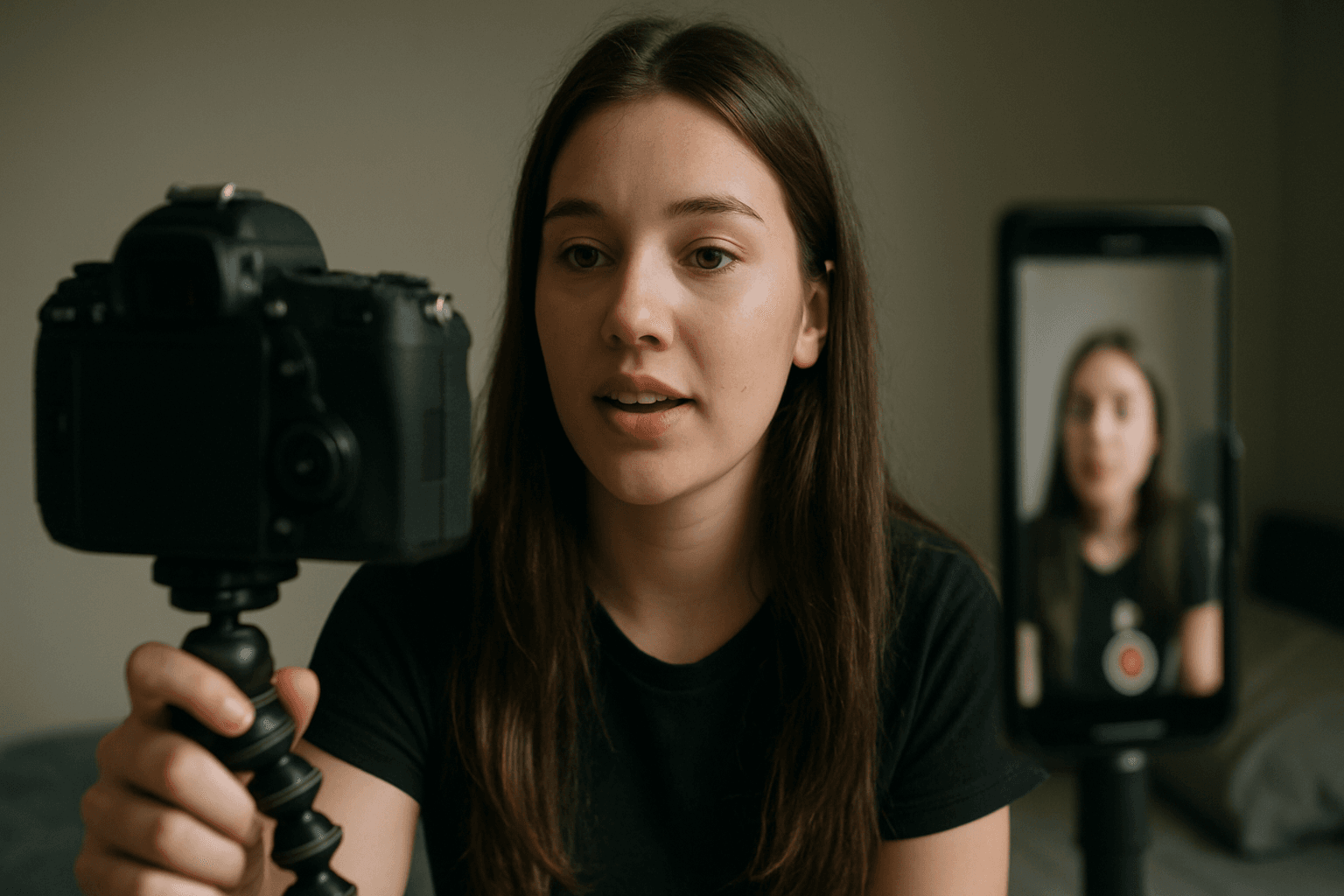
People ask me all the time, “what camera do tiktokers use?” The honest answer is: the one that fits their style. Most creators choose cameras that simplify self-shooting and deliver crisp 4K video.
For everyday vlogging and talking to the lens, the Sony ZV-E10 is a fan favorite. It shoots 4K and has a flip-out screen that lets you frame yourself without guesswork.
When content involves movement, creators gravitate to action cameras with strong stabilization. The DJI Osmo Action 3 is built to smooth out bumps, even when you’re running or skating.
For silky motion and cleaner low-light clips, the DJI Osmo Pocket 3 brings a 3‑axis gimbal and a larger 1‑inch sensor. That combo keeps footage steady and brighter after sunset.
Best for Vlogging
The Sony ZV-E10 hits the sweet spot for self-shooters. Its 4K resolution means sharper details, and the flip-out screen lets you watch composition, exposure, and focus while recording.
I love its quick autofocus, which is the camera’s ability to lock on your face automatically. It also has a “Product Showcase” mode that shifts focus to items you hold up instantly.
Best for Action & Movement
The DJI Osmo Action 3 is about stability first, using electronic image stabilization to counter shake in real time. Mount it on a helmet, handlebar, or chest rig, and go.
If your TikToks include biking, parkour, or busy travel days, this little tank keeps footage watchable. It’s also rugged and weather-ready, so you shoot without babying your gear.
Best for Stabilized, Low-Light Clips
The DJI Osmo Pocket 3 uses a 3‑axis gimbal, a tiny motorized arm that physically stabilizes the camera. That mechanical smoothing feels cinematic compared to digital-only stabilization.
Its 1‑inch sensor gathers more light than typical action cams, which helps after dark or indoors. Faces look cleaner, and colors hold up when you push exposure in post.
Key Features to Consider
Stabilization is your first priority for handheld, vertical video. You can get it through a gimbal, in-body systems, or digital stabilization; all aim to tame shake and micro-jitters.
Autofocus reliability matters when you move closer or turn your head. Look for face and eye detection, which tell the camera to track your eyes instead of the background.
Audio quality often separates viral clips from forgettable ones. A decent built-in mic helps, but external mics or wireless kits provide cleaner vocals and less echo in most rooms.
Sensor size affects low-light performance and background blur. Larger sensors generally look cleaner at night, while 4K resolution gives you detail and room to crop vertical frames later.
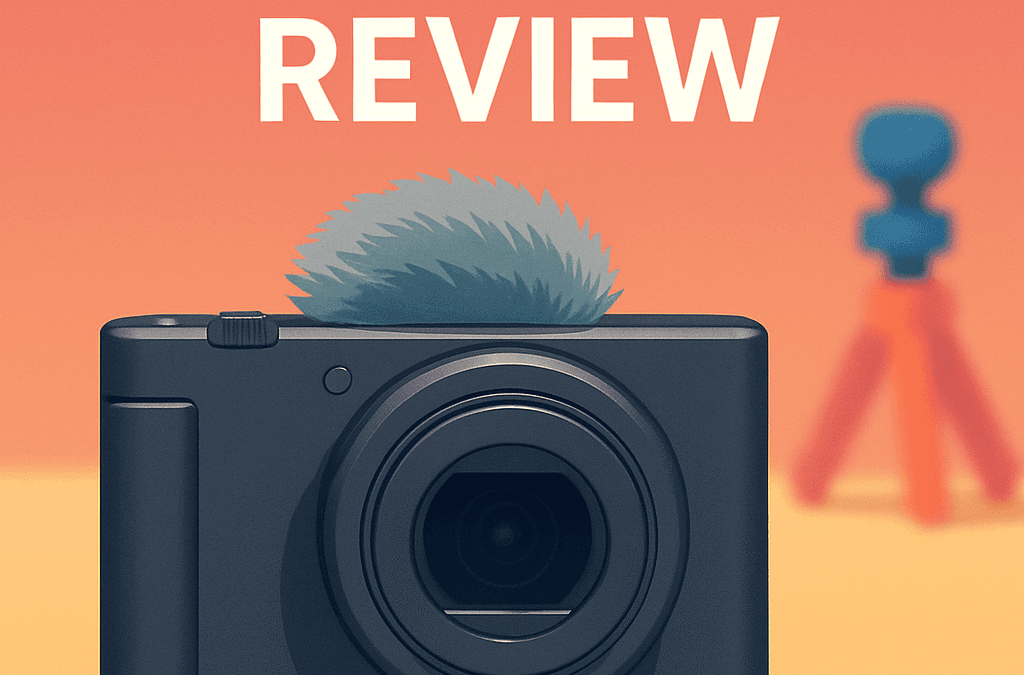
When you want deeper dives on gear, I skim camera reviews and explainers to compare stabilization, autofocus, and mic tests side by side.
Popular Camera Accessories for TikTok
A sturdy tripod is my quiet MVP. A tabletop tripod keeps the camera at eye level on a desk, while a lightweight travel tripod handles standing shots or dance tutorials.
For movement, a smartphone gimbal like the DJI Osmo Mobile 6 smooths steps and quick pans. That tool makes walking-and-talking clips look intentional instead of chaotic.
Ring lights sculpt faces evenly and shrink under-eye shadows. The Neewer Ring Light is consistent and easy to adjust, making skin tones look good without complicated setups.
Good audio wins hearts. A compact wireless option like the DJI Mic Mini clips discreetly to your shirt, giving a tight, podcast-like sound even in echoey apartments.
Using Smartphones as Alternatives to Dedicated Cameras
Here’s the shocker when folks ask what camera do tiktokers use: many still use phones. Smartphones are convenient, always connected, and their apps speed up recording and posting.
Computational tricks inside phones “brighten” faces and stabilize footage. Dedicated cameras, though, offer better optics, cleaner low-light video, and more control over lenses and audio.
If you’re starting today, your phone is a great primary camera for TikTok. As quality demands grow, you can add a dedicated setup for low light, depth, and pro audio.
For gear roadmaps and upgrade ideas, I often point beginners to creator gear guidance that breaks choices down by budget and use case.
Best Practices for Camera Setup and Use
Frame vertically from the start to protect resolution. If your camera can’t rotate its display, use a cage or L-bracket to mount it in portrait orientation securely.
Flip-out screens are lifesavers for solo creators. Glance at exposure and focus peaking indicators, then relax your shoulders—confidence reads on camera more than any spec sheet.
Mount your camera on a tripod or gimbal to reduce fatigue and shake. If you must handhold, tuck elbows in and move your body like a human steadicam—slow and deliberate.
Place your mic close to your mouth, slightly off-center to avoid plosives. Listen back with headphones before recording the real take; audio surprises are the worst kind.
Impact of Lighting on Video Quality
Lighting is the biggest difference-maker for perceived “quality.” Even a budget camera looks great with clean, directional light, while an expensive rig struggles in a dim room.
Position a ring light slightly above eye level for flattering catchlights. The Neewer provides even brightness, and you can dim it to match daylight spilling through windows.
Sensor size still matters when the sun dips. The Pocket 3’s larger 1‑inch sensor retains color and detail at higher ISOs, where smaller sensors turn noisy and muddy.
If you shoot at night, add a practical lamp in the background. That little glow adds depth, reduces contrast, and makes the scene feel intentional and cinematic.
Post-processing Tips for Enhancing TikTok Videos
Crop vertical, but leave headroom for captions and stickers. I keep the subject centered with a little breathing room above the hairline to avoid cramped framing.
Do quick color correction: balance white tones, lift shadows slightly, and tame highlights. Consistent skin tones help viewers trust your brand, even across different locations.
Level your audio so dialogue sits comfortably above music. Aim for a clear voice with gentle noise reduction; over-smoothing makes everything sound underwater and lifeless.
Export at 4K when supported, even if TikTok compresses it. Higher-resolution masters survive platform processing better, which means crisper edges and fewer compression artifacts.
Emerging Trends in Camera Technology for Social Media
We’re seeing 4K become the baseline, even on compact bodies. Manufacturers are doubling down on vertical-friendly interfaces and touch menus you can actually use one-handed.
Stabilization keeps improving with smarter algorithms and hybrid systems. Gimbals are shrinking, and some cameras now auto-level horizons, which is a gift for quick handheld shots.
Sensors are creeping larger in pocketable devices. That extra surface area brings cleaner night footage and smoother gradients, a huge win for creators shooting indoors.
Expect better creator tools baked in: auto captions, livestream overlays, and stronger on-board mics. The line between camera and studio keeps blurring for speed and simplicity.
Real-world Examples and Visual Comparisons
When clients ask what camera do tiktokers use, I show three quick setups. A ZV-E10 on a tripod for talk-to-camera, an Action 3 for movement, and a Pocket 3 for night.
Record the same scene on each and compare. You’ll notice stabilization feel, skin tones, and low-light noise immediately, which makes choosing your primary camera straightforward.
Try a “walk and talk” outside at sunset to stress-test everything. The action cam stabilizes best, the Pocket 3 wins low light, and the ZV-E10 gives the most depth.
If specs still feel abstract, browse Osmo product details and watch sample clips. Seeing motion, color, and noise side by side clarifies priorities fast.
What People Ask Most
Which camera is best for capturing high-quality TikTok videos?
It depends on your needs: I prefer the Sony ZV-E10 for vlogging thanks to 4K and a flip-out screen, the DJI Osmo Action 3 for fast-moving/outdoor shots, and the DJI Osmo Pocket 3 when I need gimbal-stabilized, low-light performance from its 1‑inch sensor.
How do I stabilize my camera for smoother TikTok footage?
I use a tripod or a handheld gimbal (a device that physically steadies the camera) for smooth motion, and for action footage I rely on cameras with strong built-in stabilization like the Osmo Action 3.
Can I use a smartphone as a primary camera for TikTok?
Yes—smartphones are totally viable because of convenience and software features, though I choose a dedicated camera when I need larger sensors, better audio, or advanced stabilization.
What are the essential accessories for a TikTok creator?
My must-haves are a sturdy tripod or tabletop stand, a gimbal like the Osmo Mobile 6, a ring light for consistent lighting, and an external mic such as the DJI Mic Mini for cleaner audio.
How does lighting affect the quality of TikTok videos?
Lighting is crucial—good light reduces noise and improves color, so I use ring lights like the Neewer for even illumination, and rely on larger sensors (e.g., Pocket 3) when shooting in low light.
What are the pros and cons of using a dedicated camera versus a smartphone for TikTok?
Dedicated cameras offer bigger sensors, better audio options, and superior stabilization at the cost of size and complexity, while smartphones win on convenience, apps, and portability.
How do you optimize camera settings for the best TikTok performance?
I shoot vertical, use 4K when supported, enable reliable autofocus, set correct white balance, level audio, and export at a high resolution to retain detail after compression.
Final Thoughts on Picking the Right Camera for Short-Form Video
If you came here asking what camera do tiktokers use, this guide gives a clear, practical way through the noise instead of a one-size-fits-all mandate. It frames choices around how you make content—whether you need mobility, low-light performance, or rock-solid stabilization—so you can decide by use, not hype. That opening frustration about too many options should now feel much easier to resolve.
The real benefit here is a decision-focused mindset that values usable features—autofocus you can trust, good audio, and sensible stabilization—over chasing specs. Be realistic: better gear helps, but it won’t replace poor framing or weak lighting, and you’ll always trade size, price, and convenience. Independent creators who film themselves, action shooters, and anyone moving from phone to a dedicated camera will gain the most from applying this approach.
Think of this as permission to simplify: compare a couple of setups in real scenes and pick what fits your workflow. Try one small change on your next shoot and see how the footage improves—then keep building from there.


0 Comments