
What is a hybrid camera and can one body really handle both pro photos and pro video?
A hybrid camera is built to perform well for stills and motion. It balances hardware, software, ergonomics, and workflow so you don’t have to choose one over the other.
This guide explains the photo features and video capabilities that matter. It also covers why some models make better hybrid options, plus workflow tips, a buyer checklist, and simple tests to run before you buy.
Whether you shoot weddings, travel, or solo video, this article will help you judge models fast. Read on for clear, practical advice and a short testing protocol you can use on any camera.
What is a hybrid camera?
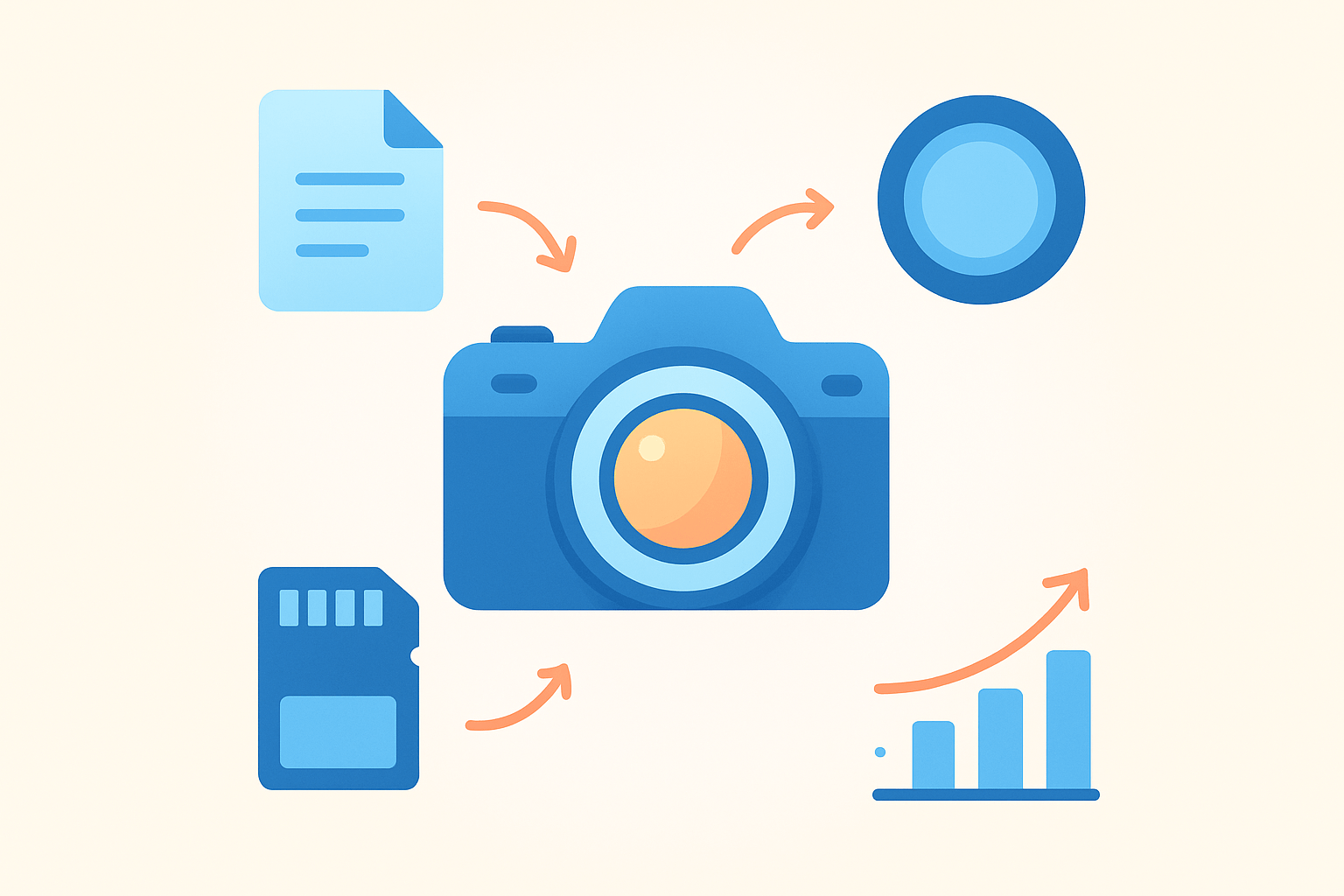
A hybrid camera is a camera designed to deliver strong still photos and strong video in one body. It balances hardware, software, ergonomics, and workflow so you can switch tasks without compromise. If you came here asking what is a hybrid camera, that is the clear answer.
To qualify, it should record internal 10‑bit video, ideally at 4:2:2 chroma. It should offer 4K at least 30p, and preferably 60p or higher for slow motion. Reliable continuous autofocus with subject and eye detection must work in both photo and video.
Other core traits matter too. Look for in‑body image stabilization, RAW still capture, and solid dynamic range. Dual card slots, clean audio inputs with headphone monitoring, and good heat management complete the picture.
Think of three circles. Photo‑first cameras excel at stills but may limit codecs or frames per second. Video‑first bodies are great for motion but can be heavy, pricey, or awkward for quick photo work; a hybrid sits in the overlap.
Here is a real story. A wedding shooter captures portraits, candid moments, and a first‑look in high‑resolution RAW, then records the ceremony in graded 4K from the same camera with face AF and stabilized handheld shots. One bag, one battery system, one color science.
A hybrid is not a cinema camera, which focuses on codecs, cooling, and modular rigs over speed and size. It is not a simple vlogging camera either, which may look friendly but often lacks 10‑bit, full audio controls, or dual slots. Many pro DSLRs are excellent for stills yet miss key video tools or modern AF in video.
Do not confuse terms. Hybrid can also mean hybrid zoom or hybrid security systems, but here it means a single camera optimized for both stills and motion. A short clarifying line like “hybrid photo‑video camera” avoids mix‑ups.
Buyer checklist, made simple. You want internal 10‑bit recording (preferably 4:2:2), at least 4K/60p options, dependable eye/face AF, IBIS, and RAW stills with good dynamic range. Add dual card slots, practical controls for video (record button, waveform or zebras if offered), audio inputs with monitoring, and cooling that guards against overheating.
Quick tip: read a brand’s guide on the benefits of hybrid shooting and compare it with your own workflow. If the camera lets you switch modes fast and keeps rolling without drama, you are in hybrid territory. That is the working answer to what is a hybrid camera in the field.
Photo features that make cameras hybrid
Sensor resolution sets the tone for your work. More megapixels help with cropping and offer detailed stills, and oversampling can improve video sharpness. The tradeoff is larger files and sometimes more rolling shutter or lower high‑ISO performance.
Dynamic range matters for both stills and video. With wider range, you can recover highlights and lift shadows without ugly noise. This is a safety net when shooting tricky light at events or travel scenes.
RAW capture and color depth affect how far you can push a grade. A clean 14‑bit RAW photo lets you reshape color and contrast easily. The same thinking in video favors 10‑bit files with robust color sampling.
Autofocus is the bridge between stills and motion. Eye and face detection should stick to subjects even as they turn or move. In video, continuous AF must be smooth, confident, and free from jittery hunting.
Burst speed and buffer matter more than many think. Fast bursts help you capture key frames in action, and they can match your video timing when you need a clean still mid‑moment. A deep buffer keeps you shooting instead of waiting.
IBIS is a true hybrid feature. It lets you handhold stills at slower shutter speeds and smooths handheld video without extra gear. Combined with electronic stabilization, it can mimic a small gimbal for quick shots.
Shutter behavior shapes motion. Mechanical shutters freeze action cleanly for stills, while electronic shutters can be silent but may show rolling shutter skew in fast pans. A good hybrid keeps distortion under control and offers useful anti‑flicker tools.
Lenses are part of the hybrid equation. Quiet, fast autofocus and minimal focus breathing make a lens feel cinematic while staying snappy for stills. A healthy system gives you primes, zooms, and power zoom options that cover both needs.
Choose photo specs based on your mix of work. Event shooters benefit from fast AF, IBIS, and moderate resolution that shines in low light. Landscape and travel creators may want higher megapixels for prints and crops, even if that means careful technique at night.
Here are quick scenarios. A documentary shooter values dynamic range, silent electronic shutter, and reliable face AF while walking. A travel creator needs a light body, good IBIS, and lenses that focus quietly for street video and stills.
Checklist for testing photo performance is easy. Photograph a friend walking diagonally toward you to judge face and eye AF hit rate, then review at 100%. Handhold a 1/5s shot with IBIS, and lift shadows by two stops in a RAW editor to see noise and color stability.
Camera video capabilities
Resolution and frame rate are the first big choices. 4K at 24 or 30p is standard for storytelling, and 4K/60p or 120p helps with motion and slow‑mo. 6K and 8K bring detail and reframing room but demand more storage and heat control.
Codecs decide how your files edit. H.264 and H.265 are efficient and small, but they can stress computers. ProRes and BRAW are larger yet much easier to edit and grade, especially on tight deadlines.
Bit depth and chroma subsampling affect color. 8‑bit 4:2:0 can work for casual clips, but it can break under heavy grading. 10‑bit 4:2:2 holds skin tones and skies together when you push them.
LOG profiles and internal RAW expand dynamic range. A good LOG curve preserves highlights outdoors and keeps shadows clean. Use a proper monitoring LUT so exposure and color look right on set.
Slow motion is not just about frame rate. Watch for sensor crop and line skipping that reduce detail. The best hybrids keep 4K quality even at higher frame rates or clearly state the crop so you can plan lenses.
Heat and record limits are real production concerns. If a camera stops after 20 minutes at 4K/60, your shoot will suffer. Look for safe record times and thermal design that stays stable indoors and in summer sun.
Audio is half the story. A mic input, headphone jack, and clean preamps are the floor, and XLR adapters or 32‑bit float options are welcome. Good hybrid bodies make audio setup fast and repeatable.
Stabilization extends beyond stills. IBIS plus electronic stabilization can keep a walking shot steady, but rolling shutter can still wobble during fast pans. Test whip pans and car‑to‑street moves to see limits.
Match quality to the job. For social posts, 8‑bit H.264 at 4K/24 can be fine. For paid client work, choose 10‑bit 4:2:2 or RAW, and budget cards and drives accordingly.
Balance codecs and workflow. Use edit‑friendly codecs when speed matters, or create proxies for 6K/8K and RAW. Keep a LUT and exposure routine so your footage grades consistently with your stills.
Test video the same day you test photo. Shoot a short LOG clip of a high‑contrast scene, then a standard profile of the same scene, and compare grades. Run a heat test at 4K/60 in a warm room, record at least 30 minutes, and log the shut‑off time if any.
What to watch for is simple. Confirm internal 10‑bit, confirm 4K/60, and confirm long record times without overheating. Verify AF tracking on faces while walking and talking, and listen for preamp hiss in quiet rooms.
Minimal add‑ons go a long way. An ND filter keeps shutter angles natural in daylight, an XLR adapter cleans up audio, and an external recorder can add formats or offload heat. Keep the rig small so you can still shoot stills fast.
If you want model ideas to start your shortlist, browse current lists of the best hybrid cameras. Use them as a baseline, then test your own lenses and needs. A spec sheet is a map, but your job is the terrain.
Reasons some cameras are good hybrid options
Great hybrids have balanced hardware. They pair capable sensors with robust autofocus, 10‑bit codecs, and IBIS, and they sit in systems with the lenses you need. They feel confident in low light and strong in daylight.
Ergonomics seal the deal. Custom modes let you jump between stills and video with one switch. Clear buttons, a dedicated record key, and useful displays make you faster on set.
Reliability is non‑negotiable for client work. Dual card slots protect your files, weather sealing keeps you shooting in bad weather, and decent battery life avoids stress. Ongoing firmware support often turns a good body into a great one over time.
Cost and ecosystem matter for your career. One camera that does both can replace separate still and cinema systems for many jobs. That means fewer batteries, fewer lenses, and a lighter travel kit.
Pick a hybrid when speed and flexibility win the day. Weddings, run‑and‑gun docs, solo content, and travel all benefit from one body that switches roles fast. You can capture a hero still and a clean video sequence without changing tools.
Choose dedicated gear when the brief demands it. High‑end cinema needs internal ND, big codecs, and crew‑friendly I/O, while studio stills may need huge megapixels and tethering rigs. Hybrids can do a lot, but the last 10% sometimes needs a specialist.
Make buying choices by your priority. If video is first, weight 10‑bit 4:2:2, LOG options, heat control, audio, and AF in video. If photos are first, weight AF reliability, IBIS, color depth, and a resolution that matches your print needs.
Rent before you commit. Shoot a mock job with your glass and cards, and check for overheating, wobbly IBIS, weak audio, or poor battery life. If any of these fail in your test, they will fail when it counts.
Warning: watch for hidden limits. Some bodies crop heavily at high frame rates, or AF switches to contrast‑only in LOG, or 10‑bit is limited to certain modes. Read the manual and test every mode you plan to use.
For an overview of current standouts, scan trusted roundups of hybrid cameras in 2026. Use them to shortlist, but make your final choice with hands‑on trials. Your jobs and style decide the winner.
When you compare models, keep the essentials in view. Look at sensor type and megapixels, max video resolution and internal formats, bit depth, AF system, IBIS, card slots, battery life, and the price band. Note any cooling solutions, audio options, and lens support that match your work.
Workflow benefits of hybrid cameras
A single hybrid body simplifies your day. You get one color science for photo and video, one control layout, and one set of lenses. File names and metadata also match, which helps in post.
Turnaround can be faster. If your camera records edit‑friendly codecs, you can cut sooner without heavy transcodes. A consistent LOG and LUT pipeline speeds grading across both stills and motion.
Backup is easier when formats match. Dual slots let you split photo and video or mirror for safety. Fewer card types mean fewer mistakes on location.
On the move, less gear means more moments. You can switch from portraits to B‑roll without a rig rebuild. That is the quiet power behind what is a hybrid camera in real practice.
Start with smart presets. Assign a photo custom mode with RAW, subject AF, and silent shutter, and a video mode with 10‑bit LOG, zebras, and your LUT view. Put record, white balance, and AF‑ON under your fingers.
Plan storage and power early. Use V90 SD or fast CFexpress cards for 4K/60 10‑bit or higher, and keep a proxy workflow ready for 6K/8K. Carry a USB‑C power bank or DC coupler for long events.
Audio and sync deserve a plan. Decide when on‑camera mics are enough and when to add an XLR adapter or wireless kit. If your camera supports it, 32‑bit float gives you extra headroom for surprise peaks.
Post should be predictable. Ingest to two drives, generate proxies if needed, and apply consistent LUTs or ICC profiles so stills and video match. Tag your clips and photos with the same scene and take notes.
Solo shooters can keep rigs tiny. Camera, compact mic interface, small ND, and a lightweight stabilizer are often enough. Let face AF and auto ISO handle the background while you frame the story.
Small teams should align presets. Use shared naming, card‑format rules, and an ingest checklist so files never go missing. Consistency beats speed when a project spans stills and video.
Here is an on‑shoot checklist you can copy. Format cards, set time and date, load photo and video custom modes, select codec and frame rate, apply monitoring LUT, set audio levels, check IBIS and AF behavior, and confirm dual‑record to both cards. Do a 10‑second test clip and a quick RAW still, review, and only then start the day.
Testing protocol for reviews can be short and strict. Run an autofocus tracking test with a walking subject, an IBIS test at slow shutter, and a rolling shutter test with quick pans. Add an internal codec quality test with LOG grading, a 30‑minute heat and continuous record test, an audio noise test in a quiet room, and a battery life and card throughput test at your target settings.
Gather visual proof as you go. Capture a high‑ISO still and a high dynamic‑range scene, then a graded vs flat LOG frame to show latitude. Record short AF tracking clips, an IBIS before/after, a screenshot of record duration, and a lens breathing sample to document behavior.
Always verify claims before you buy. Cross‑check manufacturer specifications against trusted lab tests and your own trials. Treat marketing as a starting point, not the final word on what is a hybrid camera for your needs.
What People Ask Most
What is a hybrid camera?
A hybrid camera is a single camera designed to shoot both high-quality photos and videos. It lets you switch between stills and movie modes without changing gear.
How is a hybrid camera different from a regular camera?
A hybrid camera focuses on both photo and video features instead of just one. That means it balances tools for taking pictures and recording video in the same body.
Is a hybrid camera a good choice for beginners?
Yes, a hybrid camera is a great starter option because it is versatile and lets you learn both photography and videography. You can grow your skills without buying multiple cameras.
Can I use a hybrid camera for events and vlogging?
Yes, hybrid cameras are well suited for events, vlogging, and everyday shooting since they handle both photos and videos. They let you capture moments and share them quickly.
Do I need special accessories to use a hybrid camera?
Basic accessories like a good strap and extra memory help, but you don’t need anything special to get started. Additional parts can improve sound and stability later on.
Will a hybrid camera make my photos and videos look professional right away?
A hybrid camera gives you better tools, but practice matters most for professional results. Learning composition, lighting, and basic settings will improve your work fast.
What are common mistakes beginners make with hybrid cameras?
Beginners often rely only on automatic settings and ignore framing or sound quality for video. Taking time to learn simple camera controls and good composition fixes most problems.
Final Thoughts on Hybrid Cameras
Hybrid cameras let you capture great stills and polished video from the same body, keeping color, lenses and workflow consistent for solo shooters, wedding pros and travel creators. We gave a tight definition, a buyer checklist and testing tips, and even called out a quick comparison labeled 270 for clarity. That single‑body balance is the main payoff.
Don’t forget the tradeoffs: heat limits, battery drain and codec or audio compromises can hurt long or cinematic shoots. Still, hybrids speed workflows — fewer kit swaps, simpler metadata and faster delivery — so they work well as a primary tool for many jobs. Always test AF, IBIS and recording endurance with your own lenses.
We opened by asking what a hybrid camera really is and answered with a clear definition, the specs that matter and real scenarios that show how one body can handle both jobs. The buyer checklist and test protocol give you a way to compare models against your needs. With a little hands‑on testing, you’ll soon find a setup that keeps your shoots smoother and your delivery quicker going forward.




0 Comments