
What is a photo story — and how can a handful of images tell a whole event or life better than a single picture?
In this article we answer “what is a photo story” in plain language. You will get a clear definition and see how a photo story differs from a single feature image or a photo essay.
We cover the core elements, must-have shot types, narrative structures, and a step-by-step workflow for planning, shooting and editing. You’ll also get a 10-image template, caption examples, and an ethics checklist to keep your work honest.
Whether you are a photojournalist, documentarian, or hobbyist, this guide gives hands-on tips you can use now. Read on to learn how to plan, shoot, edit and assemble a compelling photo story.
What Is a Photo Story in Photojournalism?
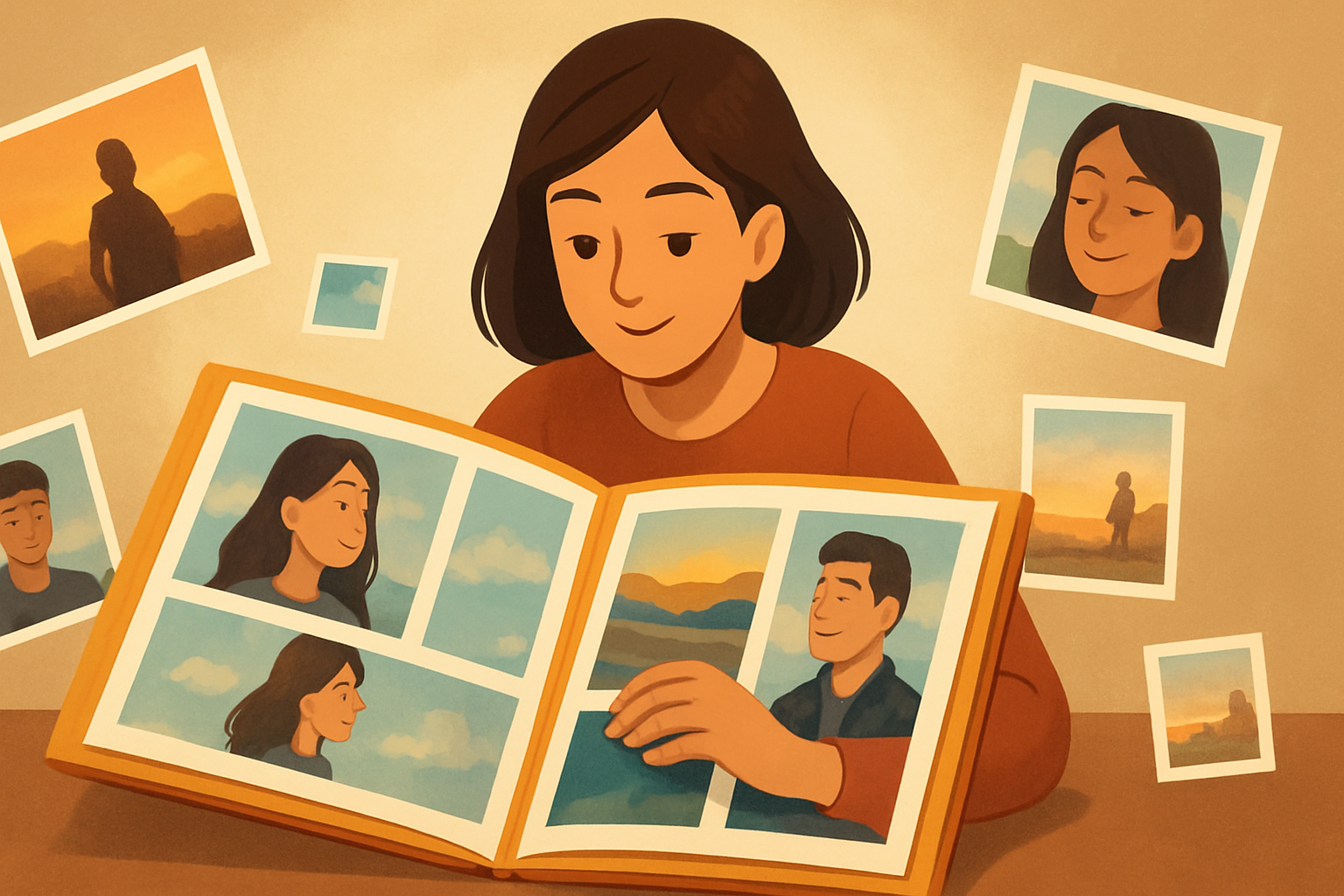
A photo story is a deliberately sequenced set of images — often paired with short text — that together tell a clear narrative about a person, place or event. It answers a question through pictures and leads viewers from the first frame to a final idea.
If you have ever wondered what is a photo story, think of it as more focused than a loose photo essay and far deeper than a single feature image. In news and documentary work, it is used to explain events, reveal lives, or show change over time.
The difference comes from sequence and intent. A photo story has a beginning, middle, and end, and each image plays a role, whether it introduces, builds tension, or resolves the theme. Text supports the images, but the pictures carry the meaning and momentum.
Examples are clear and practical. You might follow a protest from assembly to march to dispersal, trace a day in the life of a night‑shift nurse, or show the aftermath of a flood as residents return and rebuild.
Ethics guide every choice, from captions to crop. Captions must be accurate and add context, and scenes should never be staged in ways that mislead. For a quick primer, this overview of photo story in photojournalism aligns with how editors and contest juries define strong narrative work.
Defining a Photographic Story
Every strong sequence starts with a central theme or question, often called the nut graph. This is the sentence that explains why the story exists and what the viewer should learn by the end. Keep it sharp and simple so each image knows its job.
Characters and setting come next. Who is at the heart of the story, where are they, and when does the action unfold, such as dawn in a fishing port or late winter in a mountain town.
Stories move on emotion and conflict, even in quiet pieces. Something changes, resists, or resolves, and that thread gives viewers a reason to care. Motifs like a red scarf, a doorframe, or a repeated gesture can tie the sequence into one voice.
Plan essential shot types and why they matter. Start with an establishing wide to place the viewer, then use medium action frames to advance the plot and portraits to show character. Details and close‑ups add texture, while a reaction or closing image provides tone and exit.
Good storytelling balances showing and stating. Let images suggest emotion and relationships, then use captions for names, dates, and facts, and save short paragraphs for complex context like policy or timelines. When people ask what is a photo story, this mix of image power and careful words is the answer.
An annotated sequence might begin with a wide of the street at dawn, then a portrait of the main subject at a mirror, followed by action of work starting and a detail of worn hands. Midway, a conflict scene reveals stakes, then a quiet reaction, a context frame, two more actions, a telling detail, and a final reveal that answers the initial question. A simple ten‑image template could be one establishing, three character or action frames, three details, two reactions, and one reveal to close the loop.
Narrative structure
Chronological structure is the easiest and best for event‑driven stories. You move from anticipation to action to aftermath, and the timeline itself provides clarity and pace for the viewer.
A braided or multi‑thread structure works when you follow several characters or themes. You alternate between them, letting echoes and contrasts build a larger idea than any single thread could offer.
Scene–background–scene helps when context matters as much as moments. You drop the viewer into a vivid scene, step back to explain the setting or stakes, then return to a second scene that lands with more meaning. Non‑linear or flashback structures reveal context later to reframe what we thought we knew.
Open with a hook image that raises your core question, and close with a frame that resolves it or reframes it with insight. The opening should be legible in one glance, while the final image should linger.
Plan the sequence with a timeline, storyboard, or even sticky notes on a wall to test beats and transitions. Pace the edit by alternating wider context with intimate details, and use quiet images as breathers between intense scenes. Signpost shifts with repeating color, a recurring object, a gesture, or a steady framing style so the viewer never feels lost.
How to create a photo story
Start by finding the story through research and listening. Define the core question, identify access points, and secure permissions or introductions before you arrive. If you want a short refresher on how to make one, many guides cover the basics, but keep asking yourself what is a photo story in your specific context.
Make a plan you can change. Write beats you must hit, build a shot list for each beat, and note who to interview, what documents to collect, and which releases you may need for identifiable people.
Shoot with intent and variety. Use a wide lens for establishing frames, 50–85mm for portraits, and a macro or near‑focus for details, and look for gestures and expressions that carry feeling. Work each moment for angles, layers, and clean backgrounds.
Capture context beyond the action. Photograph the environment, secondary characters, signs, and documents, and gather quiet B‑roll that can bridge scenes and smooth pacing. Those connective images often save an edit.
Ingest and back up immediately in RAW, and protect your EXIF and filenames. Do a fast first pass to mark strong frames, then rest so you can see the work fresh before a deep edit.
Edit for narrative, not volume. Start wide, then tighten the sequence, cull duplicates, and favor clarity over completeness, even if it hurts to cut favorites. Use only a few of your best shots from each beat so the story breathes.
Add text with discipline. Write a crisp nut paragraph that states the theme, craft captions that answer who, what, when, where, and why, and include short quotes only when they deepen meaning. A clear caption style is one line of summary, one line of context or quote, and a credit line.
Test and iterate without fear. Re‑order frames, print small proofs, and seek outside feedback, then verify names, dates, and claims before publishing. Practical habits help too, like anticipating decisive moments, framing with a little space for cropping, cleaning backgrounds, and capturing both horizontal and vertical versions for responsive layouts.
For counts, think in ranges that fit your audience and platform. A micro story can work with five to eight images, a standard web feature with eight to twenty, and longform with twenty or more, but many editors favor a tight ten to fifteen.
Keep a legal and ethical check at hand. Get informed consent and releases when needed, avoid misleading sequencing or heavy manipulation, and never stage scenes that change truth; your credibility is the story’s spine.
Assemble your Photo Story
Choose a format that supports the flow you want. A single‑page scroll is immersive and linear, a slideshow or carousel gives control, a print spread offers rhythm, and a video slideshow adds sound but can dilute still‑image nuance; your storytelling website may favor one over another.
Pick a strong lead image and a concise title that sets the theme without giving away the ending. Design the layout with consistent sizing, whitespace, and caption placement, match color grading across frames, and aim for an aspect rhythm the eye can follow, ending with a true reveal.
Write factual captions and keep metadata intact, including dates, locations, subject names, and photographer credit, and add ALT text for accessibility and search. Export high‑res masters for archive and web‑optimized JPEGs that compress cleanly while keeping metadata, and name files clearly for editors.
Before publishing, test on multiple devices, check load speed, and make sure thumbnail crops do not mislead. After release, monitor feedback, correct errors quickly, and archive originals and notes so the story’s record stays complete and trustworthy.
What People Ask Most
What is a photo story?
A photo story is a sequence of images that work together to tell a clear narrative or idea. It highlights moments or subjects to create emotional or informative impact.
How is a photo story different from a single photo or a photo essay?
A photo story uses several related images to build a narrative, while a single photo captures one moment. A photo essay is similar but often includes more text or longer captions.
What are common uses for a photo story?
Photo stories are great for documenting events, sharing personal projects, reporting news, or promoting a brand. They help viewers understand context and connect emotionally with the subject.
How many photos should a beginner include in a photo story?
Six to twenty images is a helpful range to provide context without overwhelming viewers. Organize them to show a clear beginning, middle, and end.
Do I need special equipment to make a good photo story?
No, you can create a strong photo story with a smartphone or a basic camera by focusing on composition and storytelling. Good lighting and thoughtful framing matter more than expensive gear.
What are common mistakes to avoid when creating a photo story?
Avoid using unrelated images, weak sequencing, or skipping captions that explain context. Keep the theme focused and edit out photos that distract from the main narrative.
Can I share a photo story on social media and websites?
Yes, photo stories work well on social media, blogs, and photo platforms when you format images for the platform and add short captions. Tailor image order and size to how your audience views content.
Final Thoughts on Photo Stories
We began by answering the simple question: what is a photo story, and why does sequence matter — and that clarity carries through everything here, from shot lists to sequencing. A photo story is as much about choices as it is about images; think of selecting 270 frames down to a tight, purposeful sequence. The core benefit is the power to turn moments into a readable, emotional narrative that helps viewers connect and understand.
Keep in mind one realistic caution: a strong edit can still mislead if you omit key context or skip consent and fact‑checking, so guard accuracy as carefully as composition. This guide is aimed at photojournalists, documentary photographers, visual reporters and students who want practical, ethical tools for storytelling. It’s for anyone who needs to make images do the work of a clear, humane story.
We followed that opening hook with concrete how‑tos — elements, structures, shooting steps and assembly advice — so you can plan, shoot and refine a sequence with intention. Keep practicing these approaches; your next project will sharpen your eye and deepen the stories you’re able to tell.


0 Comments