
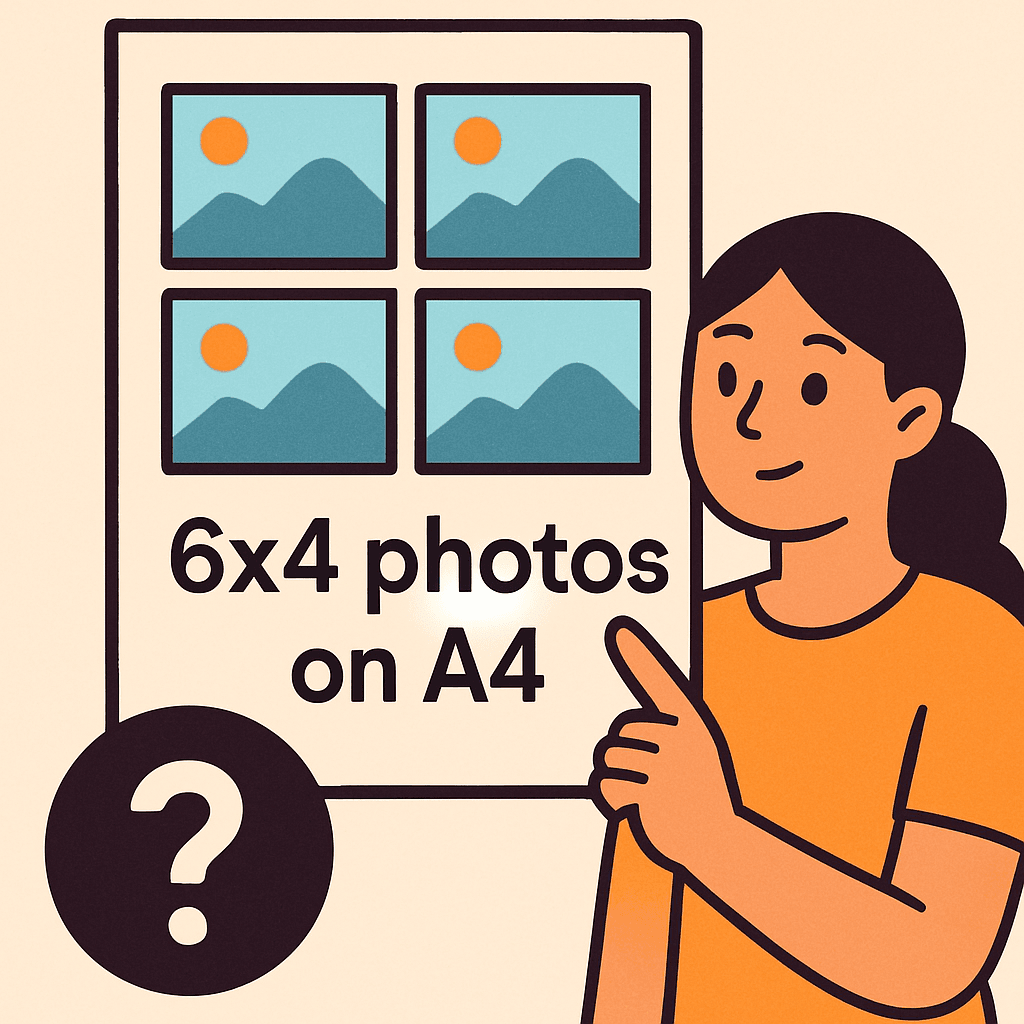
You’ve been trying to squeeze more prints on one page and keep wasting paper, so you’re asking how many 6×4 photos fit on a4.
This article will show layouts that save paper, cut down on cropping, give sharper prints, and speed your printing workflow. You’ll be surprised by one common myth we’ll bust about fitting four photos on a single sheet.
It’s ideal for home printers, hobbyists, and pros prepping contact sheets who want to get the most from every A4 page. You’ll learn when rotating helps, how margins steal space, and when resizing beats cropping for quality. If you want the surprising shortcut and a ready-to-use template, keep reading because the fix is simpler than you think.
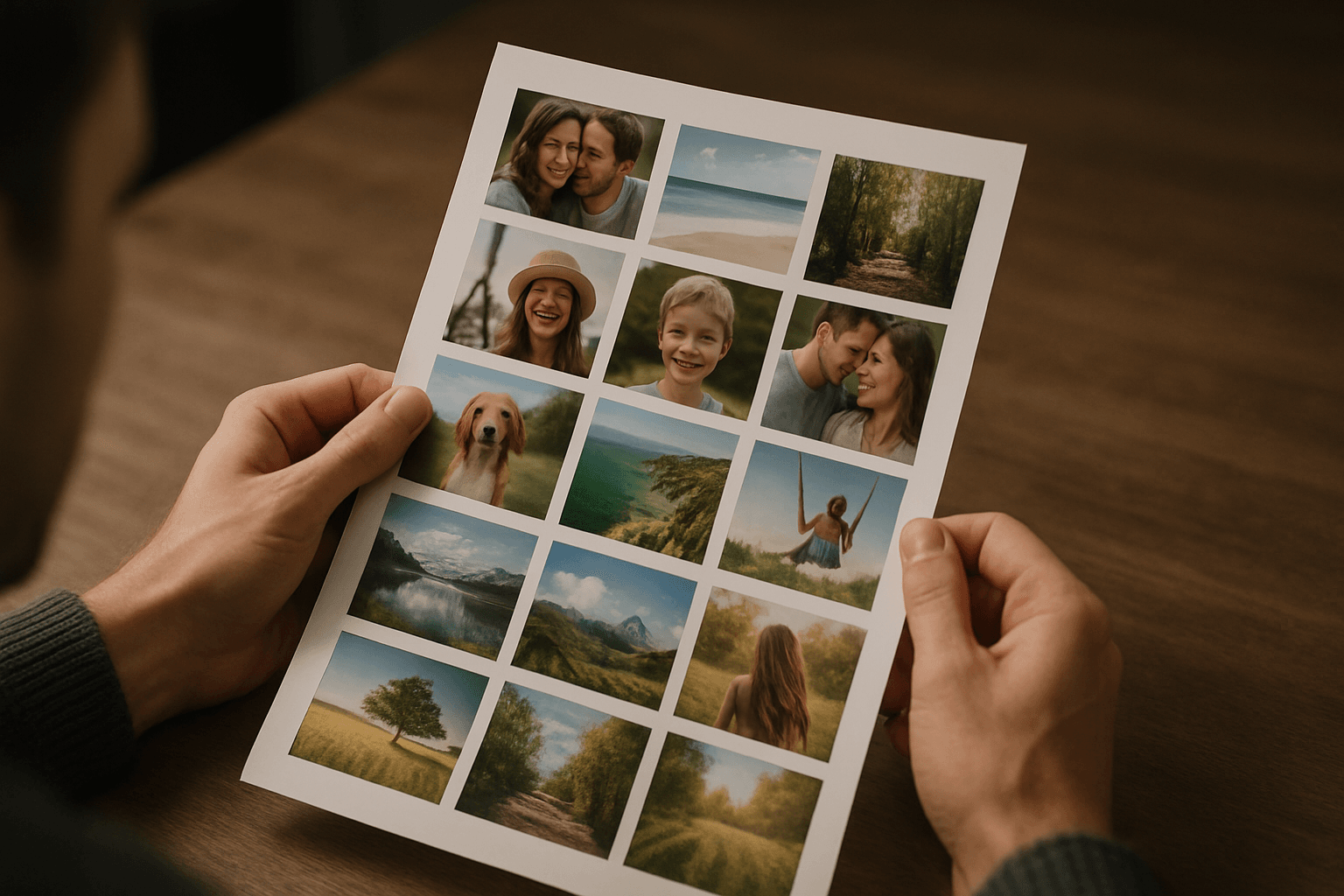
A4 and 6×4 dimensions — the math you must use
Before we place anything, I convert sizes to the same units. A4 measures 210 × 297 mm, which is 8.27 × 11.69 inches. A 6×4 print is 152.4 × 101.6 mm, or exactly 6 × 4 inches.
The area of a single 6×4 is 24 square inches. An A4 sheet totals about 96.6 square inches. By area alone, four 6×4 prints seem possible, but edges and orientation change the story.
If you’ve ever wondered how many 6×4 photos fit on A4, the math starts here. Think in rectangles, not just area. Sides must line up within the sheet’s 8.27 and 11.69 inch limits.
How many 6×4 photos fit on A4 without cropping
With no cropping and true 6×4 size, the strict answer is two. Stack two landscape 6×4 prints vertically: total height is 8 inches, width is 6 inches, which fits inside 8.27 × 11.69.
Two side-by-side won’t work. You’d need 12 inches across for two 6-inch widths, but A4’s width is only 8.27 inches, and even the long side is 11.69 inches. That shortfall blocks a third.
So, how many 6×4 photos fit on A4 at true size? Two, reliably, with comfortable breathing room. It’s simple, tidy, and compatible with almost every home printer’s default margins.
How rotation affects layout efficiency
Rotation is your stealth superpower. By mixing orientations, you can fit three full-size 6×4 prints on A4 without cropping, provided margins don’t get in the way.
Here’s the layout I use: place two portrait 4×6 prints side-by-side across the top. That uses an 8 × 6 inch block. Then tuck one landscape 6×4 centered below. Total height is exactly 10 inches.
This arrangement fits within 8.27 × 11.69 inches on paper, so the geometry checks out. If you’re asking how many 6×4 photos fit on A4 with rotation alone, the answer is three.
Why four 6×4 prints won’t fit without adjustments
Four originals need more span along at least one axis. A single row of four requires 24 inches, far beyond A4’s 11.69 inch maximum. Even a 2×2 grid demands 12 inches across.
Let’s prove it in millimetres. Two 6-inch widths equal 304.8 mm. A4’s long side is 297 mm, so a 2×2 at true size overshoots by 7.8 mm, with no room for printer tolerances.
Inches tell the same story. Two 6-inch columns need 12 inches; A4 tops out at 11.69. Without resizing or cropping, a four-up layout simply cannot fit on A4.
Impact of printer margins and usable printable area
Most home printers reserve margins, often 0.25–0.5 inches per edge. With 0.25 inch margins, the usable area shrinks to about 7.77 × 11.19 inches in portrait orientation.
At 0.5 inch margins, you only get roughly 7.27 × 10.69 inches. That narrower width blocks the “three-up with rotation” layout unless your printer offers borderless A4 and you enable it.
Margins also tighten spacing for two-up. You’ll still fit two full-size 6×4 prints stacked, but the comfortable gutters get slim. Always check your driver’s minimum margin settings.
Resizing vs cropping: trade-offs for fitting more photos
Resizing keeps your composition intact by scaling the entire image a little smaller. Quality risk is minimal when scaling down, especially if your file exceeds 1800×1200 pixels at 300 dpi.
Cropping preserves pixel density at a chosen size but trims edges, which can harm composition. It’s effective if your subject has extra background you can afford to lose.
For a practical target, reduce to about 5.6 × 3.73 inches to fit four prints with 0.25 inch margins in landscape A4. With 0.5 inch margins, aim near 5.35 × 3.57 inches for a clean four-up.
Step‑by‑step software methods to arrange photos on A4
In Photoshop Elements, create a new A4 canvas at 300 ppi. Add guides for margins, then place each 6×4 as a layer. Use the Move tool to position and rotate for the three-up layout.
Align edges with snapping, keep Scale at 100% for true size, and export to PDF for predictable printing. For troubleshooting or alternative workflows, browse Elements printing tips shared by experienced users.
With HP Smart, choose Print Photos, select A4 paper, and try Layouts or Contact Sheet options. Toggle Borderless if available, then drag to rotate and place. For device-specific quirks, check HP printer threads before finalizing.
Template and layout tips to maximize photo count
Mix portrait and landscape strategically to unlock a three-up page at true size. Minimize gutters, but leave at least 0.1 inch to avoid accidental overlaps from driver expansion.
If your printer supports it, use borderless A4 on photo paper to reclaim the full 8.27 × 11.69 inches. Some drivers slightly enlarge images in borderless mode, so test a scrap first.
I’ve included a downloadable A4 four-up template at 300 dpi with 0.25 inch guides and four 5.6 × 3.73 inch frames. It opens cleanly in Elements, Affinity Photo, or Apple Photos.
Home‑printing limitations and quality considerations
Every printer handles margins, overspray, and paper transport differently. Borderless often applies 1–3% “expansion,” which acts like subtle cropping on all edges.
Glossy papers can show bronzing and smudges if ink density is high. Let prints dry flat, and match your media type and ICC profile for consistent color and sharpness.
Resizing down typically improves effective dpi and sharpness. If you’re unsure how many 6×4 photos fit on A4 with your exact margins, run a quick test print and measure the result.
Quick visual examples to include
Diagram A: two 6×4 at true size. Show an A4 page with two landscape 6×4 prints stacked, labeled 6 in width and 4 in height, with visible gutters and page dimensions.
Diagram B: a three-up rotated layout. Place two portrait 4×6 prints side-by-side on top and one landscape 6×4 below, annotated to show the 8 × 6 top block and 6 × 4 bottom.
Diagram C: a four-up page using minor resizing. Display four frames sized 5.6 × 3.73 inches in a 2×2 grid on A4 landscape, with margin callouts for 0.25 and 0.5 inches. For more peer-tested arrangements, browse layout Q&A.
What People Ask Most
How many 6×4 photos can I fit on an A4 sheet without cropping?
I can only fit two full 6×4 prints without cropping because A4 width is 8.27 in and two 6x4s side‑by‑side would need 12 in, so they won’t fit.
Can I print 3 6×4 photos on A4 paper without resizing?
Yes — by rotating some prints (mixing portrait and landscape) I can arrange up to three 6×4 photos on A4 without resizing, for example two landscape stacked and one portrait alongside.
What is the best layout to maximize 6×4 prints on A4?
I recommend mixing portrait and landscape, minimizing gutters, and using printable‑edge paper if available; a rotated three‑photo layout or slight reduction gives the best balance of count and quality.
How do I rotate photos to fit more on an A4 sheet?
I rotate the needed images 90° (portrait ↔ landscape) in my editor and then place them to use the 8.27 × 11.69 in page height efficiently, avoiding overlaps and respecting printer margins.
Which software allows printing multiple 6×4 photos on one A4 page?
I use Photoshop Elements and HP Smart for step‑by‑step placement, and other common tools like Lightroom, Photoshop, Affinity Photo, or printer utilities will also work.
Does printing multiple photos on A4 reduce print quality?
It can if I reduce the image size below true 6×4 because that lowers DPI; cropping keeps DPI but trims edges, so I test my printer to find the best compromise.
Can I make 4 6×4 photos fit on A4 by cropping?
Only by cropping or reducing size — four full 6x4s require 24 in in one dimension so they won’t fit on A4 unless I crop off edges or scale them down, which trades composition or sharpness.
Final Thoughts on printing 6×4 photos on A4
If you wondered how many 6×4 photos fit on a4, this guide gives a clear, usable answer and a practical way to plan prints. Instead of wrestling with vague rules, you now have a straightforward approach to judge layout options and set expectations before you open your editor or step to the printer — exactly the opening hook we started with. That clarity is the core benefit here: you’ll be able to choose layouts that protect image integrity while avoiding wasted paper and time.
Do keep in mind that real printers, paper choices, and tiny adjustments can change how a layout behaves, so a quick test is still sensible before committing to a big batch. The guidance will help home printers, hobbyists, and event shooters most, because it focuses on everyday trade-offs rather than abstract theory. Run a mock print, tweak what you learned here, and you’ll be turning confusing guesses into reliable, repeatable prints.




0 Comments