
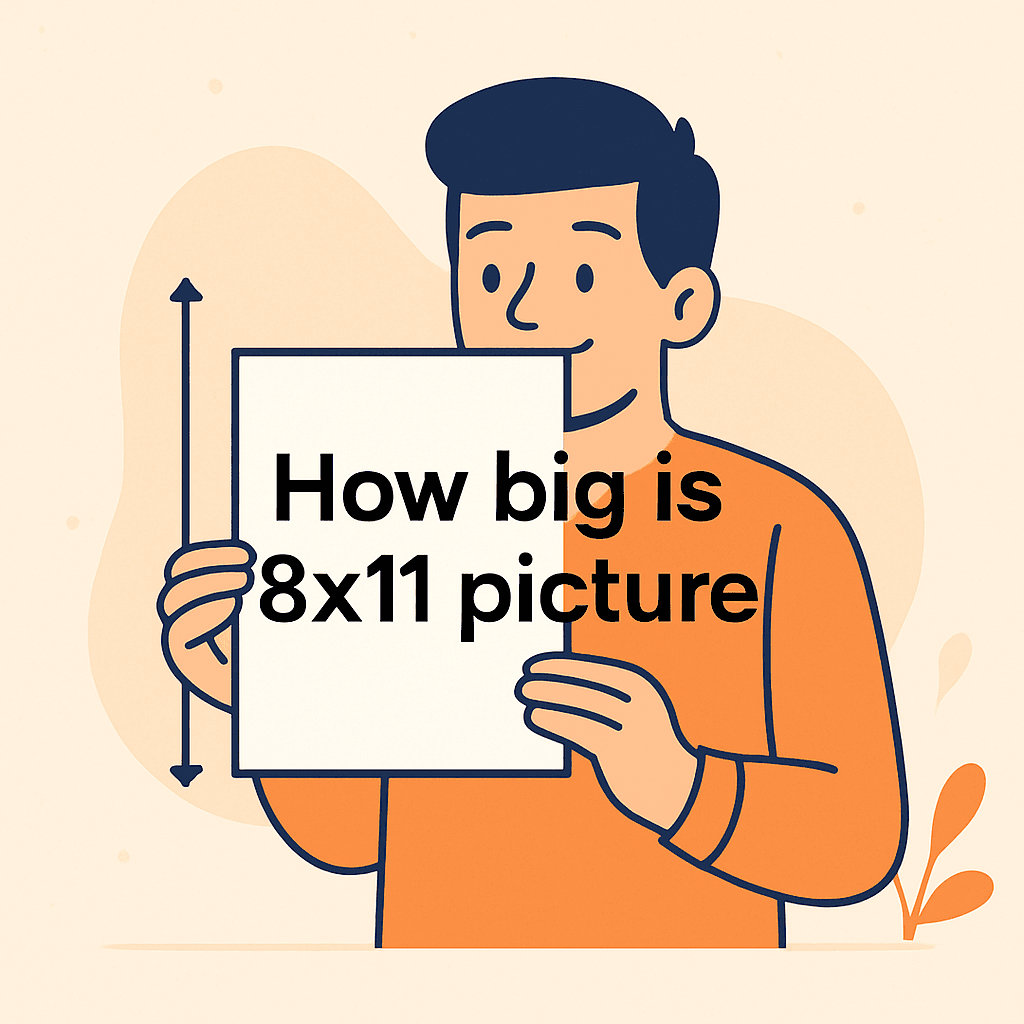
You’re trying to print a photo that fits a frame or a project, and you’re stuck asking: how big is 8×11 picture? That small question can waste time and lead to bad crops or awkward borders.
This guide will show you how to get sharper prints, fewer distortions, and a faster, less stressful print workflow. You’ll learn practical fixes for printing, framing, and prepping files without guessing.
Most people assume this size matches common paper or frames — that’s the myth we’ll bust. We’ll also highlight a frequent mistake that can ruin a print at the lab. A tiny tweak often fixes the whole problem.
If you’re a hobbyist, portrait shooter, designer, or crafter who prints at home or sends jobs to labs, you’ll benefit most. It’s meant for anyone prepping prints for walls, portfolios, or gifts. Keep reading because the fix is simpler than you think.
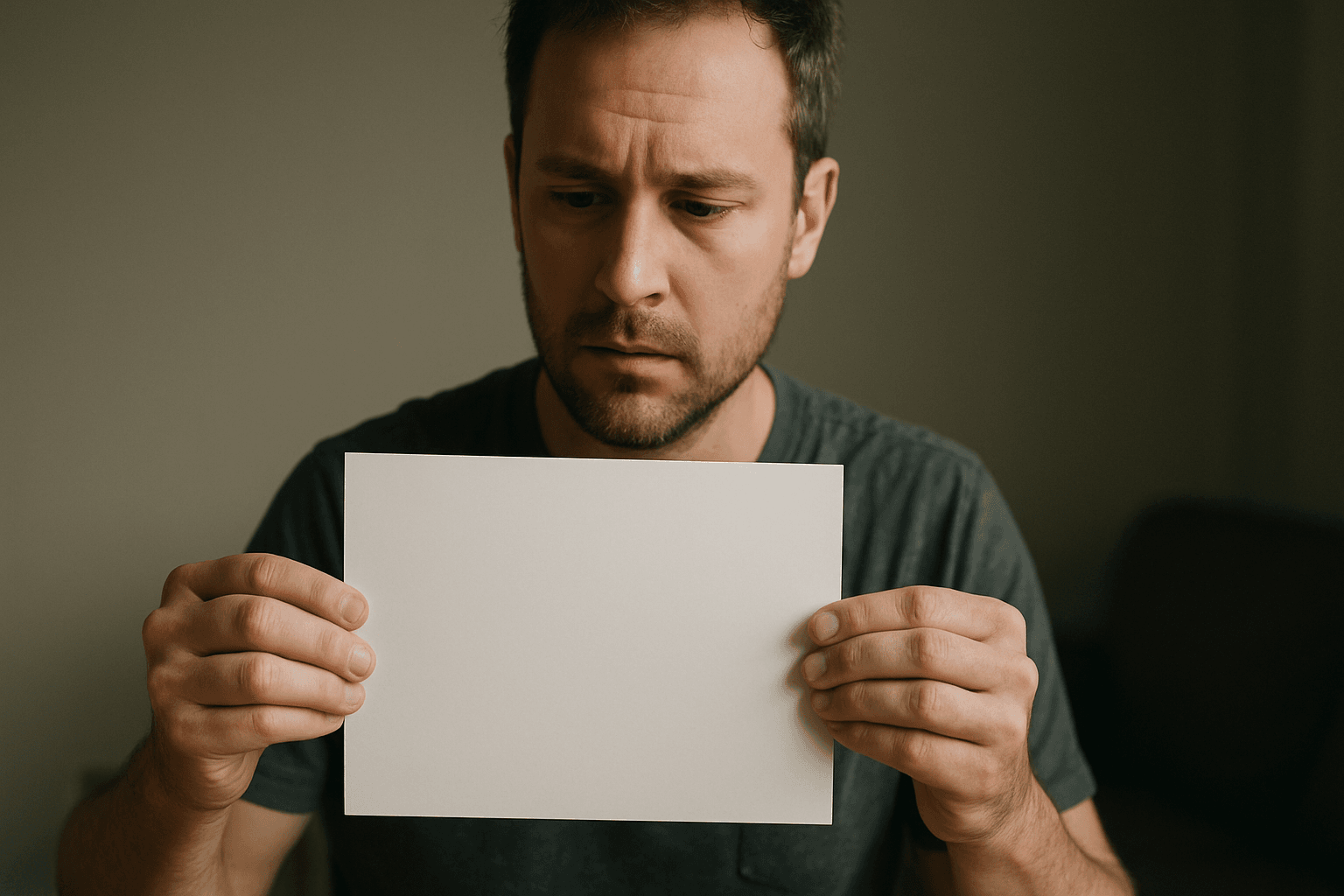
Exact physical size and metric conversion of an 8×11 picture
If you’re wondering how big is 8×11 picture, it measures exactly 8 inches by 11 inches. In metric, that’s 20.32 cm by 27.94 cm, not rounded.
This precise measurement matters when you’re matching frames or mats. A few millimeters off can cause visible gaps, bowing, or unwanted trimming at the lab.
Nearby paper standards can be confusing. US Letter is 8.5 x 11 inches (21.59 x 27.94 cm), while A4 is 21 x 29.7 cm, so 8×11 sits in between but matches neither.
Pixel dimensions and recommended resolution for high-quality 8×11 prints
For sharp retail photo prints, the industry baseline is 300 PPI (pixels per inch). At 8×11 inches, that equals 2400 x 3300 pixels, ideal for close viewing.
PPI describes image pixel density; DPI refers to a printer’s dot density. People mix them up, but you’ll set PPI in software and let the printer handle DPI.
If your file is smaller, 240 PPI can still look good at arm’s length. For wall viewing across a room, even 200 PPI often passes without noticeable softness.
How 8×11 compares to common print and paper sizes
8×11 is slightly taller than an 8×10, which measures 20.3 x 25.4 cm. That extra inch favors portraits, vertical posters, and magazine-style layouts with breathing room.
Compared with US Letter at 8.5 x 11 inches, 8×11 is the same height but slimmer. That slimness makes it a non-standard photo print size between the two.
Labs and home printers typically cater to 8×10 and Letter. You’ll see this reflected in many standard photo sizes, which don’t list 8×11 as a common option.
If you’re asking how big is 8×11 picture in practical terms, think “Letter height, photo width.” That mental shortcut helps when choosing paper, mats, or frames.
Printing on US Letter (8.5×11) — fit, crop and border options
Printing an 8×11 on 8.5×11 paper leaves a 0.5-inch difference in width. You must either crop a sliver, add borders, or expand the canvas to fill the page width.
I usually avoid cropping by expanding the canvas. A narrow white border looks intentional, keeps composition intact, and helps the print slip nicely into sleeves.
Centering with marginal whitespace is another clean solution. It protects edges from printer rollers, and it avoids the “one edge trimmed” surprise after printing.
If you must fill the page, crop evenly from both sides. Enable a rule-of-thirds overlay to keep key subjects away from the trimming zone.
Framing and matting considerations for an 8×11 print
Most off-the-shelf frames aren’t labeled for 8×11. That’s okay—use a mat to adapt the opening, or order a custom mat so you don’t trim your photo.
My go-to is an 11×14 frame with a custom 8×11 mat window. The larger frame gives the image breathing room and looks polished on walls or mantels.
When designing mats, consider a slightly smaller window, like 7.75 x 10.75 inches. That “reveal” keeps edges hidden and prevents the print from slipping through.
For size planning, a concise frame size guide helps visualize mat openings versus outer frame dimensions. Mock up options with painter’s tape on your wall to preview scale.
Printing methods, paper finishes and how they affect 8×11 results
Retail photo labs love 300 PPI files and often print on 8.5×11 paper. You’ll get consistent results with minimal fuss if you supply the exact aspect and borders.
Finish changes the feel and perceived sharpness. Glossy looks punchy but shows glare; matte diffuses reflections but can mute contrast; luster strikes a balanced, professional middle ground.
Inkjet papers with a subtle texture can make skin tones feel creamy. Dye-sub kiosks are fast, but dedicated lab inkjets usually deliver richer color and smoother gradients.
Ask the lab about color management and paper brands. Consistency across reprints is easier when you stick to one printer and finish for your 8×11 projects.
Photoshop (and similar) workflow for preparing an 8×11 print
Here’s my quick setup for 8×11 in Photoshop, which translates well to Affinity Photo and other editors. It preserves composition while adapting to US Letter output.
- Create a new document at 8 x 11 inches, 300 PPI (2400 x 3300 px), sRGB color.
- Place your image and crop to 8×11; keep key subjects away from the edges.
- For Letter printing, expand canvas to 8.5 x 11; choose border color and center.
- Export as JPEG, sRGB, 300 PPI; print at 100% scale with borderless disabled.
If your lab offers a “no scaling” option, enable it. That avoids auto-cropping and keeps the border width symmetrical, exactly as you laid it out.
Some services request TIFF or embedded profiles. Unless specified, a high-quality sRGB JPEG at 300 PPI is the safest choice for an 8×11 workflow.
Pros and cons of choosing a non-standard 8×11 size
On the plus side, 8×11 gives extra height versus 8×10 without feeling oversized. It flatters portraits, posters, and designs that need more top-and-bottom breathing room.
The drawback is compatibility. Fewer frames and templates exist, and kiosk menus may skip 8×11 entirely, nudging you toward 8×10 or full Letter.
Printing on Letter is easy but requires borders, canvas expansion, or a tiny crop. Framing typically needs a mat or a custom order to protect your composition.
If clients ask how big is 8×11 picture compared with 8×10, I say “taller by an inch, same impact.” That small change often solves layout headaches gracefully.
Practical uses and real‑world examples to include in the article
Portrait sessions with tall hairstyles or hats benefit from the 8×11 ratio. That extra inch keeps the headroom comfortable without squeezing the chin or shoulders.
When printing on Letter at home, I add a slim border and center the image. The border reads intentional, and the paper feeds reliably without clipping the sides.
For display, I mount 8×11 in an 11×14 frame with a custom mat. It looks gallery-ready, and I avoid trimming any part of the photograph’s composition.
If someone asks how big is 8×11 picture on a desk, I show a mockup beside a keyboard. Visual comparisons help clients feel confident before hitting “print.”
What People Ask Most
How big is an 8×11 photo in centimeters?
An 8×11 photo is exactly 8 inches × 11 inches, which converts to 20.32 cm × 27.94 cm.
Is 8×11 a standard photo print size?
No — 8×11 is a non-standard print size that sits between the common 8×10 and US Letter (8.5×11), so it’s less frequently supported by off‑the‑shelf frames and print services.
What pixel dimensions do I need to print an 8×11 image at 300 dpi?
I recommend 300 PPI (pixels per inch — sometimes called DPI), which for 8″×11″ equals 2400 × 3300 pixels for a sharp retail-quality print.
Can I frame an 8×11 photo with a standard frame?
Usually not directly — most standard frames don’t fit 8×11 exactly, so I suggest using a mat to adapt the print to a common frame size or ordering a custom mat/frame to avoid trimming.
How do I crop an image to 8×11 for printing?
I set my document or crop tool to an 8:11 aspect ratio (8″×11″ at 300 PPI) and adjust composition, or expand the canvas and add borders if I want to avoid any cropping.
How does printing on 8.5×11 paper affect an 8×11 photo?
Printing 8×11 on 8.5×11 paper usually means a slight crop or added border is needed; I either add a small border/white margin, center the image with marginal whitespace, or expand the canvas to 8.5×11 in software to prevent unwanted cropping.
What resolution is best for printing high-quality 8×11 pictures?
I advise using 300 PPI for high-quality prints, since that industry-standard density keeps images looking sharp and detailed when printed.
Wrapping Up: Making 8×11 Work for Your Photos
If you came here asking how big is 8×11 picture, the article gives the clear answer and the practical context you need to move from file to finished print. We opened with that common sizing headache—uncertainty about pixels, paper, and frames—and cut through the confusion so you can plan prints with confidence. That clarity is the real win: you know what to expect and how to avoid surprises.
Don’t expect perfect support from every off-the-shelf frame or print lab; since this size sits off the beaten path, you’ll often need a mat, custom frame, or a small layout tweak when you print. That trade-off is worth weighing if you prize exact composition or a specific wall layout. Photographers, designers, and hobbyists benefit most from the guidance we offered.
You came in with a sizing question and left with usable choices for preparing, printing, and presenting your image, so your next print will match the intent you had on screen. Put those options to work on your next project and you’ll likely save time, avoid trimming surprises, and end up with something you want to hang.




0 Comments