
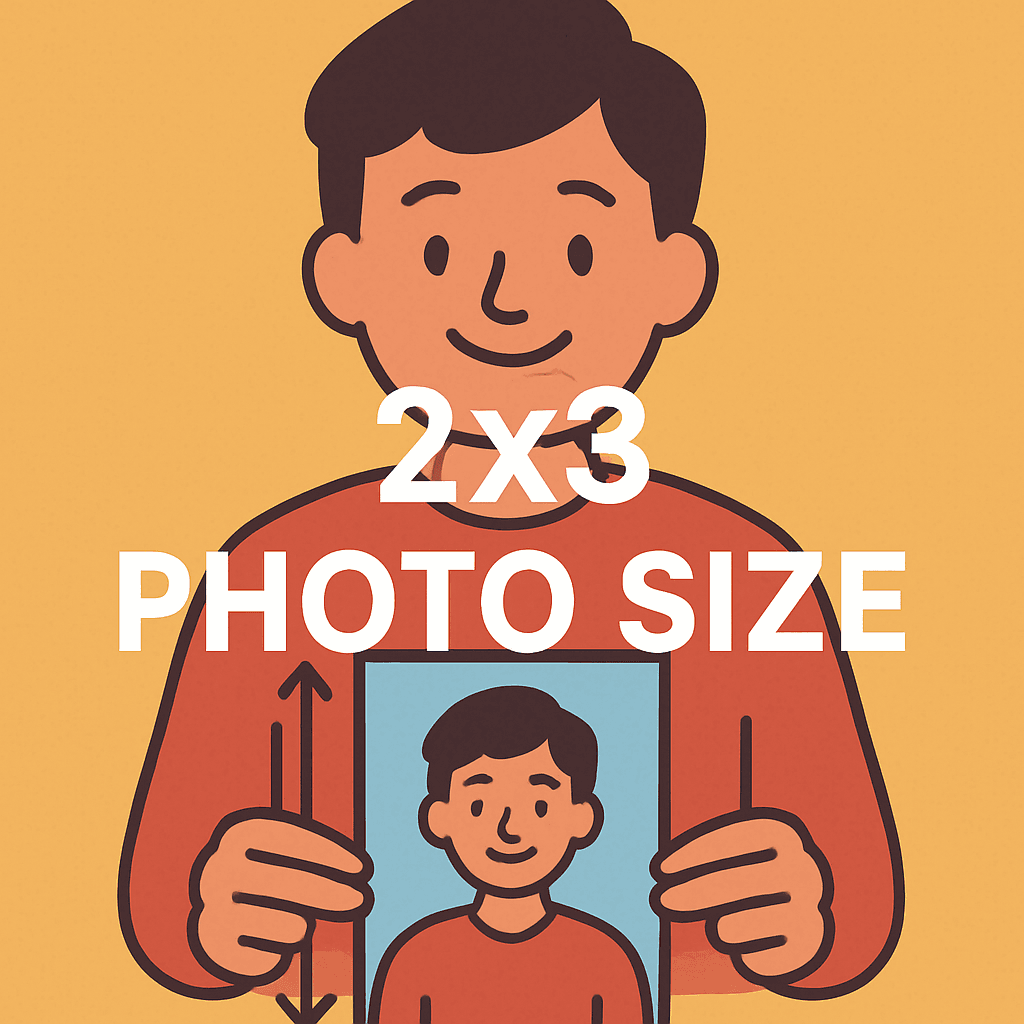
You’ve ordered small prints that don’t fit your wallet or badge, and you’ve lost time and money. If you’ve ever wondered how big is 2×3 photo or why images get chopped at the lab, you’re in the right spot. You’ll learn how to get sharper shots, avoid odd distortions, and speed up your workflow when prepping files for print.
We’ll clear up a surprising mistake most people make when they crop for tiny prints. You’ll learn to avoid awkward crops and wasted orders without complicated math or guesswork. This guide is aimed at hobbyists, portrait shooters, and smartphone users who need reliable small portrait, wallet, or ID prints.
No heavy theory or long tutorials here — just practical steps and clear rules you can use today. You’ll be ready to order prints that actually fit, look great, and sit neatly in wallets or badge holders. Keep reading because the fix is simpler than you think.
Exact dimensions and aspect ratio of a 2×3 photo
If you’re wondering “how big is 2×3 photo,” it measures exactly 2 inches by 3 inches. In metric, that’s about 5.1 cm by 7.6 cm, or 51 mm by 76 mm.
The orientation can be portrait (2 inches wide, 3 inches tall) or landscape (3 inches wide, 2 inches tall). The physical size doesn’t change—only the rotation does.
The aspect ratio is 2:3, meaning the width is 1.5 times the height. I like this ratio because it balances negative space and subject size naturally.
When someone on a photo walk asks “how big is 2×3 photo,” I pull a sample from my wallet. Feeling the size in your hand makes framing decisions easier on location.
Pixel dimensions and resolution requirements for print quality
For a crisp 2×3 inch print, I prepare files at roughly 720 × 1080 pixels. That matches 300 DPI, the standard resolution for photo-quality prints.
You can send a larger file, but it won’t look sharper beyond the printer’s limit. Smaller files risk soft edges or visible pixels in gradients and fine textures.
If you need a quick reference, skim a chart of standard photo print sizes. It keeps your pixel math honest when exporting from Lightroom or your phone.
Whenever a student asks “how big is 2×3 photo in pixels,” I remind them: multiply inches by 300. Two inches becomes 600, three inches becomes 900, then add a little safety margin.
How the 2:3 aspect ratio affects cropping and composition
Good news: 2:3 matches most 35mm and many mirrorless/DSLR sensors. If you framed carefully in-camera, you often avoid edge cropping when printing 2×3 inches.
Problems appear when converting from 4:3 or 16:9. A 4:3 smartphone shot gets trimmed on the long edges, and a 16:9 frame loses even more width to fit 2:3.
My strategy is simple: pre-crop to 2:3 in your editor before uploading. Then keep the subject inside a safe margin, about 3–5% from the edges, to dodge lab trims.
When teaching beginners, I suggest visualizing a slightly tighter rectangle around your subject. This habit saves eyes, fingertips, and hairlines from vanishing at print time.
Common uses and display contexts for 2×3 photos
In the U.S., 2×3 inch prints are the classic “wallet” photo. They slide neatly into wallet windows, badge holders, and compact frames without bending corners.
You’ll also see them in small albums and school print packages. The size is big enough to recognize expressions, yet small enough to carry everywhere.
- Wallet photos for everyday carry
- Small portrait prints for wallets
- ID badge inserts and lanyards
- Mini prints for pocket-sized albums
If you’re asking “how big is 2×3 photo compared to a credit card,” it’s a bit smaller. That’s why it drops into most wallet slots with a pleasing border.
Comparison with other wallet and passport photo sizes
Alternatives exist, and they can be confusing. Some labs call wallet prints 2.5″ × 3.5″, others offer 2″ × 2″ (popular for passport applications), or mini sizes around 1.5″ × 2.5″.
Internationally, some passport and visa formats use 2×3 centimeters, not inches. That 2×3 cm image is tiny—about the size of a postage stamp, not a wallet print.
Before ordering, skim a friendly overview of wallet photo sizes. It helps align your expectations with what a lab actually delivers.
Retailer size variations
Real-world labs vary: Walgreens often lists wallet prints near 2″ × 3″. Costco may run closer to 2.25″ × 3.25″, while Walmart sometimes offers 2.5″ × 3.5″.
I always confirm exact dimensions with the provider first. A quick chat avoids surprises, especially when a frame or holder requires a true 2×3 inch photo.
If someone asks you “how big is 2×3 photo at this lab,” answer with the posted dimensions, not assumptions. The label “wallet” is not universal.
Printing methods and layout: sheets, perforations, and how many fit on a 4×6
Labs often produce wallet prints on perforated or die-cut sheets. You separate the photos by bending or popping along the pre-cut edges for clean borders.
On a standard 4×6 sheet, four 2×3 prints fit perfectly. This layout wastes almost no paper and keeps multiples from a session consistent in tone.
Batch printing also stabilizes color because all images pass through the same chemistry or profile. Your skin tones match across copies, which clients really notice.
When I print a team set, I prefer perforated sheets. They speed up delivery and prevent scissor drift, which can nibble into someone’s ear or shoulder.
File preparation tips for photographers and smartphone users
Cropping first saves headaches. Set your editor to a true 2:3 frame, compose tightly but safely, and then export at 720 × 1080 pixels at 300 DPI.
Many phones default to 4:3 or 16:9. That means you must crop deliberately, or the lab will auto-crop and possibly clip faces, hats, or text.
On iPhone, switch the camera to 3:2 if available, or crop in Photos before sending. On Android, your native app may offer 3:2; if not, use any editor to pre-crop.
Rename exports clearly, like “Name_2x3_300DPI.jpg.” The lab sees what you intend, and you avoid mixing portrait assets with social-media versions.
International variations and passport/visa considerations
Travel documents are picky. Some countries specify 2×3 cm photos with exact head sizes, eye heights, and neutral backgrounds—very different from wallet prints.
Before you visit a consulate or mail an application, verify the specs. You can check 2×3 cm photo requirements for up-to-date guidance and templates.
Watch out for the inches-versus-centimeters trap. If someone asks “how big is 2×3 photo for a visa,” clarify whether they mean inches or centimeters before you shoot.
I keep a small card with head-height ratios and background notes. It keeps me compliant, even when switching between countries’ rules in one week.
Practical field tips when ordering wallet prints
Confirm the provider’s exact wallet dimensions and whether they use perforated or die-cut sheets. This ensures your 2×3 images fit holders and frames as planned.
Export at 300 DPI and send the 720 × 1080 pixel file if possible. Matching the camera’s native 2:3 output reduces unexpected trims at the lab.
Leave a safe margin around faces, logos, and text. I aim for 3–5% breathing room so automated cutters don’t shave off critical details.
If you want a quick size recap, remember: when someone asks “how big is 2×3 photo,” it’s a tidy 2 by 3 inches—perfect for pockets, badges, and quick smiles on the go.
What People Ask Most
How big is a 2×3 photo in centimeters?
A 2×3 photo measures exactly 2 inches by 3 inches, which is about 5.1 cm × 7.6 cm (51 mm × 76 mm).
What is the aspect ratio of a 2×3 photo?
The aspect ratio is 2:3, meaning the width is 1.5 times the height; it can be used in either portrait or landscape orientation.
Can I print a 2×3 photo from my smartphone without cropping?
Often not—most smartphones shoot in 4:3 or 16:9, so you usually need to crop to a 2:3 frame or use a camera mode that outputs 3:2 to avoid losing important parts of the image.
What resolution do I need for a good quality 2×3 inch print?
I recommend a file around 720 × 1080 pixels at 300 DPI for photo-quality prints; DPI means dots per inch, the standard measure for print sharpness.
Are 2×3 photos the same size as passport photos?
Not usually—passport and visa sizes vary by country and some use 2×3 cm (much smaller) or other specific dimensions and head/height rules, so always check the exact requirements first.
How many 2×3 photos fit on a 4×6 inch print sheet?
Four 2×3 prints fit neatly on a standard 4×6 sheet, which is why wallet prints are commonly produced that way for easy cutting or perforation.
Why do some retailers offer different wallet photo sizes?
Retailers use slightly different cuts (for example ~2″×3″, 2.25″×3.25″, or 2.5″×3.5″) to match their templates and finishing equipment, so I always confirm the exact size with the print provider before ordering.
Final Thoughts on Wallet-Size Photos
If you came here asking how big is 2×3 photo, you now have a clear way to match files, framing, and print options so small prints behave predictably. Instead of guessing and risking awkward crops or mismatched edges, the article reframed the issue so you can think in terms of safe margins, native sensor shapes, vendor variability, and small-format color shifts. That practical clarity helps photographers, smartphone shooters, and anyone ordering wallet or ID photos get reliable results and save time and money.
Keep in mind that retailer differences and strict travel-photo rules can still create surprises, so confirm important specs when it really matters, especially for official documents. We opened with the common frustration—prints that don’t fit wallets or badge holders—and the information here removes that pain by giving you a reliable way to judge fit before you order, so you won’t need last-minute reprints. Put this guidance into practice next time you prepare prints and you’ll avoid surprises, wasted orders, and the scramble to fix them.


0 Comments