
Ready to turn your livestreams into fully immersive experiences?
From backyard hangouts to professional broadcasts, 360 cameras are redefining how audiences engage with live video.
This guide examines five top 360 cameras suited for live streaming, focusing on image quality, stabilization, software ecosystem, battery life and streaming compatibility.
I evaluated real-world performance and workflow to separate headline specs from features that actually matter on air.
You’ll get a practical look at low-light performance, motion handling, live stitching latency and the companion apps that make streaming simple—or force extra hardware.
Battery endurance and continuous-power options are tested so you can plan long broadcasts without surprises.
Rather than a single ‘best’ pick, the roundup highlights cameras tailored to different creators: travelers who need lightweight gear, livestreamers who want plug‑and‑play reliability, and filmmakers who demand cinematic color and grading flexibility.
We also consider ruggedness and accessory ecosystems for action and outdoor uses.
I explain which trade-offs are acceptable depending on your workflow.
Whether you’re broadcasting a guided tour, a live event, or a high‑production show, choosing the right 360 camera can make the difference between polished immersion and technical headaches.
Read on and you’ll find the camera that matches your needs and skill level.
1. Insta360 X5 Overview

Insta360 X5 8K 360° Action Camera
Capture ultra-high-resolution, full-sphere footage with stabilized action shooting and versatile mounting for immersive adventures and professional-level virtual experiences.
Check PriceThe Insta360 X5 is a refined tool for creators who demand high-resolution, stable footage for live streaming. It sports larger 1/1.28‑inch sensors that deliver noticeably sharper video and better low‑light performance than typical 360 cams, so your streams look cleaner and more professional straight out of the camera.
Stabilization and AI are real strengths here. Advanced stabilization combined with AI image and audio processing keeps motion smooth and subjects clear, which is a huge advantage when you’re moving or streaming events. The Insta360 app and desktop tools are intuitive, and AI subject tracking speeds up editing when you do want to post highlights later.
Build and versatility make the X5 a practical workhorse. It’s waterproof to 15 m (49 ft), has user‑replaceable lenses, and offers drop resistance — useful for action or outdoor streams. Shooting modes include 8K 360 video, 5.7K at higher frame rates, and it can even be used as a single‑lens 4K action camera, so you can adapt the camera to different streaming scenarios.
Be aware of the tradeoffs: battery life drops noticeably when you run the camera at maximum resolution and frame rates, so plan for external power on long streams. The editing app can be resource‑intensive and may lag on older phones, which could slow your workflow if you rely on mobile editing. Overall, if you’re a serious creator or pro streamer after top image quality, durability and an AI‑assisted workflow, the X5 is a strong pick.
- 1/1.28‑inch sensors — outstanding image quality
- Advanced stabilization + AI image/audio processing
- Waterproof to 15 m (49 ft) with user‑replaceable lenses
- 8K 360, 5.7K high‑fps, and single‑lens 4K modes
- Battery drains faster at max resolution/frame rates
- Editing app can lag on older phones
2. GoPro Max 2 Overview

GoPro MAX2 8K 360° Action Camera
Rugged, waterproof rig delivering cinematic wraparound video, advanced stabilization, and intuitive controls for vlogs, sports, and VR content creation.
Check PriceThe GoPro Max 2 is a strong contender when your priority is cinematic 360 footage rather than one‑click convenience. It leans into color accuracy and dynamic range, offering true GoPro LOG and 10‑bit color so you can push grades hard without breaking tones.
For shooters who love to craft a look in post, the Max 2 delivers cinematic output that filmmakers and pro streamers will appreciate; the footage responds very well to color grading and creative tweaks. It also carries the rugged GoPro build, making it a solid choice for action or outdoor streaming where durability matters.
Practically, expect a more manual workflow. The Max 2 rewards users who are comfortable with advanced editing tools—think DaVinci Resolve or Final Cut Pro—because getting the most from its color and dynamic range requires some finesse. Also note that it lacks native 360 live‑streaming support, so you’ll need additional hardware or software to get a live feed out, and the onboard audio is weaker than some rivals, so plan for external microphones on talking‑head or event streams.
If you’re a professional videographer, colorist or experienced streamer who values cinematic control and grading flexibility over plug‑and‑play simplicity, the GoPro Max 2 is mostly a very good fit. If you need ease of live streaming or excellent built‑in audio out of the box, you may face some extra setup and accessory costs.
- True GoPro LOG & 10‑bit color
- Cinematic output for grading
- Rugged GoPro build for action/outdoor use
- Extensive mounts and accessories
- No native 360 live streaming; needs extra gear
- Weaker built‑in audio; requires external mics
3. Insta360 X4 Overview

Insta360 X4 8K 360° Action Camera
Lightweight pocketable system producing smooth, seamless immersive footage with quick editing tools and intelligent auto-stitching for instant sharing.
Check PriceAs a photographer who streams regularly, I appreciate the Insta360 X4 for its dependable, no‑nonsense performance. It’s a proven workhorse that delivers excellent image quality and reliable stabilization for live broadcasts and vlogs. This makes framing and motion during a live session feel effortless.
The X4 benefits from a mature ecosystem of accessories and well‑integrated software. That means quicker setups, fewer surprises on stream, and easy integration with common streaming workflows. The stability and image consistency are especially helpful when you’re moving through spaces or switching angles mid‑broadcast.
Battery life is another practical win. The X4 typically offers longer endurance at moderate resolutions, which translates to fewer mid‑stream interruptions and less dependence on external power for shorter sessions. Ongoing firmware updates also keep the camera current, so its feature set and reliability improve over time rather than stagnate.
There are tradeoffs to consider. Processing and AI features are slower compared to the very latest models, so if you rely heavily on fast in‑camera AI tricks or ultra‑quick turnaround edits, the X4 can feel a bit restrained. It’s also a touch bulkier and heavier than more recent compact designs, which matters if you prioritize the lightest possible travel kit.
- Excellent image quality and stability
- Mature accessories & software ecosystem
- Long battery life, strong endurance at lower resolutions
- Ongoing firmware updates
- Slower processing and AI features
- Bulkier and heavier than newer models
4. Insta360 X4 Air Overview

Insta360 X4 Standard Bundle with Mic Air 1 TX 1 RX
Complete creator kit: compact camera bundle plus wireless transmitter and receiver for crystal-clear audio, reliable range, and simplified on-the-go recording.
Check PriceAs a photographer who streams on the road, the Insta360 X4 Air immediately appeals for its compact, lightweight design. It’s built as a travel‑first 360 camera that sacrifices very little of the core performance you need for live streaming.
Image quality on the X4 Air “matches X4 core specs,” so you still get reliable sharpness and color for social streams and quick vlogs. Insta360 also packed in some newer software features not always found on the traditional X4, which makes on‑the‑fly edits and streaming setups easier.
Where this camera shines is mobility: if you pack light or switch locations often, the X4 Air is much less intrusive than larger rigs. On the flip side, the smaller battery life due to compact size means plan for spare power on extended streams, and the less premium build feel compared with X4/X5 means you should treat it a bit more gently.
For live streaming use, the X4 Air is a sensible compromise — it gives you near‑X4 image quality and newer app tools in a package that weighs next to nothing. I’d recommend it for casual streamers, travelers and backpackers who value portability and straightforward performance over ruggedness or the absolute best battery life.
In short, the X4 Air is mostly a photographer’s and streamer’s travel companion: convenient, affordable and capable, but bring a power bank and a protective case if you expect long sessions or rough handling.
- Highly portable and travel‑friendly
- Image quality matches X4 core specs
- Affordable entry point into 360 streaming
- Includes some newer software features
- Smaller battery life due to compact size
- Less premium build feel compared with X4/X5
5. DJI Osmo 360 Overview

DJI Osmo 360 Standard Combo 1-Inch 8K 360° Camera
Premium dual-lens system with large sensor delivering cinematic detail, precise stabilization, and professional workflow compatibility for immersive storytelling.
Check PriceThe DJI Osmo 360 stands out if stabilization and build quality are your top priorities. DJI’s stabilization system delivers very smooth footage, which is a real advantage for live streams that involve movement or handheld shots.
Build quality is solid and consistent with DJI’s reputation, so you can expect a durable camera that fits well into an accessory kit. It also integrates with DJI’s accessory and editing ecosystem, making it easy to add to an existing DJI workflow.
That said, the software story is a trade‑off. DJI’s streaming and editing tools are less developed and less user‑friendly than some competitors, so you may spend extra time configuring streams or working around missing convenience features.
Real‑world coverage and community resources are thinner for this model, meaning fewer user reviews and less documentation on live streaming setups. Plan to test your configuration thoroughly before going live, especially if you rely on in‑camera stitching or low‑latency workflows.
In short, this camera is mostly good for photographers and streamers who already use DJI gear or who prioritize rock‑solid stabilization over AI-driven ease of use. If you want plug‑and‑play streaming with lots of community tips, be prepared to do a bit more legwork here.
- Excellent stabilization for smooth live shots
- Solid, durable DJI build quality
- Integrates with DJI accessories and editing tools
- Reported as a solid performer in real use
- Streaming/editing software less developed and clunky
- Fewer user reviews and less-tested live‑stream support
Choosing the Right 360 Camera
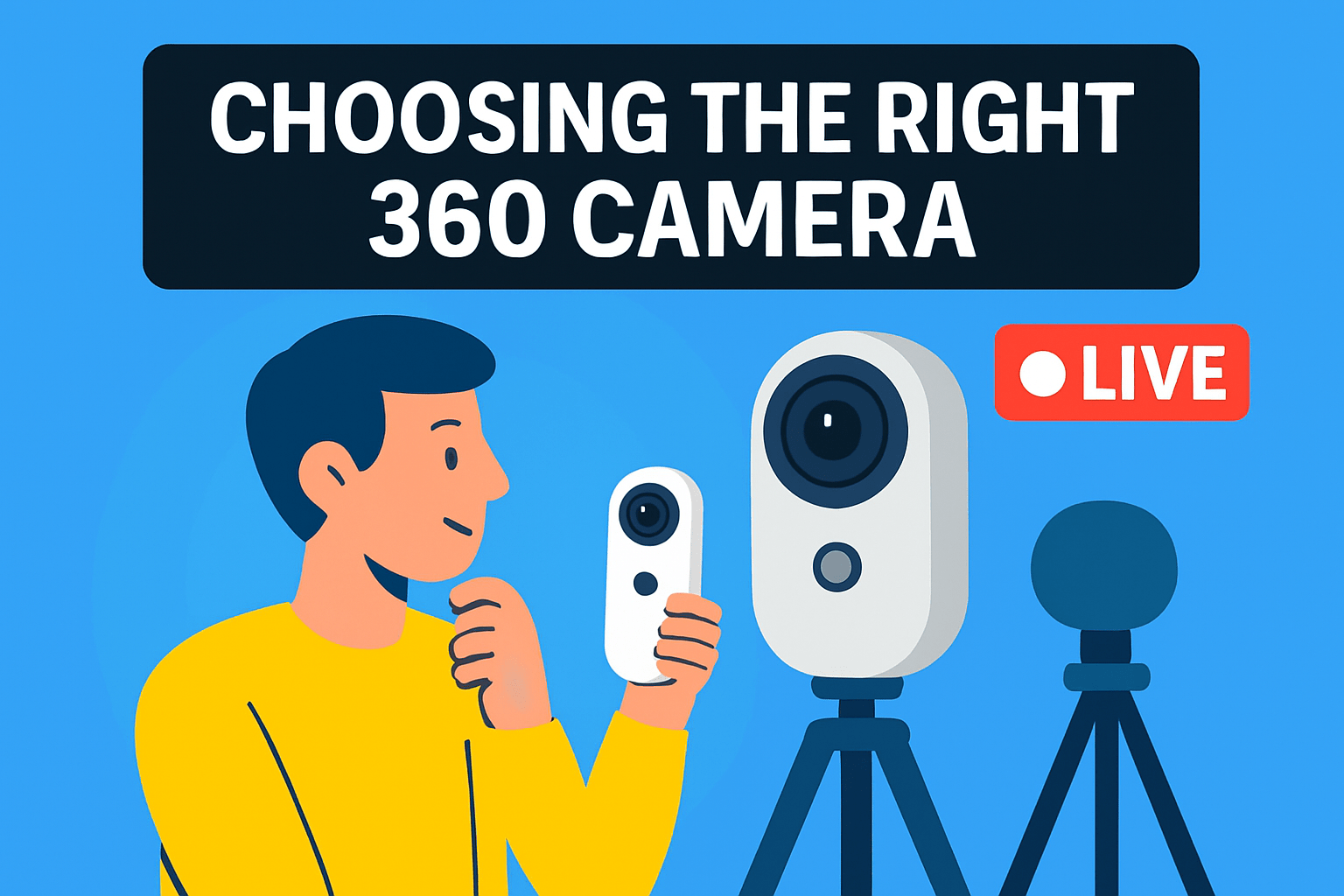
Choosing the right 360 camera starts with honest self-assessment of how and where you’ll stream. If you’re doing action or outdoor streams, prioritize ruggedness, stabilization and battery life. For talk‑format streams or virtual tours, pick a camera that nails low‑light performance, in‑camera stitching and clear onboard audio or easy external mic support.
Resolution matters, but it’s not everything. Aim for at least 4K live output for a clean immersive look, and consider 8K only if you have the upload bandwidth and encoding power to match. Higher resolutions need more bitrate and stronger hardware on your encoder or streaming PC, so don’t buy pixels you can’t reliably transmit.
Connectivity and power are practical concerns that often get overlooked. Whenever possible use wired LAN for long streams — it slashes latency and packet loss compared with Wi‑Fi. Plan for continuous power: external battery packs or AC adapters are lifesavers on multi‑hour broadcasts.
Workflow ease should influence your pick. Cameras with real‑time, in‑camera stitching and mature streaming software make setup faster and reduce latency. If you prefer heavy color grading and cinematic control, be prepared for a more complex pipeline and additional hardware or software to get the best results.
Audio and positioning will make or break viewer experience. Even the best 360 image feels amateur with muddy sound, so test external mics or an interface. Mount your camera where it can capture stable, unobstructed views — tripod for stationary events, gimbals or cameras with strong stabilization for movement.
Finally, match features to your audience and platform. Confirm RTMP/RTSP/HLS support for YouTube or Facebook Live and test the full chain with your intended bitrate and scene complexity. Field‑testing under realistic conditions is the fastest way to find and fix weak links.
Trust your needs over buzzwords: ruggedness, stabilization, software workflow and reliable connectivity will serve you far more on a live stream than a spec sheet full of tiny numbers. Test, iterate and prioritize the one or two features that matter most to your content.
Effective 360 Live Streaming Tips
Live 360 streaming is part technical setup and part storytelling — treat the tech like your supporting crew so you can focus on the frame. I always start by locking exposure and white balance where possible so the image doesn’t hunt during a broadcast; sudden shifts in brightness ruin immersion in 360 video.
Push for at least 2160p when the camera and bandwidth allow, but balance bitrate and stability. A steady wired LAN trumps the highest resolution over shaky Wi‑Fi, and if you plan long sessions, feed the camera continuous power — batteries drain fast at high frame rates.
Use reliable streaming software such as OBS or Wirecast to manage bitrate, scenes and audio sources. If your camera supports in‑camera stitching and RTMP output, you’ll save latency and processing headaches; otherwise test your encoder settings thoroughly before going live.
Positioning matters more than you’d think: mount the 360 camera on a stable tripod at eye level for tours or at a central point for events. Keep people a few feet away to avoid stitching artifacts, and choose a viewpoint that gives viewers meaningful movement rather than constant head‑tracking chaos.
Audio will make or break the experience, so don’t rely on built‑in mics for anything but ambient sound. Use a dedicated mic, lapel, or a mixer into your stream setup and monitor levels so voices remain clear and synchronized.
Expect 20–30 seconds of latency on many 360 workflows and plan interactions accordingly — guided tours and one‑way broadcasts work best. Keep a secondary device monitoring the stream and chat so you can react quickly to issues without interrupting the live feed.
Finally, run full dress rehearsals that mimic real conditions: same network, same camera settings, same movement. Those dry runs reveal framing, bitrate limits and audio quirks, and they’re the single best way to avoid surprises when you’re live.
What People Ask Most
What is the best 360 camera for live streaming?
There is no single best camera for everyone; choose based on priorities like image quality, stabilization, software ease of use and battery life. Match the camera to your typical shooting conditions and workflow to get the best results.
Which 360 cameras support live streaming to YouTube and Facebook?
Many mainstream 360 cameras offer direct streaming to major platforms, but support varies by model and firmware. Check the manufacturer’s specifications and supported streaming protocols to confirm compatibility.
How do I live stream with a 360 camera?
Use the manufacturer’s app or connect the camera to streaming software on a computer, configure stream settings, and ensure a stable network and power source. Always run a test stream first to verify stitching, orientation and audio.
What resolution and bitrate are recommended for 360 live streaming?
Aim for as high a resolution as your camera and upload bandwidth can reliably sustain, since higher resolution improves viewer clarity. Balance bitrate and resolution to avoid buffering and prioritize a stable connection.
How do I set up a 360 camera for live streaming on a smartphone or computer?
Install the camera’s app or connect it to your computer, then select the camera as the video source in your streaming software and configure the stream settings. Make sure you have steady network connectivity and continuous power, and test the stream before going live.
What features should I look for in a 360 camera for live streaming?
Look for strong image quality, reliable stabilization, good audio capture and user‑friendly streaming software or protocol support. Consider battery life, connectivity options and whether the camera offers in‑camera stitching to simplify live workflows.
Can 360 cameras stream live in 4K or higher?
Many modern 360 cameras can stream at high resolutions, but actual capability depends on the specific model and your available bandwidth and encoding setup. Verify the camera’s live streaming specifications and platform compatibility before planning a high‑resolution broadcast.
Conclusion for 360 Live Streaming Cameras
Choosing the right 360 camera comes down to trade‑offs: image quality versus portability, software ease‑of‑use versus cinematic control, and battery life versus feature set.
Match the model to your primary use case—rugged, action‑oriented setups for outdoor streaming, cameras with strong color and grading flexibility for cinematic work, compact units for travel, or ecosystem‑aligned options if you already own branded accessories.
Also factor in practical needs like streaming compatibility, stable power and connectivity, realtime stitching or low‑latency workflows, and the level of post‑production you want to do.
If you want to sharpen your shooting and streaming skills, explore more of our site’s articles for practical tips, setup guides and workflow ideas to get better results faster.
Have questions or want personalized advice? Leave a comment below and we usually reply within a few hours.


0 Comments