
Have you ever wondered what an ordinary leaf, insect wing, or microbe looks like blown up to museum scale? Microscope photography can reveal those astonishing details, but choosing the right scope is more about workflow than horsepower.
This compact guide focuses on five microscopes selected for their imaging capabilities and photographic friendliness. We look beyond lab jargon to the features that matter when you attach a camera or smartphone. Expect practical notes on ease of capture, color fidelity, and real‑world usability.
It’s written for educators, students, hobbyists, field researchers and lab users who need dependable results. Whether you’re running a classroom demo, cataloging specimens in the field, or creating macro art, your priorities will differ. Some users need portability and battery life; others want the widest magnification and the cleanest sensors.
Our comparisons concentrate on magnification range, camera/sensor performance, portability, connectivity, and overall ease of use. We weigh trade‑offs between image resolution and convenience, since the smartest choice often balances both. That balance determines whether a microscope serves a busy classroom, a field trip or a studio.
Read on to find a succinct roadmap that matches photographic goals to the right instrument type. By the end you’ll be able to choose a microscope that fits your workflow, budget and creative ambitions. This guide saves you from costly mismatches and gets you shooting great micro images faster.

OMAX MD82ES10 Digital LED Compound Microscope with 1.3MP Camera, 40x-2000x, double-layer mechanical stage

Skybasic WiFi Digital Microscope 50x-1000x Portable Handheld with Adjustable Stand, HD USB Camera
1. OMAX M83EZ-C02 Trinocular Digital Microscope

OMAX M83EZ-C02 Trinocular LED Compound Microscope with USB Camera, 40x-2500x, double-layer mechanical stage
High-power lab instrument delivering 40–2500x views, integrated USB imaging, LED lighting and a precision dual-layer mechanical stage for advanced analysis.
Check PriceThe OMAX M83EZ-C02 is a practical trinocular compound microscope built for imaging and collaboration, with a 40X–2500X magnification range that covers everything from classroom slides to more demanding lab work. Its trinocular head lets you view directly while the digital camera captures true‑color 640×480 images, which makes quick documentation and sharing effortless during projects or presentations.
As a photographer, I appreciate the ergonomic touches: an inclined 45° head, 360° rotatable trinocular mount and sliding interpupillary adjustments make long sessions comfortable and help maintain steady framing when composing images. Setup is straightforward, so you can get to imaging quickly without wrestling with complex software.
This model shines in educational, veterinary and student lab contexts where group viewing and real‑time documentation matter most. The built‑in camera simplifies capture and sharing for demonstrations and collaborative research, though its 640×480 resolution is modest compared with modern high‑res sensors—adequate for on‑screen display and teaching, less ideal if you need large prints or heavy cropping.
Bottom line: choose the OMAX M83EZ-C02 if you want a user‑friendly, comfortable trinocular microscope that excels at teaching, presentations and basic photodocumentation. If you require very high-resolution imaging for advanced research or large-format prints, its camera may feel limiting, but the optical flexibility and ergonomic design make it a strong, mostly reliable option.
- 40X–2500X magnification range
- Trinocular head for simultaneous viewing and camera use
- True‑color 640×480 digital camera
- Inclined 45° head with interpupillary and 360° rotatable mount
- Camera resolution is only 640×480
- Features may be overkill for absolute beginners
2. AmScope MD100-SC Digital Microscope

AmScope MD100 1MP USB CMOS Digital Eyepiece Camera
Compact USB camera captures crisp 1MP images for documentation, live streaming, and measurements with plug-and-play simplicity.
Check PriceAs a photographer who often documents specimens for teaching and fieldwork, the AmScope MD100-SC stands out for reliable, straightforward imaging. It’s widely used in educational and research settings, and that real‑world adoption tells you it’s built for repeatable results rather than experimental tinkering.
The construction feels robust—users praise its durability—and that matters when you’re moving between classrooms, labs and outdoor sites. The build quality means fewer alignment hassles and less worry about knocks during transport or demonstrations.
The camera’s high‑quality image sensor delivers clear, detailed images, which is exactly what I want when capturing texture and structure at modest magnifications. Connecting the camera is painless; minimal setup gets you from box to capture quickly, so you can focus on lighting and composition instead of drivers or complex software.
Where it isn’t perfect is obvious: the resolution and feature set are less advanced than higher‑end models, so if you need the absolute finest pixel-level detail or specialized imaging modes, this won’t replace a dedicated research rig. For most educators, students and field researchers, though, it balances image quality and ease of use very well.
In short, pick the MD100-SC if you want a durable, easy‑to‑use digital microscope that produces clear, useful images for documentation, teaching and routine research tasks. Avoid it only if your work demands top-tier resolution or niche professional features.
- Sturdy, durable construction.
- Clear, detailed imaging from a quality sensor.
- Easy setup and use; accessible for students and educators.
- Versatile for demonstrations and field research.
- Resolution and features less advanced than more expensive models.
- May not meet needs of highly specialized/professional research.
3. Celestron Micro Direct Wi-Fi Microscope

Celestron SkyPortal WiFi Module for Celestron computerized telescopes
Wireless adapter adds remote control and smartphone connectivity to computerized telescopes for guided sky navigation and easy app-based operation.
Check PriceAs a photographer who often documents specimens for teaching and quick sharing, the Celestron Micro Direct Wi‑Fi is a very practical tool. It’s built for streaming live images to tablets and smartphones, so you can push a clear view of a slide to a group in seconds.
The wireless connectivity really shines in a classroom or remote‑learning setup. Live streaming makes it simple to demonstrate techniques and show details without crowding around eyepieces, and the setup is generally straightforward and user‑friendly.
Portability is another strong point. The unit is easy to move between classrooms or carry on field trips, so you can capture and share imagery in varied settings without wrestling with cables or complex mounts.
Be aware of the trade‑offs before you commit. The image quality is not as high as advanced models, so if your work demands the absolute best resolution and fine detail, this might feel limiting. Also, the Wi‑Fi range can be an issue in larger rooms or outdoor settings, which can interrupt a live demo if you push past its practical reach.
In short, if your priority is easy, wireless sharing and live demonstrations with mobile devices, this microscope is a strong, photographer‑friendly choice. If ultimate image fidelity or long‑range wireless performance are musts, consider those limitations first.
- Wireless sharing and remote viewing
- Live streaming ideal for classrooms and remote demos
- Simple, user‑friendly setup
- Portable for classrooms and field trips
- Image quality not as high as advanced models
- Limited Wi‑Fi range in larger rooms/outdoors
4. OMAX 40X-2000X Digital Microscope
OMAX MD82ES10 Digital LED Compound Microscope with 1.3MP Camera, 40x-2000x, double-layer mechanical stage
Digital lab microscope with 1.3MP imaging, LED illumination, 40–2000x magnification and a precision dual-layer stage for teaching and research.
Check PriceAs a photographer who shoots tiny subjects, I appreciate gear that marries range with image quality. The OMAX 40X–2000X Digital Microscope delivers that stretch of magnification, letting you work from basic education levels up to advanced research detail without swapping instruments.
The microscope’s robust lens system and high‑resolution digital camera make a tangible difference when capturing fine structure. I found the optics promise clear imaging, which helps when you’re stacking shots or extracting tiny features in post.
Durability matters when you move between studio, lab, and field, and this unit is described as reliable for both lab and field use. That build confidence means fewer surprises during shoots and more consistent results across sessions.
There is a learning curve, though. The setup and advanced features can be complex for beginners, so expect an initial investment of time to master focusing, camera settings, and leveraging the full 40X–2000X range.
If your work requires high‑resolution photos or video at a wide variety of scales, this microscope is mostly a good fit. But if you only need something for simple classroom demos, its capabilities may be more than you require.
- 40X–2000X magnification range
- High‑resolution camera for detailed images and video
- Robust optics for clear imaging
- Durable construction for lab and field use
- Complex setup for beginners
- Advanced features may be overkill for basic education
5. MicroCam X1 Digital Microscope
Skybasic WiFi Digital Microscope 50x-1000x Portable Handheld with Adjustable Stand, HD USB Camera
Portable WiFi handheld microscope offering 50–1000x magnification, HD USB imaging and adjustable stand for fieldwork, education, and inspections.
Check PriceAs a working photographer who often shoots in the field, the MicroCam X1 Digital Microscope quickly became a go‑to for portable imaging. It’s popular with hobbyists, educators and field researchers because it balances ruggedness with image quality.
The compact, rugged design is genuinely easy to carry and set up in varied environments. I’ve found that the build encourages quick handoffs between locations without worrying about fragile optics.
The standout is the 4K SONY sensor, which produces sharp, detailed images and video that hold up well in post. For close‑ups where detail matters, that sensor gives you usable files straight away.
The dual‑mode lens (microscope and camera) adds real versatility on shoots. Switching modes is intuitive and eliminates the need for extra adapters or complicated setups.
Another practical win: no software required. That means faster setup and fewer compatibility headaches when I need to capture specimens or textures on the spot.
Be realistic about its limits: if your work demands the absolute highest image fidelity for specialized research, this may fall short of top‑end lab systems. Also note the battery life can be limited for long sessions without recharging, so plan for power.
Overall, for anyone needing a portable, no‑fuss imaging tool that delivers 4K files and flexible operation, the MicroCam X1 is a strong choice. It’s especially suited to educators, hobbyists and field researchers who value mobility and simplicity.
- Compact, rugged and highly portable
- 4K SONY sensor delivers sharp, detailed imaging
- Dual‑mode lens is versatile and easy to use
- No software required — quick setup
- Not for ultra‑specialized/professional research
- Limited battery life for long sessions
Photographing Microscope Specimens
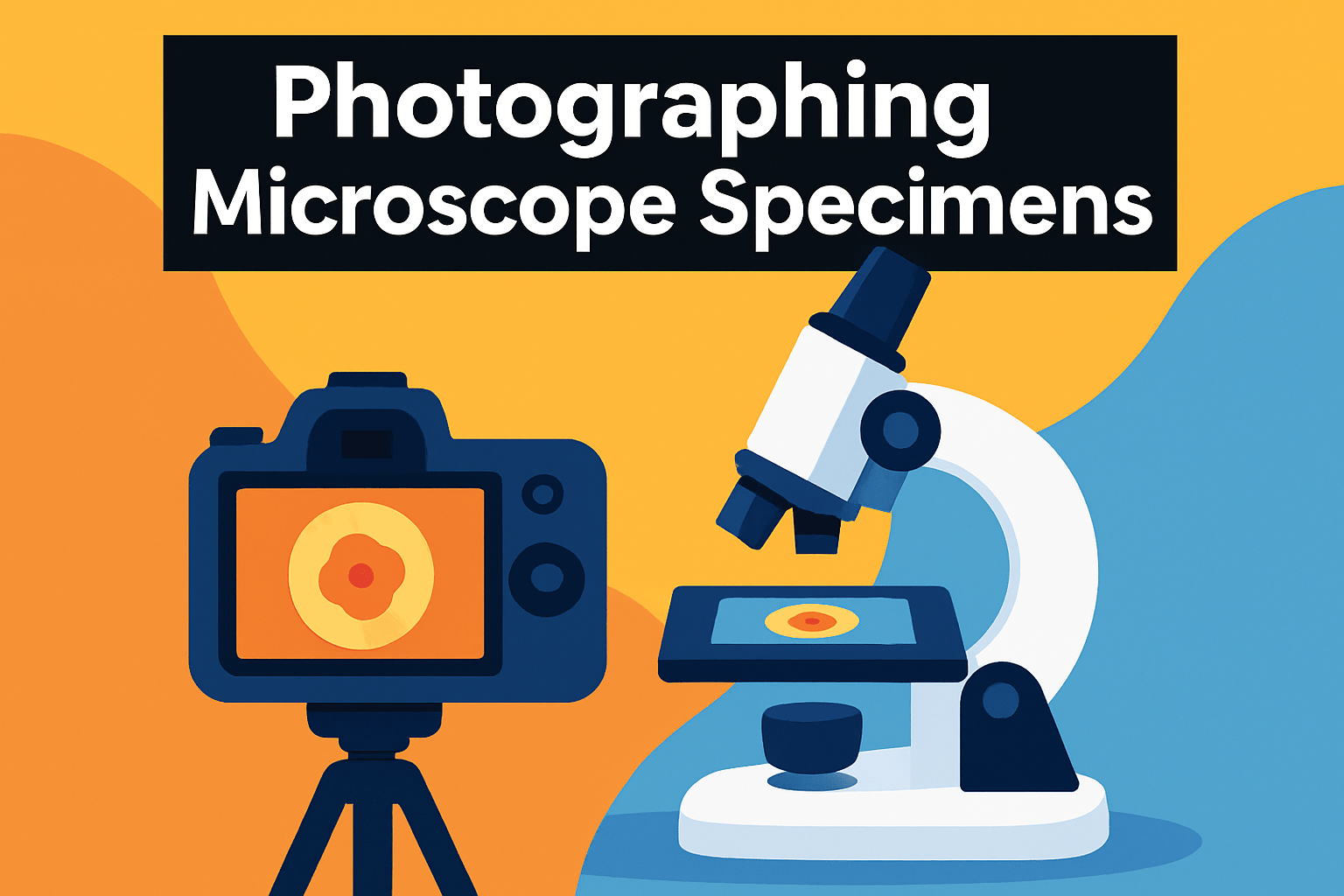
Good lighting makes or breaks a microscope photo. I like to start with even, bright illumination so I can use short exposures and freeze any motion. If the built‑in lamp produces hotspots, diffuse it with a piece of ground glass or plain white paper, or add a small LED or fiber‑optic lamp off to the side to fill shadows without heating the specimen.
Stabilization is just as important. Rigidly mount your camera with a proper adapter or frame and use a remote release or camera timer to avoid vibration. If you’re using a DSLR, use mirror‑lock or a fast shutter/flash to minimize motion; with mirrorless or compact cameras, keep ISO as low as you can while maintaining a short exposure.
Focus like you would with any macro work: start on the lowest objective to locate your subject, then move up through magnifications and use fine focus adjustments. When you need more depth, capture multiple frames at different focus points and stack them in software — it’s the quickest way to get sharp detail across a specimen.
Color and exposure matter. Shoot RAW when possible so you can correct white balance and recover subtle tones. For halogen or tungsten lighting, a daylight‑balancing blue filter will help, and always check your white balance against a neutral target for consistent results.
Handle live specimens with care: avoid prolonged bright light or heat and work quickly to limit stress. Use even illumination and short bursts of light; capture multiple quick frames rather than one long exposure to reduce blur from movement.
If you’re using a smartphone, find the eyepiece exit pupil by holding paper about 1 cm from the eyepiece until a small dot of light appears, then align the phone lens to that spot. Firmly stabilize the phone with an adapter or small tripod, avoid the phone’s flash, use manual or infinity focus if available, and keep ISO low to reduce noise. Practice alignment — it makes a huge difference.
Using Smartphone Cameras With Microscopes
I’ve done a lot of field and lab work with nothing more than a phone and a good eyepiece, and the key is simple: find the exit pupil and make your phone lens sit exactly on it. Hold a sheet of paper about 1 cm from the eyepiece and look for a small bright dot — that’s your sweet spot. Center the phone camera on that dot and you’ll avoid vignetting and soft edges.
Stability is everything. Hand‑holding works for a quick peek, but for clean images use a small tripod, tape a lightweight cradle, or—best of all—get a purpose‑built adapter. Adapters lock alignment and let you fine‑tune position without the constant micro‑shifts that kill detail at high magnification.
Use your phone’s manual or infinity focus if it has one, then lock exposure and focus. Cameras will hunt at the tiny field of view if left on autofocus. If shooting multiple frames for focus stacking, keep exposure consistent and avoid digital zoom; instead, frame with the microscope’s optics.
Lighting is provided by the microscope, so resist the urge to use the phone flash — it creates glare and ruins contrast. If you need more light or different angles, use small LED reflectors or fiber‑optic lamps to boost illumination without hot spots. Diffuse anything bright with a bit of tracing paper for softer, truer color.
Keep ISO low and expose a bit brighter rather than relying on aggressive noise reduction in post. Shoot RAW if your phone supports it; it gives you far more control over white balance and recovery of shadow detail. Some smartphone apps that pair with adapters also offer measurement overlays and live streaming — handy for teaching or sharing in real time.
Finally, be patient and practice. Alignment, light, and steady support are learned skills. Spend ten minutes getting the phone centered and your reward will be crisp, color‑faithful images that rival dedicated microscope cameras.
What People Ask Most
What is the best microscope for photography?
It depends on your needs and budget. Choose a model that balances optical quality, camera compatibility, lighting, and ease of use.
What type of microscope is best for photography—stereo or compound?
Both have strengths: stereo microscopes are well suited to larger, three-dimensional subjects while compound microscopes work better for thin or very small specimens. Pick the type that matches the specimens you plan to image.
What camera is best for microscope photography?
Any camera that reliably mounts and aligns with your microscope and allows control over exposure and focus will work well. Consider cameras or smartphone adapters designed for microscopy for convenience and compatibility.
How do you attach a camera to a microscope for photography?
Use a dedicated camera port, an eyepiece adapter, or a custom adapter to align the camera with the microscope’s optical path. Ensure the mounting is secure and the camera is stabilized to prevent motion blur.
What magnification is best for microscope photography?
The best magnification depends on your subject and the level of detail you want. Start at lower magnification to locate the subject, then increase as needed while managing depth of field and lighting.
Are digital microscopes suitable for high-quality photography?
Digital microscopes can produce excellent images when paired with good optics, proper lighting, and correct technique. Evaluate the whole imaging system rather than relying on the digital camera alone.
What accessories do I need for successful microscope photography?
Essential accessories include stable mounting or adapters, proper illumination and diffusers, and tools for stabilizing both microscope and camera. Optional items like remote shutter controls and stacking software can further improve results.
Conclusion for Best Microscope Photography
Choosing the right microscope comes down to matching its features to how you’ll use it — whether for hands‑on teaching and camera documentation, live classroom streaming, detailed research with wide magnification and high resolution, or portable field and hobby imaging.
For photography, prioritize controlled lighting, secure camera attachment and stabilization, careful focus control, accurate white balance with RAW capture, and techniques like focus stacking to increase depth and detail when needed.
Keep trade‑offs in mind: simpler, user‑friendly setups speed teaching and outreach, while advanced optics and higher resolution add complexity and bulk, and wireless convenience or portability can be constrained by range and battery life.
Use this guide to narrow your choices around those priorities, then practice lighting and mounting techniques to discover what best suits your subjects and workflow, and explore more articles on our site to further improve your skills.
If you have questions or want feedback on your images, leave a comment below — we usually reply within a few hours.




0 Comments