
Ever wished you could look straight into the lens while delivering a flawless line?
Eye contact builds trust, and a teleprompter can make it effortless. It can turn stilted reads into fluid deliveries.
This guide highlights the five best teleprompters for laptop use in 2026, with a complete buying and setup guide. We evaluated ease of use, compatibility, portability, and real-world performance to bring practical recommendations.
It’s aimed at streamers, vloggers, educators, remote presenters, and desktop creators who need polished delivery with minimal fuss. Whether you record at a desk, host live sessions, or teach online, the right teleprompter changes the game.
Expect concise comparisons, simple setup walkthroughs, and clear pros and cons, all aimed at making your choice easy. We keep the language practical and the steps actionable so you can get on-camera faster, and we flag portability, setup time, and software ease so you spend less time fiddling and more time creating.
By the end you’ll know which teleprompter best fits your laptop setup and content goals. Ready to transform your on-camera presence? Flip ahead for concise picks and straightforward setup tips that respect your time.

Glide Gear TMP 75 Teleprompter for laptop, DSLR, smartphone (carry case included)
1. Elgato Prompter Overview

Elgato Prompter with built-in screen for DSLR, webcam, smartphone
Compact on-camera prompting monitor with integrated display for smooth, readable scrolling on DSLR, webcam, or smartphone setups.
Check PriceAs a working photographer who records tutorials and client walkthroughs, the Elgato Prompter quickly became my go-to for desk-based shoots. It packs a built-in 9″ display (1024 × 600) so you don’t need to mount an external tablet, which instantly cuts down on clutter and setup time.
Connection is effortless — USB-C plug-and-play compatibility with Mac and PC laptops means I can move between studio machines without fumbling with adapters. The unit supports DSLR, webcam, smartphone, and mirrorless cameras, so you can place whatever camera gives the best framing and still read comfortably.
Software compatibility is a real practical win: it works smoothly with Zoom and MS Teams and integrates with Stream Deck for remote text control, letting me advance lines without breaking eye contact. The build feels sturdy and professional on the desk, designed for stationary setups where stability matters more than portability.
If your workflow is mostly streaming, online teaching, or desktop presentations, this teleprompter will speed up prep and keep your shots clean. It’s not ideal for mobile or outdoor shoots, and the 9″ screen limits readability for longer-distance setups, so if you regularly film from several meters away you might want something larger. For anyone prioritizing simplicity, desk stability, and software integration, the Elgato Prompter is a smart, mostly trouble-free choice.
- Plug-and-play simplicity via USB-C
- Built-in 9″ screen (1024 × 600)
- Strong software support (Zoom, MS Teams, Stream Deck)
- Sturdy, professional desk-focused build
- Less portable for mobile shoots
- Screen size limits long-distance readability
2. NEEWER Teleprompter X17 II Overview

NEEWER Teleprompter X17 II with RT113 remote — 17
Large 17-inch beamsplitter rig with wireless remote and quick-release plate, compatible with Manfrotto 501PL for tablet-based prompting.
Check PriceAs a working photographer, I appreciate gear that prioritizes stability and readability—and the NEEWER Teleprompter X17 II delivers on both. It uses a 17″ HD beam-splitter glass set in a metal frame, giving you a large, clear read area that’s ideal for long scripts and longer viewing distances.
The unit supports iPads and tablets up to 17″ via QR plate mounts and offers remote/app control (RT113 remote or app), which makes live adjustments and speed control straightforward during shoots. Its durable all-metal construction and assembly-free design mean you spend less time fiddling with hardware and more time on set.
Where this teleprompter really stands out is load capacity: it supports heavy cameras and rigs up to 44.1 lb, so you can confidently mount DSLRs, mirrorless bodies, or heavier setups without worrying about balance or sag. That robustness makes it well suited to studio work, corporate videos, and any situation where a large reading area and stability are priorities.
The trade-offs are real: the X17 II is heavier and less portable, so it’s not the best choice for quick mobile shoots or run-and-gun setups. Also, its compatibility tops out at 17″ tablets, so if you plan to pair it with larger monitors you’ll hit a limit. If your workflow values a roomy display, rugged build, and the ability to carry heavier camera gear, this is a strong, professional option.
- Large 17″ HD beam-splitter
- Durable all-metal frame
- Remote/app control (RT113 remote or app)
- Supports heavy loads (up to 44.1 lb)
- Heavy / less portable
- Compatibility limited to up to 17″ tablets
3. NEEWER Teleprompter X14 Overview

NEEWER Teleprompter X14 III with RT113 remote — 14
Portable 14-inch 45° beamsplitter system featuring remote control and quick-release plate for seamless smartphone, tablet, or DSLR mounting.
Check PriceAs a working photographer who shoots interviews and quick turnaround talking-heads, the NEEWER Teleprompter X14 is the kind of tool I reach for when mobility matters. It’s a portable, app-controlled teleprompter that pairs over Bluetooth with the NEEWER Teleprompter app, so you can control text remotely without fiddling with cables.
It fits tablets up to 14″, which covers most iPads and many laptop sizes, so your display options are flexible. The unit is lightweight and quick to assemble, making it practical for indoor shoots, outdoor vlogging, and classroom presentations where speed and low setup time are priorities.
In practice the beam-splitter clarity is good for close-to-medium distances, and the multi-device compatibility—tablets, smartphones, and DSLRs—lets you switch between setups depending on the shoot. That versatility makes it especially useful for online educators and presenters who need clean eye contact while moving between different recording rigs.
Do note the mixed feedback on mounting quality and grip/alignment; some users report the clamp feels fiddly or needs careful adjustment to avoid drift. If you rely on heavy tablets, very large tablets, or tablets in thick protective cases, this model can be limiting—its design favors lighter, standard-sized devices.
Overall, if you want a compact, app-driven teleprompter to keep eye contact and speed up setup for mobile shoots, the X14 is a strong, practical pick. If you require rock-solid mounting for heavy monitors or plan studio-scale distance reads, you might need a heavier-duty rig.
- Compact/lightweight
- Bluetooth remote/app control
- Multi-device compatibility
- Assembly-free
- Mounting/build quality could be improved
- Limited with very large tablets or thick cases
4. Glide Gear 3-in-1 TMP 75 Overview
Glide Gear TMP 75 Teleprompter for laptop, DSLR, smartphone (carry case included)
Versatile desktop rig that holds laptops or cameras, delivering clear scrolling text; includes protective carry case for easy transport.
Check PriceAs a working photographer who shoots interviews and on-camera tutorials, I appreciate gear that adapts to different setups. The Glide Gear 3-in-1 TMP 75 is a genuinely versatile teleprompter that works with laptops, smartphones, and DSLR cameras, so you can switch between a desk presentation and a camera-mounted interview without buying extra units.
Build quality matters when you move between locations, and this unit delivers. It uses a durable aluminum-alloy frame and strong beam-splitter glass that give a professional feel and reliable optical performance. The screen size is balanced for portability, fitting tablets up to ~10.5″ × 9.5″, which covers most small tablets and many laptop setups while keeping the unit compact.
Installation is straightforward and DSLR shooters will like that it mounts easily on common tripods. Glide Gear even includes a travel bag, so transporting it to on-location shoots is hassle-free. The only operational caveat is software: the TMP 75 does not include bundled teleprompter software, so you’ll need to run a separate teleprompter app from your device. If you’re comfortable with apps or already have a workflow, this isn’t an issue. If you rely on an out-of-the-box package, factor in the extra step of choosing software.
- Wide compatibility with laptops, phones, DSLRs
- Durable aluminum-alloy frame
- Easy tripod mounting
- Portable—includes travel bag
- No included teleprompter software
- Size limits for very large tablets (e.g., iPad Pro)
5. Little Prompter Overview

Little Prompter compact personal teleprompter for DSLR, webcam, laptop cameras (iOS/Android)
Pocket-friendly prompting accessory for one-person shoots; simple setup, compatible with DSLR, webcam, and mobile devices for confident solo recording.
Check PriceLittle Prompter is a compact, lightweight teleprompter built to work with laptops, smartphones, and DSLR cameras — an honest workhorse for creators who travel light. As a photographer who shoots interviews and short-form content, I appreciate that it supports a range of devices, including MacBooks and Android phones, so you can switch between gear without hunting adapters.
Assembly is straightforward and fast, and it integrates smoothly with common teleprompter apps, which means you spend more time framing and less time fussing with gear. That quick setup is a practical advantage when you’re moving between locations or running a one-person production where speed matters.
The Little Prompter is designed for solo creators, social media content, quick interviews, and on-the-go presentations — exactly the scenarios where portability and simplicity beat studio-grade features. In my experience, it’s especially useful for vloggers and remote presenters who need natural eye contact and minimal footprint on a laptop-based rig.
Do keep in mind the compromise: the smaller screen limits readability at long distances and in large studio environments. If your shoots require reading from far away or need large-scale setups, you’ll notice the trade-off; but for desktop, close-up interviews, and mobile shoots, this unit performs admirably.
In short, choose the Little Prompter if you prioritize mobility, quick setup, and device compatibility for solo or small-scale productions. It’s not a studio replacement, but for the intended use cases it’s a reliable, low-friction tool that will streamline on-the-go workflows.
- extremely portable
- quick to set up
- device-compatible
- ideal for mobile shoots
- limited long-distance readability
- not suited for large-scale studio setups
Key Features for Laptop Teleprompters
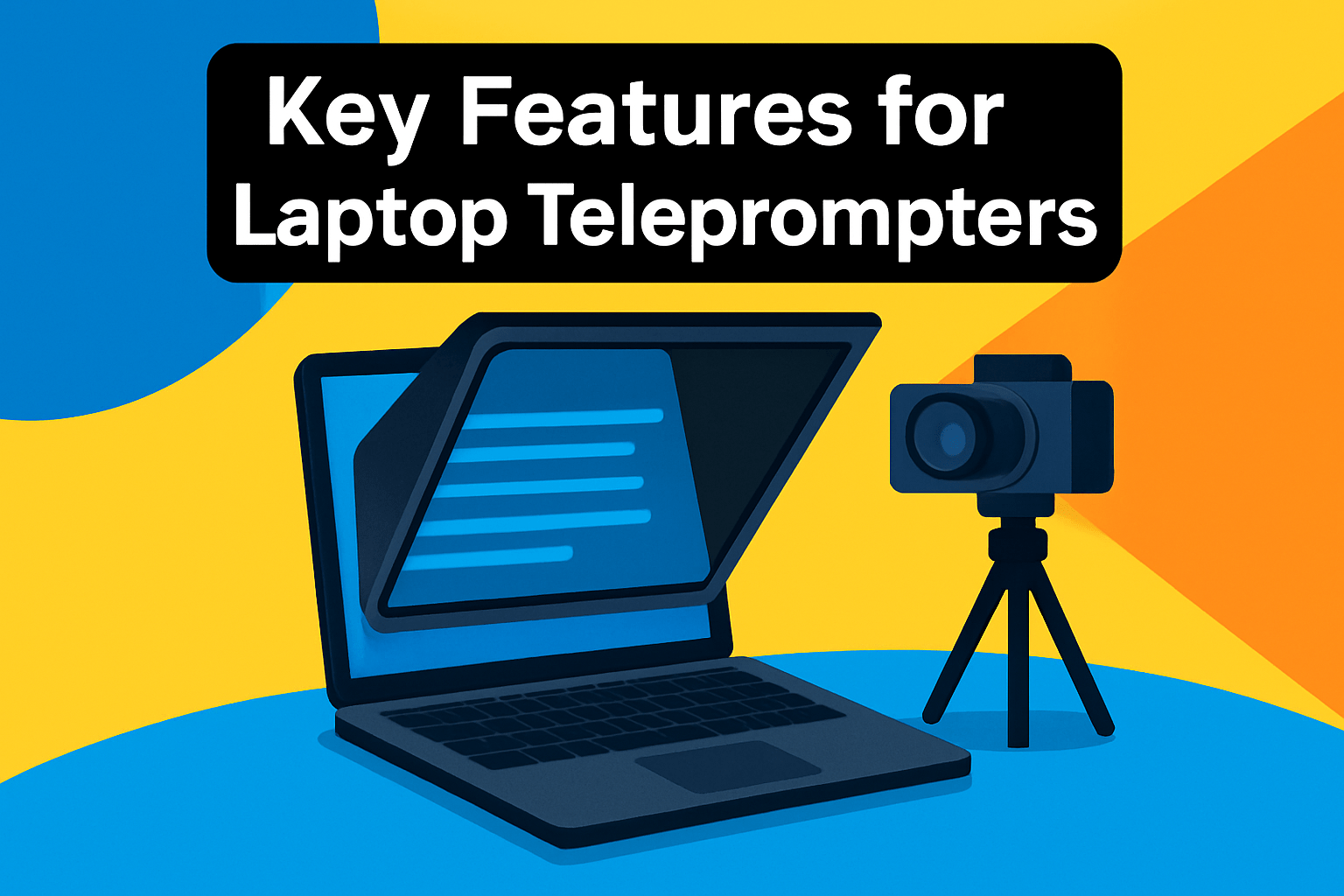
Optical clarity is the single biggest baseline for any laptop teleprompter. Look for a true 45° beam-splitter with high-quality glass that minimizes ghosting and preserves contrast so text and skin tones stay natural. Anything that introduces double images or a color cast will pull attention away from your performance.
Eye contact is the trick that sells a talk. Confirm the prompter works with your laptop webcam and your external camera so the text sits directly over the lens and your gaze stays on the same plane as the image. Adjustable mounts or fine alignment controls are worth prioritizing for tight closeups.
Good software turns hardware into a tool you actually enjoy using. Smooth scrolling, precise speed control, and easy font and color adjustments are table stakes, while live editing, remote control, eyeline markers, and voice-activated scrolling keep solo shoots running without awkward pauses.
If you move between desk and location work, setup speed matters. Clamp-on or preassembled designs save time, but lightweight should not mean flimsy; a solid clamp and stable mounting will prevent wobble during closeups. For studio days I usually accept more heft in exchange for rock-solid stability.
Match screen size to viewing distance. A laptop-only setup works well for short, seated presentations, but if you step back or use a larger camera rig, an external tablet or monitor as the text source makes lines readable without exaggerated eye movement. Think in terms of comfortable line length rather than raw inches.
Integration with your kit is a practical filter when choosing gear. Tripod adapters, accessory mounts, a travel case, and cloud or app script syncing keep your workflow smooth. Compatibility with common streaming and conferencing tools saves last-minute headaches on live sessions.
On the content side, choose larger fonts, increased line spacing, and shorter line widths to reduce eye travel. High-contrast text and background choices help under mixed lighting, and colored cue lines or eyeline indicators are invaluable for timing camera moves and edits.
In practice I prioritize optical quality and eyeline alignment first, then software flexibility and mounting stability. Decide which tradeoffs—portability versus stability, simplicity versus advanced controls—fit your workflow before you buy. When those elements are right, you can spend more time delivering lines and less time fussing with gear.
Choosing the Right Teleprompter Type
Choosing the right teleprompter starts with how and where you record. A laptop desk setup requires different gear than a DSLR studio shoot.
Software-only teleprompters run on your laptop and are perfect for virtual calls and quick setups. They’re inexpensive but tend to pull your eyes off-lens unless you position the camera very near the screen.
Small laptop-mounted units sit close to the webcam and improve eye alignment while staying compact. They suit mobile creators, though the reflected area is smaller so readability at distance is limited.
Camera-mounted teleprompters paired with a tablet or monitor deliver the largest read area and the truest on-lens eye contact. Expect heavier gear and more setup, but the delivery looks far more natural for polished videos.
Match screen size to viewing distance and script length. If you’re several feet from the lens or you read long passages pick a larger beam-splitter and display so font sizes stay comfortable.
Think about payload and build. Heavy DSLRs need pro rigs with sturdy mounts; travel shooters benefit from lightweight, clamp-on designs that fold into a bag.
Software features matter as much as hardware. Smooth scrolling, remote control, eyeline markers and cloud scripts save time and keep your performance fluid.
From a photographer’s perspective, set the glass at lens height and use soft frontal light to avoid reflections. Keep lines short, add breathing markers, and rehearse until your cadence sounds natural.
If you’re undecided, choose a mid-size, laptop-friendly unit that balances portability and readability — you can upgrade later to a camera-mounted pro rig. The aim is one simple thing: keep your eyes close to the lens so viewers feel you’re talking to them, not reading at them.
What People Ask Most
What is the best teleprompter for a laptop camera?
The best teleprompter matches your workflow, balancing portability, screen size, and ease of setup. Pick a model that integrates well with your laptop webcam and software and suits your recording environment.
Can you use a teleprompter with a laptop webcam?
Yes, many teleprompters are designed to work with laptop webcams by reflecting text close to the camera lens. Proper placement improves eye contact and reduces distracting glances away from the screen.
How do I set up a teleprompter with my laptop?
Position the reflective glass between your webcam and the displayed script and place the script on your laptop or a connected display. Adjust height and angle for a natural eyeline and test scrolling speed before recording.
What teleprompter software is compatible with laptops?
Most teleprompter apps and web tools run on laptops and offer scrolling controls, font customization, and layout options. Choose software that lets you control speed and format and that works with your preferred communication or recording apps.
How do I mount a teleprompter to a laptop screen?
Many laptop-mounted teleprompters use clamps or a lightweight frame that secures to the screen or sits above the webcam, while larger units may require a tripod or separate support. Follow the manufacturer’s instructions and ensure the laptop is stable and the camera view is unobstructed.
Are there portable teleprompters designed for laptops?
Yes, there are compact and lightweight teleprompters made for laptop setups that prioritize quick assembly and easy transport. These designs trade some viewing area for portability, making them suitable for mobile shoots and small home studios.
Can I run a teleprompter from my laptop without additional hardware?
Software-only teleprompters let you run scripts directly on your laptop screen without extra hardware, though maintaining natural eye contact can be more challenging. For better eyeline alignment, consider pairing the software with a small reflective mount or external display.
Conclusion for Best Laptop Teleprompter
Whether you need a studio-grade setup or a pocket-friendly prompter, this guide gives you a clear sense of the practical trade-offs so you can choose the option that fits your workflow and recording environment.
Prioritize the factors that matter most to your work—readability and eyeline, software flexibility, and how much portability or stability you need—so your teleprompter becomes a tool that improves delivery, not a distraction.
Remember that every choice involves compromises between size, setup time, and feature depth, so pick the type that helps you maintain natural eye contact and comfortable reading for your typical shoots.
If you want to sharpen your setup and on-camera technique, check out more guides and reviews on the site to build skills and confidence over time.
Questions or experiences to share? Leave a comment below and we usually reply within a few hours to help you decide or troubleshoot.




0 Comments