
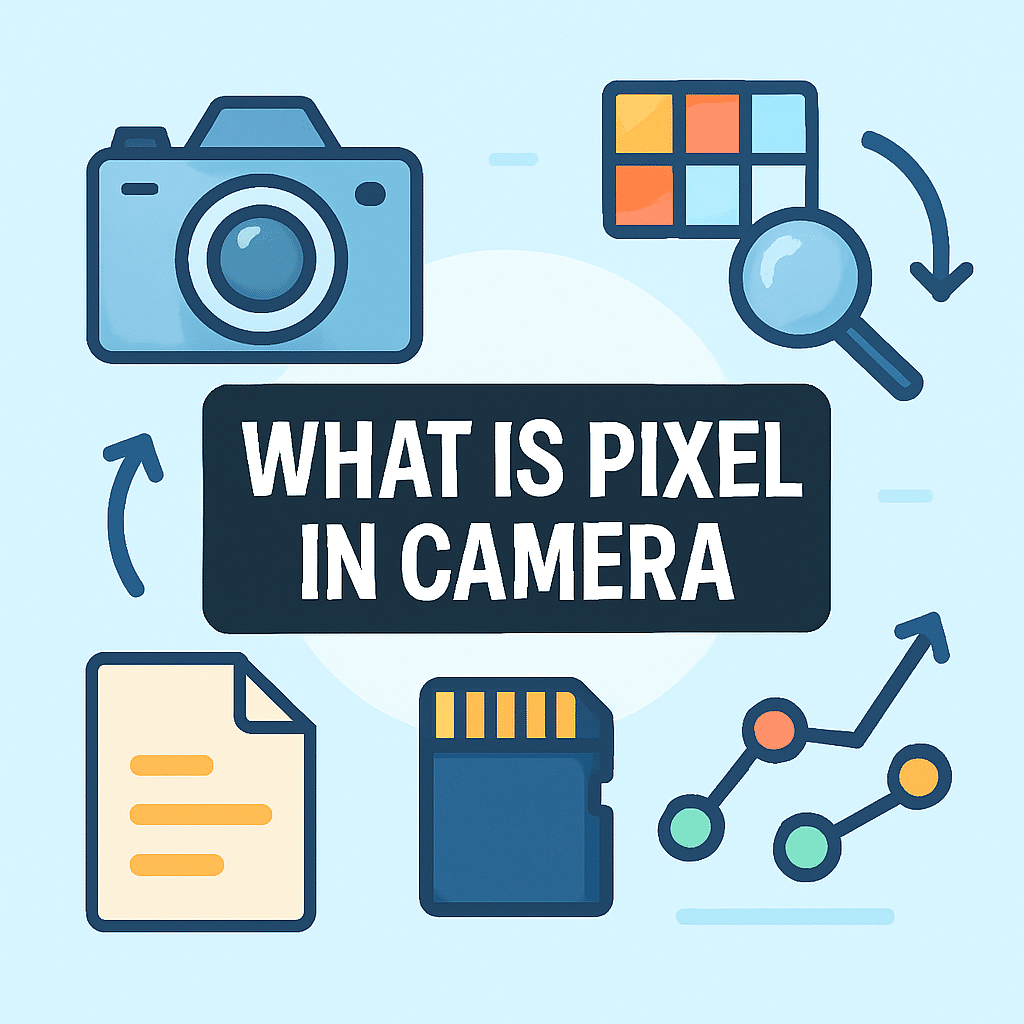
What is pixel in camera? Is it just a number on a spec sheet or the key to sharper, cleaner photos?
In simple terms, a pixel in a camera is a tiny sensor spot that captures light and becomes one dot in your picture. This article answers “what is pixel in camera” with clear examples and easy tests.
You’ll learn how pixels turn light into color, what megapixels and pixel size really mean, and why bigger pixels often help in low light. I will also give practical tips for choosing a camera and getting cleaner images.
Expect clear diagrams, 100% crop comparisons, and quick buying advice to match a camera to your needs. Read on to see how pixels affect real-world picture quality.
What is a Pixel in a Camera?
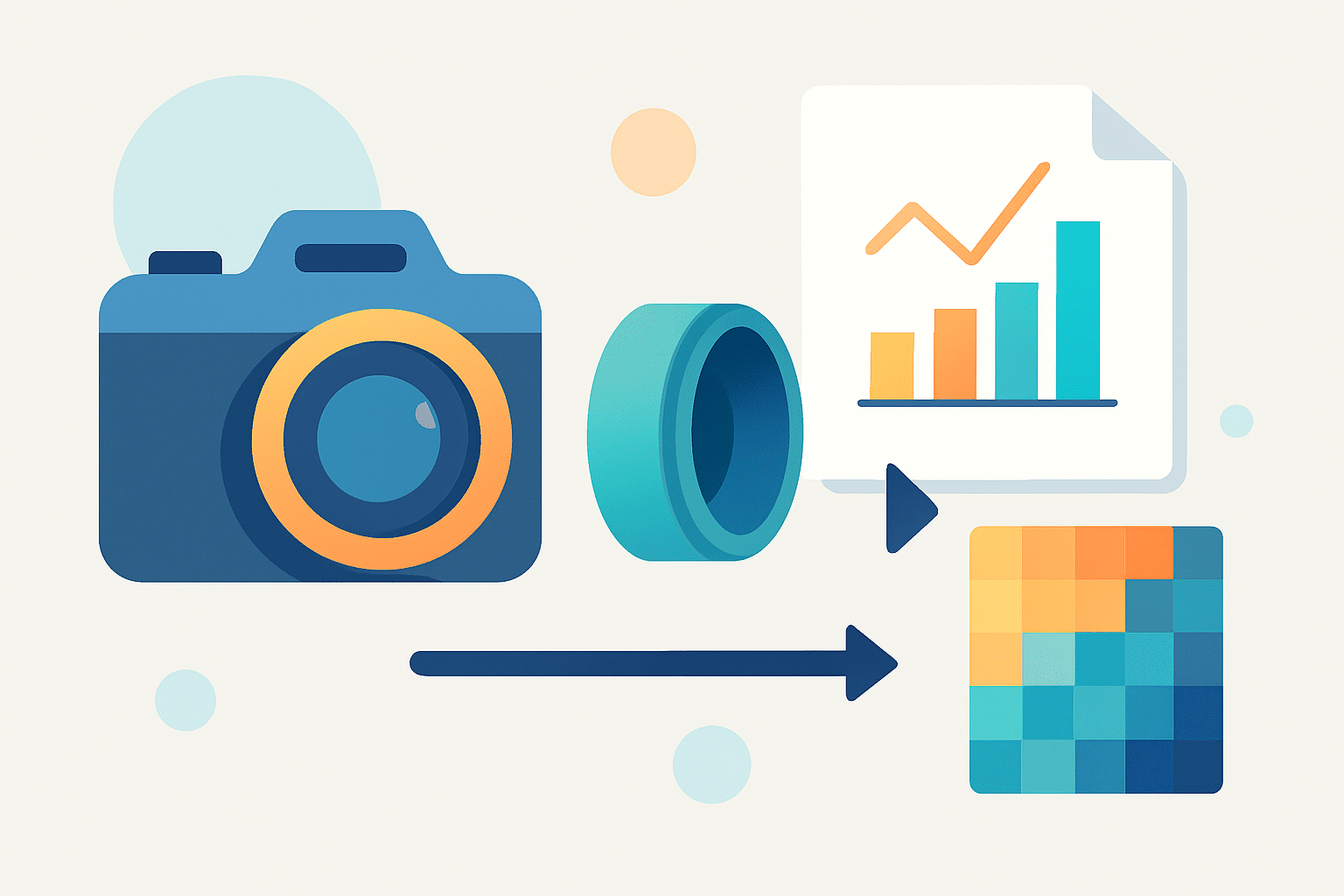
A pixel in a camera is the smallest light-recording element on the image sensor that becomes one dot in the final picture after processing. If you have ever typed “what is pixel in camera,” think of each pixel as a tiny sensor cell that gathers light and helps build the photo. These dots add up to make resolution, detail, and file size.
In everyday life, a display pixel is a lit-up dot on your screen. In a camera, a sensor pixel is a photosite, a small cell that collects photons and turns them into an electrical signal. One photosite usually maps to one image pixel in a RAW file, but your camera’s processing can blend or interpolate data for the final JPEG.
The best analogy is buckets in the rain. Each photosite is a bucket catching light instead of water, and fuller buckets give cleaner data. The camera then measures each bucket and assigns it a brightness and color.
Here is a simple number example. A photo that is 6000 by 4000 pixels has 24,000,000 pixels, which we call 24 megapixels. If you want a quick primer on how pixels form a picture, that short guide helps connect the dots.
How Pixels Work in Digital Cameras
Light first passes through the lens and then tiny microlenses that guide it into each photosite. A color filter array, often a Bayer pattern, sits on top to assign red, green, or blue to each location. A photosite is the physical light well; the microlens focuses light into it; the color filter decides which color it records.
As light hits the photosite, its photodiode creates electrons and stores them like a charge in a bucket. An amplifier reads this signal and sends it to an analog-to-digital converter, or ADC, which turns the signal into numbers. The result is RAW data, a map of brightness values per photosite with color tags from the filter.
The camera or your editor then demosaics the RAW. Demosaicing is the math that guesses full color at every pixel by mixing data from neighboring red, green, and blue photosites. For a deeper overview of this pipeline, see a clear explainer on camera pixels basics.
Two ideas shape quality here. Full-well capacity is how many electrons a photosite can hold before it overflows, and it ties to dynamic range. Signal-to-noise ratio, or SNR, improves when more photons are captured, which is why good exposure and low ISO produce cleaner pixels.
Modern sensors also use pixel binning, which combines neighboring photosites into a larger virtual pixel to boost low-light performance. Phones do this often, such as merging 4 or 9 cells into one to reduce noise and improve brightness. The trade is lower resolution but better clarity in dim scenes.
Pixels and Image Sensors Explained
Megapixels alone do not tell the full story, because sensor size sets how big each pixel can be. Two cameras can both be 24 MP, but a larger sensor spreads those pixels out, making each photosite larger. Larger pixels can gather more light, while smaller pixels pack in more detail but collect less light each.
Pixel pitch is the size of a pixel, measured in micrometers. A handy estimate is pixel pitch in micrometers is about the square root of the sensor area in square millimeters divided by the megapixels. For example, a full-frame sensor is 36 by 24 mm, so 864 mm²; 864 divided by 24 MP is 36, and the square root is about 6 µm.
Remember that a photosite captures only one color through its filter, so the final pixel color comes from demosaicing across neighbors. Sensor format also matters: full-frame, APS-C, Micro Four Thirds, 1-inch, and phone sensors all balance area and pixel density differently. To dive deeper into the variety of camera sensors, look at how format and architecture change performance.
Beyond size, new designs boost results. Back-side illuminated (BSI) sensors place wiring behind the photodiodes to catch more light. Stacked sensors speed readout, and dual-gain readout improves highlights and shadows in the same frame.
What Are Pixels and Megapixels?
A megapixel is simply one million pixels. More megapixels mean more dots in your image, which can hold more detail if your lens and technique support it. It also means larger files and more work for your computer.
Resolution is the pixel count, but perceived detail depends on lens sharpness, focus accuracy, and diffraction. More MP often helps with big prints and cropping, yet it does not guarantee better image quality. Clean pixels with good dynamic range can beat noisy pixels with higher count.
How many do you need? For social and web use, even 2–8 MP can look great. For everyday photos and prints up to about 13 by 19 inches, 12–24 MP is plenty, while 30–50+ MP helps with large prints and heavy cropping.
Printing math is simple. Printable width in inches equals pixel width divided by the desired pixels per inch, or PPI. For example, 4000 pixels at 300 PPI gives roughly 13.3 inches wide, and using 180 PPI yields larger prints at a modest quality trade.
Why Pixel Size Matters
Larger pixels have higher full-well capacity, so they collect more photons before clipping highlights. That improves SNR and dynamic range, giving smoother tones and cleaner shadows. It also lets you use higher ISO with less noise.
Smaller pixels can record finer detail if your lens resolves it, but they tend to be noisier at high ISO. They can also meet optical limits like diffraction sooner, so stopping down too far can soften the image. This is why more megapixels do not always equal sharper pictures in real use.
Choose based on your work. Low-light events, weddings, concerts, and photojournalism favor larger pixels and moderate MP for cleaner files. Landscapes, studio, and commercial shooters can exploit high MP with excellent lenses, sturdy support, and careful technique, while phones rely on pixel binning to keep noise down.
For buying, check pixel pitch in micrometers, compare high-ISO RAW samples, and match MP to your output needs. Prioritize exposure, low ISO, a sharp lens, and steady shooting, because technique beats a spec sheet. When you wonder again what is pixel in camera, remember that both pixel count and pixel size shape the look of your photos, and a simple rule of thumb is to pick the balance that fits how you shoot; hobbyist travel shooters can start around 24 MP, low-light pros may prefer fewer, larger pixels, and phone users should look for good binning modes and bigger sensors.
What People Ask Most
What is pixel in camera?
A pixel in a camera is a tiny picture element that records light to help form the full image. Pixels are the building blocks of every photo.
How does pixel count affect my photos?
More pixels can capture finer detail and allow larger prints or heavier cropping, but they don’t guarantee better pictures on their own. Image quality also depends on the lens, sensor size, and processing.
Does a higher pixel number always mean better photo quality?
No, more pixels can increase detail but may also create more noise if the sensor or lens isn’t good enough. Good photos come from a balance of pixels, sensor performance, and technique.
Can I see individual pixels in my photos?
You might see pixels when you zoom in a lot or heavily crop an image, but at normal viewing sizes most photos look smooth. Pixels become visible only when image resolution is pushed beyond its limits.
Do pixels matter for printing or sharing online?
Higher pixel counts help when printing large photos or cropping close, while lower counts are usually fine for social media and small prints. Choose resolution based on how you plan to use the image.
How do pixels affect low-light performance?
Pixels that gather more light generally improve low-light images and reduce noise, but simply having more pixels doesn’t always help in the dark. Sensor technology and processing play a big role too.
Can camera settings change how pixels work?
Settings can change how the camera uses pixels—like combining them for better low-light results or changing resolution—but they don’t alter the physical pixel count. You can often choose modes that prioritize detail or low-light performance.
Final Thoughts on Pixels in Camera Sensors
We opened by answering “What is a pixel in a camera?” and showed how that tiny photosite becomes the dots that make your pictures—and a quick rule like 270 ppi can help you think about print sharpness. Understanding pixels really simplifies choices: you’ll match sensor size, megapixels, and pixel pitch to the kinds of images you want, and you’ll shoot with the exposure and ISO that let each pixel do its best. In short, knowing how pixels work turns specs into better decisions and cleaner images.
That said, don’t forget a realistic caution: more megapixels or denser pixels don’t always mean better photos—small pixels can bring more noise and run into diffraction limits, so lens quality and exposure still matter most. This guide helps hobbyists sharpening their skills, serious enthusiasts weighing megapixels, and smartphone users who want to know why pixel-binning or larger sensors change results.
Keep testing your camera with real RAWs and high-ISO crops and apply the simple checks here; you’ll see clearer differences in your own shots. Enjoy exploring what your pixels can do and keep making photos that feel like yours.




0 Comments