
What is dcim on sd card? Want to know why your photos live in that mysterious folder?
Short answer: DCIM is the standard folder phones and cameras create to store photos and videos on an SD card. Below you will see example paths and the common file types it holds.
You will also learn what DCIM stands for and why the DCF standard makes cameras use it. Plus, we explain how devices name files and how to access DCIM on Windows, macOS, Android, and iPhone.
Finally, the guide gives quick fixes for missing files, tips for safe recovery, and must-have backup advice. Read on for clear steps and screenshots to help you find or recover your photos fast.
What is DCIM on SD card?
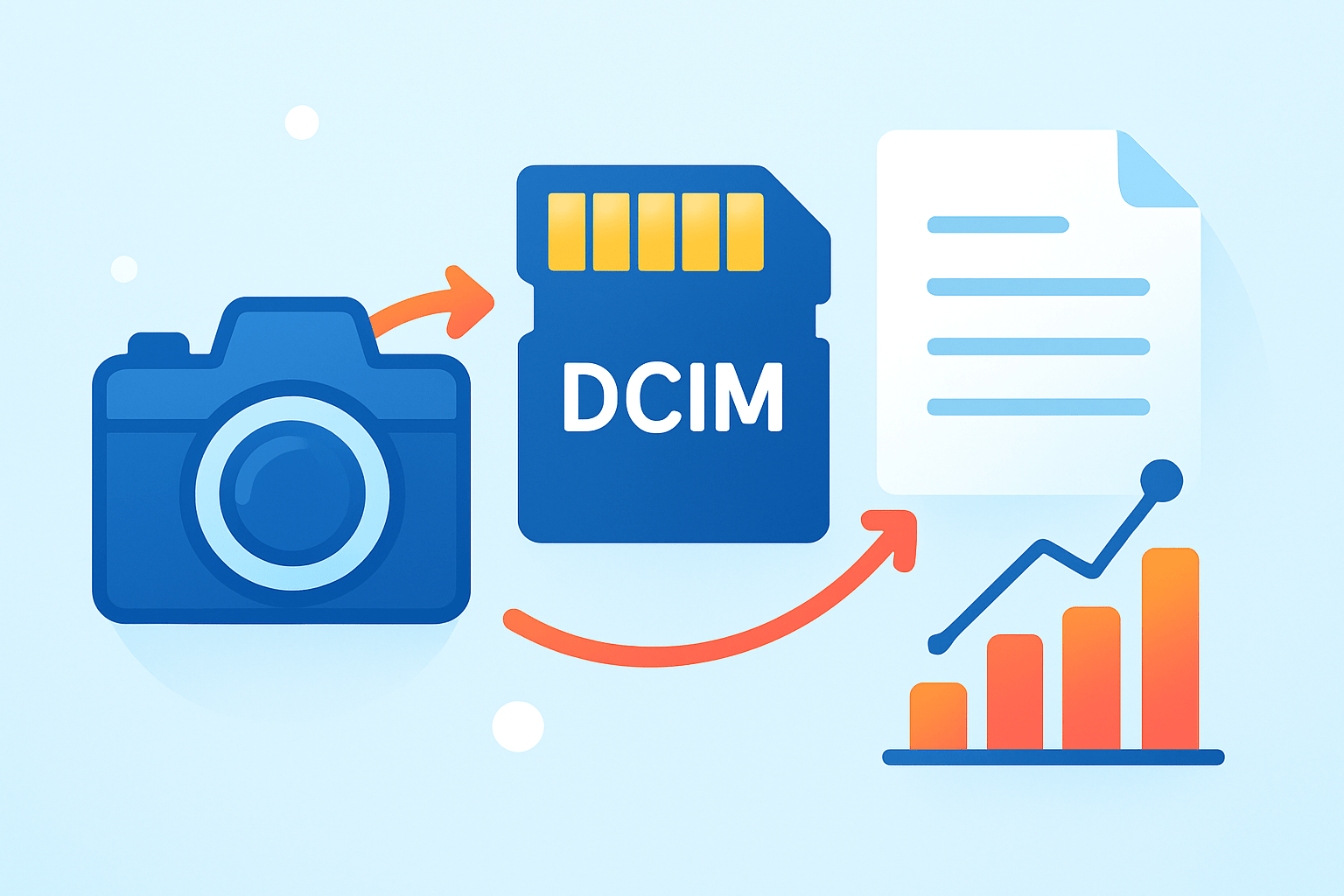
DCIM is the standard folder cameras and phones create to store photos and videos — when your device saves images to an SD card, it places them under the DCIM folder at the card’s root.
If you have ever wondered what is dcim on sd card, think of it as the universal inbox your camera trusts. An SD card is recognized by that folder across cameras, phones, and computers.
You’ll often see paths like /DCIM/100CANON/IMG_1234.JPG or /storage/XXXX-XXXX/DCIM/Camera/IMG_0001.JPG. Inside are JPG or HEIC photos, RAW files such as CR2 or NEF, video clips like MOV or MP4, plus .THM thumbnails and .XMP sidecars.
The folder lives at the card’s root so software can find it fast. Renaming or deleting it can confuse gallery apps, so keep the DCIM name when you ask yourself what is dcim on sd card.
What Does DCIM Stand For?
DCIM means Digital Camera IMages, with the letters often shown in uppercase. The name comes from the DCF standard from JEITA, which unified how cameras store pictures so any brand can read another’s card.
Most cards use FAT32 or exFAT, which are case‑insensitive on many systems. Still, keep the exact DCIM spelling for full camera compatibility.
The shared name is why copying photos works the same almost everywhere. You can move a card between brands and DCIM still makes sense.
How Does the DCIM Folder Work on Smartphones and Cameras?
The DCF rule says your card should use DCIM/###XXXXX, where ### is a number from 100 to 999 and XXXXX is a five‑character code like CANON or NIKON. So a Canon may write 100CANON, 101CANON, and so on as you shoot.
Files often follow names like IMG_0001.JPG or IMG_4321.CR2, and the camera creates new folders when numbers fill up. This avoids name collisions and keeps browsing quick, so 100CANON might hold IMG_0001.JPG, IMG_0002.CR2, and a small .THM thumbnail. Apps may also add subfolders such as Camera, Screenshots, or Instagram inside DCIM.
Phones and computers find media by scanning these locations through MTP or PTP on a PC, Android’s MediaStore database, or Image Capture on macOS. Android also respects a .nomedia file that hides folders from galleries, while iOS hides the file system but still presents DCIM when you connect. For a deeper look at performance and structure, see this overview of card anatomy.
How to Access the DCIM Folder on Your Device
On Windows, connect your phone or camera and choose File Transfer or PTP, or insert the card into a reader. Then open File Explorer, select the device or drive, and open DCIM at the root. If you don’t see it, enable Show hidden files in Explorer.
On macOS, use Image Capture for iPhone and iPad, or Android File Transfer for Android devices. A USB card reader mounts the card directly on the desktop, and you can open DCIM like any other folder.
On Android itself, open the Files app and browse to /storage/SD‑ID/DCIM or go through Settings to Storage and Files. On iPhone, you cannot browse DCIM on‑device, but it appears when connected to a computer; if nothing shows, toggle the USB mode or unlock the phone and trust the computer.
Common Issues with DCIM Folder and How to Fix Them
If photos are not visible, check whether a stray .nomedia file exists inside DCIM or its subfolders. Force a media rescan, or on Android clear the Media Storage cache, and make sure the USB mode is set to File Transfer rather than Charge only.
If DCIM is missing or empty, confirm the card is mounted and readable, and that the folder sits at the root. On Windows, run chkdsk X: /f after using a reader, then reinsert the card into the camera and take one photo to let it recreate the DCIM structure.
For corruption or accidental deletion, stop using the card immediately to avoid overwriting lost data. Try respected recovery tools such as PhotoRec or TestDisk, Recuva, or Disk Drill through a card reader, and expect that original filenames may not return. For prevention, learn the basics of memory cards, back up before formatting, and format cards in‑camera for best compatibility.
Avoid removing the DCIM root folder unless you have a verified backup, and never rename camera‑made subfolders. Choose reputable SD brands and the right speed class for video, keep a spare card, and use cloud sync for redundancy when asking what is dcim on sd card in the context of safe workflow. Use a good card reader and avoid flaky adapters when possible.
What People Ask Most
What is DCIM on SD card?
DCIM is the standard folder where digital cameras and phones save pictures and videos, and it stands for Digital Camera Images.
Why does my camera create a DCIM folder on the SD card?
Cameras and phones use the DCIM folder so images are organized in a consistent way that other devices and apps can recognize.
Can I delete the DCIM folder from my SD card?
Yes, but deleting it removes your photos and may cause the camera or phone to recreate an empty DCIM folder.
Will my photos still show up if I move the DCIM folder?
Moving the DCIM folder can stop apps and devices from finding your pictures until you move it back or import the files to a new location.
How do I recover photos if the DCIM folder is missing or corrupted?
Use a photo-recovery app, stop using the SD card to avoid overwriting files, or contact a professional recovery service if needed.
Why can’t I see the DCIM folder on my SD card?
The folder might be hidden, on another partition, or the card may not be readable; try showing hidden files, reinserting the card, or checking it on another device.
Is it safe to format my SD card instead of deleting the DCIM folder?
Formatting erases all data but can fix file system problems, so always back up your photos before you format the card.
Final Thoughts on What is DCIM on SD Card?
Remember that quick answer at the top? If you spotted a DCIM folder or a numbered folder like 270 (e.g., 270CANON) on your SD card, it’s simply the camera’s universal way of storing photos and videos. That clarity is the real payoff here — understanding where your images live makes finding, backing up, and moving files way less mysterious.
We walked through how files and numbered folders keep names from colliding, how phones and computers index media, and what to try when pictures vanish. One realistic caution: don’t format or keep shooting on a card after data loss, since extra writes can overwrite files that could still be recovered.
This guide was written for everyday photographers, creators, and anyone who stores images on cards or phones, and it shows the path from a quick definition to safe fixes and recovery options. Keep practicing good backups and simple habits, and you’ll feel more confident managing photos on every shoot.



0 Comments