
What are proofs photography — and why should you care? This short guide will show you what proofs are and when they matter for a shoot or order.
A proof is a preview image or test print sent for review, not the final deliverable. Proofs are often low‑res or watermarked so clients can check choices without using the images as final files.
This article will explain common proof types (contact sheets, soft proofs, test prints), why photographers use them, and when proofing can save time and money. You’ll also get a clear step‑by‑step for online proofing and the practical settings that matter.
Finally, expect simple tips for contracts, feedback, and avoiding reprints, plus short examples from weddings, portraits, and commercial work to make the ideas concrete. Read on and you’ll know how to give and get useful proofs with less stress.
What is a Proof in Photography?
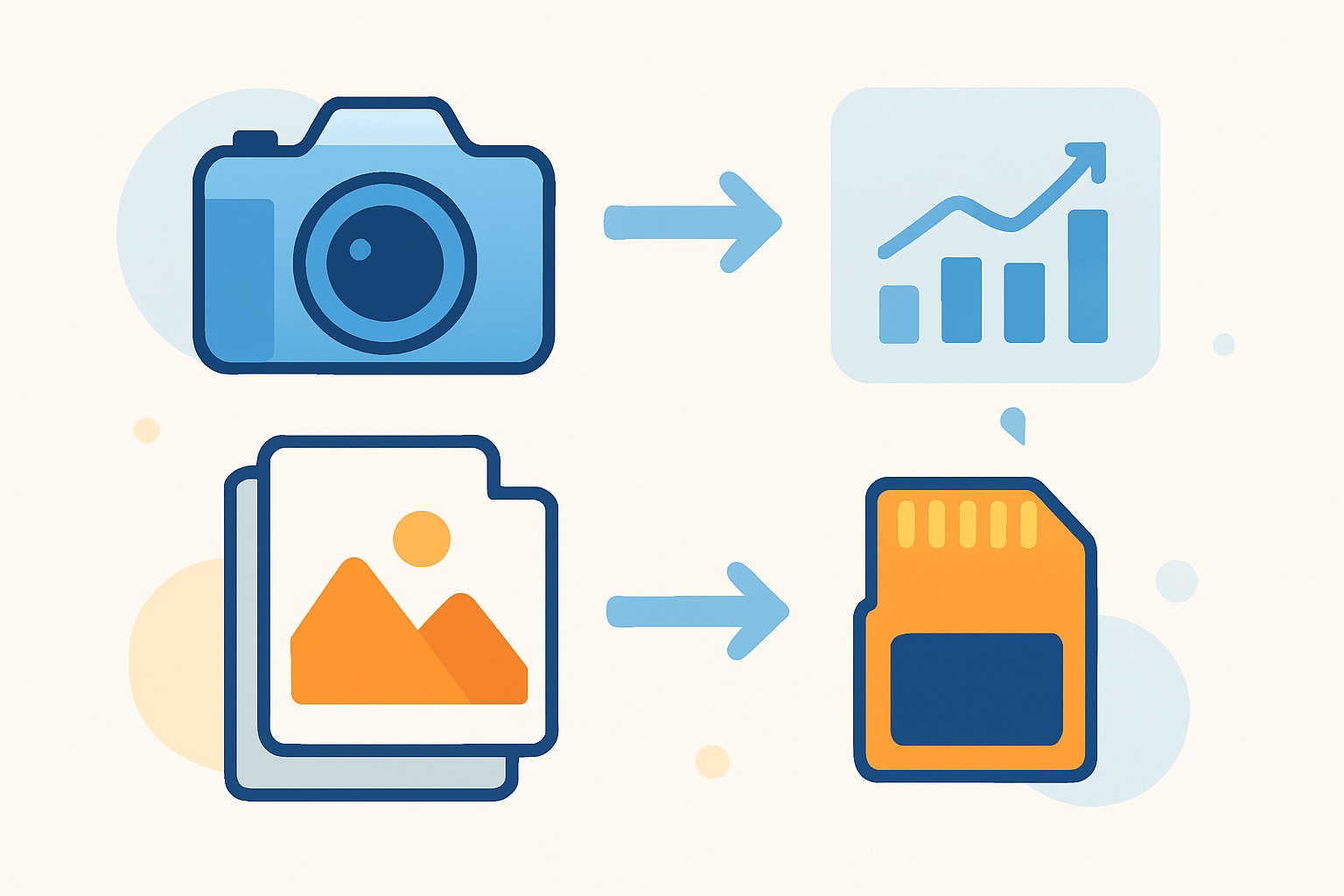
Many beginners ask, what are proofs photography? A proof is a preliminary version of a photo shared for review and selection. It sits between the shoot and the final delivery.
Soft or digital proofs are low‑resolution, often watermarked JPEGs you view online. Picture a wedding photographer sharing a small proof gallery so the couple can mark favorites before deep retouching.
Hard proofs, or test prints, are small physical prints used to verify color and tone. Contact sheets show many thumbnails at once, so you can compare expressions and poses quickly.
The purpose is simple: quality check and client approval before the photographer commits to final edits. Proofs are not the final files and are limited to prevent misuse, as explained in this guide to photo proofs.
Why proofs are used in photography
So why use them, and what are proofs photography used for day to day? Proofs catch issues early, align expectations, and make the editing process efficient.
Quality control comes first, because a quick scan can spot missed focus, blinked eyes, or dust spots before any large export. The three simple benefits are that images are free of defects, they meet the client’s standards, and the workflow saves time and money.
Security matters too, which is why proofs are watermarked or low‑res to protect copyright while still enabling choices. Proofs are also a smart stage for color and print decisions, so you do not redo expensive edits.
Imagine a family portrait session where the client chooses eight poses to finish and the studio retouches only those. On tiny, fast editorial jobs you may skip proofing, but your contract should still state what will be edited and when final files are released.
Types of proofs used in photography
Photographers use several types of proofs, each with different strengths. Picking the right one depends on whether you need speed, detail, or color accuracy.
Contact sheets or selects provide a thumbnail overview for fast comparisons. They are great for choosing expressions, but not for checking fine detail.
Digital, or soft, proofs are low‑resolution, watermarked JPEGs for browsing and selection; they keep delivery quick and discourage sharing. Typical settings are 1200–1600 pixels on the long edge, JPEG quality around 70–85, and watermark opacity near 20–40 percent.
Test prints, also called proof prints, are small physical prints used to verify color, contrast, paper choice, and sharpening before you order big enlargements. This is crucial for commercial packaging, gallery shows, and brand‑critical work.
Soft‑proofing is a monitor preview that simulates the print using ICC profiles, so you see how paper and ink will shift colors before anything is printed. Proof galleries and online tools add favorites, comments, and change requests; for a deeper primer on the logic behind this step, see understanding proofs.
Process of online photo proofing
A simple online proofing workflow starts with upload and organization by shoot, scene, or time. Create a gallery or contact sheet, apply watermarks and pixel limits, and set clear cover images and filenames.
Invite the client with instructions that explain how to favorite, comment, and request changes, plus a deadline for selections. Most platforms offer numbered selects, heart icons, and annotations so feedback lands on the exact spot in the frame.
After the client selects, you edit or retouch the picks, send a quick approval round, then deliver full‑resolution files and archive with versioned folders. Keep the gallery focused with password protection, download restrictions, expiration dates, and analytics, and consider Pixieset, ShootProof, SmugMug, or Pic‑Time for integrated print sales and payments; include brief proofing instructions like “Select up to 20 favorites by Friday; one revision round is included.”
Practical tips and must-have proofing policies for photographers and clients
Put proofing rules in your contract: the number of revision rounds, turnaround times, payment terms tied to final release, copyright and usage, and a clause that final approval equals sign‑off. Write them in plain language so both sides are clear.
Limit gallery size so clients are not overwhelmed, use clear file numbers, and send a curated set rather than every frame. Calibrate your monitor for soft‑proofing, and order test prints for color‑critical work.
Clients should review proofs on a larger, calibrated screen and leave precise notes like “Crop tighter on left” or “Warm skin tone slightly.” Avoid common mistakes such as sending unwatermarked high‑res files or offering unlimited revisions, and when someone asks what are proofs photography, show them a contact sheet, a test print, and an online gallery to make it real.
What People Ask Most
What are proofs photography?
Proofs photography refers to the preliminary, unedited images a photographer shares so clients can review and choose their favorites.
Why do photographers send proofs to clients?
They let clients check poses, expressions, and composition and request edits before the final images are delivered.
How should I review photography proofs?
Look closely for facial expressions, body positioning, and any distracting elements, and make clear notes about edits you want.
Can I share proofs on social media?
Ask the photographer first because proofs are often unedited and may not be approved for public use.
How many proofs will I usually get?
Photographers typically send a curated selection of the best shots so you can pick favorites, but the exact number varies by session.
Are proofs the final images I will receive?
No, proofs are draft versions that are usually retouched, color-corrected, and delivered in higher resolution as final images.
What are common mistakes when using proofs photography?
Common mistakes include approving images without checking details, sharing unedited proofs publicly, and failing to communicate clear edit requests.
Final Thoughts on Proofs in Photography
If you came here asking “what is a proof in photography?” the short answer is that it’s the review step that protects both image quality and client expectations. Even if you batch‑upload 270 images to a proof gallery, low‑res files, watermarks, and clear selection tools keep things fast, secure, and focused on picking the best frames.
Proofing’s core payoff is peace of mind: you catch flaws, confirm colors and composition, and avoid costly reprints or re‑edits. One realistic caution is that proofs aren’t the final product — monitor variations and soft‑proof simulations can differ from a test print, so set expectations and use test prints when color is critical.
This guide walked through what proofs are, the common types, a practical online workflow, and the must‑have policies so pros and clients know what to expect. Proofing helps wedding, portrait, and commercial photographers deliver consistent results, and with steady habits you’ll turn uncertainty into smoother, more confident deliveries going forward.




0 Comments