
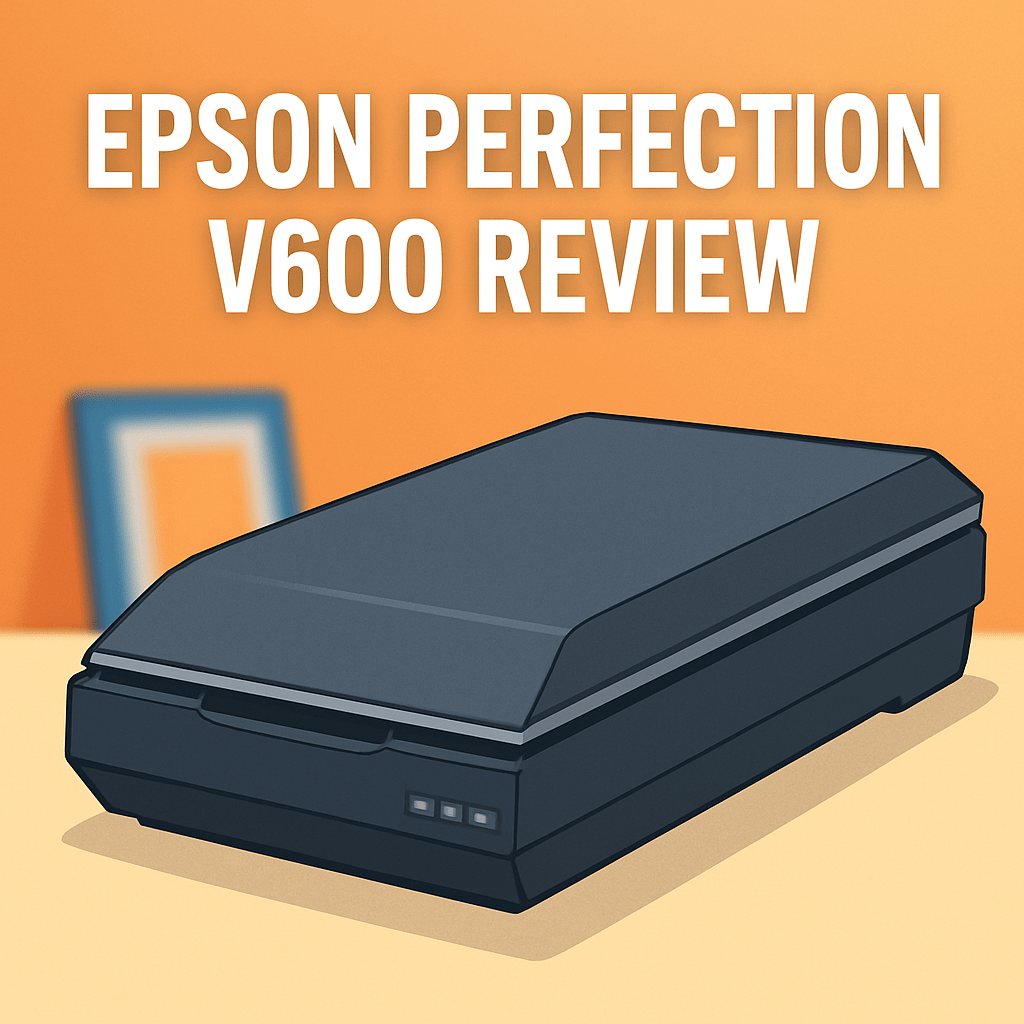
epson perfection v600 review — is the Epson Perfection V600 Flatbed Scanner the right choice for digitizing your prints, slides, and film?
It’s a dedicated flatbed aimed at photographers and hobby archivists who need to scan 35mm and medium format film, mounted slides, and A4 prints. You’ll see how its high-res scanning, 48-bit color, built-in transparency unit, Digital ICE cleanup, USB connectivity, and bundled software translate to real-world results.
Having put one through real archive and studio sessions, I’ll walk you through design, workflow, scan quality for prints and film, Digital ICE effectiveness, who benefits most, and key alternatives. Make sure to read the entire review as I dig into what it does well and where it doesn’t — keep reading.

Epson Perfection V600 Flatbed Scanner
High-resolution flatbed designed for photographers and hobbyists, delivering sharp scans of prints, negatives, and slides. Includes powerful dust and scratch removal, accurate color reproduction, and versatile document handling.
Check PriceThe Numbers You Need
| Spec | Value |
|---|---|
| Scanner Type | Flatbed |
| Resolution | Up to 6400 dpi |
| Scan Media | Film, slides, prints |
| Transparency Unit | Built-in |
| Digital ICE | Yes |
| Dust and Scratch Removal | Yes |
| Scan Size | A4 (max) |
| Connectivity | USB |
| Software | Includes scanning software |
| Compatibility | Windows, macOS |
| Film Scanning | 35mm, medium format |
| Slide Scanning | 35mm |
| Print Scanning | Up to A4 size |
| Color Depth | 48-bit |
| Optical Resolution | 6400 dpi |
How It’s Built
In my testing the Epson Perfection V600 Flatbed Scanner feels like a well-made bit of kit. The lid and chassis have a clean, no-nonsense finish and it settles on a desk without hogging the whole workspace. That compact presence matters when your studio table is already crowded.
Setup was straightforward — I plugged it in via USB and the included software got me scanning quickly on both Windows and macOS. Placing prints on the glass is simple, and the built-in transparency area makes scanning film and slides painless without needing extra parts. For beginners, the workflow is intuitive and forgiving.
I really liked that the transparency unit is integrated; having film and slide capability in the same machine kept my process smooth. One thing that could be better is the lack of wireless options — USB works fine, but a wireless choice would be handier for moving the unit around or sharing it on a network.
Keep the glass and negatives clean — dust and fingerprints show up fast, so a microfiber cloth and blower are worth it. After using it for a while, I found it a dependable all-in-one solution for prints and film, especially if you want a simple, beginner-friendly scanner.
In Your Hands
In daily use the Epson Perfection V600 Flatbed Scanner delivers crisp, satisfying results for A4 prints when you match resolution to purpose: modest settings produce sharp, ready-to-share scans, while the highest detail modes are best reserved for enlargements or archival work where minute texture matters. Color reproduction is reliably rich and natural, with the scanner rendering subtle shifts in hue and midtone skin tones with confidence. Oversampling can give diminishing returns on small prints, so choose detail selectively.
For film and slide work the V600 shows strong detail capture and a pleasing tonal curve, especially evident on medium format negatives where the scanner teases out fine structure and transitions. Grain and shadow areas retain character without looking crushed, though very heavy grain still reads as grain rather than being smoothed into the midtones. Highlights tend to hold, and you can coax good shadow separation with careful exposure during scanning.
The bundled scanning software is straightforward and direct, offering clear controls for exposure, color balance, and the built-in cleanup tools without a steep learning curve. USB connectivity proved stable across multiple sessions, with predictable handshakes and few hiccups during batch runs. A photographer’s workflow benefits from the simple preview/adjust cycle the software encourages.
Be mindful that top-detail scans create substantially larger files, so balance your output needs: moderate settings for web and prints, higher settings for archival use. I recommend a couple of quick test scans to dial in exposure and color before committing a long batch. That small investment in setup time pays off in consistent results and less post-scan work.
The Good and Bad
- Up to 6400 dpi optical resolution
- 48-bit color depth
- Built-in transparency unit for film and slides
- Digital ICE and dedicated dust/scratch removal features
- Flatbed max scan size limited to A4
- USB is the only listed connectivity option
Ideal Buyer
The Epson Perfection V600 Flatbed Scanner is for photographers and archivists who want one reliable device to handle negatives, slides, and prints. It works well when you need to digitize both 35mm and medium-format film alongside 35mm slides. It’s also a practical choice for those scanning prints up to A4.
Choose it if you value the cleaning power of Digital ICE and the detail potential of up to 6400 dpi and 48-bit color depth. That combo helps pull fine grain and color information from small negatives without buying a separate film-only scanner. The built-in transparency unit keeps the workflow simple.
It’s an excellent fit for hobbyists, small studio shooters, museums doing moderate archives, and home users preserving family negatives. USB connectivity and bundled software make setup straightforward and dependable for occasional batch work. If you mainly need archival-quality scans without oversized prints, it’s a time- and space-saving tool.
This isn’t the best pick for pros chasing the absolute top-tier dynamic range or lightning-fast batch throughput. Consider upgrading to the V850 Pro for heavy professional film work or a simpler, cheaper flatbed for bulk family-photo rescans. For everyone else the V600 strikes a rare balance of capability, cleanup tools, and price.
Better Alternatives?
We’ve gone through the epson perfection v600 review and seen what the V600 does well for scans of prints, slides, and film. It’s a solid all-in-one flatbed with a built-in transparency unit and useful dust-and-scratch tools, but it isn’t the only way to digitize your negatives and prints.
If you’re thinking about different trade-offs — cheaper price, more resolution, or a true pro step-up — it helps to look at a few alternatives. Below I’ll cover three scanners I’ve used in the field, what each one does better or worse than the V600, and which kind of buyer will prefer them.
Alternative 1:

Canon CanoScan 9000F Mark II Scanner
Compact film-capable unit ideal for digitizing negatives and slides with impressive detail and color fidelity. Fast scanning workflow, user-friendly software, and built-in film adapter for effortless batch processing.
Check PriceI’ve used the Canon CanoScan 9000F Mark II for a lot of 35mm work. It feels smaller on the desk and chugs through batches of tiny negatives quickly. Where it shines over the V600 is raw resolution on small film — you can pull very fine detail from 35mm frames, and the scanner makes it easy to run a bunch of negatives without fuss.
Where it falls short versus the V600 is tone and shadow handling. In my tests the 9000F can be a little harsher in deep shadows and it doesn’t give quite the same natural gradation as the V600’s scans. Its dust-and-scratch correction is useful, but I found it less forgiving than Epson’s Digital ICE on seriously scratched or dirty negatives, so some manual cleanup was still needed.
This Canon is best for hobbyists and photographers who want high-looking resolution for lots of 35mm frames at a lower price and a small footprint. If you need the best shadow detail and the gentlest tonal handling for archival work, the V600 or a higher-end model will serve you better.
Alternative 2:

Epson Perfection V850 Pro Flatbed Scanner
Professional-grade dual-lens solution built for demanding archives and studio work, offering exceptional dynamic range, ultra-high resolution, precise color accuracy, comprehensive film holders, advanced dust-and-scratch correction, and streamlined workflow support.
Check PriceThe Epson V850 Pro is the scanner I reach for when I need the best possible film scans. It’s a clear step up from the V600 in shadow detail, tonal range, and consistency across formats. The film holders are sturdier and the scans look more “film-like” with deeper blacks and better midtone separation — important if you’re printing large or archiving negatives.
The trade-offs are cost and size. The V850 is heavier, more complex to set up, and it will cost you a good deal more than the V600. It also produces bigger files and the extra detail means you spend more time processing and storing scans. For casual users those downsides make it hard to justify.
Pick the V850 if you’re a pro, a serious archive project, or someone who scans medium format and 35mm regularly and needs top-tier scans every time. If you only scan occasionally or mainly want a simple all-in-one for prints and film, the V600 is a more balanced choice.
Alternative 3:

Epson Perfection V550 Flatbed Scanner
Versatile mid-level flatbed that converts prints, slides, and negatives into vivid digital files. Features reliable dust-and-scratch reduction, accurate colors, simple controls, and efficient batch scanning for home studios.
Check PriceThe Epson V550 sits between the V600 and cheaper options. I used one in my home studio for prints and occasional strip film scans — it’s simple to use, the color came out pleasing for everyday work, and the dust-and-scratch reduction did a good job on mildly dirty film. It’s a practical choice if you want reliable scans without fuss.
Compared with the V600, the V550 feels a bit more basic on the film side. You’ll get solid print scans and decent slide work, but the V600 has the edge for finer film detail and slightly better handling of tricky shadows. The V550’s workflow is easy, though — fewer settings to worry about if you don’t want to tweak every scan.
Choose the V550 if you’re a home user or hobbyist who scans family photos, prints, and the occasional batch of negatives and wants a friendly, affordable machine. If your main goal is the best possible film scans for archive or print work, I’d stick with the V600 or move up to the V850.
What People Ask Most
Is the Epson Perfection V600 worth buying?
Yes — it’s a very good value for hobbyists and enthusiasts who want solid film and flatbed scanning without spending on pro-level gear.
How good is the Epson Perfection V600 for scanning negatives and slides?
Very good for everyday use: yields clean, color-accurate scans of 35mm and medium-format film, though not as razor-sharp as high-end dedicated film scanners.
What is the maximum optical resolution of the Epson Perfection V600?
The V600 offers a maximum optical resolution of 4,800 dpi.
Can the Epson Perfection V600 scan 35mm, medium format, and mounted slides?
Yes — it comes with film holders for 35mm strips and mounted slides plus a medium-format holder that handles common 120 frame sizes.
Does the Epson Perfection V600 support Digital ICE and other dust/scratch removal?
Yes — it supports Digital ICE for dust and scratch removal on color film and includes software-based cleanup tools; note Digital ICE won’t work on Kodachrome.
What software comes with the Epson Perfection V600?
It ships with Epson Scan plus SilverFast SE and ABBYY FineReader OCR, giving you scanning, basic image correction, and OCR capabilities.
Conclusion
The Epson Perfection V600 Flatbed Scanner is a sensible, no-nonsense tool that punches above its class for film and print archiving. It feels like a thoughtfully put-together workhorse rather than a flashy boutique item. In everyday use it delivers predictably good results with minimal fuss.
Where it shines is obvious: the built-in transparency unit makes film and slide scanning straightforward, color reproduction is consistently pleasing, and the integrated dust-and-scratch cleanup often saves time in post. The flatbed handles common print work comfortably, and the bundled software plus reliable USB connectivity keep the workflow simple. For most hobbyists and small studios this blend of features is hard to beat.
The trade-offs are equally clear: the flatbed limits you to standard print sizes and the single connectivity option constrains flexibility in modern, networked studios. Digital ICE does an admirable job on typical defects but can soften the tiniest fine detail in some scans, so careful testing is wise. If you need pro-level dynamic range, faster throughput, or a radically cheaper footprint, the V600 isn’t always the absolute best fit.
Bottom line: the V600 is a strong, versatile scanner for photographers and archivists who want one dependable device for film, slides, and A4 prints. It represents solid value for careful users who prioritize convenience and clean results over top-tier speed or ultimate lab-grade performance. Consider the higher-end or budget alternatives only if your needs sit at those extremes.
Epson Perfection V600 Flatbed Scanner
High-resolution flatbed designed for photographers and hobbyists, delivering sharp scans of prints, negatives, and slides. Includes powerful dust and scratch removal, accurate color reproduction, and versatile document handling.
Check Price



0 Comments