

What if a single screw-on piece of glass could change the mood of an entire portrait session?
From creamy skin diffusion to dramatic light streaks, the right filter can alter tone, color, and highlight behavior before you open Photoshop.
This concise, magazine-style guide walks you through five filters that enhance portraits both creatively and practically.
Each entry includes quick-use notes, who that filter suits, and clear pros and cons to help you decide fast.
You’ll also find practical ND and polarizer tips for shooting wide open and for taming reflections outdoors.
There’s a short FAQ to answer the buying questions most photographers ask, plus shoot-ready advice you can use between setups.
Whether you’re after flattering, in-camera skin softening or striking, experimental refractions, this piece points you toward the right tool.
Every recommendation includes real-world handling notes so you know what to expect in different light.
I wrote the guide for shooters at every level, from wedding pros who need reliable results to creatives chasing unique, eye-catching looks.
You’ll learn which filters simplify post-processing and which ones are purely for artistic flair.
Consider this your fast roadmap to the best filter for portrait photography in 2026.
Read on to save retouching time, expand your in-camera creativity, and choose gear that matches your style.
1. Prism FX Radiant Filter

Prism LensFX Radiant FX Filter 82mm
Add vibrant flares and subtle glow for cinematic portraits and landscapes; durable optical glass for striking light bursts and color shifts.
Check PriceThe Prism FX Radiant Filter is built to create multiple tiny lens flares from point light sources, giving portrait work an immediate creative glow. It’s a circular, rotatable filter so you can vary flare intensity and pattern simply by turning the glass.
It performs best with slow shutter speeds and visible light points — think fairy lights, string lights, or sunlight filtering through leaves. In practice that means working in ambient-light situations and embracing movement and slight exposure shifts rather than trying to nail a sterile, tack-sharp studio frame.
Users describe the results as unpredictable yet beautiful, which is exactly the point for photographers who prefer in-camera lighting effects over post-processing. If you like atmospheric, mood-driven portraits with organic light artifacts, this filter rewards experimentation and serendipity.
That said, expect some trade-offs. The flare patterns can be hard to control, so it’s not the right tool when clients demand clean, classic headshots or when you need absolute consistency across a set of frames.
In short: pick the Prism FX Radiant Filter if you’re a creative portrait photographer working with multiple small light sources and want dynamic, artistic in-camera effects. Avoid it if your priority is clinical sharpness and predictable, repeatable lighting.
- Produces multiple coherent lens flares that add visual interest
- Rotatable for adjustable flare patterns
- Excellent for creative and experimental photography
- Adds atmosphere and texture to portraits
- Flare effects can be unpredictable and hard to control
- Not suitable for clean, classic portrait styles—flares can distract from the subject
2. Tiffen Glimmer Glass

Tiffen Glimmerglass 1 Filter 49mm
Produces soft sparkle highlights while protecting lens, preserving contrast with elegant metallic shimmer.
Check PriceThe Tiffen Glimmer Glass is a softening filter that gives portraits a subtle, dreamy glow while keeping skin textures believable. It smooths fine details without sacrificing overall sharpness, so you avoid that overly plastic look.
It comes in different strengths, letting you dial the effect from whisper-soft to more noticeable glow depending on the subject and mood. In practice I reach for a lighter strength for commercial headshots and a stronger setting for romantic, editorial work.
Users prefer Glimmer Glass over DIY hacks like stockings on the lens because it produces consistent, repeatable results. It works best with daylight white balance, where it renders natural, warm skin tones and noticeably reduces the need for heavy retouching in post.
If you shoot outdoors in daylight or want a flattering, in-camera skin softener that speeds up your workflow, this is a strong choice. Be aware it has less impact under low-light or artificial-light setups, and it isn’t the right tool if you require ultra-crisp, high-detail portraiture.
- Subtle skin softening without major detail loss
- Adjustable strength for controllable glow
- Flattering results in daylight white balance
- Reduces retouching time
- Less effective in low-light or artificial light
- Not for photographers who want ultra-crisp detail
3. Lensbaby OMNI Creative Filter System

Lensbaby Omni Crystal Expansion Pack CREA Effects
Create prismatic bokeh and dreamy kaleidoscopic textures for imaginative, surreal imagery with interchangeable elements.
Check PriceThe Lensbaby OMNI Creative Filter System is a modular set of prism and crystal filters that create in-camera light refractions, rainbows, and deliberate distortions. It’s designed so you can twist and rotate the elements to vary the effect without changing lenses or setups.
In practice the OMNI is a creative tool, not a subtle correction filter; it produces colorful rainbows and unusual lens distortions that read as intentional artistic choices. You can dial the look on the fly by rotating or twisting the pieces, which makes it fast to experiment during a shoot.
Users report it enables special effects in-camera without complex gear, which I find incredibly freeing when I want authentic, unpredictable texture in portraits. That said, the control comes with a learning curve — those refractions and distortions take practice to place precisely where you want them.
This system works especially well for music videos, editorial shoots, and experimental portrait projects where eye-catching, surreal rendering is the goal. If you’re aiming for traditional, clean client portraits you’ll likely find the look too stylized and sometimes hard to focus through.
If your work leans toward artistic portraiture and you enjoy in-camera creativity, the OMNI is an excellent, versatile addition to your kit. Expect to spend a little time learning focus and composition with distortion, but once you do it becomes a repeatable, distinctive signature in your shooting toolkit.
- Highly versatile with multiple crystal and prism effects
- Easy to adjust effects onsite by rotating/twisting
- Produces colorful rainbows and light refractions
- Encourages creative experimentation
- Can be difficult to focus accurately with distortion effects
- Not ideal for traditional or natural-looking client work
4. Spektrem Effects Light Speed Filter
Versatile creative effects accessory set for photographers seeking easy-to-use tools that transform everyday scenes into artistic visuals.
Check PriceThe Spektrem Effects Light Speed Filter is built to inject motion and vibrancy into portraits by creating dynamic light streaks and speed-like flares. It’s an intentionally playful, experimental tool that adds visual excitement rather than subtle correction or softening.
In practice this filter shines when you shoot in controlled lighting where those streaks can be emphasized — think directional highlights, single-point light sources, or studio setups. Real-world users describe it as a creativity-sparking accessory that yields unique, repeatable looks when you learn how the streaks behave.
Handle it carefully: the filter is fragile and buyers note it needs its protective box and delicate treatment. That fragility means it’s best for photographers who are comfortable with experimental visuals and who keep a tidy kit, not for heavy field use or rough handling.
If you want colorful, energetic portraits that feel kinetic, this is a strong option. It enhances color and light dynamics and tends to encourage creative experimentation, so many buyers find themselves reaching for it repeatedly rather than treating it as a one-off toy.
Be honest about your clients and projects: if you’re after clean, classic, professional looks the Light Speed effects may be too strong and distracting. But if you shoot editorial, fashion, or personal creative work and enjoy in-camera effects, it’s a very fun and useful addition to the bag.
- Produces unique, eye-catching light streak effects
- Encourages creative experimentation
- Enhances color and light dynamics
- Often used repeatedly by buyers rather than as a one-off effect
- Fragile; requires careful handling
- Effects may be too strong for classic or professional clean-looking portraits
5. K&F Concept Shimmer Diffusion Filter

K&F Concept Shimmer Diffusion 1 Filter 67mm Nano-X
Softens highlights into luminous shimmer while maintaining sharpness; water-resistant coating for reliable outdoor use.
Check PricePopular in 2026, the K&F Concept Shimmer Diffusion Filter creates a soft, shimmering diffusion that makes portraits look ethereal. It adds subtle blur around highlights while flattering skin for a gentle, film-like glow.
As a working portrait photographer I reach for this filter when I want a dreamy result that still reads as professional. Many users consider it the best choice among creative diffusion filters for professional portrait work because it softens harsh skin details yet keeps key facial features sharp.
The shimmer is subtle and works particularly well in daylight, where it enhances natural light and color balance and makes shooting more enjoyable. That balance means you’ll spend less time over-retouching while still delivering flattering, natural-looking images. It’s easy to use on both casual assignments and client shoots, so you won’t need complicated setups to get pleasing results.
Two caveats to keep in mind: some photographers report minor difficulty focusing due to the diffusion, so take an extra moment to lock focus on the eyes. Also, this filter is best suited to daylight and has less impact under strobes or in low light, so consider your lighting before committing to it for studio-heavy work.
- Creates natural soft diffusion with shimmering highlight glow
- Maintains facial feature sharpness while softening skin flaws
- Enhances natural light and color balance
- Easy to use for casual and professional shoots
- Minor difficulty focusing reported due to diffusion
- Best suited to daylight; less impact under strobes or low light
Shooting Wide Open With ND Filters
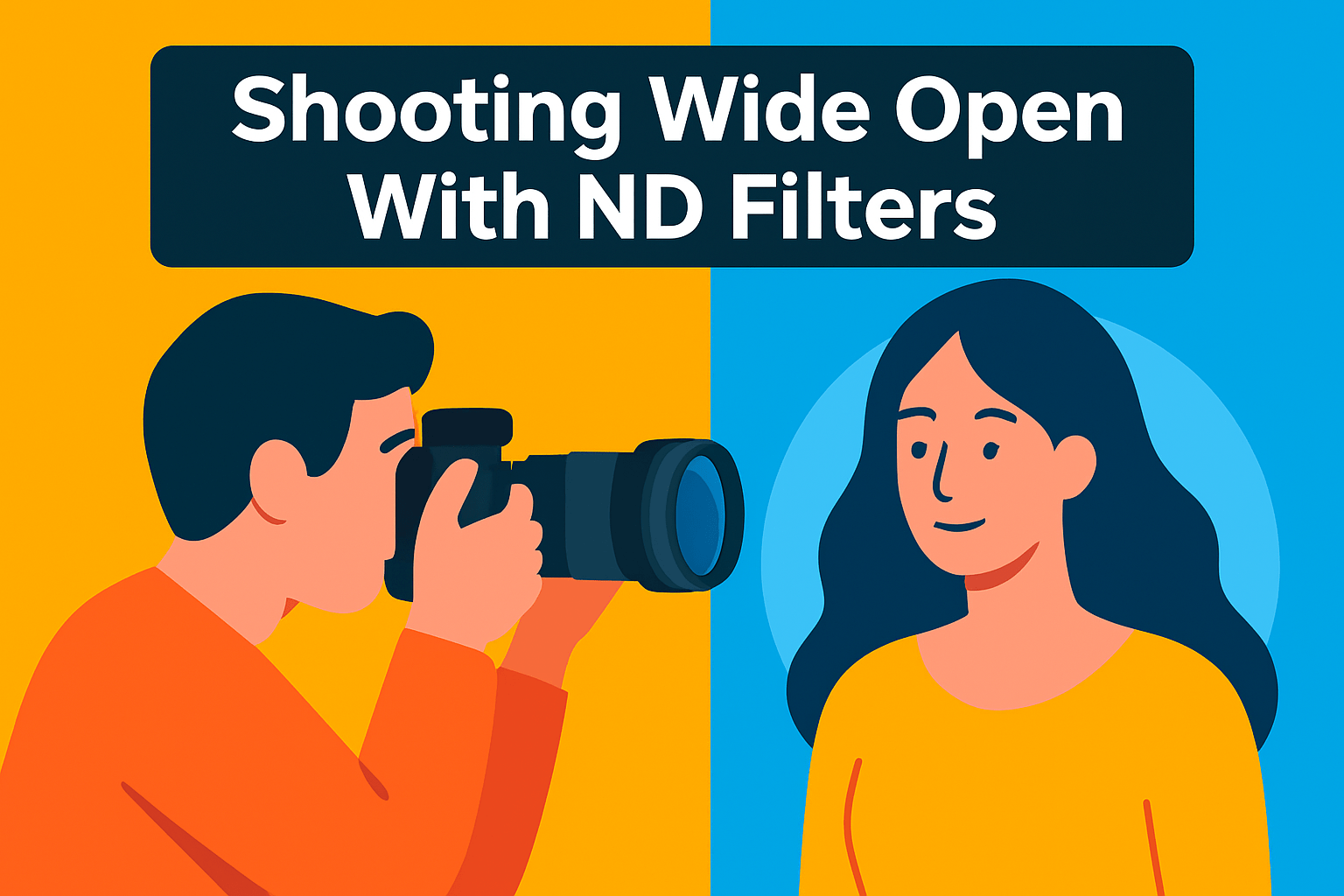
Bright sun often forces you to stop down and kill the shallow depth of field you wanted for a portrait. An ND filter solves that by cutting light so you can keep the lens wide open and retain creamy bokeh without blowing highlights.
Think of an ND as sunglasses for your camera: it reduces the amount of light without (ideally) changing contrast. For portraits I usually keep a 3-stop handy for gentle separation and a 6-stop when midday sun would otherwise force ridiculous shutter speeds or pushed ISO.
In practice I reach for the 3-stop when I want subtle background melt but still need to stay handheld. The 6-stop is my go-to for bright, harsh light when I want f/1.8 or wider and don’t want to expose at 1/8000s. Both keep skin tones natural while giving the subject breathing room from the background.
Workflow makes this easy: focus and meter before screwing on a dark ND. Mirrorless EVFs help because they preview exposure through the filter, but on DSLRs I focus, lock, then attach the ND and recompose. If the filter is very dark, you may need to use live view to confirm focus.
Be cautious with variable NDs and stacking. Variable units can show an X-pattern at extreme settings and cheap solid NDs can cast color shifts, and stacking filters increases the risk of vignetting; I shoot RAW so I can correct small casts and prefer single high-quality NDs for client work.
NDs also let you play with slower shutter speeds for gentle motion blur or balance flash with ambient light. Remember that flash sync still limits how you freeze motion, so either use high‑speed sync or reduce ambient with the ND and keep flash at sync speed.
One nice side effect: shooting wide open hides sensor dust and small aperture artifacts that become obvious at f/8 and smaller. Bring a tripod if you plan very slow shutter speeds, watch for subject movement, and treat the ND as a tool that lets you choose your aperture for look, not because the sun told you to.
Reducing Glare With Polarizing Filters
A polarizing filter is one of the simplest, most effective tools for outdoor portrait work. It selectively blocks polarized light reflected from non‑metallic surfaces such as water, glass, foliage and skin oils.
The immediate payoff is a cleaner background and fewer distractions. Leaves, windows and puddles stop throwing highlights at your subject and colors—especially sky and greens—gain punch and contrast. That helps the subject stand out without heavy editing.
On skin a polarizer can be a lifesaver for taming shiny hotspots caused by oil or sweat. But use it sparingly: taking away all highlights flattens facial modeling and makes portraits look dull. Test the look at different angles and on different skin tones; what flatters one subject may not suit another.
Polarizers are most effective when the filter is oriented roughly 90° to the sun. You find the sweet spot by rotating the filter while observing the scene, then fine‑tuning until reflections are reduced just enough.
Remember the trade‑off: polarizers typically cut about 1–2 stops of light. Compensate with aperture, shutter speed or ISO, and take advantage of that light loss if you need to shoot wide open in bright conditions.
Use them for engagement shoots by rivers, park sessions after rain, or city portraits where shop windows and wet streets create distractions. It’s especially helpful when water or glass reflect bright sky or street lights behind your sitter. Indoors they’re less useful, though they can help when window reflections are a problem.
My practical workflow is simple: rotate to kill most distracting reflections but keep some highlight to preserve dimension. I often shoot a test frame with and without the polarizer so I can compare and choose the best look.
Subtle polarizing adjustments clean up backgrounds, deepen tones and reduce retouching time. When you want natural‑looking, punchy outdoor portraits, a careful polarizer tweak is one of the fastest ways to get there.
What People Ask Most
What is the best filter for portrait photography?
There is no single best filter. The right choice depends on whether you want creative light effects, flattering skin diffusion, or practical exposure and glare control.
Do portrait photographers use filters?
Yes. Many use filters both for creative in-camera effects and for practical purposes like controlling exposure or reflections.
Are polarizing filters good for portrait photography?
Polarizers can be very useful outdoors because they reduce reflections and boost color saturation. Use them sparingly on skin highlights since removing all highlights can flatten features.
Do UV or skylight filters affect portrait image quality?
Modern UV or skylight filters are primarily used for lens protection and generally have minimal impact on image quality. However, low-quality filters can reduce contrast or introduce unwanted artifacts, so choose a well-made option or remove it for critical work.
What filter creates a soft-focus or glow effect for portraits?
Diffusion or softening filters create a soft-focus glow and flatter skin tones. These filters often preserve key facial detail while adding a gentle halo to highlights.
When should I use an ND filter for portrait photography?
Use an ND filter when bright light would otherwise force you to stop down and lose shallow depth of field or when you want to use slower shutter speeds for creative blur. It lets you maintain a wide aperture outdoors without overexposing the image.
Which filter is best for smoothing skin in portraits?
Diffusion and softening filters are best for smoothing skin, as they reduce fine detail while keeping important features readable. Look for filters designed to flatter skin tones rather than heavy blur.
Conclusion for Best Portrait Filters
This guide distilled five practical and creative filter approaches that help you shape portraits in-camera—whether you want artistic light effects, flattering skin diffusion, dreamy shimmer, energetic motion, or reliable exposure control.
Rather than chasing a single “best” accessory, choose filters that match the look you want: creative distortion for mood, subtle diffusion for flattering skin, and ND or polarizers when you need depth-of-field or glare control outdoors.
Filters are tools, not shortcuts—test them on location, embrace a little unpredictability with creative effects, and rely on diffusion or softening options to cut down heavy retouching while keeping portraits natural.
If you want to keep improving your craft, read more articles on the site to learn techniques and usage ideas that suit your shooting style and workflow.
Have questions or want to share results? Leave a comment below and we usually reply within a few hours.



0 Comments