
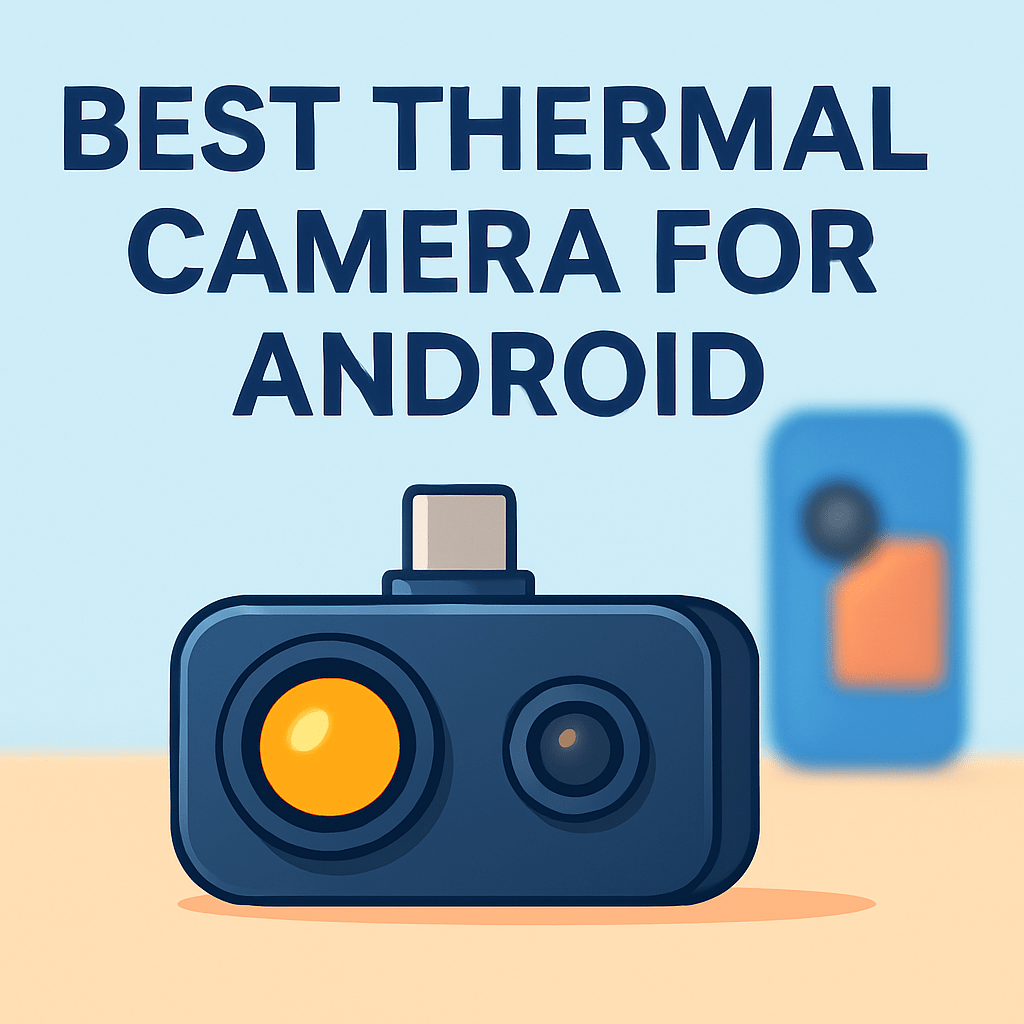
Ever wondered if your Android could reveal what the eye hides—the heat behind a wall or the hot spot on a circuit board? Android-compatible thermal cameras are compact infrared sensors that pair with your phone to translate temperature differences into clear, visual maps you can read.
They’re invaluable for quick phone heat checks, attic and wall inspections, electronics troubleshooting, and tough fieldwork that demands rugged gear. Small and surprisingly versatile, these tools turn smartphones into portable diagnostic cameras.
In this roundup we put five Android-ready thermal solutions through hands-on testing. We’ll compare resolution, temperature range, portability, durability, and real-world user experience to make your choice easier.
Whether you’re a homeowner tracking down insulation leaks or a technician diagnosing a hot PCB, clarity and accuracy make the difference. Ease of use and reliable app behavior often matter as much as raw specs.
We tested them across workshops, job sites, basements, and outdoor inspections to see how quickly each finds hotspots and how intuitive the software is. We also paid attention to build quality and how devices handle continuous use.
Read on for candid impressions, practical trade-offs, and the features that truly impact everyday work. By the end you’ll know which Android-compatible thermal camera fits your workflow and budget.
1. Thermal Master P3 Overview

Thermal Master P3 Thermal Camera 8mm Macro 512x384 35mK
High-sensitivity 512x384 thermal imager with 8mm macro lens, 35mK NETD for detailed close-range temperature detection.
Check PriceAs a photographer who often reads subtle thermal gradients like light, the Thermal Master P3 feels like a precision tool. Its 512 × 384 px infrared resolution delivers crisp, detailed thermal images that make small hotspots and fine thermal patterns obvious.
The sensor covers a huge temperature span from -4°F to 1122°F (-20°C to 600°C), so it’s useful for everything from phone overheating checks to high-temperature industrial components. Manual focus and a wider range of color palettes give you creative control over how you visualize subtle contrasts.
Build quality is reassuring. The aluminum body is sturdy and the unit is lightweight at just 26 g, so it sits comfortably on a phone without feeling bulky. It also ships with a protective hard case, which is handy for field work and travel.
Connection and usability are straightforward. It’s plug-and-play via USB‑C and users report no connectivity problems on flagship Android phones, so you won’t waste time troubleshooting links or apps.
In practical terms you can rely on this unit for phone diagnostics, home inspections, and electronics troubleshooting. The combination of resolution, manual focus and palette options makes it versatile for both documentation and quick field decisions.
If you need ultra-compact or budget gear it may feel slightly larger and pricier than some alternatives. Still, for professionals and serious enthusiasts who want accurate, durable imaging, the Thermal Master P3 is a strong choice.
- 512 × 384 px infrared resolution
- Temperature range -4°F to 1122°F (-20°C to 600°C)
- USB‑C plug-and-play; no reported connectivity issues on flagship Android phones
- Lightweight (26 g), aluminum build and protective hard case
- Slightly larger than previous model
- Higher cost versus some competitors
2. Thermal Master P2 Pro Overview

P2 Pro Thermal Imager for Android 512x384 Macro 15x -4°F–1112°F
Android-compatible 512x384 imager with 15x macro zoom, wide -4°F to 1112°F range for precise long- and close-range inspections.
Check PriceAs a photographer who often leans on small, versatile tools, the Thermal Master P2 Pro stands out for packing specialist features into a slim, pocketable unit. Its native IR resolution is 256 × 192 px, with software super-resolution stepping images up to 512 × 384 px, and a temperature range of -14°F to 1112°F (-10°C to 600°C). Those specs give you useful thermal detail and a broad temperature span for both delicate electronics and rougher home‑inspection tasks.
The macro capability is where this unit really shines for close work: a macro lens lets you inspect as close as 1.57″ / 4 cm, and the 15× digital zoom combined with adjustable emissivity helps you isolate tiny hotspots on circuit boards or plumbing fittings. In practice that means I can focus on small ICs or solder joints and still get usable thermal context.
User experience is straightforward — it draws power from your smartphone and is essentially plug‑and‑play, with no lag reported in typical use; performance will scale with your phone’s processor. It’s clearly aimed at DIYers and electronics hobbyists who need portability without sacrificing core functionality. The lightweight, pocketable form makes field checks and quick inspections painless.
Image and temperature accuracy are good for such a compact device, and the software super-resolution helps compensate for the lower native sensor. Expect less fine detail than higher‑end sensors, but enough precision for diagnostics, heat leak detection, hot water pipes, electrical faults, and component inspection. Overall it’s a very practical tool if you prioritize closeness and portability.
For most hobbyists and on-the-go pros this will be a strong, usable camera — just be mindful it’s Android‑only and some users report minor heating during extended continuous use.
- 256 × 192 native IR (software SR to 512 × 384)
- Macro lens — inspection to 1.57″ / 4 cm
- 15× digital zoom; adjustable emissivity
- Slim, pocketable; draws power from smartphone
- Lower native resolution; less fine detail
- Android‑only; some users reported minor heating during continuous use
3. CAT S62 Pro Thermal Smartphone

CAT S62 Pro Unlocked Rugged Smartphone 6GB with FLIR Thermal Imager North America
Durable, unlocked smartphone with integrated heat-sensing camera, 6GB RAM, built to withstand tough jobs and extreme environments.
Check PriceThe CAT S62 Pro is a workhorse designed for anyone who needs thermal imaging in the field without juggling extra gear. It uses a FLIR Boson thermal sensor at 160 × 120 px and pairs that with FLIR MSX, which overlays visible detail onto the thermal image to make edges and features far easier to read.
As a photographer I appreciate MSX because it brings context to otherwise flat thermal frames. The overlay helps you locate hotspots on complex scenes and improves framing when you’re documenting issues or evidence. The phone runs Android with adequate processing for apps, so capture and annotation workflows feel native and responsive.
Where the S62 Pro really shines is durability. It’s built rugged to IP68 standards and fitted with Gorilla Glass 6, so you can work in wet, dusty, or rough conditions without worrying about fragility. Because the thermal camera is integrated, there’s no dongle to lose or attach—instant access in the field simplifies inspections and speeds up inspections.
The trade-offs are straightforward. The 160 × 120 px thermal resolution is lower than many dedicated attachments, so you’ll see less fine thermal detail at distance or on small components. It’s also bulkier and heavier than standard smartphones, so it’s less pocketable for day-to-day carry.
- Built‑in FLIR Boson thermal sensor (no dongle)
- FLIR MSX improves image clarity
- Rugged: IP68 and Gorilla Glass 6
- Ready for industrial/outdoor fieldwork
- Lower 160 × 120 px thermal resolution
- Bulkier and heavier than normal phones
4. FLIR ONE Gen 3 For Android

FLIR ONE Gen 3 Thermal Camera USB-C for Android Smartphones
Compact USB-C module delivering quick heat maps and temperature alerts, plug-and-play for compatible Android devices.
Check PriceAs a working photographer who sometimes needs quick thermal context, the FLIR ONE Gen 3 is a very practical pocket companion. Its thermal sensor is approximately 160 × 120 px and it uses FLIR’s MSX fusion to overlay visible detail onto thermal images, which makes scenes instantly more readable.
It connects to Android phones via USB‑C and the compact attachment form factor makes it easy to carry between sites. The app support for capture and analysis lets you quickly document insulation issues, water damage, or hot electrical components without fuss.
For short‑range inspections, the FLIR ONE Gen 3 performs well — it’s popular with DIY users and home inspectors because it’s affordable, lightweight, and straightforward to operate. MSX fusion is especially helpful when you need photographic context: you can identify exactly which component or wall cavity corresponds to a thermal anomaly.
That said, the roughly 160 × 120 px sensor sets realistic expectations about image detail. If you need fine thermal resolution, professional diagnostics, or very precise temperature measurements, a dedicated higher‑resolution camera will serve you better.
In short, treat the FLIR ONE Gen 3 as a fast, user‑friendly thermal augmenter for your Android phone — great for routine home checks, quick documentation, and on‑the‑move troubleshooting, but not a replacement for high‑end thermal instruments when absolute precision and fine detail matter.
- Approx. 160 × 120 px thermal sensor
- MSX fusion for clearer context
- USB‑C connection and app support
- Affordable, lightweight, portable
- Lower thermal resolution than dedicated cameras
- Narrower temperature precision versus pro units
5. Seek Thermal CompactPRO Overview

Seek Thermal CompactPRO Thermal Camera for iOS
Pocket-sized high-resolution thermal attachment for iOS devices, enhancing diagnostics, home inspections, and outdoor exploration.
Check PriceAs a photographer who needs reliable temperature visualization in the field, the Seek Thermal CompactPRO stands out for image clarity and range. It delivers a 320 × 240 px thermal resolution, which is noticeably sharper than many phone attachments. The temperature range covers -40°C to 330°C (-40°F to 626°F), so it handles everything from cold-weather inspections to hot electrical components.
In use the CompactPRO gives crisp images and fast capture, which matters when you’re moving between shots or documenting a sequence. It connects via USB‑C to many Android phones and users report quick attachment and solid app integration for analysis and sharing. That workflow feels plug‑and‑play when your goal is fast documentation rather than fiddly setups.
For practical tasks it’s well suited for home inspections, electrical troubleshooting, and outdoor work. The unit is reported to be reliable and fast across different lighting and environmental conditions, so you won’t lose useful detail just because you’re shooting at dusk or in a dim utility closet. The combination of resolution and wide temperature range makes it a good all‑rounder for professionals and serious hobbyists.
Be aware of two real-world limits. Some Android models see occasional connectivity issues, so check compatibility before you buy. Also, it needs a compatible smartphone with sufficient processing power to run the app smoothly and handle image capture.
- 320 × 240 px resolution
- -40°C to 330°C (-40°F to 626°F) range
- Crisp, fast image capture
- USB‑C attachment with solid app integration
- Occasional connectivity issues on some Android models
- Needs a powerful, compatible smartphone
Key Features for Android Thermal Cameras
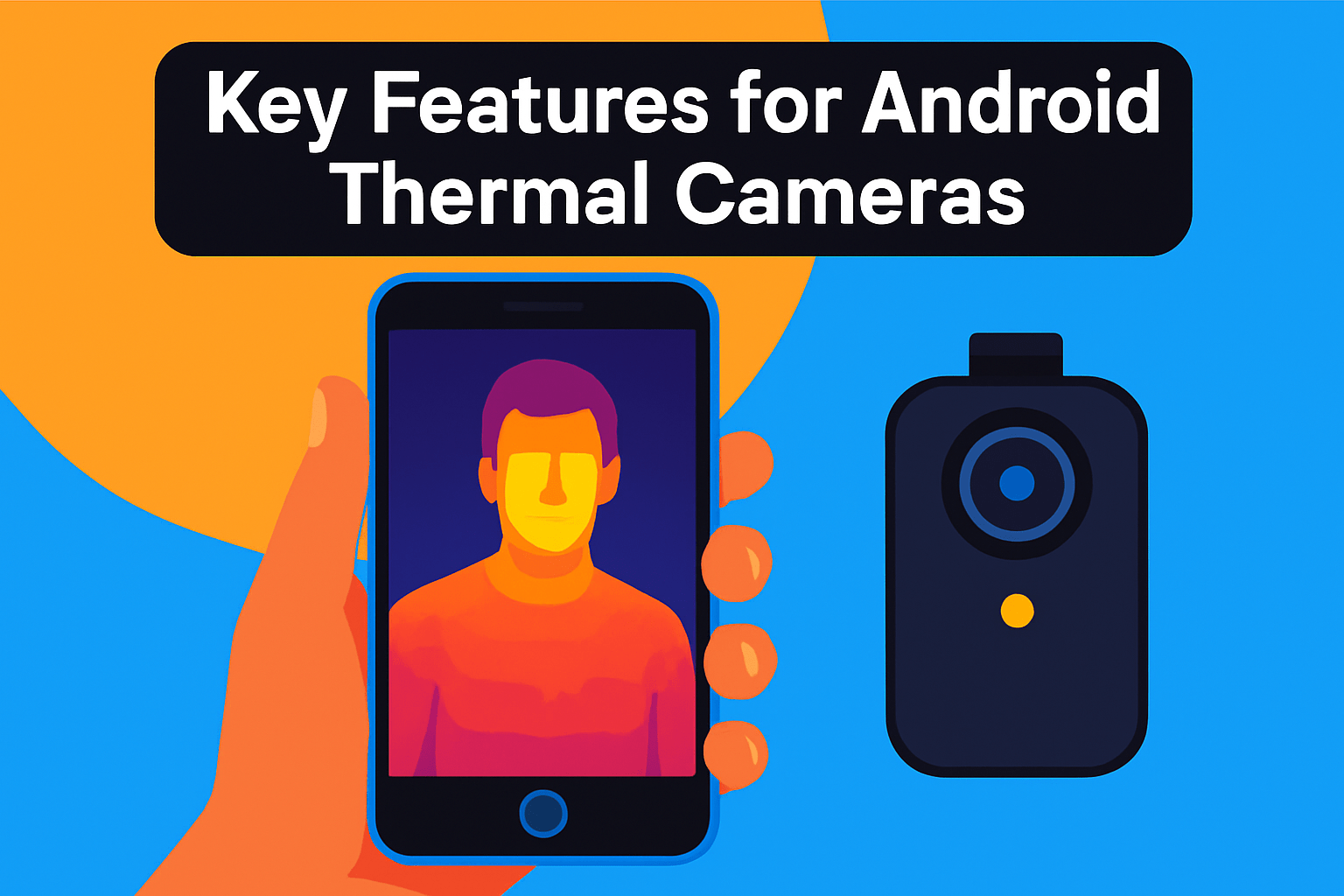
Think of a thermal camera like a lens for heat. Resolution matters more than marketing—sensors in the 256×192 to 512×384 range will give you usable detail for inspections and diagnostics, while 320×240 is a good middle ground for crisp images outdoors. Higher native resolution beats software upscaling when you need to pick out small components or subtle insulation gaps.
Temperature range and sensitivity are your working limits. If you inspect electronics, a range that reaches both low negatives and several hundred degrees is useful; for general home or phone checks you won’t need extreme highs. Aim for models with accuracy around ±2°C and sensitivity near 0.1°C if you expect to spot tiny temperature differences.
Field of view and focusing change how you compose thermal shots. Wider FOVs capture whole rooms or panels, while macro capability (some go as close as 4 cm) reveals circuit hotspots. Be conscious of distance: sharper images come from the right lens and stable framing, not just higher pixels.
How the image is presented saves time on the job. Fusion overlays like MSX or visible-IR blending provide context that prevents misreads, and multiple color palettes help emphasize gradients. Emissivity adjustment is also essential—metallic and reflective surfaces will lie unless you compensate.
Integration with your Android phone is practical, not glamorous. Prefer reliable USB‑C connections and apps that don’t lag; refresh rates of 15 Hz or higher make real‑time scanning comfortable. Check for storage options, protective cases, and whether the unit can act as a Wi‑Fi hotspot for remote viewing in the field.
Finally, match features to use: portability and a rugged build for outdoor pros, macro and high detail for electronics, and fusion imaging for quick home inspections. A well‑matched tool lets you spend less time guessing and more time making the right call.
Interpreting Android Thermal Images
Reading a thermal image is more like interpreting a photograph than reading a thermometer. Start by choosing a color palette that brings out the contrast you need: rainbow palettes highlight subtle gradients, while ironbow or grayscale can make hotspots pop against a quiet background. Switch palettes if something looks off — different palettes can reveal different details.
Material emissivity is the silent spoiler. Shiny metals and glass reflect thermal radiation and often read cooler than they are. When inspecting electronics or plumbing, set the emissivity in your app or note that metal surfaces may require a correction or a contact thermometer to verify readings.
Always add environmental context. Indoor, outdoor, humid, windy or sunlit conditions change absolute readings. If you’re checking an attic or a roof, take comparative shots of adjacent areas rather than relying on a single frame; that relative difference is usually what tells you there’s a problem.
Look for anomalies rather than absolute temperatures. Thermal imaging excels at finding contrasts: a line of cold along an exterior wall likely indicates insulation gaps, while a concentrated hot spot on a PCB often signals a failing component. Use temperature spans and spot markers in the app to quantify those differences.
Use visible overlays and fusion modes (MSX) when available. They add edge detail from the phone camera, making it easier to locate a thermal anomaly in the real world. But remember that fusion can mask small thermal gradients, so toggle it on and off as you document.
Mind distance and field of view. Higher-resolution sensors and macro lenses resolve small targets better, but you still need the right distance. Stay steady, keep the camera angle consistent, and capture multiple images from different positions for a reliable assessment.
Finally, document everything. Save images with notes, use reference objects of known temperature when possible, and validate suspicious readings with physical inspection or a handheld thermometer. With practice you’ll learn to trust patterns more than single numbers.
What People Ask Most
What is the best thermal camera for Android?
There is no single best option; the right choice depends on your primary needs such as image clarity, temperature range, portability, and durability. Pick a model that matches your typical tasks and is compatible with your phone.
How do I connect a thermal camera to an Android phone?
Many cameras connect via USB‑C or micro‑USB or through wireless links and require the manufacturer’s app for live view and capture. Install the app and grant the requested permissions to display and save images.
Are thermal camera attachments compatible with all Android devices?
Compatibility depends on your phone’s connector type, operating system version, and app support, so not every attachment will work with every device. Check the manufacturer’s compatibility list and ensure your phone meets the requirements.
What features should I look for when choosing a thermal camera for Android?
Consider detector resolution, temperature range and accuracy, field of view, image presentation modes, app integration, and durability. Prioritize the features that align with the inspections you plan to perform.
How accurate are thermal cameras that connect to Android phones?
Accuracy varies by sensor and calibration; many consumer models state accuracy around ±2°C. Emissivity, environmental conditions, and setup affect readings, so validate measurements against known references when precision matters.
Can I use a thermal camera with Android apps to measure temperature and diagnose issues?
Yes, Android apps typically provide temperature readouts, image capture, and basic analysis tools useful for finding leaks, overheating, and moisture. Always corroborate thermal findings with visual inspection and consistent imaging practices.
What resolution and sensitivity are ideal for an Android-compatible thermal camera?
Higher thermal resolution and better sensitivity yield clearer images and allow detection of smaller temperature differences, which helps with detailed inspections. Choose based on whether you need close‑up component work or wider area diagnostics.
Conclusion for Best Thermal Camera for Android
Matching your use case to the right Android‑compatible thermal camera is the quickest way to get reliable inspections and faster diagnostics without overpaying for unneeded features.
In short: the Thermal Master P3 suits professionals and enthusiasts, the P2 Pro fits DIYers and electronics hobbyists, the CAT S62 Pro is built for rugged fieldwork, the FLIR ONE Gen 3 is great for home inspectors and casual users, and the Seek Thermal CompactPRO serves professionals and outdoor users.
When choosing, prioritize the detector resolution and temperature range you need, confirm Android compatibility, and balance portability with durability for the environments you’ll work in.
For practical improvement, explore more articles on our site to deepen your understanding of thermal imaging techniques and real‑world troubleshooting tips.
Please leave a comment with your questions or experiences — we usually reply within a few hours and welcome your feedback.


0 Comments