
How to create stock photos that sell in 2026? This guide gives simple, practical steps you can use right away.
You’ll get a clear 8–10 step shoot plan and a print-ready quick checklist for on-set use. It also includes a mini case for a remote-work session and sample shot lists for business and food scenes.
Learn how to research trends, build tight concepts, and design images buyers want. We cover gear, lighting recipes, phone tips, and composition rules that make photos easy to crop and reuse.
We also explain legal musts like model and property releases, IPTC metadata, and a 3‑2‑1 backup routine. Finally, get editing, keywording, and upload strategies plus downloadable templates to start selling fast.
Step‑by‑step: How to Create Stock Photos
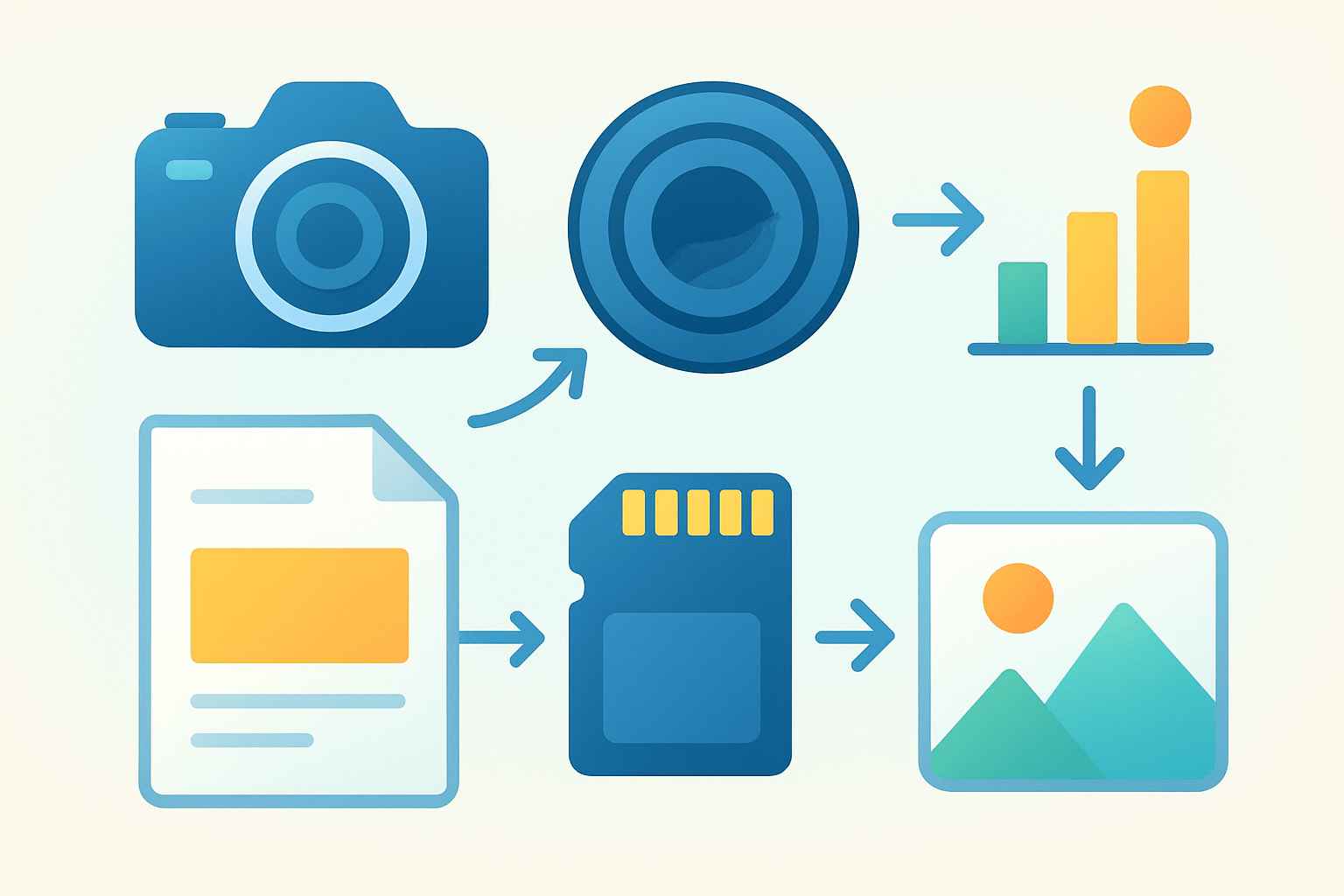
If you are wondering how to create stock photos, start with a simple, repeatable system. The steps below keep you focused on buyers, quality, and speed, without killing your creativity.
Step 1: Define the buyer and use case before you touch the camera. Decide whether the shot will be for advertising, a website hero banner, or editorial context, because each needs a different tone and level of neutrality. If you are new to the field, skim an essential guide to set the right expectations.
Step 2: Research topic trends and collect references for a short shot list. Use agency trend pages, bestsellers, and Google Trends, then decide on 8–10 must‑have frames that fit those needs. Keep your list tight and searchable.
Step 3: Plan logistics in detail so the shoot runs on rails. Confirm location, props, wardrobe, models, and timing, and prepare model and property releases in advance. Bring tape, clamps, wipes, and backups for anything that could fail.
Step 4: Set up gear using conservative technical defaults for safety. Shoot RAW, use low ISO, and start around f/4–f/8 for sharpness, and white balance to a consistent Kelvin or use auto and fix later. Pack a 35–50mm lens for story frames and an 85–135mm for portraits.
Step 5: Shoot deliberately and build variety on purpose. Capture horizontal and vertical versions, bracket exposures by a stop, and shoot wide, medium, and close for each idea. Leave generous negative space for copy.
Step 6: Cull fast and do a first‑pass quality check on the spot if possible. Zoom to 100% to confirm focus, check for noise, and scan the frame for visible trademarks or logos. Flag anything questionable as editorial or reshoot it clean.
Step 7: Edit for quality and consistency, not for drama. Aim for natural color, accurate skin tones, controlled contrast, and matched white balance across the set. Export sRGB JPEGs at high quality to meet agency standards.
Step 8: Add strong titles, clear descriptions, and smart keywords, then embed IPTC metadata. Put release IDs in the metadata so you can match files and documents later. Consistent metadata saves hours when you upload.
Step 9: Upload to one or more agencies and follow their specific rules. Attach releases, select commercial or editorial correctly, and place images in the right categories. Track acceptance reasons and fix recurring issues.
Step 10: Track performance and iterate with intention. Note which concepts, colors, and compositions get views and sales, and build the next shoot around those patterns. This is the core of how to create stock photos that reliably sell over time.
Quick printable checklist for your bag and clipboard helps keep momentum. Plan 40–60 keeper frames per concept, aim for at least a 60/40 horizontal‑to‑vertical mix, and include one square or 4:5 crop each idea. Verify releases are signed, witnessed, and matched to file names, and take a photo of each model holding their ID for your records where required.
Checklist on set is just as simple. Shoot three distances per setup, bracket exposure and white balance once, and remove logos with gaffer tape or by turning labels away. Do one frame with extra negative space on the left and one on the right for flexible layouts.
Example one‑session workflow for a “remote work” set keeps you efficient. Start with a hero horizontal of a person at a laptop by a window with copy space. Add a clean vertical with a coffee mug and notebook foreground, and a tight portrait on a headset.
Add more depth with detail and lifestyle moments that editors need. Capture hands typing, a phone on a stand with a video call, a flat‑lay of a planner and glasses, and a moodier golden‑hour silhouette with backlight. Finish with a tidy empty desk scene for background usage.
Research the Market & Plan Concepts
Finding demand is half of how to create stock photos that actually sell. Start with agency trend pages, bestselling collections, and seasonal briefs, then cross‑check the topics in Google Trends. Collect five visual references for each chosen concept to stay aligned.
Prioritize evergreen categories that buyers need year‑round. Business teamwork, healthcare, technology, food, backgrounds and textures, and inclusive lifestyle scenes all move steadily, and seasonal holidays can boost revenue if uploaded early. Add one small trending niche per shoot to test new demand.
Plan one to three tight, searchable concepts per session so you do not dilute your energy. Avoid clichés unless you can add a fresh angle, like diverse teams, authentic workspaces, or realistic messy moments. Buyers reward images that feel true and usable.
Build a shot‑list planning matrix that multiplies your options in one location. Combine a theme with a style, orientation, and crowding level, such as “remote work × natural light × vertical × single subject” and “remote work × dramatic backlight × horizontal × two subjects.” The matrix forces variety without extra cost.
Design frames for usability from the start. Leave clean negative space for text, keep simple backgrounds for easy cropping, and compose with multiple aspect ratios in mind. For more practical nudges, skim ideas on creating stock photos that sell and adapt them to your own style.
Think in series instead of singles because agencies and buyers prefer cohesive sets. Aim for 20–50 related images that look consistent and cover wide, medium, and detail options across the concept. Series give art directors a ready‑made toolkit and increase cart value.
Gear, Lighting & Shooting Best Practices
Hit conservative technical targets so your files pass inspections easily. Shoot RAW for latitude, keep ISO as low as practical, and work around f/4–f/8 for sharpness and depth. Aim for files that are at least 3,000–4,000 pixels on the long edge, and use a tripod for products, low light, or perfect alignment.
Choose lenses that match the story, then capture every orientation. A 35–50mm lens is ideal for lifestyle and environmental scenes, while an 85–135mm is perfect for clean portraits and compressing clutter. Add a macro for hands, textures, and product details, and always shoot horizontal, vertical, and a tight crop of each setup.
Master simple natural light first. Window light with a white reflector gives soft, sellable contrast, and a thin curtain can act as a diffuser. Use exposure compensation to protect highlights, especially on skin and white backgrounds, and keep color consistent by turning off mixed room lights.
For products and controlled lifestyle, build a small studio recipe. One softbox as key and a reflector for fill will take you far, and a clean seamless or textured paper background keeps the frame flexible. Lock color temperature with a custom Kelvin setting or gray card for consistent batches.
Compose for usability, not only beauty. Use the rule of thirds, but also leave intentional copy‑safe areas centered or off‑center as the concept requires. Keep key edges clean so designers can extend backgrounds or crop square without cutting off important elements.
If you work on a phone, focus on craft, not gimmicks. Enable RAW or high‑efficiency RAW if available, mount the phone on a small tripod, and trigger with a timer or remote to avoid blur. Use natural light, keep ISO low, and export at the highest resolution, then produce multiple crops for different storefronts.
Adopt an on‑set workflow that keeps quality high. Tether to a laptop or tablet when possible, zoom in for focus and dust checks, and bracket a few exposures for safety. Vary angles, capture candid in‑between moments, and keep at least one frame per setup with extra negative space.
Starter kits do not need to be expensive. Beginners can do wonders with an entry‑level mirrorless body, a 35mm prime, a collapsible reflector, one speedlight, and a small softbox. Pros might add a full‑frame body, a 24–70mm and 85mm prime, two strobes with large modifiers, sturdy stands, and a scrim for window control.
Watch for common mistakes that sink otherwise great photos. Soft focus, visible logos, low resolution, heavy skin smoothing, and cramped frames with no copy space are top reasons for rejection. Slow down, clean the scene, and leave room to design.
Legal Essentials & File Management
Use a model release for any identifiable person and get guardian consent for minors. Private interiors, distinctive art, and recognizable properties may need property releases for commercial use. If you cannot secure releases, mark the images as editorial only.
Good release templates include the model or owner’s name, contact, shoot date, photographer, a clear grant of rights, witness signature, and for minors, a parent or guardian’s details and signature. Digital signatures are fine when allowed by the platform. Match each release to file names with a simple ID system.
Keep releases safe and searchable. Store originals, create a PDF backup, and keep a cloud copy in a labeled folder that mirrors your shoots. Reference the release ID inside IPTC metadata for each image to save time later.
Protect yourself from copyright and trademark issues by removing logos and artwork you do not own. Avoid branded clothing, posters, and packaging unless you have written permission or the image is editorial. When in doubt, reshoot clean or mask the mark.
File management is your safety net. Follow the 3‑2‑1 backup rule with a working drive, an external clone, and an off‑site or cloud backup, and keep RAW files. Use a consistent naming convention like date_location_concept_#### so your library scales with your career.
Editing, Keywording, Upload Workflow & Selling Strategy
Start in your editor with a fast culling pass using flags or stars. Correct white balance and exposure, fix lens distortion, tame noise, and retouch lightly to keep skin and textures realistic. Export sRGB JPEGs at high quality, and preview them at small size to confirm they read well in search grids.
Thumbnails and titles matter more than most think. Choose cover images with a strong subject and a clean background that pops at postage‑stamp size. Write short, literal titles like “Remote worker typing on laptop at home office” that help search engines and buyers.
Keywording should be strategic, not bloated. Lead with core nouns, then add descriptors for action, emotion, color, location, and objects, including a few synonyms and spelling variants. Stay relevant and skip anything you cannot see in the frame.
Here is a quick keywording cheat sheet for a remote work image you can copy. Try: remote work, home office, freelancer, laptop, woman, typing, coffee, plant, natural light, workspace, productivity, telecommute, technology, modern, lifestyle. Adjust gender, tools, and mood to match the actual frame.
Before uploading, check a quick agency checklist. Keep images at least 3,000–4,000 pixels on the long edge, export sRGB for web storefronts, and attach releases in the correct slots with matching IDs. Learn one platform’s specs, save a CSV of your titles and keywords, then scale to others to avoid retyping.
Choose a sales strategy that fits your goals. Microstock rewards volume and constant uploads, while premium or rights‑managed libraries pay more per license but need higher curation. Decide on exclusive or non‑exclusive status based on your portfolio size and desired reach.
Treat analytics like a creative brief for your next shoot. Track what sells, double down on winning concepts, retire weak ones, and rotate seasonal content ahead of the calendar. If you want a broader roadmap of skills and career moves, explore how to become a stock photographer and plan your uploads around measurable goals.
With this workflow, you have the full loop of how to create stock photos from idea to sale. Keep sessions simple, build cohesive series, and iterate with real data. The rest is consistency and patience.
What People Ask Most
What are stock photos and why should I learn how to create stock photos?
Stock photos are generic images businesses and creators buy to illustrate projects, and learning how to create stock photos can bring steady income and creative practice.
What basic gear do I need to start learning how to create stock photos?
You can begin with a good smartphone or a basic camera and simple lighting, since learning how to create stock photos is more about composition and concept than gear.
How do I pick subjects that sell when I create stock photos?
Focus on everyday scenes, diverse people, and clear concepts that match common uses, because understanding how to create stock photos means thinking about buyers’ needs.
How important is editing when you create stock photos?
Simple, consistent edits improve quality and make images more marketable, so basic retouching is an important part of how to create stock photos.
How do I sell or distribute images after I create stock photos?
Upload images to stock marketplaces or your own site and follow their submission rules, as this is the main path to monetizing how to create stock photos.
What legal steps should I take before I create stock photos?
Get model and property releases when needed and avoid trademarked logos, since proper paperwork is essential when you create stock photos for sale.
What common mistakes should beginners avoid when they create stock photos?
Avoid vague concepts, poor lighting, and skipping releases, because these errors make images less likely to sell when you create stock photos.
Final Thoughts on How to Create Stock Photos
You’ll finish this guide with a straightforward, usable playbook for producing images that sell, and you can treat the printable 270 checklist as your shoot‑day compass. Between the step‑by‑step workflow and the sample shot lists, you’ll know what to shoot and why buyers will pick it. The tone stayed practical and the included templates and checklists make it easy to try these approaches on your next shoot.
At its heart, the core benefit is turning guesswork into repeatable assets by planning concepts, nailing technical basics, and packaging images with clear metadata. A realistic caution: stock is a numbers game and often needs patience and consistent uploads before earnings grow, so plan to treat it as ongoing work rather than an instant payoff. This method suits beginner‑to‑intermediate photographers who want a reliable path to steady sales.
We opened by asking how to create stock photos, and each section — from market research to releases, from shooting to keywording — answered that question with practical steps. Keep experimenting and improving; you’ll build a library that works and a process you can scale over months and seasons.





0 Comments